
📎 AI Summary:
The user reports that their Windows 10 PC gets stuck on the loading screen and cannot boot properly, even after multiple reboots. They suspect a hard drive issue since the drive isn't recognized and attempts to format it cause freezing. Responders suggest using recovery options, such as startup repair, system restore, safe mode, or running a chkdsk to diagnose potential hard drive problems.

Omer200158

New Member
Joined
Nov 19, 2016
Messages
4
Thread Author #1
i have windows 10 on my pc
but evrytime i boot up my pc i can't come into windows
it stuck on the loading screen
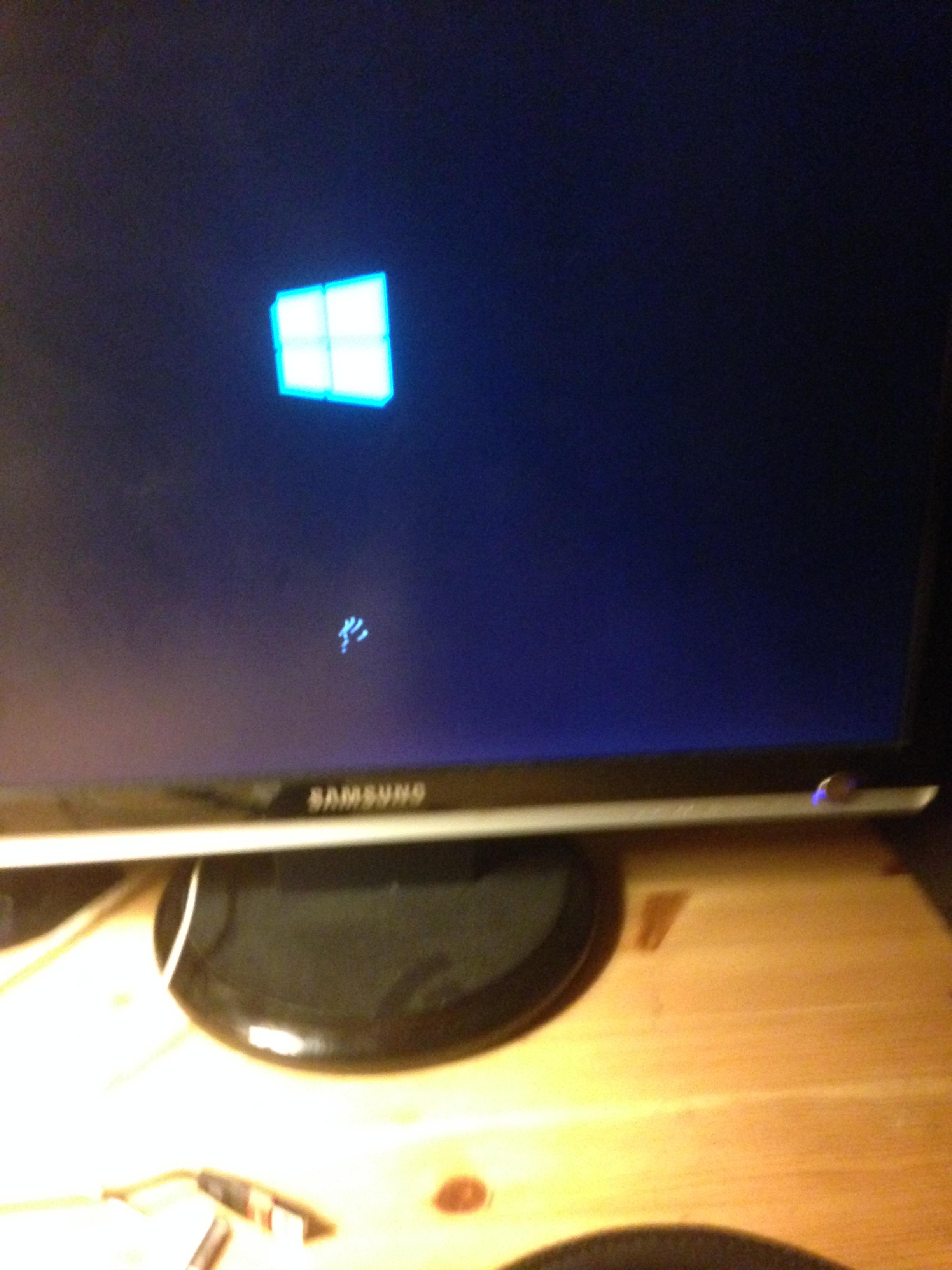
pjWv9ug.jpg

it just keep circling but dont open
i waited about 30 mins then it just reboot the pc and again didn't load windows
 

Solution
Hi,
if you have a Windows 10 install disk/USB then you can boot from that and enter the recovery section. When you get to the install screen click repair instead and you should get some options to either repair start up, system restore or perform a reset. Try the repair start up first and see if that helps.

Something else you could try is booting into safe mode by using the above method. If Windows does boot up then it could down to a driver issue..

kemical

Essential Member
Joined
Aug 28, 2007
Messages
36,163
Hi,
if you have a Windows 10 install disk/USB then you can boot from that and enter the recovery section. When you get to the install screen click repair instead and you should get some options to either repair start up, system restore or perform a reset. Try the repair start up first and see if that helps.

Something else you could try is booting into safe mode by using the above method. If Windows does boot up then it could down to a driver issue..
 

Solution

Omer200158

New Member
Joined
Nov 19, 2016
Messages
4
Thread Author #3
Hi,
if you have a Windows 10 install disk/USB then you can boot from that and enter the recovery section. When you get to the install screen click repair instead and you should get some options to either repair start up, system restore or perform a reset. Try the repair start up first and see if that helps.

Something else you could try is booting into safe mode by using the above method. If Windows does boot up then it could down to a driver issue..
i am now in the pc after rebooting the pc for like 10 times
but if i close it i again cannot go in
and it is indeed issuewith hard drive it doesn´t recornize it and i can´t even format it i tried it and my pc was froozing
 

kemical

Essential Member
Joined
Aug 28, 2007
Messages
36,163
If you think it's your Hard drive at fault then try running a chkdsk:
Link Removed