


Ciara
New Member
Member details
- Joined
- May 19, 2011
- Messages
- 2,348
Just tried Microsoft Safety Scanner and I'm impressed, runs on 32 & 64-bit OS and its configurable also its standalone (Note: only lasts 10 days, then you need to download it again as to update of its anti-malware definitions. I think its great as a second opinion ... it is not a replacement for your installed Anti Virus / Anti Malware application.
Link > Link Removed
Link Removed
Link Removed
Link Removed
Link > Link Removed
Link Removed
Link Removed
Link Removed
Attachments
-
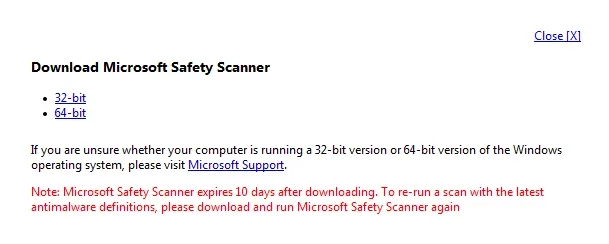 Microsoft Defender: No threats detected Scan detailsmwsnap00759.webp17.1 KB · Views: 520
-
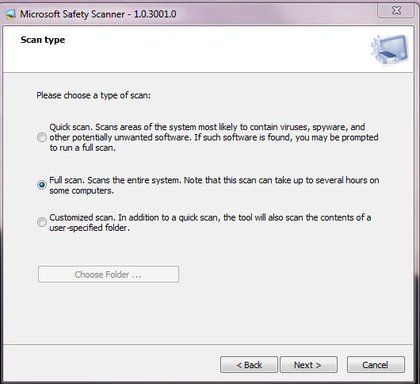 Microsoft Defender: No threats detected Scan detailsmwsnap0096.webp21.7 KB · Views: 524
-
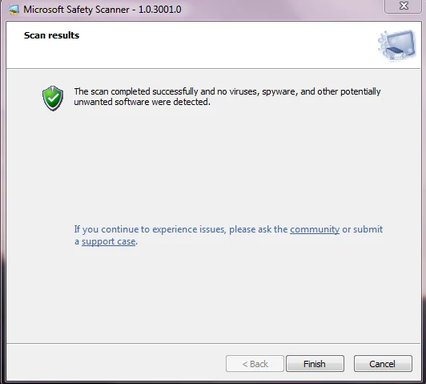 Microsoft Defender: No threats detected Scan detailsmwsnap00643.webp13.3 KB · Views: 502