Okay, since there are many questions on this topic, none exactly the same as mine, I'd like to make myself perfectly clear.
I know about Default Programs, and I know about Autoplay settings in the Control Panel.
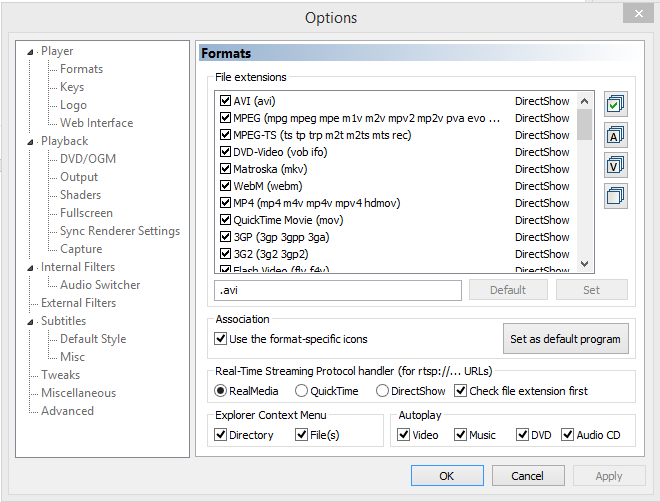
What I want to achieve is use Media Player Classic (comes with the K-Lite codec pack) to open my audio CDs (and DVDs) when I double click my drive in This PC. I was able to set MPC as the default for all media files it supports:
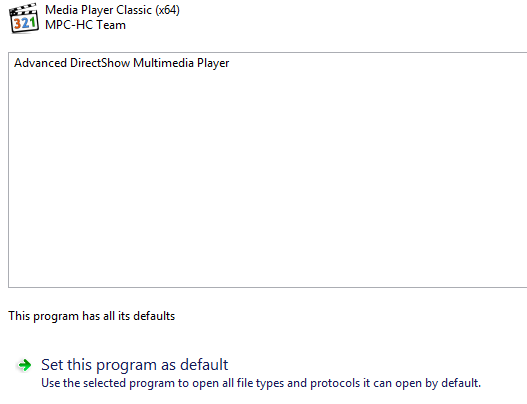
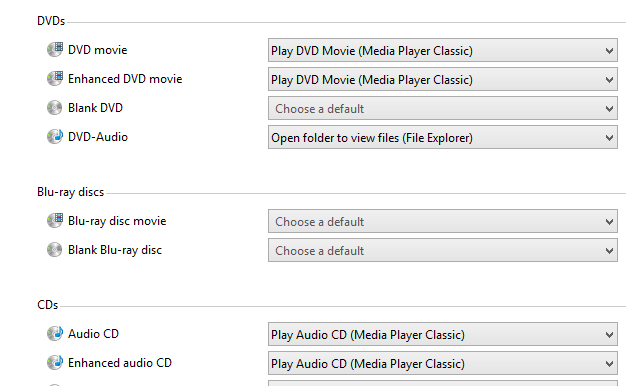
I have also changed AutoPlay settings:
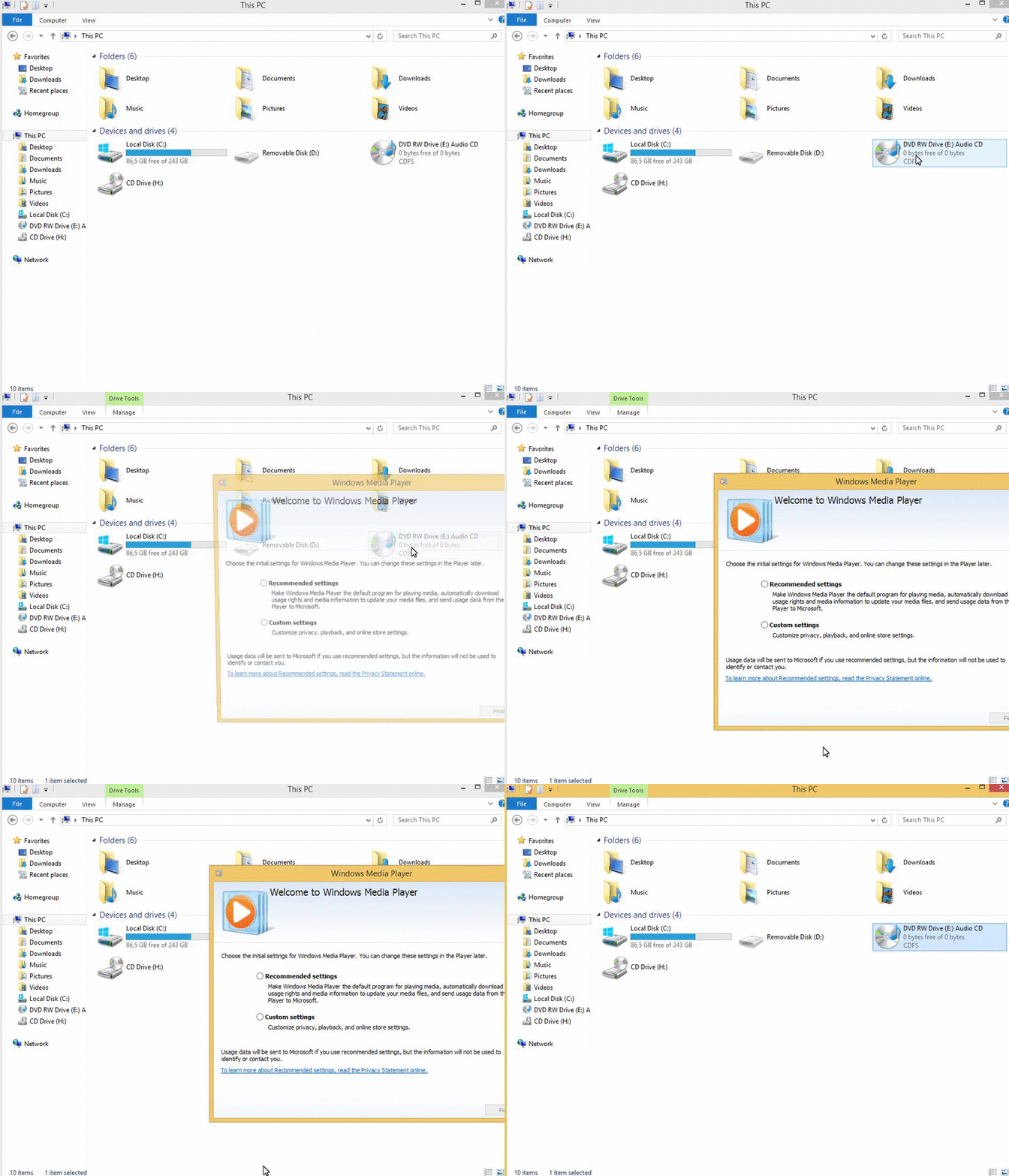
And still, when I double click my CD/DVD drive (when an Audio CD is inserted) in This PC, it is the ugly face of WMP that I see:
I can vaguely remember getting around this in Win7 a few years ago, using some sort of registry hack, but I can't seem to find it anywhere anymore.
What can I do to force Windows to use the player I have chosen?
I know about Default Programs, and I know about Autoplay settings in the Control Panel.
What I want to achieve is use Media Player Classic (comes with the K-Lite codec pack) to open my audio CDs (and DVDs) when I double click my drive in This PC. I was able to set MPC as the default for all media files it supports:
I have also changed AutoPlay settings:
And still, when I double click my CD/DVD drive (when an Audio CD is inserted) in This PC, it is the ugly face of WMP that I see:
I can vaguely remember getting around this in Win7 a few years ago, using some sort of registry hack, but I can't seem to find it anywhere anymore.
What can I do to force Windows to use the player I have chosen?