Hi
I just went through the process to make sure how it works now.
You need to do it from Windows File Explorer or what ever they are calling it now.
It may be possible to do it from Media Player but I don't know how.
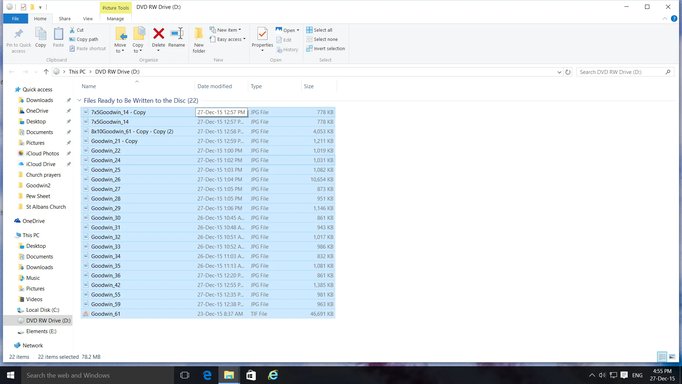
Select the files drag them to your DVD drive, and then right click on the drive in the left windows and select burn to disk.
The other option is to select the files, in File Explorer right click on them, select Send to, and select the DVD drive you want to burn them to.
A pop up will say, "You have files waiting to be written to disk" or something like that.
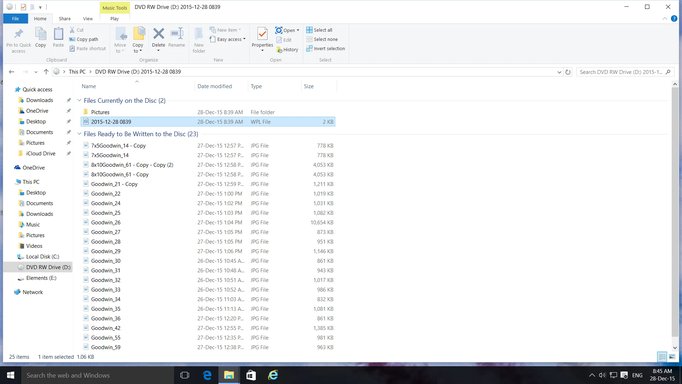
Click on the popup and it will take you to the drive in File Explorer.
Next you right click on the drive, select Burn to Disk.
This will...