Chad Abizeid
Well-Known Member
- Joined
- Jun 1, 2012
- Messages
- 4
- Thread Author
- #1
I'm having weird problems with a small SSD drive, F: (120GB).
C:\Users\Administrator>chkdsk f:
The type of the file system is RAW.
CHKDSK is not available for RAW drives.
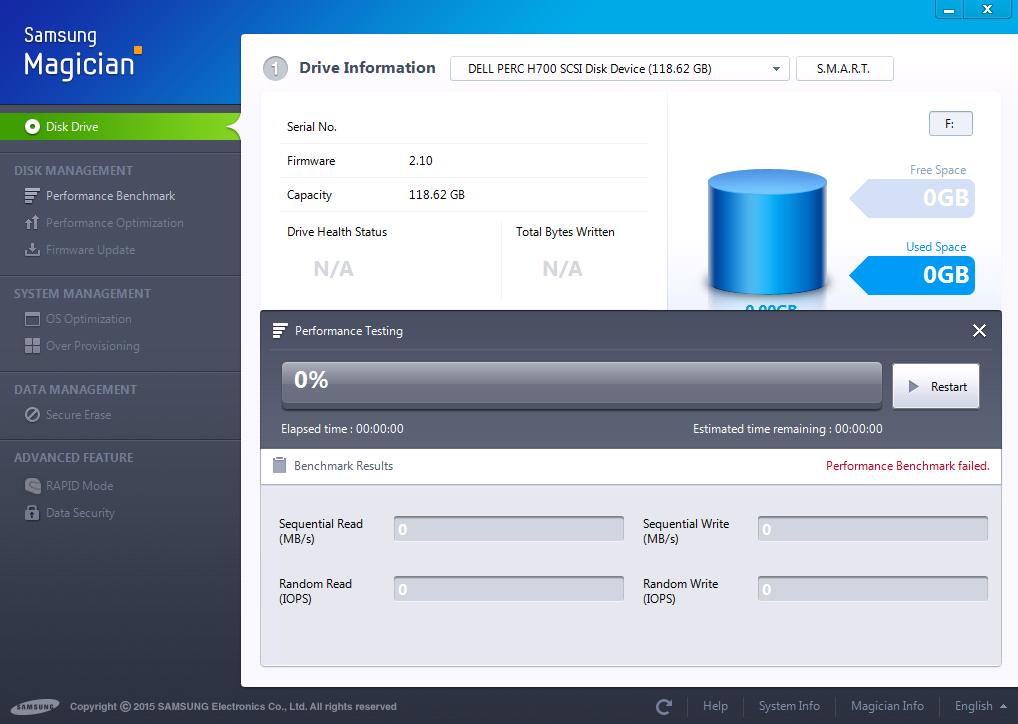
Server management shows F: drive as healthy status, yet I was unable to create a text file in that drive in windows explorer plus getting errors shown above and in screenshots. Any idea how to rectify this?
Link Removed
Link Removed
Link Removed
Link Removed
C:\Users\Administrator>chkdsk f:
The type of the file system is RAW.
CHKDSK is not available for RAW drives.
Server management shows F: drive as healthy status, yet I was unable to create a text file in that drive in windows explorer plus getting errors shown above and in screenshots. Any idea how to rectify this?
Link Removed
Link Removed
Link Removed
Link Removed