Windows 8 Graphics Driver incapable of updating

Solution
The latest driver available for your graphics may still not be enough to make it work. It seems that the support for your graphics card ended long time ago. The only workaround maybe is to find a "bypass" method that will work for your graphics card. Youtube is your friend for this one.
Could you be more specific on exactly how I would do that?
 

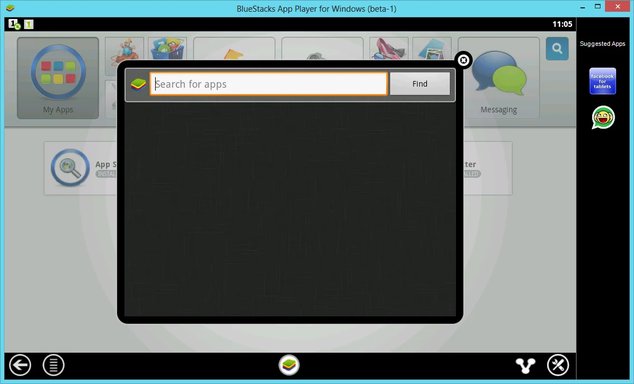
I tried that and it installed a version of Blustacks: one that can't run any apps other than Facebook and Whatsapp among some other novice apps. I think the main concern is the graphics driver because without it, the application won't run any good apps. The YouTube video basically skirts the driver issue by installing a defunct unusable version of BlueStacks. Windows found the file I need, but I have no idea where it is. Otherwise I would've attempted a manual driver update. Intel no longer issues updates for my driver, but Windows is saying there is a better version. How do I install this?
 

Attachments

  • Blsp.webp
    Blsp.webp
    29.2 KB · Views: 623
The latest driver available for your graphics may still not be enough to make it work. It seems that the support for your graphics card ended long time ago. The only workaround maybe is to find a "bypass" method that will work for your graphics card. Youtube is your friend for this one.
 

Solution
Back
Top