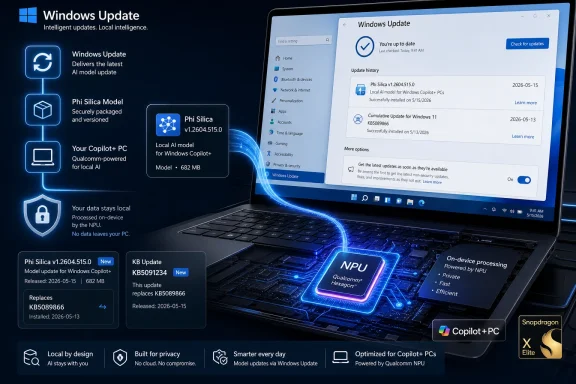
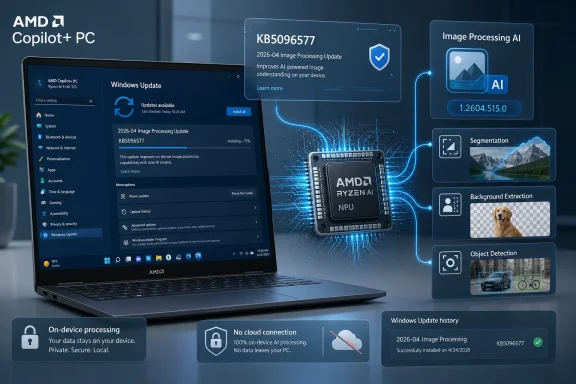
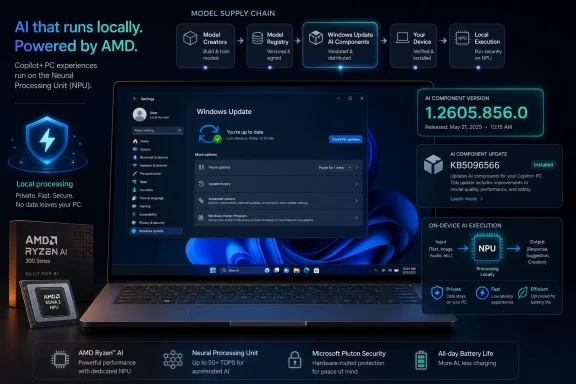
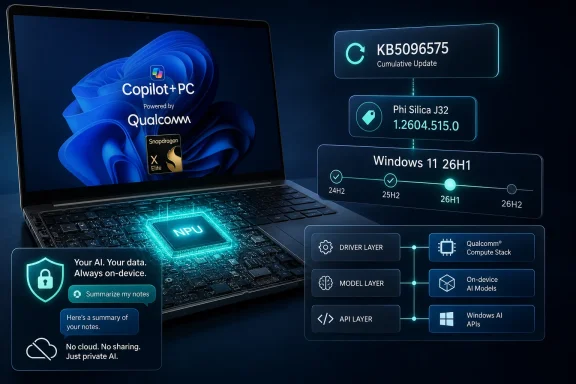
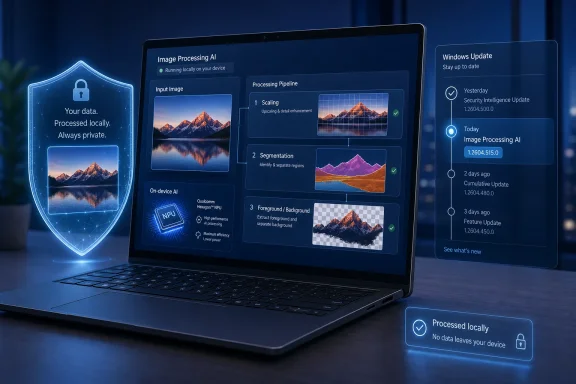
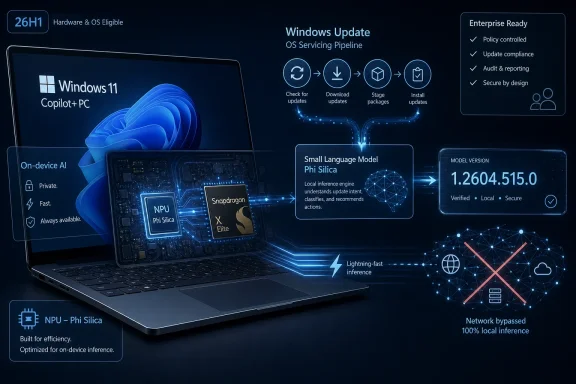
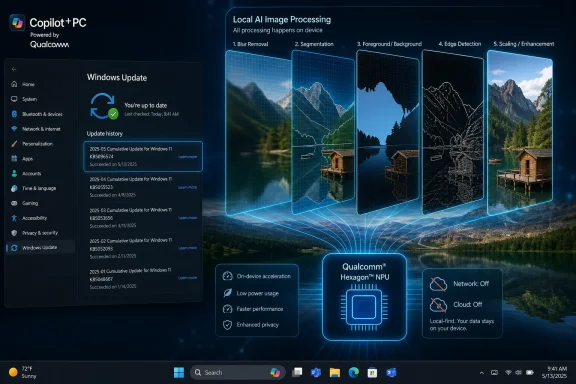
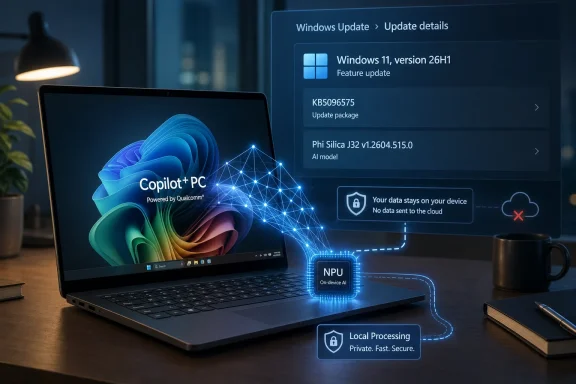
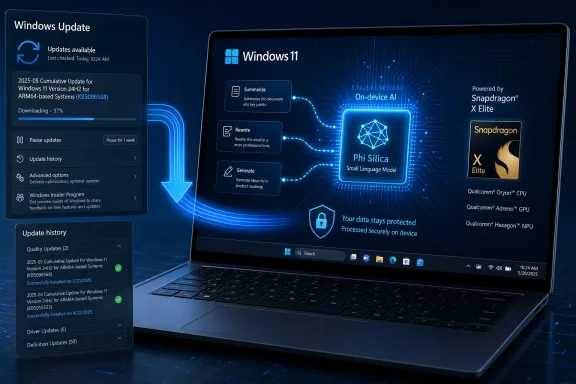
Microsoft has published KB5096570, a May 2026 Phi Silica AI component update that installs version 1.2604.515.0 on AMD-powered Copilot+ PCs running Windows 11 version 26H1, provided the device already has the latest cumulative update installed. The update is small in presentation but large in implication: Windows’ local AI stack is becoming an independently serviced platform, not merely a set of flashy shell features. For AMD Copilot+ systems, that means the language model underneath Windows features and third-party apps can change through Windows Update without waiting for a full OS release. The practical question for administrators is no longer whether AI is “in Windows,” but how often its local models will move under their feet.

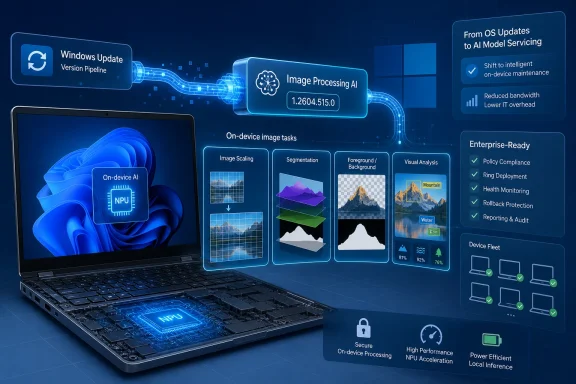
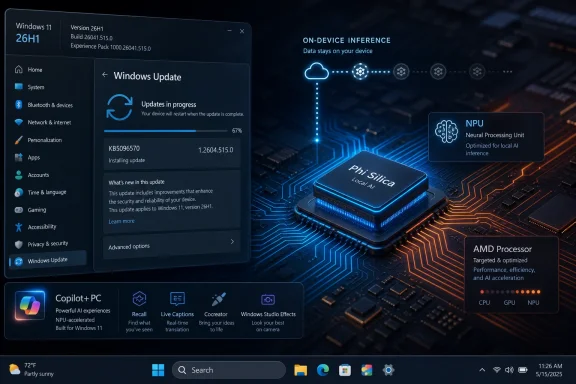
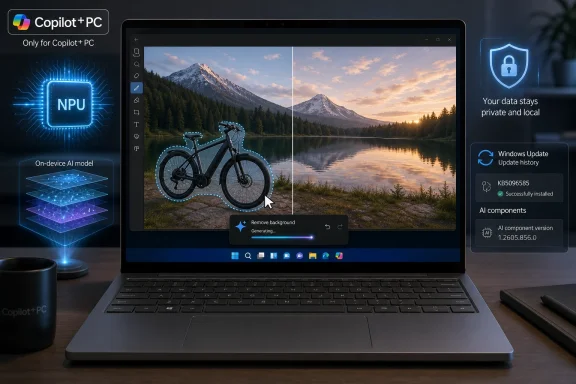
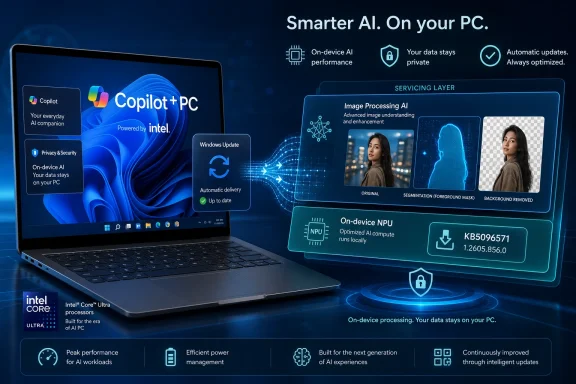
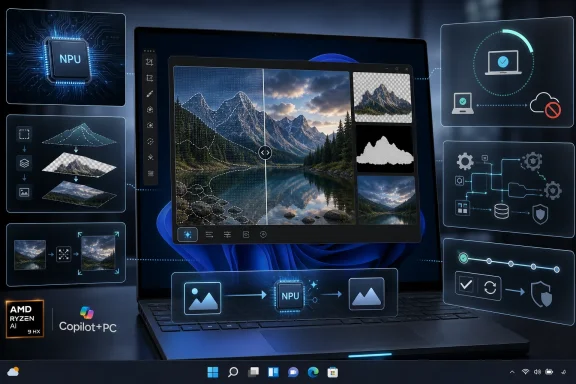
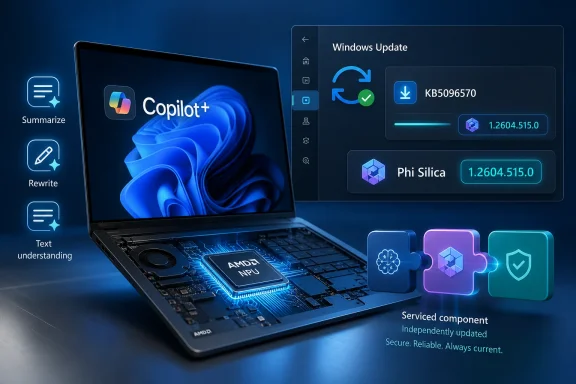
Futuristic laptop display shows Windows update KB5096570 with Copilot+ and AI component icons.Microsoft Turns the Model Into a Serviced Windows Component​

KB5096570 is not a cumulative update, not a driver package in the old sense, and not a Store app refresh. It is an AI component update for Phi Silica, Microsoft’s small language model tuned for local execution on Copilot+ PCs with AMD silicon. The version number, 1.2604.515.0, is the visible artifact of a bigger architectural shift: Windows now has AI components with their own release cadence, dependencies, and update history entries.
That matters because Phi Silica is not just a demo model sitting in a developer sample. Microsoft describes it as a Windows AI component used for on-device language intelligence across Windows features and apps. It supports tasks such as text understanding, summarization, rewriting, and short-form generation, and it is exposed to developers through Windows AI APIs.
The update applies to Windows 11 version 26H1, all editions, but only on Copilot+ PCs. That boundary is not a footnote. Microsoft is drawing a line between ordinary Windows PCs and machines that can run inbox AI workloads locally through a neural processing unit, or NPU.
For AMD-powered Copilot+ PCs, KB5096570 replaces the earlier KB5089864 update. The replacement chain suggests that Microsoft is treating Phi Silica like a maintained platform asset, not a one-time feature payload. For Windows enthusiasts, this is the kind of infrastructure detail that often says more than the marketing page.

The Quiet Update Is the Strategy​

The language in KB5096570 is spare: “improvements” for the Phi Silica AI component. Microsoft does not publish a detailed changelog explaining model behavior changes, latency adjustments, accuracy gains, moderation tweaks, or developer-facing compatibility notes. That silence is familiar to anyone who has watched Windows servicing evolve; it is also more consequential when the thing being serviced is a language model.
Traditional Windows updates change binaries, drivers, policy templates, and security mitigations. AI component updates can change behavior in subtler ways. A summarizer may become more concise. A rewrite operation may adopt a different tone. A local model may reject or transform prompts differently because content filtering behavior has changed. None of that necessarily breaks an API contract, but it can change what users and applications experience.
This is where Microsoft’s on-device AI pitch collides with the enterprise expectation of predictability. Local AI promises privacy and low latency because data can remain on the device. But if the local model is updated automatically through Windows Update, organizations need to understand how model drift will be communicated, tested, and controlled.
KB5096570 does not answer that entire governance question. It does, however, show the mechanism. AI on Windows is not waiting for annual feature drops; it is being fed through the same service machinery that already determines much of the Windows fleet experience.

Copilot+ PCs Are Becoming a Separate Windows Class​

The update is also a reminder that “Windows 11” is no longer a uniform target. A PC running Windows 11 without Copilot+ hardware may receive the same monthly security update as a Copilot+ system, but it will not necessarily have the same local AI substrate. Phi Silica depends on the Copilot+ class of hardware, especially the NPU.
That creates a new compatibility layer for developers. The old Windows question was usually about OS version, architecture, GPU capability, or optional framework availability. The new question is whether the device belongs to the Copilot+ class and has the right AI components installed. A developer can call Windows AI APIs only if the local platform can satisfy those calls.
Microsoft’s pitch is that developers should not have to package, optimize, and tune their own local language models for every machine. Windows supplies the model, routes execution through the hardware, and provides common APIs. In theory, that gives app makers a simpler path to offline AI features.
In practice, this also makes Microsoft the steward of a new runtime dependency. If a Windows app leans on Phi Silica for summarization or rewriting, it is relying not just on Windows 11, but on a serviced AI model whose version may differ by processor family, update state, region, and channel.

AMD Gets Its Own AI Servicing Lane​

The wording of KB5096570 is specific: this is for AMD-powered systems. That detail is not incidental. Copilot+ PCs have arrived across different silicon platforms, and Microsoft’s AI stack has to account for hardware-specific optimization paths. A model tuned for one NPU environment may require a different package, schedule, or validation process than the same capability on another platform.
This is the unglamorous side of the Copilot+ promise. Microsoft wants Windows AI APIs to look uniform to developers, but underneath that abstraction sits a matrix of silicon vendors, drivers, firmware, model packages, and operating system builds. KB5096570 is one tile in that matrix.
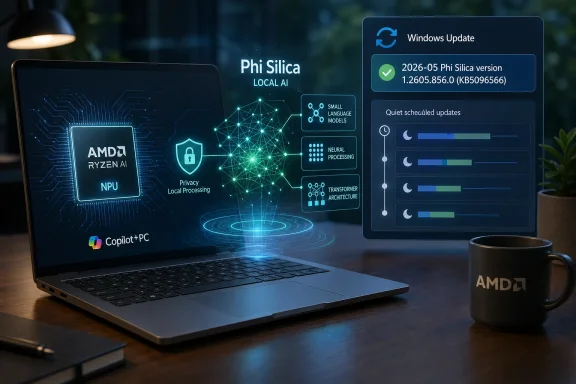
For users, the result should be boring if everything works. Windows Update downloads the component, installs it automatically, and the device reports “2026-05 Phi Silica version 1.2604.515.0 for AMD-powered systems (KB5096570)” in Update history. The best infrastructure disappears into the background.
For admins, though, boring is earned through visibility. Processor-specific AI packages introduce another category to inventory and validate. Fleet reporting needs to distinguish whether an AMD Copilot+ machine actually has the expected Phi Silica package, not merely whether it is on the right Windows build.

The Local AI Pitch Is Privacy, but the Operational Reality Is Control​

Microsoft’s central claim for Phi Silica is that it runs locally on the device’s NPU, delivering low-latency responses while keeping data local. That is a meaningful distinction from cloud-only AI features. A local summarizer or rewrite engine can be useful in restricted environments where sending text to an external service is undesirable or prohibited.
But privacy is not the same as control. A model that runs locally can still be opaque to the organization deploying it. Administrators may know that data is not leaving the device, yet still lack a clear account of how the model was trained, how it was evaluated, what changed between versions, and what failure modes are expected.
Microsoft has started to answer some of that through platform cards and responsible AI documentation, but KB articles like this one remain operational rather than explanatory. They tell you the package exists, where it applies, how it arrives, and how to confirm installation. They do not tell you whether the model’s practical behavior changed in ways that matter to your help desk, compliance team, or line-of-business app.
That gap is not unique to Microsoft. The entire industry is still learning how to communicate model updates in a way that is useful without drowning customers in evaluation jargon. Windows, however, has a special burden because it is the general-purpose client platform for enterprises, governments, schools, developers, and home users.

The Developer Story Is Powerful and Awkward​

For developers, Phi Silica is one of the more interesting parts of Microsoft’s AI strategy because it offers a local model without the usual deployment headache. A Windows app can use platform APIs for text generation, summarization, rewriting, and related language tasks. No cloud API key is required for the local execution path, and the model is optimized for supported Copilot+ hardware.
That is the powerful part. The awkward part is distribution. If an app depends on Phi Silica, it depends on hardware that is still a subset of the Windows installed base. It may need graceful fallback behavior for non-Copilot+ PCs, older Windows versions, unsupported regions, missing updates, or unavailable model packages.
This will shape the first wave of serious Windows AI apps. Developers will be tempted to add on-device AI features as enhancements rather than core requirements, at least until Copilot+ hardware becomes common enough to assume. A document editor might offer local rewrite on supported machines and cloud rewrite elsewhere. A notes app might expose summarization only when the Windows AI API reports availability.
That split could be frustrating, but it is also the normal early life of a platform capability. GPU acceleration, biometric authentication, HDR, and hardware-backed security all went through similar phases. The difference is that AI features are more visible to users and more difficult to characterize when they misbehave.

Windows Update Becomes the AI Supply Chain​

The most important sentence in the KB is the ordinary one: the update will be downloaded and installed automatically from Windows Update. That makes Windows Update part of the AI supply chain. It is no longer merely delivering fixes for the OS around AI features; it is delivering the AI component itself.
This has several consequences. First, the health of Windows Update directly affects the reliability of local AI features. A machine stuck behind update failures or deferred servicing policies may not have the expected model component. Second, update history becomes a diagnostic surface for AI behavior. If a user says a local rewrite feature changed this month, the installed Phi Silica version may be part of the investigation.
Third, Microsoft now has a channel for improving local AI outside the tempo of major Windows releases. That is strategically important. Model quality, safety behavior, hardware efficiency, and API reliability can improve over time, and Microsoft can ship those improvements to supported devices automatically.
The tradeoff is that organizations will need more mature policy around AI component updates. Some will accept automatic servicing as part of normal Windows hygiene. Others will want rings, validation windows, reporting, and perhaps rollback guidance. Microsoft’s challenge will be to make those controls visible enough for enterprise IT without turning every model refresh into a research-paper review.

Version 26H1 Signals a Faster Windows AI Track​

The prerequisite that devices must have the latest cumulative update for Windows 11 version 26H1 installed is also revealing. Windows 11 26H1 is the platform context for this update, and the AI component is being serviced in relation to that branch. Whether Microsoft ultimately makes 26H1 a broad consumer milestone or a targeted platform release, the naming reinforces that AI features are tightly coupled to current Windows builds.
That coupling is not surprising. Local AI depends on APIs, drivers, runtime plumbing, model packages, NPU scheduling, and security boundaries. Those pieces evolve together. A model update may require OS support, and an OS update may expect a newer model package.
For WindowsForum readers who track servicing, this is another reason to watch the distinction between feature updates, enablement packages, cumulative updates, Store-delivered components, and Windows Update-delivered AI components. Microsoft’s client platform has become modular, but modularity does not automatically mean simplicity.
The danger is that users may see “Windows 11” and assume feature parity. The reality is increasingly conditional. Which Windows 11? Which cumulative update? Which processor? Which AI component package? Which region? Which developer API availability state? That is the kind of complexity Windows veterans recognize immediately, even when it arrives under a new AI banner.

The Changelog Problem Will Not Stay Small​

KB5096570 is a modest update today because Microsoft frames it as an improvement package. But as Phi Silica becomes more important to Windows features and third-party apps, the lack of granular release notes will become harder to ignore. AI behavior is product behavior. If the model changes, the product changes.
That does not mean Microsoft needs to publish every internal benchmark or safety test. It does mean customers will eventually need meaningful categories of change. Did the update improve performance? Did it expand language capability? Did it alter content moderation? Did it fix a crash or availability issue? Did it change output formatting? Did it address a security concern?
The traditional “quality improvements” formulation is already frustrating in cumulative updates. For AI components, it risks being insufficient. A model update can affect workflows in ways that are difficult to reproduce and easy to dismiss as subjective. Better release notes would help users distinguish expected improvement from regression.
Microsoft has an opportunity here. If Windows is to become the mainstream local AI platform, its model servicing should be more transparent than the mobile-app style “bug fixes and performance improvements” that users have learned to distrust. The company does not need to reveal the secret sauce to give administrators and developers a usable map.

The Admin Job Expands From Patch Compliance to Model Awareness​

For IT departments, KB5096570 is the kind of update that should trigger a small but important process change. Patch compliance dashboards have traditionally focused on cumulative updates, security baselines, driver versions, firmware, and application inventory. AI component versions now deserve a line in that inventory for fleets that include Copilot+ PCs.
That does not mean every organization needs an emergency change board for Phi Silica 1.2604.515.0. It does mean that support teams should know where to look. The KB instructs users to verify installation through Settings, Windows Update, and Update history. In managed environments, administrators will want equivalent reporting through whatever device management stack they use.
The more strategic question is whether organizations allow local AI features at all, and under what conditions. Some will welcome on-device language features precisely because they avoid cloud data transfer. Others will be cautious because local generation still introduces risks around inappropriate output, data handling, user expectations, and compliance documentation.
The worst option is accidental adoption. If Copilot+ PCs enter the fleet as ordinary hardware refreshes, local AI capabilities may arrive before policy catches up. KB5096570 is a reminder that the capability is not hypothetical; it is being serviced now.

The Consumer Benefit Is Real, Even If the Plumbing Is Messy​

For everyday users with AMD-powered Copilot+ PCs, the update should simply make local AI features better. That is the promise of the component model. You buy a machine with an NPU, Windows supplies optimized AI building blocks, and improvements arrive over time without needing the user to understand model packaging.
There is a genuine upside here. Local summarization and rewriting can feel dramatically different from cloud features when latency is low and the experience is integrated. If Microsoft and developers use Phi Silica well, AI can become less like a chatbot you visit and more like a background capability inside normal Windows workflows.
The privacy argument is also stronger for local AI than for cloud-first assistants. Keeping data on the device reduces exposure and can make AI features acceptable in contexts where cloud processing would be a nonstarter. That does not eliminate every risk, but it changes the risk model.
The messy part is that consumers will rarely know which layer is responsible when something fails. Is the issue the app, the Windows AI API, the Phi Silica model package, the NPU driver, the Windows build, or a regional availability rule? Microsoft’s job is to hide that complexity. Windows history suggests it will not always succeed.
KB5096570 Shows the Fine Print of the Copilot+ Bet​

The practical reading of KB5096570 is simple: supported AMD Copilot+ PCs on Windows 11 26H1 get a newer Phi Silica package automatically, and users can confirm it in Update history. The strategic reading is more interesting: Microsoft is turning local AI into a serviced Windows platform layer, with all the benefits and governance headaches that implies.
  • KB5096570 installs Phi Silica version 1.2604.515.0 for AMD-powered Copilot+ PCs running Windows 11 version 26H1.
  • The update is delivered automatically through Windows Update and requires the latest cumulative update for Windows 11 26H1.
  • The package replaces KB5089864, indicating that Microsoft is maintaining Phi Silica through a regular component-update chain.
  • Phi Silica provides local language capabilities such as summarization, rewriting, text understanding, and short-form generation through Windows features and Windows AI APIs.
  • Administrators should treat AI component versions as part of device inventory for Copilot+ fleets, especially where app behavior or compliance depends on local AI.
  • Developers should design graceful fallbacks because Phi Silica availability depends on Copilot+ hardware, update state, platform support, and Microsoft’s Windows AI API requirements.
The update itself will pass quietly for most users, which is exactly how Microsoft wants this layer of Windows AI to work. But the quietness should not obscure the shift: models are becoming Windows components, component versions are becoming part of the support story, and the Copilot+ PC is becoming a platform with its own servicing reality. If Microsoft can pair that machinery with clearer release notes and better administrative controls, local AI on Windows may mature into something more useful than a branding exercise; if it cannot, the next wave of Windows troubleshooting may start with the question no help desk used to ask: which model version are you on?

References​

  1. Primary source: Microsoft Support
    Published: Tue, 26 May 2026 21:03:05 Z
 

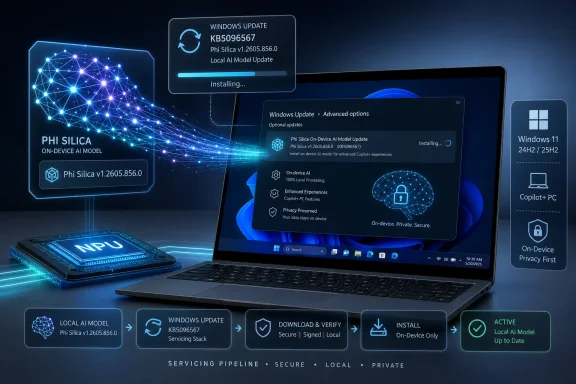
Microsoft has released KB5096567, a May 2026 Phi Silica AI component update that moves Intel-powered Copilot+ PCs on Windows 11 version 24H2 and 25H2 to version 1.2605.856.0 through Windows Update, provided the latest cumulative update is already installed. The terse support note is easy to miss, but it points to a larger shift in how Windows is being serviced. Microsoft is no longer merely updating an operating system; it is updating local AI models as first-class Windows components. For users, admins, and developers, that makes the AI PC less like a fixed hardware purchase and more like a continuously serviced software platform.

A Windows laptop shows an installing local AI model update with secure on-device privacy visuals.Microsoft Turns the Model Into a Windows Component​

KB5096567 is not a feature drop in the old Windows sense. It does not promise a redesigned Start menu, a new Settings page, or a headline-grabbing Copilot trick. It updates Phi Silica, Microsoft’s on-device small language model for Intel-powered Copilot+ PCs, and it does so through the same servicing machinery that has long delivered drivers, security fixes, and reliability improvements.
That matters because the model is becoming part of the operating environment. Phi Silica is not simply an app bundled on top of Windows. It is a Windows AI component exposed to system features and, increasingly, to developers through Windows AI APIs. The update history entry — “2026-05 Phi Silica version 1.2605.856.0 for Intel-powered systems (KB5096567)” — is the visible tip of a servicing model that treats AI capability as something Windows can patch, replace, and audit.
The prerequisite is telling. Microsoft says the device must already have the latest cumulative update for Windows 11 version 24H2 or 25H2. In other words, the AI component rides downstream of the normal Windows servicing cadence. If the base OS is not current, the model update does not stand alone as an escape hatch.
This is a familiar pattern for anyone who has managed Windows at scale. Microsoft introduces a new class of component, wraps it in a KB article, pushes it through Windows Update, and eventually expects enterprise tooling to understand it. The difference this time is that the payload is not merely code. It is behavior.

Phi Silica Is Small by Design, Not by Ambition​

Phi Silica sits in the awkward middle ground between marketing promise and practical computing. Microsoft describes it as a Transformer-based small language model optimized for the Neural Processing Unit in Copilot+ PCs. That description sounds abstract until you place it against the broader AI PC pitch: language tasks that run locally, respond quickly, consume less power than GPU-heavy inference, and avoid sending ordinary work text to a cloud endpoint.
The key phrase is on-device. Phi Silica is meant to support text understanding, summarization, rewriting, short-form generation, and related developer scenarios without requiring a round trip to a remote model service. That does not make it a replacement for cloud-scale models. It makes it infrastructure for the kinds of small, repeated language tasks that users may eventually stop thinking of as “AI” at all.
This is the quiet strategic bet behind Copilot+ PCs. Microsoft does not need every local model response to beat the best cloud model on raw intelligence. It needs the local model to be good enough, fast enough, private enough, and available often enough that Windows apps begin to assume its presence. Once that happens, the NPU becomes less of a spec-sheet bullet and more of a platform contract.
KB5096567 reinforces that contract for Intel systems. Microsoft has already been walking Phi Silica across different silicon families, but each processor class has its own update path and hardware assumptions. The Intel-specific nature of this KB is not a footnote; it is a reminder that the AI PC era is deeply tied to silicon enablement, driver maturity, and vendor-specific optimization.

The NPU Is Where Windows Wants the Boring Work to Go​

The Neural Processing Unit has suffered from a branding problem. For many buyers, it is another acronym beside CPU and GPU, another “TOPS” number in a product chart, another hardware feature waiting for software to justify it. Phi Silica is one of the clearest answers Microsoft has given to the question of what that silicon is supposed to do.
Language workloads are expensive when treated as general-purpose tasks. Run them in the cloud and you inherit latency, connectivity, privacy, and service-cost questions. Run them on the CPU and you may burn power while making the machine feel sluggish. Run them on the GPU and you compete with graphics, media, and creative workloads. The NPU exists to make certain AI operations mundane.
That mundanity is the point. The most successful platform features become invisible. Spellcheck, indexing, thumbnail generation, biometric authentication, and hardware video decode all started as differentiated capabilities before becoming assumptions. Microsoft wants local language intelligence to travel the same path.
Phi Silica is not there yet. Hardware availability remains limited to Copilot+ PCs, APIs are still finding their audience, and many users will not know whether their machine has the update unless they dig into Windows Update history. But KB5096567 shows Microsoft laying down the maintenance rails before the feature surface is fully mature.

Intel Gets Its Own Lane in the Copilot+ Rollout​

Intel-powered Copilot+ PCs occupy a different symbolic position than the first Snapdragon X systems. Qualcomm helped launch the Copilot+ PC narrative with a clean break from the traditional Windows laptop stack: Arm silicon, strong NPU claims, and battery-life marketing that put pressure on the x86 incumbents. Intel’s arrival in the Copilot+ class is less dramatic but more important for mainstream Windows adoption.
The installed base of Windows software, enterprise images, procurement habits, and IT comfort still leans heavily toward Intel and x86. If Phi Silica is going to matter beyond demos, it has to work reliably on the machines that businesses actually buy in volume. A component update like KB5096567 is therefore part of the less glamorous work of making the AI PC normal.
The Intel-specific phrasing also hints at the fragmentation Microsoft must manage. “Copilot+ PC” is a brand, but beneath it are platforms with different NPUs, drivers, firmware histories, and performance envelopes. A local model tuned for one class of hardware cannot be treated as a generic blob forever. Servicing will have to remain aware of silicon.
That creates operational complexity, but it also gives Microsoft leverage. By making model updates part of Windows Update, Microsoft can evolve the local AI layer without waiting for every application developer, OEM utility, or chip vendor dashboard to invent its own distribution path. The operating system becomes the broker between model, silicon, and app.

The Support Note Is Short Because the Policy Shift Is the Product​

The KB article itself is almost aggressively plain. It says the update applies to Copilot+ PCs only. It identifies the Phi Silica version, the supported Windows releases, the prerequisite cumulative update, the automatic Windows Update delivery mechanism, and the update history entry users should expect to see. It also says KB5096567 replaces a previously released Phi Silica update.
That sparseness is useful. It means Microsoft is presenting these model updates as routine servicing, not as experimental downloads for enthusiasts. The company does not want most users to decide whether to install Phi Silica 1.2605.856.0. It wants Windows Update to make that decision, subject to device eligibility and servicing state.
But there is a tension here. AI model updates are not exactly the same as printer drivers or Bluetooth fixes. A language model can change outputs in ways that are difficult to summarize in a changelog. It can become better at a task, worse at an edge case, stricter about content, more verbose, less predictable, or simply different. The KB format was built for patches; model behavior is harder to compress into patch notes.
For now, Microsoft avoids overpromising. There is no public claim in the support note that this version improves quality by a measurable percentage, reduces latency by a specific amount, or fixes a named defect. The practical message is narrower: this is the current Phi Silica component for eligible Intel-powered systems, and Windows Update will install it automatically.

Windows 11 24H2 and 25H2 Become the AI Servicing Baseline​

The supported Windows versions are just as important as the model version. KB5096567 targets Windows 11 version 24H2 and Windows 11 version 25H2, the two releases that define Microsoft’s current AI PC runway. Older Windows 11 releases are outside this path, and Windows 10 is not part of the conversation.
That is not surprising, but it sharpens the upgrade pressure. Microsoft’s AI platform work is not being spread evenly across every supported Windows install. It is being concentrated on newer Windows 11 builds, newer hardware, and newer servicing assumptions. The result is a tiered Windows ecosystem in which two machines can both be “Windows PCs” while having very different local AI capabilities.
For consumers, that may be confusing but tolerable. A Copilot+ badge, an NPU spec, and a Windows version number determine whether certain capabilities exist. For enterprises, it is more complicated. Hardware refresh cycles, application compatibility, management tooling, and compliance requirements all move slower than Microsoft’s AI branding.
The cumulative update prerequisite adds one more layer. Admins cannot treat Phi Silica as a standalone artifact that can be casually approved in isolation. It depends on the state of the OS. That is sensible engineering, but it means AI component readiness becomes part of patch compliance.

Automatic Installation Is Convenient Until It Becomes Governance​

For home users, the automatic delivery model is mostly good news. If you bought an eligible Intel Copilot+ PC, you should not have to hunt for a model package, decode which NPU driver branch you have, or manually install an AI runtime. Windows Update handles the component, and Settings provides the audit trail.
For IT departments, automatic does not mean simple. The first governance question is visibility. Can administrators inventory which AI components are present, which versions are installed, and which devices failed to receive them? The second is control. Can organizations defer, approve, test, or block these updates with the same confidence they apply to conventional Windows patches?
Those questions matter because local AI features touch sensitive territory. A summarizer may process internal documents. A rewrite tool may handle regulated communications. A developer app may pass customer data into a local model. Keeping the data on the device is a privacy advantage, but it does not eliminate the need for policy.
The enterprise anxiety will not be that Phi Silica exists. It will be that AI capability evolves under the surface of managed endpoints. If a model update changes output behavior, content filtering, latency, or availability, the effect may surface not in Windows itself but inside apps that call the Windows AI APIs. That makes change management harder to observe.

Local AI Is a Privacy Win, But Not a Compliance Shortcut​

Microsoft’s local-processing pitch is credible. On-device inference can reduce cloud exposure, improve responsiveness, and keep many prompts and outputs off remote servers. For users who are wary of sending everyday text to AI services, that is a meaningful architectural difference.
But local does not automatically mean compliant. Data can remain on a device and still be mishandled by an application. A generated summary can still be inaccurate. A rewrite can still alter legal or medical meaning. A local model can still be prompted with confidential material in an environment where policy forbids that use.
This is where the marketing language around AI PCs often outruns the governance language. “Private because it runs locally” is directionally true but incomplete. Privacy is not only about network traffic; it is also about access control, logging, retention, user intent, and application behavior. Phi Silica reduces one class of risk while leaving others squarely in the hands of developers and administrators.
For security-minded readers, the important takeaway is not to reject local AI. It is to classify it correctly. Phi Silica should be treated as a platform capability that applications can invoke, not as a harmless convenience feature. The difference is subtle until an app starts summarizing sensitive content at scale.

Developers Get a Platform, Not Just a Demo Model​

The developer story may be the most important long-term piece. Microsoft is exposing Phi Silica through Windows AI APIs in the Windows App SDK, giving app makers a supported route to local language features. That matters because developers do not want to ship separate inference stacks for every NPU, driver, and model family.
If the APIs mature, a Windows app can ask the platform for summarization or rewriting and let the operating system deal with the model. That is the kind of abstraction Microsoft has used for decades: developers target Windows, Windows mediates the hardware. The same playbook that made printers, cameras, graphics, and authentication manageable is now being applied to AI inference.
The opportunity is obvious. A note-taking app can summarize locally. A mail client can rewrite drafts without shipping text to a cloud API. A line-of-business app can generate short descriptions from structured data. An accessibility tool can transform text in near real time. These are not science-fiction use cases; they are exactly the small language tasks that local models are built to handle.
The risk is dependency. If developers build against Phi Silica, they inherit Microsoft’s hardware gates, regional availability, API access rules, model behavior, and servicing cadence. That may still be better than building everything from scratch. But it ties app capability to the evolving definition of a supported Windows AI device.

The Changelog Problem Has Only Begun​

Traditional Windows updates already test the limits of release notes. Users want to know what changed, admins want to know what broke, and Microsoft often provides a blend of useful detail, boilerplate, and silence. AI component updates will make that problem harder.
A model version number is not self-explanatory. Version 1.2605.856.0 tells us that something changed since the prior Phi Silica release, but it does not tell us how a summary differs, whether a rewrite is more conservative, whether latency improved on a particular Intel NPU, or whether content moderation thresholds shifted. For ordinary users, that may be acceptable. For enterprise validation, it is thin gruel.
Microsoft will eventually need a more expressive language for AI component release notes. Not every update requires a research paper, but admins and developers will need to know whether a change affects performance, compatibility, safety behavior, supported APIs, or model quality. “New release” is enough for a minor consumer patch. It is not enough for a platform layer that applications may rely on.
The problem is not unique to Microsoft. Every company shipping local AI models will face it. But Microsoft has a special burden because Windows is both consumer platform and enterprise substrate. The same update that quietly improves a student’s laptop may also land on a managed fleet where reproducibility matters.

Copilot+ PCs Are Becoming a Moving Target​

The original Copilot+ PC pitch focused on hardware requirements: a sufficiently powerful NPU, memory and storage baselines, and a new class of Windows experiences. KB5096567 shows the category becoming more dynamic. A Copilot+ PC is not just a machine with a qualifying chip; it is a machine whose AI stack is kept current.
That makes the platform more useful over time, but it also complicates the buyer’s mental model. Two Intel Copilot+ PCs may differ not only by processor and OEM, but by installed cumulative update, NPU driver, AI component version, regional settings, and policy configuration. The badge gets the user into the club; servicing determines what the club can actually do.
There is a precedent here in graphics. Gamers and creators understand that hardware capability depends heavily on driver updates, runtime versions, and application support. AI PCs may develop a similar rhythm. The difference is that Microsoft is trying to hide more of that complexity behind Windows Update, because mainstream users will not tolerate “update your model package” as a routine troubleshooting step.
The hidden complexity will still surface when something fails. A developer sample may say Phi Silica is unavailable. A Windows feature may appear on one machine and not another. An enterprise pilot may work after bypassing an internal update path but not through the usual management channel. These are not reasons to dismiss the platform, but they are the rough edges of making AI a serviced OS layer.

The May Update Shows Where Windows Is Headed Next​

KB5096567 is not a blockbuster. It is a signpost. Microsoft is assembling an updateable local AI substrate for Windows, one KB at a time, one processor family at a time, one OS release train at a time. That is more consequential than any single Phi Silica version.
The near-term user impact is modest. Eligible Intel Copilot+ PCs should receive the update automatically after meeting the cumulative update prerequisite. Users can verify installation in Windows Update history. Developers and admins should watch the component version because it may affect local AI availability and behavior.
The long-term impact is that Windows features and apps can begin to assume a local language model exists on supported machines. That assumption will shape UI design, application architecture, privacy posture, and hardware buying decisions. Once developers believe they can rely on the Windows AI APIs, Phi Silica stops being a novelty and starts becoming plumbing.
That plumbing is still new. Microsoft has to prove that it can service AI components transparently, document changes adequately, support enterprise controls, and keep behavior stable enough for real applications. KB5096567 does not answer all of those questions. It simply makes clear that Microsoft is moving forward.

The Practical Read for Intel Copilot+ Owners​

KB5096567 is best understood as a maintenance release with strategic implications. It updates a local model, but it also demonstrates how Microsoft intends to keep the AI side of Windows fresh without forcing users into manual downloads or vendor-specific tools. The important details are concrete enough to act on.
  • KB5096567 updates Phi Silica to version 1.2605.856.0 on eligible Intel-powered Copilot+ PCs.
  • The update applies to Windows 11 version 24H2 and Windows 11 version 25H2, not to older Windows releases or non-Copilot+ hardware.
  • The latest cumulative update for the supported Windows version must be installed before this Phi Silica component update is offered.
  • Windows Update installs the update automatically, and users can confirm it in Settings under Windows Update history.
  • The update replaces an earlier Phi Silica release, which means Microsoft is treating the local model as a regularly serviced component rather than a static inbox feature.
  • Administrators should begin tracking AI component versions alongside OS builds, drivers, and firmware because app behavior may increasingly depend on that stack.
The larger story is that Microsoft is turning Windows AI from a launch-day promise into a maintained platform layer. KB5096567 will not, by itself, transform an Intel Copilot+ PC overnight. But it shows the direction clearly: local models will be patched, versioned, replaced, and eventually expected. The next phase of Windows will be judged not only by whether AI features exist, but by whether Microsoft can service them with the discipline users and enterprises already demand from the rest of the operating system.

References​

  1. Primary source: Microsoft Support
    Published: Tue, 26 May 2026 21:02:59 Z
  2. Related coverage: windowslatest.com
  3. Related coverage: pcworld.com
  4. Official source: learn.microsoft.com
  5. Related coverage: ctrlaltnod.com
  6. Related coverage: windowsforum.com
 

Microsoft has published KB5096585 for Copilot+ PCs, updating the Windows 11 Image Transform AI component to version 1.2605.856.0 for version 24H2 and 25H2 devices through Windows Update after the latest cumulative update is installed. The package is small in description but large in implication: Windows AI is no longer just a feature set, it is now an updateable platform layer. Microsoft is teaching Windows users and administrators to think of local AI models the same way they already think about drivers, servicing stack updates, and media codecs. That is a quiet but important shift in how Windows will evolve from here.

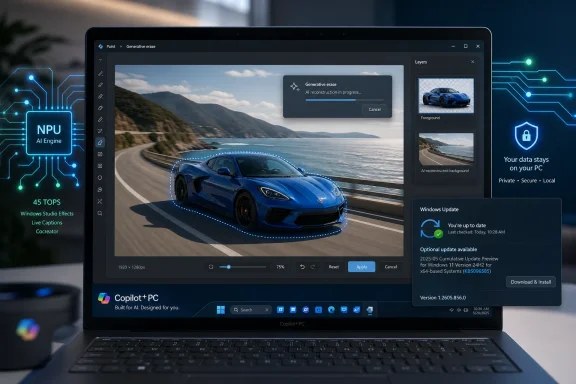
A laptop screen shows Windows Paint generative erase editing a blue sports car image with AI progress overlay.Microsoft’s AI PC Strategy Is Becoming a Servicing Strategy​

KB5096585 is not a marquee Windows release. It does not arrive with a splashy Start menu redesign, a new Copilot sidebar, or a keynote-ready demo. It updates a component called Image Transform, which Microsoft describes as the local AI plumbing behind image editing and visual transformation on Copilot+ PCs.
That makes it easy to dismiss as routine maintenance. But routine is precisely the point. The most consequential part of Microsoft’s Copilot+ PC plan may not be a single feature like Recall, Cocreator, or Restyle Image; it may be the normalization of AI models as separately serviced Windows components.
For decades, Windows features tended to arrive in a few recognizable ways: major version upgrades, cumulative updates, Microsoft Store app updates, driver updates, and optional feature packs. Copilot+ PCs add another lane. A Windows machine can now receive new or revised local AI components whose job is not merely to patch code, but to improve inference behavior, model performance, and feature quality.
Image Transform sits in that new lane. Its job is to help Windows perform context-aware image edits locally, including removing selected foreground objects and generating plausible background content to fill the cleared area. In plain English, this is the kind of model-assisted image editing that once required a cloud service or a heavyweight creative application. Microsoft wants it to feel like a native Windows capability.
The KB page does not promise a dramatic new user-facing button. It says the update includes improvements to the Image Transform AI component for Windows 11 version 24H2 and 25H2. That sparse phrasing is familiar to anyone who follows Windows servicing, but the object being serviced is new: not just the operating system, but the intelligence embedded inside it.

Image Transform Is the Unseen Engine Behind the Magic Trick​

The user sees an image, selects an object, clicks a command, and watches Windows erase the distraction while filling in the background. The operating system sees a more complicated pipeline. Something has to identify the foreground object, preserve the rest of the image, infer what should be behind the removed area, and render a result quickly enough that the interaction feels native rather than remote.
Image Transform is one piece of that pipeline. Microsoft positions it alongside other Windows AI components such as Image Processing and Image Creation, which together support image understanding and generation experiences across Windows features and apps. The names are bureaucratic, but the division of labor matters. Microsoft is not building one monolithic “AI feature”; it is building a modular local AI stack.
That modularity is what makes KB5096585 interesting. If object removal improves, background reconstruction becomes more coherent, or latency falls on certain hardware, Microsoft can ship those changes without waiting for a full Windows feature release. The operating system becomes a host for a collection of models and runtimes that can be updated independently.
For users, the benefit is supposed to be simple. A Copilot+ PC should get better at local AI tasks over time. It should edit images faster, preserve privacy by avoiding unnecessary cloud round trips, and provide AI features even when connectivity is poor or absent.
For administrators, the picture is more complicated. A component update that improves a local model may be welcome, but it also represents a change in endpoint behavior. If an organization regulates image generation, data handling, or AI-assisted editing, then even a seemingly narrow component update becomes something worth tracking.

The Fine Print Says This Is Still a Copilot+ PC Story​

KB5096585 applies only to Copilot+ PCs. That restriction is not incidental. Copilot+ PCs are defined by Microsoft around dedicated neural processing hardware capable of running local AI workloads, and many of the experiences attached to the brand depend on that hardware class.
This has created a two-tier Windows 11 world. One tier runs Windows 11 and gets the conventional stream of security fixes, usability changes, and app updates. The other tier runs Windows 11 on hardware that can execute Microsoft’s local AI models quickly enough to support features such as image generation, semantic search, richer accessibility descriptions, camera effects, and image editing.
The update’s prerequisites reinforce that split. To receive KB5096585, a device must be running Windows 11 version 24H2 or Windows 11 version 25H2 and must already have the latest cumulative update installed. Microsoft is keeping these AI component updates attached to the current Windows servicing baseline.
That makes sense technically. Local AI components depend on drivers, runtimes, security controls, app integrations, and OS APIs. If the base operating system is behind, Microsoft does not want a newer model stack landing on an older platform state and producing unpredictable results.
It also means that Copilot+ PC owners are being pushed into a more disciplined update posture. The promise of local AI improvements is tied to cumulative update compliance. In consumer terms, that means “keep Windows Update current.” In enterprise terms, it means AI capability becomes another reason to scrutinize rings, deferrals, approvals, and validation groups.

Automatic Delivery Is Convenient Until It Becomes Governance​

Microsoft says KB5096585 downloads and installs automatically from Windows Update. For home users, that is probably the right default. Most people do not want to manage the version number of a local image transformation model, just as they do not want to manually decide which camera driver contains the best low-light tuning.
But automatic delivery is also where the governance conversation begins. AI component updates are not ordinary feature toggles. They may change the quality of output, the behavior of creative tools, the edge cases of object detection, and the way apps expose local AI capabilities.
That does not make them dangerous by default. It does make them operationally relevant. An enterprise that allows Copilot+ PCs into a managed fleet will need to decide whether these component updates are merely part of normal Windows hygiene or whether they require the same visibility as app, driver, or firmware updates.
The issue is not simply whether Image Transform keeps user data on the device. Local processing is a meaningful privacy advantage, especially for image content that may include people, facilities, documents, or other sensitive visual information. But privacy is not the only enterprise concern. Consistency, auditability, policy enforcement, and user education all matter.
A local model can be private and still be inappropriate for a regulated workflow. A tool that erases objects from images may be useful for cleaning up a presentation slide, but questionable in a legal, medical, journalistic, or evidentiary context. The same feature can be harmless, helpful, or problematic depending on the environment.

Version Numbers Are Becoming the New AI Changelog​

The version number in this update, 1.2605.856.0, is more than trivia. It is the only concrete signal many administrators will have when trying to determine what changed on a device. Microsoft tells users to check Settings, Windows Update, and Update history to confirm whether the update is present.
That instruction is mundane, but it reveals the current state of the AI component era. The version number is visible; the behavioral delta is largely opaque. “Improvements” may cover quality, performance, reliability, compatibility, or safety tuning, but the KB page does not break those down in detail.
This is not unusual for Windows servicing. Many cumulative updates contain broad language around reliability and security. But AI models create a stronger appetite for specificity because the output is probabilistic and user-facing. If a model changes how it reconstructs a background after object removal, that is not the same kind of change as fixing a crash in a print dialog.
Microsoft will eventually need to decide how much detail it owes different audiences. Consumers may not care. Enthusiasts will care because they like to know what changed. Enterprise admins will care because they need to explain behavior across a fleet. Developers and app vendors will care because they may rely on these local capabilities behaving consistently.
The emerging pattern suggests a future where Windows AI components have their own release histories, version trails, and perhaps policy surfaces. That would be the mature version of what KB5096585 represents today: a small, automatic update to a model-backed subsystem that most users will never identify by name.

The Privacy Pitch Is Real, But It Is Not the Whole Pitch​

Microsoft’s Copilot+ PC messaging leans heavily on local execution. In the case of Image Transform, the appeal is easy to understand. If the user is editing a private image, on-device processing means the image does not need to be uploaded to a remote service just to remove an object or generate a background fill.
That is a genuine advantage. It reduces exposure, avoids network dependency, and makes the feature feel more like a native capability than a web service embedded in the shell. It also aligns with the hardware story Microsoft and its partners are selling: the NPU is not decorative silicon, it is there to run meaningful workloads locally.
But privacy is only one part of the bargain. The other part is control. When a model runs locally, the device owner has a stronger claim that the workload is happening inside their administrative perimeter. That matters for organizations that have been reluctant to let users paste content into cloud AI tools.
At the same time, local AI does not automatically solve policy questions. If the capability is built into Windows apps or surfaced through shared system components, organizations still need to decide who can use it, in which apps, and for what classes of data. A local object-removal tool may never contact a cloud server and still create compliance headaches if users apply it to records that must remain unaltered.
This is the balancing act Microsoft must get right. The company wants to reassure users that Copilot+ PC features are fast and private because they run on the device. IT departments will hear that and ask the next question: how do we inventory, configure, disable, monitor, or document them?

Windows 11 24H2 and 25H2 Are the AI Baseline Now​

KB5096585 targets Windows 11 version 24H2 and 25H2, which matters because those releases have become the practical base for Microsoft’s modern AI PC work. Version 24H2 brought the platform foundation for the first wave of Copilot+ PCs. Version 25H2 continued that trajectory rather than resetting it with a radically different architecture.
That continuity is useful for Microsoft. It lets the company service a common AI-capable foundation across two current Windows releases. It also lets OEMs and silicon vendors keep pushing the same general Copilot+ story across Snapdragon, Intel, and AMD hardware, even if individual feature availability has varied over time.
For users, the naming can be confusing. Windows 11 version numbers already carry enough ambiguity for ordinary buyers, and Copilot+ PC branding adds another layer. A PC can run Windows 11 and still not be a Copilot+ PC. A Copilot+ PC can be eligible for some features before others. An AI component can be present only after the right cumulative update lands.
The KB’s narrow applicability is therefore a useful reminder. This is not a general Windows 11 image-editing update for every machine. It is a component update for a subset of Windows 11 devices that meet Microsoft’s Copilot+ hardware and software requirements.
That specificity matters when troubleshooting. If a user asks why the update is not appearing, the answer may not be that Windows Update is broken. The device may not be a Copilot+ PC, may not be on 24H2 or 25H2, may be missing the latest cumulative update, or may be subject to an update management policy that changes what it sees.

The User Experience Depends on Components Nobody Asked to Understand​

Microsoft has a long history of exposing technical complexity only after something goes wrong. Most people do not think about graphics drivers until a game crashes, codecs until a video will not play, or servicing stack updates until a patch fails. AI components are headed for the same fate.
The user-facing experience is supposed to be seamless. Open Photos or another supported Windows experience, use an AI editing tool, and let the device’s NPU do the work. If it works, the component boundary is invisible.
But when it does not work, the boundary suddenly matters. Is the app out of date? Is Windows missing a cumulative update? Is the NPU driver current? Is the Image Transform component present? Is the model version different across two supposedly identical devices?
KB5096585 adds one more thing administrators and power users may need to check. Microsoft’s own verification path is Update history, where the installed update should appear after installation. That is fine for a single PC. It is less satisfying for a fleet unless organizations can query and report these components reliably through their normal management tools.
The broader point is that AI PCs increase the number of moving parts behind everyday actions. Microsoft can hide that complexity from consumers most of the time, but it cannot wish it away for IT. The more Windows features depend on local models, the more those models become part of system state.

Creative Tools Are Where Microsoft Can Make AI Feel Native​

Image Transform is especially important because image editing is one of the clearest consumer use cases for local AI. Unlike an abstract productivity assistant, object removal and background reconstruction produce immediate visual results. The user can see whether the model helped or made a mess.
That makes the feature category both promising and unforgiving. A fast, good-enough local edit can make Windows feel modern. A slow or obviously flawed result makes the AI branding feel like a sticker on the box.
Microsoft’s approach is to distribute the workload across components. Image Processing can help understand the image. Image Transform can alter it. Image Creation can generate new content. Apps such as Photos and Paint can expose those capabilities through familiar interfaces.
If this works, Copilot+ PC features stop feeling like a separate AI destination and start feeling like upgraded Windows affordances. The user does not “go to AI”; the user edits a photo, searches for a file, improves a video call, or asks for an image description. The AI layer becomes ambient.
That is the prize Microsoft is chasing. It is also why these small KB articles matter. Every component update is part of the long campaign to make local AI reliable enough that users stop thinking about it as a novelty.

The Risk Is a Windows Experience That Fragments by Hardware​

The flip side of native AI is fragmentation. Windows has always had hardware-dependent features, but Copilot+ PCs formalize the split in a way that is visible to buyers and administrators. Some Windows 11 machines can run the new local AI experiences. Others cannot.
That split may be technically justified. Running image transformation models locally with acceptable latency requires the right silicon. Microsoft cannot make a five-year-old laptop behave like a modern NPU-equipped device by changing a registry key.
Still, the practical effect is unevenness. Two users can both say they are running Windows 11, but only one may have the Image Transform component. Two machines can both have Photos installed, but only one may expose certain AI capabilities. A help desk script that assumes feature parity across Windows 11 will age badly in this world.
For enterprises, this complicates procurement. Buying “Windows 11 compatible” hardware is no longer enough if the organization expects access to Microsoft’s AI roadmap. The relevant question becomes whether the hardware meets Copilot+ requirements and whether the vendor’s drivers, firmware, and NPU stack are mature enough for sustained deployment.
For consumers, the risk is expectation mismatch. Microsoft and OEMs have aggressively marketed AI PCs, but ordinary buyers may not understand which features depend on Copilot+ branding, which depend on Windows version, and which depend on rollout timing. Component updates like KB5096585 are invisible until a missing feature or inconsistent behavior makes them visible.

Admins Should Treat AI Components Like a New Asset Class​

The right enterprise posture is not panic. KB5096585 is not evidence that Microsoft is sneaking an uncontrolled cloud AI system onto every PC. It is a local component update for eligible Copilot+ PCs, delivered through Windows Update, with an identifiable KB number and version.
But the right posture is not indifference either. AI components deserve inventory. They deserve change tracking. They deserve policy review. They deserve a place in the same conversations organizations already have about endpoint baselines.
The reason is simple: they affect what users can do with data. Image Transform enables visual alteration. Other AI components support generation, semantic analysis, content extraction, search, and accessibility features. These are not merely cosmetic add-ons.
In practical terms, organizations should begin by mapping where Copilot+ PCs exist in the fleet. Then they should determine which Windows AI components are present, which apps expose them, and which policies control them. The goal is not to block everything reflexively; it is to avoid discovering capability changes only after a user, auditor, or incident responder asks a hard question.
This is also where Microsoft’s documentation burden grows. The company has done the right thing by publishing KB pages for these components, but enterprises will need more than a sentence about improvements. They will need lifecycle expectations, management hooks, and clear relationships among Windows Update, Store apps, drivers, and AI model packages.

The Small KB That Shows Where Windows Is Going​

KB5096585 is not a dramatic update, and that is what makes it revealing. It shows Microsoft treating a local AI capability as an ordinary serviced part of Windows. For Copilot+ PCs, that may become the default rhythm of improvement.
The concrete facts are straightforward:
  • KB5096585 updates the Image Transform AI component to version 1.2605.856.0 on eligible Copilot+ PCs.
  • The update applies to Windows 11 version 24H2 and Windows 11 version 25H2 devices that have the latest cumulative update installed.
  • The component supports local image editing and visual transformation, including object removal and generated background fill.
  • Microsoft says the update is delivered automatically through Windows Update rather than as a manual feature download.
  • Users can verify installation by checking Windows Update history in the Settings app.
  • The update is part of a broader modular Windows AI stack that includes related components such as Image Processing and Image Creation.
The practical takeaway is that Windows AI is becoming operational infrastructure. It will be versioned, serviced, improved, and occasionally troubleshot like the rest of the platform. Users may never say the words “Image Transform,” but they will notice whether the edits work.
Microsoft’s challenge now is to make this new layer feel boring in the best possible way: fast, local, private, predictable, and manageable. KB5096585 is a minor entry in Update history, but it points toward a Windows future where the operating system’s intelligence is not frozen at release time. It is updated in place, component by component, until the AI PC stops being a special category and becomes simply the way Windows PCs are expected to work.

References​

  1. Primary source: Microsoft Support
    Published: Tue, 26 May 2026 21:02:56 Z
  2. Official source: learn.microsoft.com
  3. Related coverage: windowsforum.com
  4. Official source: microsoft.com
  5. Related coverage: windowslatest.com
  6. Related coverage: windowscentral.com
 

Microsoft’s KB5096576 is an automatic Windows Update package for Copilot+ PCs running Windows 11 version 26H1, updating the Image Transform AI component to version 1.2604.515.0 for on-device object removal and background generation in Windows imaging experiences. The small KB number hides a bigger shift in how Windows is being serviced. Microsoft is no longer merely updating the operating system; it is updating the local AI machinery that increasingly decides what Windows features can do. For Copilot+ PC owners and administrators, that makes update history a record not just of patches, but of model behavior.

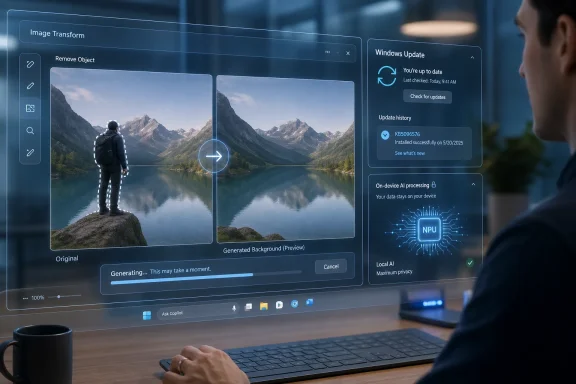
Person using Windows image transform and update panels on a desktop with a mountain-lake background editor.Microsoft Is Turning AI Models Into Windows Plumbing​

The important part of KB5096576 is not that it promises a spectacular new button. It does not. Microsoft describes the package in the familiar language of servicing: an update, a version number, an applicability statement, and a check in Windows Update history.
But the component being updated is not a legacy DLL in the old sense. Image Transform is part of the Windows AI component stack, a set of local models and runtimes intended to make AI features behave like built-in platform capabilities rather than cloud add-ons. In this case, the component supports image editing workflows that remove selected foreground objects and synthesize replacement background content.
That matters because this is the sort of work that used to be framed as an app feature. A photo editor added object removal. A graphics app added generative fill. A cloud service added AI cleanup. Microsoft’s Copilot+ strategy moves some of that capability into the operating system substrate, where multiple Windows features and apps can draw on the same local component.
The result is a Windows servicing model that looks increasingly modular. Instead of waiting for a big feature update to change the capabilities of AI-assisted imaging, Microsoft can ship a component revision through Windows Update. KB5096576 is therefore less interesting as an isolated patch than as another marker in Microsoft’s attempt to make AI capability something Windows can rev independently from the shell.

The Copilot+ Boundary Is Becoming a Real Platform Line​

Microsoft’s applicability statement is blunt: this article applies to Copilot+ PCs only. That is not just a marketing filter. Copilot+ PCs are defined by local AI hardware requirements, especially the presence of an NPU capable of handling supported workloads with low latency and acceptable power consumption.
Image Transform is designed around that assumption. Microsoft says the component runs locally on dedicated AI hardware, which is why the company can claim privacy and responsiveness advantages over round-tripping user images to the cloud. In practical terms, the promise is that a user can select an object, remove it, and have Windows generate plausible background content without uploading the image to a remote inference service.
That does not make Copilot+ PCs magic, and it does not mean every AI feature is local all the time. But it does mean Microsoft is drawing a durable line between ordinary Windows 11 systems and PCs that can participate in the local AI feature track. KB5096576 sits on the Copilot+ side of that line.
For enthusiasts, this boundary is frustrating because many conventional PCs still have fast CPUs and GPUs. For IT departments, it is clarifying. If a workflow depends on Image Transform or similar Windows AI components, hardware eligibility is no longer a footnote. It becomes part of procurement, imaging, help desk documentation, and user expectation management.

26H1 Makes the Update More Interesting Than the Feature​

The KB’s Windows 11 version target is also notable. Microsoft says the update is for Windows 11 version 26H1, and the device must have the latest cumulative update installed first. That prerequisite is classic Windows servicing logic: component updates ride on top of a baseline that Microsoft can support and test.
Version 26H1 has a particular flavor in the Windows roadmap. Microsoft’s own documentation has described it as based on a different Windows core from 24H2 and 25H2, with a separate path for affected devices rather than the normal second-half annual feature update cadence. That makes 26H1 feel less like the broad consumer milestone Windows users have come to expect and more like a platform branch tuned to specific hardware and future system architecture.
KB5096576 therefore looks like one piece of a layered servicing stack. The cumulative update establishes the OS baseline. The AI component update refreshes the local model or runtime capability. Windows features and apps then call into those components as needed.
This is a very different world from “install the new Windows version and get the new feature.” AI-capable Windows is becoming a mesh of OS builds, component versions, hardware classes, app releases, and staged rollouts. A user might say “object removal is broken,” but an administrator now has to ask which Windows build, which AI component version, which Copilot+ silicon, and which app surface is involved.

Automatic Delivery Solves Adoption and Creates Audit Work​

Microsoft says KB5096576 downloads and installs automatically from Windows Update. That is the only sensible distribution model if the company wants local AI components to be treated as platform infrastructure. Users should not have to know which model package unlocks a better background fill.
Automatic delivery also gives Microsoft an escape route from the slow cadence of annual Windows feature releases. If the local model improves, if compatibility changes, or if Microsoft needs to align Image Transform with related components such as Image Processing and Image Creation, Windows Update becomes the delivery pipe.
The trade-off is visibility. A conventional cumulative update has a long-established place in enterprise reporting. AI component updates are newer, more numerous, and easier to miss. Microsoft tells users to verify installation by going to Settings, Windows Update, and Update history. That is fine for an individual machine. It is not a satisfying operating model for a fleet.
For managed environments, this is where the Copilot+ era becomes operationally messy. Administrators will want inventory data that distinguishes between a device that is merely Windows 11 compliant and one that has the right local AI components installed. They will also want a way to correlate user complaints with component versions, because model changes can affect output quality even when the app UI looks unchanged.

Privacy Is the Selling Point, But Predictability Is the Enterprise Test​

Microsoft’s privacy argument is straightforward: Image Transform runs on the device, keeping image data local. That is a meaningful distinction. If a user is editing a screenshot, a work photo, a whiteboard capture, or an image containing sensitive context, avoiding cloud upload is not a minor detail.
Still, privacy is only one side of the enterprise equation. The other side is predictability. Generative image tools do not behave like deterministic filters. Removing an object and generating background content involves a model making a plausible guess about what should be there. That guess may improve between component versions, but it may also change in ways that matter to regulated workflows, legal discovery, media production, or internal documentation.
This is the uncomfortable part of local AI in the operating system. Microsoft can credibly say that data stays on the device, but local execution does not make outputs automatically trustworthy. It only changes where the computation happens.
For most consumer use, that distinction may not matter. If a tourist removes a trash can from a vacation photo, the risk is aesthetic. If a business user removes an object from a site inspection image, a product defect photo, or an incident record, the implications are different. Windows does not become a forensic tool merely because its AI runs locally.

Image Transform Is One Cog in a Larger AI Assembly Line​

Microsoft’s description places Image Transform alongside Image Processing and Image Creation. That triad is worth watching because it shows how the company is decomposing AI features into reusable platform components.
Image Processing can be understood as the pipeline for interpreting and enhancing images. Image Creation covers generative production. Image Transform occupies the middle ground: changing an existing image by removing, filling, or visually altering part of it. Together, those components form the building blocks for image-aware Windows experiences.
This approach lets Microsoft avoid building every AI feature as a one-off. A future Photos capability, a Windows Share enhancement, an accessibility workflow, or a creative tool could all rely on common local components. If those components improve, multiple surfaces may benefit without each app shipping its own model stack.
The risk is dependency opacity. Users do not usually see a clean map of which app depends on which Windows AI component. When something changes after KB5096576, it may not be obvious whether the difference came from the app, the OS, the model package, the NPU driver, or a policy setting. The more Microsoft abstracts AI into the platform, the more it needs to expose enough diagnostic detail for power users and administrators to keep up.

Version Numbers Are Becoming User-Facing Evidence​

The version number here, 1.2604.515.0, looks like an implementation detail. It is not. In the AI component era, version numbers are evidence.
If two Copilot+ PCs produce different results from the same editing action, the component version may be one of the first things to check. If a new Windows feature appears on one machine but not another, the relevant AI package may be missing, outdated, blocked, or pending behind a cumulative update. If a help desk is troubleshooting performance or inconsistent behavior, “are you on the latest Windows build?” is no longer enough.
This is especially true because Microsoft’s AI component release history has grown into its own stream of updates. Image Transform has already moved through multiple versions, and related components have their own KB entries. That is a sign of active development, but also a sign that the AI layer will keep changing underneath users.
The old Windows servicing bargain was imperfect but comprehensible. Security patches fixed vulnerabilities. Cumulative updates changed the OS. Feature updates delivered larger user-visible changes. AI components blur those categories because a model update can change capability, quality, latency, and user perception without feeling like a traditional feature release.

The Quiet Patch Is the Point​

KB5096576 is not a flashy launch. It is a quiet component update with a narrow applicability statement and a plain installation path. That quietness is precisely why it deserves attention.
Microsoft wants AI to become ambient in Windows. Not a separate chatbot window, not a novelty app, but a set of local capabilities that appear wherever the operating system can use them. Image Transform is a small but concrete example: editing an image by selecting an object and letting the PC infer the missing background.
For Windows enthusiasts, this is the exciting version of the Copilot+ pitch. The NPU is not just a spec-sheet ornament. It becomes a local accelerator for features that feel immediate, private, and integrated.
For administrators, the same development is a warning. AI capability will increasingly arrive as component servicing, not as a neatly bounded application deployment. That means update rings, reporting, support scripts, documentation, and policy controls have to mature beyond the old Windows feature checklist.

The Practical Read on KB5096576​

KB5096576 is best understood as a maintenance update for a new class of Windows dependency. It may not change the daily experience for every Copilot+ PC owner, but it keeps the local imaging stack aligned with Microsoft’s broader AI feature roadmap.
  • KB5096576 applies only to Copilot+ PCs running Windows 11 version 26H1.
  • The update installs Image Transform AI component version 1.2604.515.0 through Windows Update.
  • Devices need the latest cumulative update for Windows 11 version 26H1 before the component update applies.
  • Image Transform supports local object removal and background generation in Windows imaging experiences.
  • Users can confirm installation in Settings under Windows Update update history.
  • Administrators should treat AI component versions as part of fleet state, not as incidental app metadata.
The larger lesson is that Windows AI is becoming serviced infrastructure. Microsoft is building a world in which model packages, runtimes, and OS features move on related but distinct schedules. KB5096576 is one of the quieter updates in that transition, but quiet platform updates are often the ones that matter most later. If Copilot+ PCs are going to justify their separate hardware category, it will be through this kind of steady local capability work — and if Windows administrators are going to manage that future sanely, they will need the same rigor for AI components that they already bring to drivers, cumulative updates, and security baselines.

References​

  1. Primary source: Microsoft Support
    Published: Tue, 26 May 2026 21:02:51 Z
  2. Official source: learn.microsoft.com
  3. Related coverage: windowslatest.com
  4. Related coverage: windowsforum.com
  5. Official source: news.microsoft.com
  6. Related coverage: na.ingrammicro.com
 

Microsoft published KB5096571 on May 26, 2026, as an automatic Windows Update for Intel-powered Copilot+ PCs, moving the Windows 11 Image Processing AI component to version 1.2605.856.0 on supported version 24H2 and 25H2 systems with the latest cumulative update installed. The KB is small, terse, and easy to miss. But it is another sign that the AI PC era is being serviced less like a once-a-year Windows feature release and more like a living model stack. For administrators, developers, and privacy-conscious users, the important story is not a new button in Photos; it is the quiet normalization of on-device AI components as independently updated Windows infrastructure.

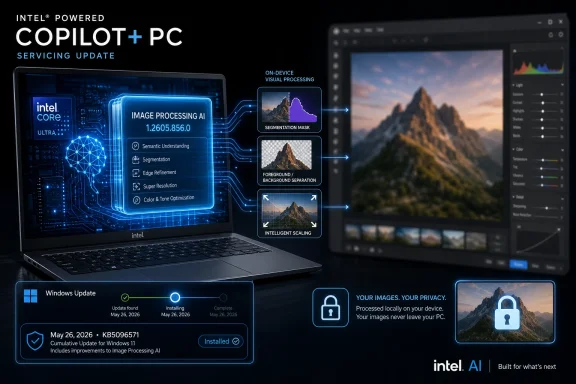
Intel Copilot+ PC servicing update graphic showing on-device image processing and privacy lock.Microsoft Turns the AI PC Into a Servicing Target​

KB5096571 is not a traditional cumulative update, and Microsoft does not present it as a headline Windows release. It targets one component, on one hardware family, inside one class of Windows PCs: Intel-powered Copilot+ machines. That specificity is the point.
The Image Processing AI component sits beneath the visible features that users tend to notice first. Microsoft describes it as the machinery for on-device image understanding and processing, including scaling, segmentation, foreground and background extraction, and visual analysis. Those are not consumer feature names; they are the primitives from which consumer features are built.
That makes KB5096571 more consequential than its plain support article suggests. Microsoft is servicing a layer of Windows that can affect Photos experiences, accessibility scenarios, image editing tools, screen understanding, and AI-assisted workflows without necessarily waiting for a new Windows version. The old Windows mental model was “install the OS, then patch the OS.” The Copilot+ model is closer to “install the OS, then keep refreshing the models and runtimes that make the OS feel intelligent.”
The update applies only to Copilot+ PCs. That qualification matters because Copilot+ is not just a marketing label pasted onto any modern laptop. It refers to machines with a neural processing unit capable of running local AI workloads at a threshold Microsoft has defined for this generation of Windows experiences. In practice, that means Windows AI features are becoming tied not only to OS build numbers, but also to hardware topology.
KB5096571 also makes the Intel angle explicit. Microsoft’s AI component history has repeatedly separated updates by component and silicon platform, with Image Processing releases landing across Intel, AMD, and Qualcomm variants. That fragmentation is not necessarily bad; NPUs differ, driver stacks differ, and model execution paths differ. But it does mean the Windows update surface is becoming more layered than the tidy “one Windows 11 update” phrasing usually implies.

A Tiny KB Carries a Bigger Architectural Shift​

The article says KB5096571 includes improvements to the Image Processing AI component for Windows 11 version 24H2 and Windows 11 version 25H2. It does not spell out a bug list, performance benchmark, model change, or feature gate. That silence is typical for this class of component update, and it is also frustrating.
For end users, the absence of detail may not matter much. If the update arrives automatically and image-related AI features become faster, more reliable, or less power-hungry, most people will never need to know which model package changed. Windows Update has always hidden enormous complexity behind a progress ring.
For IT pros, however, lack of specificity is where the work begins. A component that handles visual analysis is not the same kind of operational risk as a wallpaper pack. It may affect user-facing behavior in apps, accessibility output, inference latency, battery use, and compatibility with developer APIs that assume the presence of local AI models.
Microsoft’s broader AI component release history shows a rapid cadence. Image Processing, Image Transform, Phi Silica, Settings Model, Image Search, Semantic Analysis, Content Extraction, and execution-provider components have all appeared as discrete entries. The pattern is hard to miss: Windows AI is being decomposed into independently serviced blocks.
That design is logical. Machine-learning components need to evolve faster than Windows itself. Models age, runtimes improve, bugs surface in vendor-specific NPU execution paths, and Microsoft needs a way to update the local AI substrate without shipping an entire OS refresh. KB5096571 is one tile in that mosaic, but the mosaic is now visible.
The trade-off is transparency. Microsoft can move faster by making these components modular, but administrators need enough information to decide whether a component update is merely desirable or operationally sensitive. “Improvements” is a word that keeps the support article short; it also keeps customers guessing.

The Version Number Tells a Servicing Story​

Version 1.2605.856.0 looks like the sort of number only a packaging engineer could love, but it is useful. It identifies the May 2026 Image Processing component generation and distinguishes it from the earlier Intel-targeted KB5090938 release, which KB5096571 replaces. The replacement relationship tells us this is not a parallel optional experiment; it supersedes the previous Intel Image Processing package in the same servicing lane.
That matters for troubleshooting. If an Intel Copilot+ PC shows KB5090938 but not KB5096571, it may be behind on AI component servicing. If it does not see the update at all, the first checks are not exotic: confirm the machine is actually a Copilot+ PC, confirm it is running Windows 11 version 24H2 or 25H2, and confirm the latest cumulative update is installed.
The prerequisite is not decorative. Microsoft says the latest cumulative update for Windows 11 24H2 or 25H2 must be present before KB5096571 installs. That means the AI component train is coupled to the base OS servicing train. Organizations that defer cumulative updates should not expect AI components to float independently around that policy.
This is a sensible dependency chain. AI components may rely on OS APIs, runtime plumbing, driver behavior, security changes, or app integration points that arrive through cumulative updates. But it also means Copilot+ fleet management inherits the same old Windows servicing tensions: compatibility testing, phased rollout, update rings, and the perennial conflict between staying current and staying predictable.
For enthusiasts, the check is straightforward. Microsoft says the update appears in Settings under Windows Update and Update history as “2026-05 Image Processing version 1.2605.856.0 for Intel-powered systems (KB5096571).” That string is likely to become the practical fingerprint for anyone confirming whether their machine has the current component.

Intel Copilot+ PCs Move From Promise to Maintenance​

When Copilot+ PCs first arrived, the public focus was on new experiences: Recall, Live Captions, Cocreator, Windows Studio Effects, semantic search, and other features meant to demonstrate that local AI hardware could make Windows feel new again. But hardware launches are theater. Maintenance is where platforms become real.
Intel-powered Copilot+ PCs have a different significance than the first wave of Arm-based machines. They represent Microsoft’s AI strategy entering the mainstream Windows laptop market more directly, where x86 compatibility expectations are high and where enterprise buying habits are entrenched. The more Intel systems join the Copilot+ category, the more these component updates become part of ordinary PC administration rather than early-adopter housekeeping.
KB5096571 is therefore less about a single image-processing package than about the arrival of ongoing AI maintenance for x86 Windows fleets. Users may never interact with the component by name, but they will interact with the features that rely on it. Developers may not ship the component themselves, but their apps may increasingly call into Windows AI APIs that assume these local models exist and work consistently.
That is the quiet platform bet. Microsoft wants Windows to provide a common local AI layer so app developers do not need to build every model-delivery and hardware-acceleration pipeline from scratch. The more Windows owns that substrate, the more Microsoft can influence the direction of AI app development on PCs.
There is a competitive dimension here as well. Apple has long benefited from tight control over hardware, software, and on-device media processing frameworks. Microsoft cannot control the entire PC ecosystem in the same way, but Copilot+ gives it a narrower lane where it can define baseline AI capabilities, certify hardware, and service model components through Windows Update.
Intel, AMD, and Qualcomm each bring different strengths and constraints to that plan. The fact that KB5096571 is explicitly Intel-powered underscores the silicon-specific work involved. “AI PC” may be the phrase on the box, but the engineering underneath remains highly vendor-aware.

The Local AI Pitch Depends on Trust​

Microsoft emphasizes that the Image Processing AI component runs on dedicated AI hardware and keeps image data on the device. That is the core promise of the Copilot+ architecture: fast, low-latency AI experiences that do not require every image, screen region, or accessibility scenario to be shipped to a cloud service.
That promise matters. Image processing is an unusually sensitive category because images can contain faces, documents, locations, credentials, medical information, children, workplaces, or private surroundings. If Windows is going to understand images more deeply, users need confidence about where that understanding happens.
On-device processing is not a magic wand. A local model can still produce bad output, expose sensitive information through app behavior, or become part of a workflow users do not fully understand. But it changes the privacy and latency equation in Microsoft’s favor, especially for accessibility features and editing tasks that would otherwise be difficult to justify as cloud calls.
The phrase “keeps image data on the device” is also doing reputational work after Microsoft’s bruising year of scrutiny around Recall. Recall’s controversy was not simply about whether screenshots were stored locally. It was about whether users, admins, and security researchers believed the design gave them enough control over a system that could index personal activity at scale.
KB5096571 is not a Recall update, and it should not be treated as one. Still, it exists in the same trust environment. Every Windows AI component now arrives with an implicit question attached: what does it see, where does it run, how is it governed, and can administrators prove what is installed?
Microsoft’s best answer is not marketing copy. It is clear documentation, predictable update behavior, manageable policies, and observability. The more Windows AI becomes infrastructure, the more it must be managed like infrastructure.

The Admin Problem Is Not Installation, It Inventory​

Microsoft says KB5096571 downloads and installs automatically from Windows Update. That is convenient for home users and small offices. It is also only the beginning of the enterprise conversation.
The real issue for managed environments is inventory. Administrators need to know which devices are Copilot+ capable, which silicon family they use, which Windows release they run, which cumulative update baseline they are on, and which AI component versions are installed. That is a more detailed asset-management problem than checking whether a laptop is on Windows 11.
In a conventional fleet, a missing cumulative update is obvious. It shows up in reporting, compliance dashboards, and patch management workflows. AI component drift may be subtler, especially if a feature degrades rather than fails outright. A user might see slower image segmentation or inconsistent AI editing output and report it as an app issue, not a component version issue.
This is where Microsoft’s componentized approach needs administrative maturity. If the company wants Windows AI to be a serious platform for business machines, update history is not enough. Organizations will need reliable reporting through management tooling, consistent package metadata, clear supersedence behavior, and enough release detail to correlate changes with incidents.
The prerequisite on the latest cumulative update also complicates staged deployment. If a company holds back LCUs for validation, it may also hold back AI component improvements. That may be acceptable, but it should be a conscious trade-off rather than a surprise discovered when Copilot+ features behave differently across departments.
For now, the practical posture is cautious but not alarmist. KB5096571 is not a broad security emergency, nor is it a dramatic feature launch. It is a servicing update for an AI component. The right enterprise response is to treat it as part of the Windows baseline for eligible Intel Copilot+ devices, monitor rollout, and document the installed version.

Developers Get a Platform, But Not Yet a Stable Culture​

The Windows App SDK and Microsoft’s AI developer guidance point toward a future in which applications can call local AI capabilities on Copilot+ PCs: image description, image editing, recognition, text intelligence, and other model-backed tasks. That future depends on components like Image Processing being present, current, and consistent.
For developers, this is promising. Instead of bundling huge models or routing every task through a cloud API, an app can increasingly rely on Windows-provided local models and NPU acceleration. That can reduce latency, improve privacy posture, and make AI features feel native rather than bolted on.
But developers also need stability. If model components update independently, app behavior may change independently. That can be good when Microsoft fixes bugs or improves quality; it can be bad when output changes unexpectedly and breaks assumptions in a production workflow. The AI world is already less deterministic than traditional software, and componentized model delivery adds another moving part.
The answer is not to freeze the platform. Frozen AI models become stale quickly, and Windows would lose the advantage of local innovation. The answer is to create a servicing culture that developers can reason about: version detection, capability checks, graceful fallback, and documentation that says more than “improvements.”
KB5096571’s short support article does not provide that level of detail. It tells administrators how the update arrives and where to verify it, but it does not tell developers what changed. In the early stage of a platform, that may be tolerable. As more apps depend on Windows AI, it will become harder to defend.
The best developers will design defensively. They will check for support, handle exceptions, avoid assuming identical output across machines, and treat Copilot+ acceleration as a capability rather than a guarantee. That is good engineering, but Microsoft should not make it harder than necessary.

The Consumer Impact Will Be Felt Indirectly​

Most users will not search for KB5096571. They will notice whether Photos feels snappier, whether background extraction works more cleanly, whether image descriptions are useful, or whether an AI editing feature stops failing. Component updates are successful when they disappear.
That invisibility is both the strength and weakness of the Windows Update model. Users should not have to understand segmentation models to enjoy a better editing experience. But when something changes, they need a way to understand that the AI layer has been updated separately from the app they were using.
The support article’s update-history string is therefore more useful than it looks. It gives power users and support technicians a concrete thing to search for on the machine. It also establishes a record that the component is installed independently enough to have its own KB identity.
This is likely to become more common. The Windows features people perceive as “AI” are really combinations of OS services, app updates, model packages, execution providers, drivers, and hardware. A Photos feature might rely on an app update from the Microsoft Store, a Windows AI component from Windows Update, and an NPU driver from the OEM or silicon vendor.
That layered design can deliver rapid improvements. It can also make troubleshooting feel like peeling an onion. The user sees one broken feature; the technician sees five possible servicing paths.
For enthusiasts, KB5096571 is a reminder to keep the whole chain current. If a Copilot+ feature is missing or underperforming on an Intel system, checking only the Windows build may not be enough. The AI component version may matter too.

The Quiet KB Shows Where Windows Is Headed​

The most interesting thing about KB5096571 is how ordinary it is. It does not announce a new flagship feature. It does not promise a revolution. It simply updates an AI component automatically on a supported subset of machines.
That ordinariness is the strategy. Microsoft is trying to make local AI part of Windows’ normal maintenance rhythm. The company does not want users to think about model runtimes any more than they think about font rendering or camera codecs. It wants the AI substrate to be assumed.
The risk is that assumed infrastructure becomes contested infrastructure when it touches sensitive data. Image understanding is powerful because images are rich with context. That same richness makes governance essential. A local-only design helps, but it does not eliminate the need for user control, admin policy, auditability, and plain-English documentation.
There is also a broader product question. If the most visible Copilot+ features are still rolling out unevenly by device, region, hardware vendor, and Windows version, users may struggle to understand what their “AI PC” actually guarantees. Component updates like KB5096571 make the platform better, but they also reinforce the idea that Copilot+ is not a single static spec; it is a moving stack.
That moving stack can be an advantage if Microsoft handles it well. PCs have always won on diversity, and a modular AI layer could let Windows support many silicon partners while still offering common capabilities to apps. But diversity without clarity becomes fragmentation, and fragmentation is the enemy of confidence.
KB5096571 is therefore a small test of a big proposition. Can Microsoft service Windows AI quickly, quietly, and safely without leaving users and admins in the dark? The answer will not come from one Intel Image Processing package. It will come from the cadence, documentation, and manageability of every package that follows.

The Practical Reading of KB5096571 Is Narrow but Important​

KB5096571 should not be inflated into a landmark release. It is an Image Processing AI component update, not a Windows 11 feature update and not a security bulletin. But dismissing it as background noise misses the operational direction of Windows.
For Intel Copilot+ PC owners, the update is a normal part of staying current. For IT teams, it is another reason to inventory AI-capable hardware and track component versions alongside OS builds. For developers, it is evidence that Windows AI dependencies will evolve under their apps. For privacy-minded users, it is another case where local processing is the pitch, but trust still depends on clarity.
The concrete readout is simple:
  • KB5096571 updates the Intel-powered Copilot+ PC Image Processing AI component to version 1.2605.856.0.
  • The update applies to Windows 11 version 24H2 and version 25H2 devices that meet the Copilot+ PC requirement.
  • The package installs automatically through Windows Update after the latest cumulative update prerequisite is satisfied.
  • KB5096571 replaces the earlier Intel Image Processing AI component update KB5090938.
  • Users can verify installation in Windows Update history by looking for the May 2026 Image Processing entry with the new version number.
  • The component supports local image understanding tasks such as scaling, segmentation, foreground and background extraction, and visual analysis.
The lesson of KB5096571 is that Windows AI is no longer just a demo layer waiting for the next keynote; it is becoming a serviced subsystem with its own version numbers, prerequisites, and hardware-specific packages. That will make Copilot+ PCs better over time, but it also raises the bar for Microsoft’s documentation and management story. The future Windows desktop may feel more intelligent because components like this keep changing in the background; whether it also feels trustworthy will depend on how visible Microsoft makes the machinery when users and administrators need to see it.

References​

  1. Primary source: Microsoft Support
    Published: Tue, 26 May 2026 21:02:55 Z
 

Microsoft published KB5096573 on May 26, 2026, delivering Phi Silica AI component version 1.2604.515.0 through Windows Update for Qualcomm-powered Copilot+ PCs running Windows 11 version 26H1 with the latest cumulative update installed. The change is small on paper and strategic in practice. Microsoft is turning Windows AI from a launch-day showcase into a serviced operating-system layer, with model updates moving alongside the familiar cadence of cumulative patches, component revisions, and update history entries.
That is the real story buried inside a terse support note. Phi Silica is not just another optional app feature, and this is not merely a quality update for a niche model. It is Microsoft’s clearest signal yet that local AI on Windows will be treated like a platform dependency: versioned, delivered automatically, constrained by hardware eligibility, and expected to improve beneath the apps that call it.

Windows Update interface on a Copilot+ PC, featuring an NPU on-device processing graphic and update model cards.Microsoft Turns the Local Model Into a Windows Component​

The language of KB5096573 is deliberately boring. The update “includes improvements” to the Phi Silica AI component for Windows 11 version 26H1, applies only to Copilot+ PCs, requires the latest cumulative update, and installs automatically from Windows Update. For administrators and Windows watchers, that phrasing matters precisely because it is so ordinary.
Microsoft is placing a Transformer-based small language model into the same mental bucket as other serviced parts of Windows. It has a KB number. It has a version number. It has replacement information, superseding KB5089866. It appears in Settings under Windows Update history as “2026-05 Phi Silica version 1.2604.515.0 for Qualcomm-powered systems.”
That is not how consumer AI features were marketed only a few years ago. The pitch used to be a cloud service, a branded assistant, or a web endpoint. Here, the model is being described as an OS component for a class of Windows PCs, and its presence can be verified the same way a driver, security fix, or feature update can be verified.
This is the quiet infrastructure work behind Microsoft’s Copilot+ PC promise. Windows AI is not going to be a single monolithic app called Copilot. It is becoming a set of local models, APIs, readiness checks, access controls, and servicing rules that other Windows features and third-party applications can lean on.

Qualcomm Gets the First Fully Serviced AI Track​

KB5096573 is explicitly for Qualcomm-powered systems, which means the current servicing story remains narrower than the Copilot+ PC marketing umbrella might imply. The first wave of Copilot+ PCs leaned heavily on Qualcomm’s Snapdragon X platform, and Phi Silica was designed to use the local neural processing unit rather than sending every language task to the cloud. Microsoft’s support note keeps that hardware boundary front and center.
That matters because “Copilot+ PC” is both a brand and a technical eligibility gate. Users may think of it as a sticker on a laptop. Windows treats it as a set of capabilities: a modern NPU, compatible drivers, current OS builds, and models available on the device. KB5096573 reinforces that the practical AI experience will be shaped by processor family as much as by Windows edition.
The immediate effect is simple. If you have a Qualcomm-based Copilot+ PC on Windows 11 version 26H1 and you are current on cumulative updates, this component should arrive automatically. If you are on older Windows builds, non-Qualcomm silicon, or hardware outside Microsoft’s Copilot+ criteria, this particular update is not for you.
That segmentation is not inherently bad. Local AI depends on tuned hardware paths, and Microsoft would be reckless to pretend every Windows machine can run the same model stack at the same latency and power profile. But it does mean the Windows AI era will be more fragmented than the Windows Update UI suggests. The update history line may look uniform; the eligibility logic behind it is not.

Phi Silica Is Small by Design, Not by Ambition​

Phi Silica occupies an interesting middle ground in Microsoft’s AI strategy. It is described as a small language model, but the “small” label should not be mistaken for unimportant. In the context of Windows, a compact local model may be more valuable than a huge cloud model because it can be invoked quickly, privately, and repeatedly by operating-system features and apps.
The model is intended for text understanding, summarization, rewriting, and short-form generation. Those are not science-fiction tasks. They are the kind of mundane language operations that could appear everywhere: a mail client shortening a thread, a notes app rewriting a paragraph, a file tool summarizing a document, an accessibility feature simplifying text, or an enterprise app generating a quick status update.
Microsoft’s documentation also points to more developer-facing ambitions. Phi Silica can be reached through Windows AI APIs in the Windows App SDK, though the APIs have been framed as a Limited Access Feature. Developers can check whether the language model is ready, request that it be made ready, create a language model object, and then submit prompts for local generation. Built-in text intelligence skills include summarization, rewriting, and text-to-table style transformations.
That is where this update becomes bigger than a model refresh. If apps begin to depend on local language capabilities, the model version becomes a compatibility and quality factor. A better Phi Silica build can improve behavior across multiple applications without each developer shipping a new model or negotiating a separate cloud backend.

Windows Update Becomes the AI Delivery Vehicle​

The automatic delivery mechanism is the most consequential part of KB5096573. Microsoft is not asking users to download a model from the Store, fetch a separate package, or visit a developer portal. The component is distributed through Windows Update, and its installation can be confirmed through the normal update history path.
This solves one problem and creates another. The solved problem is adoption. Local AI is only useful as a platform if developers can reasonably expect the model to exist on eligible machines. Windows Update is the one distribution channel with enough reach and trust to make that expectation plausible.
The new problem is governance. Administrators are used to thinking about Windows updates in terms of security, reliability, drivers, and feature enablement. AI model updates add a different kind of change: behavior that may not be captured by a traditional changelog. A model can produce better summaries, different rewrites, more conservative responses, or altered content-filtering results without exposing a neat list of code-level fixes.
Microsoft’s support page does not provide a granular changelog for version 1.2604.515.0. It says the update includes improvements. That may be sufficient for consumers, but enterprise IT will want more detail as these components become operationally relevant. If a law firm, hospital, school district, or regulated enterprise allows local AI-assisted text processing, model behavior is not an implementation detail. It is part of the risk profile.

The Cumulative Update Prerequisite Keeps AI Tied to the OS Train​

KB5096573 requires the latest cumulative update for Windows 11 version 26H1. That requirement is easy to skim past, but it says a great deal about how Microsoft sees the local AI stack. Phi Silica is not floating above Windows as a detachable add-on. It is tied to the state of the OS.
That makes technical sense. The model depends on the Windows AI runtime, NPU drivers, packaging infrastructure, content moderation controls, and APIs exposed through the Windows App SDK. If any of those layers are stale, the model may not behave correctly or may not be exposed to apps in the expected way.
It also gives Microsoft leverage. Keeping local AI current becomes another reason to keep Windows current. For consumers, that is just the normal Windows bargain. For enterprises, it tightens the connection between feature adoption and patch compliance.
This may frustrate organizations that prefer long validation cycles. A business might want the newest security updates but not the newest AI behavior, or it might want to test model changes separately from OS changes. KB5096573 does not answer how fine-grained that control will become. It simply demonstrates the default: current Windows first, AI component update second.

The Privacy Pitch Is Real, but It Is Not the Whole Story​

Microsoft emphasizes that Phi Silica runs on the device’s NPU and keeps data local. That is a meaningful distinction from cloud-only AI services, especially for users who are wary of sending sensitive prompts or document snippets to remote servers. Local inference can reduce latency, preserve offline functionality, and limit data exposure.
But local does not automatically mean simple. A local model still has to be governed. It can still process sensitive data. It can still generate inaccurate or inappropriate output. It can still require content filtering, telemetry decisions, access controls, and application-level user consent.
The privacy argument is strongest when compared with casual cloud prompting. If an app can summarize local text without sending the text to a data center, that is a clear privacy improvement. It is less complete as an enterprise compliance argument. Organizations will still need to know which apps can invoke Phi Silica, what data they pass into it, whether outputs are logged, and how model updates are validated.
Microsoft appears to understand some of this, at least from the developer side. The Phi Silica APIs are tied to responsible AI guidance and content moderation features, and the documentation discusses custom moderation options. That is good scaffolding. It does not remove the burden from developers or IT admins, but it gives them something more structured than a raw local model sitting on disk.

Developers Get a Platform, but Not an Unrestricted Playground​

The Windows AI APIs are one of the more important pieces of this story because they turn Phi Silica from a Microsoft-only feature into a potential app platform. A developer should not have to package a separate model, tune it for every NPU, and build a full readiness pipeline just to add summarization to a desktop app. Microsoft wants the OS to abstract that work.
The promise is attractive. A Windows app could ask whether the model is ready, ensure availability, create a local language model object, and generate a response. Built-in skills can reduce the need for every developer to invent their own summarizer or rewriter pattern. That is exactly the kind of platform primitive Windows has historically used to make hardware capabilities mainstream.
The catch is access. Phi Silica has been documented as a Limited Access Feature, meaning developers may need approval or an unlock token rather than simply calling the API in any shipping app. Microsoft has good reasons to be cautious: generative AI can create safety, quality, and brand-risk problems if exposed without guardrails. But limited access also slows experimentation and favors developers already close to Microsoft’s ecosystem.
This is the familiar platform tension. If Microsoft opens the gates too widely, low-quality AI features flood the Store and undermine trust. If it keeps the gates too narrow, local AI remains a Microsoft showcase rather than a Windows developer movement. KB5096573 does not settle that question, but it reinforces the infrastructure Microsoft will use once the gates widen.

Update History Becomes the New Model Inventory​

The instruction to verify KB5096573 through Settings, Windows Update, and Update history is ordinary Windows support language. It is also the beginning of a model inventory story that Windows has not previously needed. Users and admins now have to care not only whether Windows is current, but which AI component versions are installed.
That matters for troubleshooting. If a developer’s app depends on a Phi Silica capability and it behaves differently on two Copilot+ PCs, the model version may be part of the answer. If a user reports that summarization changed after Patch Tuesday, the AI component history may be the first place to look. If an enterprise pilot validates one version, a superseding KB may become a change-management event.
The version string itself, 1.2604.515.0, is not consumer-friendly. It was not meant to be. It exists for servicing, inventory, and support. The user-visible line “2026-05 Phi Silica version 1.2604.515.0 for Qualcomm-powered systems” is the kind of artifact that sysadmins will screenshot, catalog, and compare across fleets.
Microsoft should lean into that transparency. If AI components are going to update outside traditional feature releases, release notes need to become more specific over time. “Improvements” is a start, not a mature servicing story.

The 26H1 Label Hints at a Faster Windows AI Cadence​

The update applies to Windows 11 version 26H1, which places it squarely in Microsoft’s forward Windows servicing track rather than the broader installed base of Windows 11 users. That is not surprising for Copilot+ features, but it does show how the company may use new OS branches to stage AI functionality before it feels universal.
Windows 11 has already become more modular than its version labels suggest. Features arrive through cumulative updates, Store updates, Experience Packs, server-side configuration, driver updates, and now AI component updates. The result is that “running Windows 11” tells you less than it once did. The relevant question becomes which build, which enablement package, which hardware class, and which component versions are present.
For enthusiasts, this is fascinating. For normal users, it can be maddening. Two PCs may both say Windows 11, both receive updates, and both have Copilot branding somewhere in the interface, yet only one may support a given local AI capability. KB5096573 is a reminder that the AI PC era is not just a new chip category. It is a more conditional version of Windows itself.
The upside is that Microsoft can improve AI pieces without waiting for a monolithic annual release. The downside is that the support matrix becomes more dynamic and less intuitive. Expect more KB articles like this one, not fewer.

Enterprise IT Will Treat Model Updates Like Change Events​

For home users, KB5096573 will likely be invisible unless they inspect update history. For IT departments, the update lands in a more complicated context. Local AI is attractive because it may reduce dependence on cloud services, but unmanaged local AI can still create compliance and support headaches.
The first concern is predictability. A small language model used for rewriting or summarizing can produce different output after an update. That is not the same as a broken printer driver, but it can matter in workflows where generated text is reviewed, archived, or sent externally. If a help desk tool, CRM client, or internal documentation app uses Phi Silica, model quality becomes part of the application’s behavior.
The second concern is auditability. Enterprises will want to know which endpoints have the component, which version is installed, and whether app access is controlled. Windows Update history is enough for a single machine. Fleet-scale management will require reporting through established management tools and clear Microsoft documentation on detection.
The third concern is policy. If Microsoft eventually makes more local AI features broadly available, administrators will need controls that are more nuanced than “block all AI” or “allow everything.” The useful policy surface will be about app access, data categories, user consent, logging, and whether specific AI components can be deferred.
KB5096573 does not create those enterprise problems by itself. It simply shows that the servicing machinery is now moving. The policy machinery needs to keep up.

Consumers Will Notice the Apps, Not the KB Number​

Most users will never know KB5096573 exists. They will notice if Windows features feel faster, if a writing tool works offline, if an app can summarize local text without a cloud sign-in, or if a Copilot+ feature suddenly becomes available after updates. The component update is the plumbing.
That is exactly how Microsoft wants it. The winning version of local AI is not a settings page full of model names. It is an operating system where language intelligence appears naturally in places users already work. A right-click rewrite action, a notes summary, a local document Q&A feature, or a developer app that quietly uses the NPU will matter more than the Phi Silica brand.
There is a risk here, too. If the model is invisible, users may not understand when AI is being used. Local processing improves privacy, but it does not eliminate the need for clear UX. People should know when text is being generated or transformed by AI, even if the data never leaves the machine.
Microsoft’s challenge is to make local AI feel native without making it feel sneaky. The difference will come down to labeling, settings, developer guidance, and consistent behavior across apps.

Qualcomm’s Advantage Is Real, but It May Not Stay Exclusive​

Because KB5096573 targets Qualcomm-powered systems, it inevitably raises the silicon question. Qualcomm had an early Copilot+ advantage because its laptop chips arrived with NPUs that met Microsoft’s requirements and with a platform story built around battery life and local AI. This update reinforces that Qualcomm systems are not just launch partners; they are receiving the serviced AI component track now.
But Windows is not a single-silicon ecosystem. Intel and AMD are also part of the Copilot+ PC landscape, and Microsoft cannot afford to let local AI feel permanently tied to one processor vendor. The more Windows AI APIs matter to developers, the more Microsoft needs predictable behavior across supported hardware.
That does not mean every model update will arrive for every architecture at the same time. NPU optimization is hardware-specific, and model packaging may differ by processor family. But the developer story depends on abstraction. If a Windows AI API call works only on a narrow subset of machines for too long, developers will treat it as a demo path rather than a mainstream platform.
KB5096573 is therefore both a Qualcomm milestone and a pressure point for Microsoft. The company has to prove that servicing local AI can scale across the Windows hardware ecosystem without turning into another driver compatibility maze.

The Support Note Says Less Than the Platform Demands​

The most frustrating part of KB5096573 is not what it says. It is what it does not say. “Includes improvements” leaves out whether the update changes performance, model quality, safety behavior, compatibility, supported prompts, memory footprint, power consumption, or developer-facing API reliability.
That lack of detail is not unusual for Windows component updates, but AI models are different from many other components. Their value is behavioral. If a model gets better at summarizing long text or more cautious about certain topics, that is the update. If it consumes less NPU time or starts faster after resume, that matters to battery life and UX. If it changes output style, users may notice even if no bug was “fixed.”
Microsoft does not need to publish exhaustive model cards for every Windows Update package, but it should move beyond opaque phrasing as these components mature. A minimal but useful changelog could distinguish reliability, performance, safety, language capability, developer API, and availability changes. Even that would give admins and developers a better basis for testing.
The company is asking Windows users to trust a new class of OS component. Trust is easier when the servicing story is legible.

The Practical Read From KB5096573​

The useful lesson in this update is not that every Copilot+ owner should rush to install something manually. They cannot, and they do not need to. The useful lesson is that Microsoft’s local AI stack now has the contours of a normal Windows subsystem: prerequisites, replacement packages, processor targeting, versioning, and update history.
That changes how we should evaluate AI on Windows. The important question is no longer whether Microsoft can demo an NPU feature onstage. The question is whether it can service local models responsibly, document changes clearly, and make the APIs stable enough that developers build real software on top of them.
  • KB5096573 delivers Phi Silica version 1.2604.515.0 for Qualcomm-powered Copilot+ PCs on Windows 11 version 26H1.
  • The update installs automatically through Windows Update and requires the latest cumulative update for Windows 11 version 26H1.
  • The package replaces KB5089866, making Phi Silica part of a superseded component chain rather than a one-off model download.
  • Users can confirm installation in Settings under Windows Update history, where the update appears as a May 2026 Phi Silica entry for Qualcomm-powered systems.
  • Developers should view Phi Silica as a local Windows AI capability exposed through platform APIs, but not as an unrestricted general-purpose model available on every Windows 11 PC.
  • Administrators should treat AI component versions as part of endpoint inventory, especially if line-of-business apps begin using Windows AI APIs.
Microsoft’s latest Phi Silica update is modest by design, but that modesty is the point: the company is normalizing local AI as something Windows services, versions, and exposes to applications rather than something users visit in a browser. If Microsoft can add transparency to that servicing model and broaden hardware support without diluting reliability, KB5096573 will look less like a minor support entry and more like one of the early bricks in Windows’ next platform layer.

References​

  1. Primary source: Microsoft Support
    Published: Tue, 26 May 2026 21:02:46 Z
 

Microsoft has published KB5096577, an automatic Windows Update package that installs Image Processing AI component version 1.2604.515.0 on AMD-powered Copilot+ PCs running Windows 11 version 26H1 after the latest cumulative update is already in place. The support note is short, but the move is not trivial. Microsoft is carving Windows AI into updateable, hardware-targeted components, and KB5096577 is another sign that the Copilot+ PC era will be serviced less like a classic operating system and more like a stack of models, runtimes, drivers, and platform promises. For AMD users and administrators, the headline is not a new app icon; it is the quiet normalization of AI model maintenance as part of Windows hygiene.

AMD Copilot+ PC Windows Update screen shows KB5096577 image-processing AI features running on-device.Microsoft Turns Image Processing Into a Serviced Windows Primitive​

The old Windows update story was easy to understand even when it was painful: security fixes, cumulative patches, drivers, maybe a feature enablement package if Microsoft was feeling theatrical. KB5096577 belongs to a different category. It updates a component that sits between Windows features, app experiences, and the dedicated AI hardware inside AMD Copilot+ PCs.
Microsoft describes the Image Processing AI component as the machinery behind on-device image understanding and processing. That means scaling, segmentation, foreground and background extraction, visual analysis, and related tasks that modern AI-assisted interfaces increasingly treat as ordinary plumbing. In practice, this is the layer that helps Windows and apps decide what is in an image, what part of it matters, and how to transform it without shipping everything to the cloud.
That is why this minor-sounding package matters. The AI PC pitch depends on the belief that local machine-learning work can be fast, private, and power-efficient enough to become a default part of everyday computing. If those capabilities are tied to static OS releases, they will age badly. If they are serviced like components, Microsoft can improve the experience after the device leaves the factory.
KB5096577 is therefore less a one-off update than a maintenance pattern. It says that Windows 11 26H1 on AMD Copilot+ systems has an AI substrate Microsoft expects to revise, replace, and track over time. The update history entry is the visible tip of that architecture.

The KB Number Is Small, but the Platform Bet Is Large​

Microsoft’s note for KB5096577 does not promise a dramatic new feature. It says the update includes improvements to the Image Processing AI component for Windows 11 version 26H1, applies only to Copilot+ PCs, and downloads automatically through Windows Update. That spare wording is classic Microsoft support prose: accurate, cautious, and allergic to excitement.
But the surrounding context gives it weight. Microsoft now maintains release information for AI components separately from traditional Windows builds. Those components include image processing, image transformation, Phi Silica, semantic analysis, content extraction, image search, settings models, and execution providers. This is Windows becoming modular in a way that users will not always see but administrators absolutely will.
The naming also matters. KB5096577 is specifically for AMD-powered systems on Windows 11 26H1. Microsoft has published similar Image Processing updates for other Windows versions and hardware tracks, including packages for Windows 11 versions 24H2 and 25H2. That split is a reminder that “Copilot+ PC” is not a single platform in the old Wintel sense; it is an umbrella over Qualcomm, AMD, Intel, NPUs, model packages, and OS branches that must line up precisely.
For enthusiasts, that fragmentation can look like unnecessary complexity. For Microsoft, it is probably unavoidable. Local AI performance depends on silicon capabilities, driver stacks, model optimization, and runtime support. A model package tuned for one NPU path may not be the right package for another.

Windows 11 26H1 Is Not Just Another Feature Update​

The 26H1 requirement is one of the most important details in the KB. This package is not for every Windows 11 PC and not even for every AMD PC. It is for AMD-powered Copilot+ PCs on Windows 11 version 26H1, with the latest cumulative update already installed.
That makes KB5096577 part of the still-emerging 26H1 story. Windows 11 26H1 has been positioned as a hardware-aligned release rather than a broad feature wave for the installed base. Microsoft’s public messaging around 26H1 has emphasized platform support for newer silicon rather than a conventional “everyone gets new toys” upgrade cycle.
This matters because many Windows users still think of version numbers as feature milestones. 22H2, 23H2, 24H2, and 25H2 are remembered as OS releases, even when Microsoft hides some changes behind enablement packages. With 26H1, the version number also marks a compatibility lane for specific next-generation hardware.
KB5096577 reinforces that shift. The most meaningful updates for a Copilot+ PC may not be the ones that change the Start menu or Settings app. They may be low-visibility component revisions that alter how Windows uses the NPU to process images, extract meaning, or support an accessibility feature.

AMD’s Copilot+ Moment Depends on More Than TOPS​

AMD’s Copilot+ PCs arrived in a market Microsoft first seeded with Arm-based Snapdragon X systems, and the company has had to make the case that x86 AI PCs can deliver the same class of local AI experiences without giving up compatibility. That argument is partly about silicon. It is also about servicing discipline.
The NPU is only useful if the software stack knows how to feed it. Image processing models need runtimes, versioning, device support, and integration with the Windows experiences that call them. A spec sheet can advertise trillions of operations per second, but the user experience depends on whether the OS and apps can reliably turn that capacity into something visible.
KB5096577 sits squarely in that dependency chain. It updates the component responsible for image understanding and processing on AMD-powered Copilot+ PCs. The package does not tell us whether a specific segmentation edge case is improved or whether a particular app will feel faster, but it does tell us Microsoft is keeping that AMD path current.
For AMD, that is good news in a subtle way. The competitive race in AI PCs will not be won by one launch benchmark. It will be won by months and years of updates that make built-in AI features more reliable, more power-efficient, and less weird.

The Privacy Pitch Requires Local Components That Actually Work​

Microsoft’s Copilot+ PC message leans heavily on local processing. The company says these AI components allow models to run directly on the device, and the Image Processing component is described as keeping image data on the device while delivering low-latency performance through dedicated AI hardware. That is the right pitch for users still wary of cloud AI pipelines ingesting personal photos, screenshots, or workspace material.
But privacy claims are only as durable as the implementation. If local AI features are slow, unreliable, or inconsistent across hardware, users and developers will drift back toward cloud services that feel more capable. The NPU must not merely exist; it must be useful enough that local execution becomes the default rather than the compromise.
Image processing is a particularly sensitive test case. Photos, screenshots, camera frames, scanned documents, and UI captures can contain faces, addresses, work data, financial details, medical information, and private messages. Moving more of that processing onto the device is a real architectural advantage, provided the component doing the work is patched and maintained.
That is why these updates deserve attention even when Microsoft’s release notes are thin. A servicing model for local AI components is part of the privacy story. Without it, “on-device AI” would risk becoming a frozen marketing phrase rather than a living security and quality commitment.

The Automatic Install Is Convenient Until You Manage Fleets​

For consumers, the installation model is simple: KB5096577 downloads and installs automatically from Windows Update. To confirm it, users check Settings, then Windows Update, then Update history. After installation, the device should show a 2026-04 Image Processing entry for AMD-powered systems with version 1.2604.515.0 and the KB number.
That simplicity is intentional. Microsoft does not want Copilot+ PC owners manually hunting for model packages. AI components are now part of the baseline experience, and Windows Update is the delivery channel Microsoft trusts to keep that baseline intact.
Enterprise IT will see a more complicated picture. Componentized AI updates raise familiar questions in a new form: Which rings receive them first? How are they validated? Are they visible in reporting tools with enough clarity? Do they appear through the same management path as cumulative updates, Store-delivered app components, or drivers?
The prerequisite is also operationally important. KB5096577 requires the latest cumulative update for Windows 11 26H1. That means a machine lagging on its monthly OS servicing may not receive the AI component update, even if Windows Update would otherwise target it. For admins, the dependency chain matters because “AI feature doesn’t work right” may really mean “the device is missing the cumulative update that unlocks the component revision.”

Microsoft’s Release Notes Are Too Thin for the Job They Now Perform​

The most frustrating part of KB5096577 is not what it does; it is what Microsoft does not say. “Includes improvements” is a phrase that belongs to a simpler era. When the updated component affects machine-learning behavior, image analysis, and downstream app experiences, administrators and power users deserve more than a version number and a generic noun.
This is not a demand for Microsoft to publish model internals or expose sensitive implementation details. It is a demand for useful change communication. Did the update improve performance, accuracy, memory behavior, battery usage, hardware compatibility, reliability, or app integration? Did it replace a previous model? Does it address a known failure mode? Is there any reason a managed environment should delay deployment?
Microsoft’s AI component release table is helpful because it establishes chronology. It shows that these components have dates, versions, and KB articles. But chronology is not the same as meaning. A sysadmin can know that 1.2604.515.0 supersedes an earlier image processing package and still not know what risk is being accepted by installing it.
The company has spent years telling IT departments that Windows servicing is predictable and transparent. AI components now need to be held to the same standard. If Microsoft wants AI PCs in business environments, the release notes have to grow up.

The New Windows Stack Has More Moving Parts Than Users Realize​

KB5096577 also illustrates how much of the modern Windows experience now lives outside the old mental model of “the OS.” A Copilot+ PC experience may depend on a Windows build, a cumulative update, a hardware-specific AI component, an execution provider, an NPU driver, a Store-updated app, and a cloud-backed feature flag. Any one of those layers can affect whether a feature appears, performs well, or behaves consistently.
That complexity is not unique to Microsoft. Apple, Google, and the Linux desktop ecosystem all ship capabilities across firmware, drivers, frameworks, apps, and server-side switches. But Windows has a uniquely broad hardware base and a uniquely large managed-enterprise footprint. The same modularity that lets Microsoft target AMD Copilot+ PCs precisely can also make diagnosis harder when something breaks.
For Windows enthusiasts, this is the new troubleshooting terrain. Update history is no longer just a list of cumulative patches and occasional driver surprises. It is becoming a map of AI capabilities installed on the machine. If a Copilot+ feature is missing or misbehaving, the right question may be whether the relevant component package is present.
For developers, the lesson is similar. Building against Windows AI experiences means assuming a moving platform. Capabilities may improve independently of app releases, but they may also vary by hardware family, Windows version, and component level. That is powerful, but it makes graceful fallback and version awareness more important.

The AMD-Specific Package Shows the Limits of the Copilot+ Brand​

Microsoft wants “Copilot+ PC” to be a consumer-friendly label. It signals that a machine has the hardware and software baseline for a set of local AI experiences. But KB5096577 shows the limits of that simplicity. Under the brand, Microsoft is already maintaining distinct component updates by processor family and Windows release.
That is not necessarily a problem. In fact, it may be the only sane approach. AMD, Intel, and Qualcomm do not expose identical AI hardware paths, and Windows cannot pretend otherwise. A single universal AI component package might be easier to explain but harder to optimize.
Still, the gap between branding and reality will matter at retail and in support channels. A user may own an “AI PC,” a “Copilot+ PC,” an AMD Copilot+ PC, or an AMD machine that is not Copilot+ eligible. Those distinctions determine which updates appear, which features are supported, and which troubleshooting steps apply.
Microsoft’s support article is careful about this. It says the article applies to Copilot+ PCs only. That sentence will be doing a lot of work as the Windows AI ecosystem expands.

On-Device Image Understanding Is Quietly Becoming Infrastructure​

Image understanding used to be an app feature. A photo editor could identify a subject, a camera app could blur a background, or a cloud service could tag a picture. In the Copilot+ model, Microsoft is pushing these capabilities downward into the platform.
That platform shift changes expectations. If Windows itself provides local image processing primitives, more apps can build on them without shipping their own full model stack. Accessibility tools can interpret visual content. Creative apps can isolate objects. System features can index, search, transform, or enhance images with lower latency and stronger privacy guarantees.
The risk is that platform AI becomes invisible until it fails. Users may not know which component handled a foreground extraction or why one machine processes an image differently from another. Developers may depend on the system layer and then discover that the behavior varies across component versions.
KB5096577 is a reminder that this infrastructure is now versioned. The Image Processing component is not a static Windows capability. It is software with releases, prerequisites, and hardware targeting. That makes it more useful, but also more accountable.

The Security Story Is Broader Than Vulnerability Fixes​

Microsoft does not describe KB5096577 as a security update. It is an AI component update with improvements. But in 2026, security-minded users should think about these packages as part of the trust boundary anyway.
Local AI components process user data. They may touch images, screenshots, camera inputs, extracted content, or app-provided media. Even when they are not patching a named vulnerability, their behavior affects privacy, reliability, and the attack surface of AI-assisted workflows.
There is also the question of model behavior. Traditional software bugs are usually described in terms of crashes, privilege escalation, data corruption, or compatibility failures. AI component defects can look different: poor detection, incorrect segmentation, unexpected extraction, excessive resource use, or inconsistent output across similar inputs. Those are not always security bugs, but they can matter in professional workflows.
The industry is still developing the vocabulary for AI component servicing. Microsoft’s KB structure gives these updates a familiar administrative wrapper. The next step is explaining changes in a way that reflects the actual risk profile of model-driven components.

The User-Facing Change May Be Invisible, and That Is the Point​

Most AMD Copilot+ PC owners will not notice KB5096577 installing. There may be no reboot drama, no new tile, no celebratory banner, and no obvious before-and-after moment. That invisibility is by design.
The best platform updates often disappear into the baseline. Image scaling gets a little cleaner. Background extraction becomes more consistent. An AI-assisted edit completes faster. A Windows feature that relies on visual analysis produces fewer strange results. None of that requires the user to know the component version.
But invisibility cuts both ways. If Microsoft does not communicate clearly, users may never understand why Copilot+ features differ between two superficially similar laptops. They may blame AMD, the app developer, the Windows build, or “AI” in general when the actual issue is a missing component package.
The Settings update history path is therefore more important than it looks. It gives users and admins a concrete place to verify state. In the AI PC era, “is the update installed?” becomes a practical diagnostic question, not trivia.

A Small Entry in Update History Now Carries Platform Meaning​

The expected update history entry for KB5096577 is specific: 2026-04 Image Processing version 1.2604.515.0 for AMD-powered systems. That string is not elegant, but it is useful. It encodes the month, component, version, hardware lane, and KB identity in one line.
For WindowsForum readers, that is the line to look for. If you are running an AMD Copilot+ PC on Windows 11 26H1 and have the latest cumulative update installed, this package should arrive automatically. If it does not, the first troubleshooting step is not to download random drivers; it is to verify the OS servicing state and the device’s eligibility.
The broader lesson is that Windows Update history is becoming a more serious inventory surface. It used to be where you checked whether Patch Tuesday landed. Now it may be where you confirm whether the local AI stack is current enough for a feature, app, or enterprise policy.
That is a cultural change for Windows. Microsoft has spent decades abstracting complexity away from users. AI PCs are forcing some of that complexity back into view, even if only as a versioned component line in Settings.

The April AI Stack Is a Preview of Windows Servicing’s Next Decade​

KB5096577 appears alongside a broader cadence of AI component updates dated around the same period. Microsoft’s release information shows multiple AI components advancing through closely related version numbers, including Image Processing, Image Transform, Phi Silica, Settings Model, Image Search, Semantic Analysis, Content Extraction, and Execution Provider packages. That clustering suggests coordinated platform work rather than isolated patching.
This is what a living AI OS looks like. Models, runtimes, and hardware providers move together. Microsoft cannot wait for an annual feature update to tune every local AI experience. Nor can it assume that one model package is right for every processor family.
The upside is faster improvement. The downside is more complexity and more trust placed in Microsoft’s update pipeline. Users who already resent surprise driver changes will not automatically embrace invisible AI model updates, especially when release notes remain vague.
Microsoft’s challenge is to make this servicing model boring in the best possible way. It must be reliable, observable, reversible where appropriate, and documented well enough that enterprise admins do not have to reverse-engineer the platform from Update history strings.

The Practical Reading for AMD Copilot+ Owners Is Narrow but Important​

For individual AMD Copilot+ PC owners, KB5096577 is not something to chase from third-party sites. It is an automatic Windows Update package for a specific Windows 11 26H1 environment. If the device qualifies, Windows should handle it.
The most practical check is straightforward: install the latest cumulative update for Windows 11 26H1, then review Windows Update history. If the Image Processing component shows version 1.2604.515.0 under the KB5096577 entry, the device has the current package described by Microsoft’s support note.
If it does not appear, eligibility matters. A non-Copilot+ AMD PC is not the target. A Copilot+ PC on a different Windows release may receive a different KB. A managed device may also be subject to organizational update controls that delay or route packages differently.
That is the difference between consumer simplicity and real-world Windows administration. The support page says “automatic.” The fleet reality says “automatic, provided every prerequisite, policy, hardware ID, release channel, and servicing dependency lines up.”

The Enterprise Risk Is Not the Update, but the Blind Spot​

There is no obvious reason to panic over KB5096577. It is a component update, not a forced AI feature rollout, and Microsoft frames it as improving an existing Image Processing component. The enterprise risk is more subtle: organizations may not yet be tracking AI components as first-class managed assets.
That gap will close quickly. As Copilot+ PCs enter fleets, IT teams will need to know which AI components are present, which versions are approved, and whether business-critical apps depend on them. Security teams will ask where local AI processing occurs and how data is handled. Help desks will need scripts for diagnosing missing or stale component packages.
Microsoft can help by making AI component state easier to query and report through management tools. Update history is fine for a single laptop. It is not enough for a thousand endpoints. If AI components are now part of Windows’ functional baseline, they need enterprise-grade visibility.
The worst outcome would be a shadow servicing layer: important enough to affect user experience, but too opaque for administrators to manage confidently. KB5096577 is harmless on its own; the pattern it represents needs discipline.

The Version String Tells Administrators Where to Look​

KB5096577’s most concrete value is that it gives admins and power users something verifiable. The package installs Image Processing AI component version 1.2604.515.0 for AMD-powered Copilot+ PCs on Windows 11 26H1, and it should be visible in Windows Update history after installation. That is enough to support basic validation, even if Microsoft’s changelog remains thin.
The update also clarifies the dependency order. The latest cumulative update for Windows 11 26H1 comes first. The AI component update follows through Windows Update. If the component is missing, the OS baseline is the first place to investigate.
For shops testing AMD Copilot+ hardware, that means pilot documentation should include AI component versions, not just Windows build numbers and driver revisions. A device image that looks current by traditional standards may still be behind on the AI layer. Conversely, a user complaint about image-related AI behavior may be resolved by ordinary servicing rather than app reinstallation.
The practical advice is not glamorous, but it is the kind that prevents wasted hours: treat the Copilot+ AI stack as part of endpoint inventory.

The Real Story Hiding in KB5096577​

KB5096577 is easy to dismiss because it is narrow. It targets AMD-powered Copilot+ PCs. It applies to Windows 11 26H1. It updates one AI component. It arrives automatically and offers no colorful changelog.
That narrowness is exactly why it is revealing. Microsoft is not merely bolting Copilot branding onto Windows; it is building a serviced substrate for local AI and dividing that substrate by hardware, OS version, and component role. The company is making AI capabilities updateable in the same mundane way that graphics drivers, language packs, and antimalware definitions became updateable.
For users, the benefit should be better local image features without manual maintenance. For admins, the cost is another layer to monitor. For Microsoft, the obligation is clarity: if AI components are important enough to update monthly, they are important enough to document with more precision.
The Copilot+ PC category will succeed or fail not only on demos, but on whether these small component updates quietly improve the machines people actually bought.

The AMD 26H1 Checklist That Actually Matters​

For all the platform theory, KB5096577 leaves users with a few concrete checks. This is the rare case where the boring operational details are the story, because they show how Microsoft expects AI PCs to be maintained.
  • KB5096577 applies only to AMD-powered Copilot+ PCs running Windows 11 version 26H1.
  • The package installs Image Processing AI component version 1.2604.515.0.
  • The latest cumulative update for Windows 11 version 26H1 must be installed before this component update is available.
  • The update is delivered automatically through Windows Update rather than as a manual feature download.
  • The installed package should appear in Settings under Windows Update history as a 2026-04 Image Processing update for AMD-powered systems.
  • Similar component versions may exist under different KB numbers for other Windows versions or hardware lanes, so matching the KB to the device matters.
KB5096577 will not transform an AMD Copilot+ PC overnight, and Microsoft has not claimed that it will. Its importance is quieter: Windows is becoming an AI platform whose core capabilities are updated as components, not just as annual releases, and that makes the mundane update history line newly consequential. The next phase of the AI PC fight will be won less by launch-day branding than by whether Microsoft, AMD, and the rest of the ecosystem can keep these local models current, explain what changed, and make the whole stack feel as dependable as the operating system it is rapidly becoming.

References​

  1. Primary source: Microsoft Support
    Published: Tue, 26 May 2026 21:02:47 Z
  2. Official source: learn.microsoft.com
  3. Official source: techcommunity.microsoft.com
  4. Related coverage: windowsforum.com
  5. Related coverage: bd.com
 

Microsoft has published KB5096566, a May 2026 Phi Silica AI component update that moves AMD-powered Copilot+ PCs on Windows 11 version 24H2 or 25H2 to version 1.2605.856.0, provided the device already has the latest cumulative update installed. That sounds like a narrow servicing note, and in one sense it is. But it is also another sign that Windows AI is no longer arriving as a single splashy feature drop. Microsoft is turning local AI into a serviced Windows subsystem, with silicon-specific model updates riding alongside the operating system itself.

Diagram shows an AMD Ryzen AI Windows Update flow with local NPU execution on a laptop.Microsoft Is Updating the Model, Not Just the Operating System​

KB5096566 is not a traditional Windows patch in the way most administrators still think about Patch Tuesday. It does not advertise a kernel fix, a shell change, or a broad security mitigation. Instead, it updates Phi Silica, Microsoft’s on-device small language model for AMD-powered Copilot+ PCs.
That distinction matters because Phi Silica is part of the machinery behind Microsoft’s local AI strategy. It is designed to run on the Neural Processing Unit rather than sending every language task to a cloud service. In practical terms, it is the component Windows and apps can call for tasks such as summarization, rewriting, text understanding, and short-form generation.
The update applies only to Copilot+ PCs, and only to AMD-powered systems running Windows 11 version 24H2 or 25H2. Microsoft says it will be downloaded and installed automatically through Windows Update, with administrators and users able to verify it under Settings, Windows Update, Update history.
That sounds routine until you notice the architecture. Windows is now carrying a model layer that is versioned, targeted, replaced, and distributed like any other platform component. The operating system is not merely gaining AI features; it is gaining a model supply chain.

Phi Silica Is Becoming Windows’ Local Language Layer​

Microsoft’s pitch for Phi Silica is straightforward: give Windows a built-in language model that can perform common AI tasks locally, quickly, and with less dependence on network round trips. The model is Transformer-based, compact enough to run efficiently on Copilot+ PC hardware, and tuned for NPU execution.
That makes Phi Silica different from the Copilot web experience many users associate with Microsoft’s AI branding. Copilot is a product surface. Phi Silica is closer to plumbing. It sits under Windows AI APIs and gives Microsoft and third-party developers a local language capability they do not have to train, package, or optimize themselves.
The important phrase in Microsoft’s description is not “AI.” It is on-device. Local execution is the answer to three objections that have dogged Windows AI since the Copilot+ PC launch: latency, privacy, and reliability. If a short summarization or rewrite can run against a local model, the user does not have to wait on a cloud service, the app does not have to ship potentially sensitive text off the machine, and the feature can continue working in constrained network environments.
There are limits, of course. A small language model running on a laptop NPU is not a general-purpose frontier model. Nobody should confuse Phi Silica with the cloud-hosted systems behind heavyweight coding agents or multi-step research assistants. Its value is narrower and more Windows-like: predictable, embedded, low-friction intelligence for common tasks.
That is precisely why component updates like KB5096566 matter. If Phi Silica is to become a dependable platform layer, Microsoft has to be able to improve it without waiting for a full annual Windows release. Model quality, prompt handling, moderation behavior, token limits, performance tuning, and hardware compatibility all evolve faster than the old Windows feature cadence.

AMD Gets Its Own AI Servicing Lane​

The most revealing part of KB5096566 is not the version number. It is the processor targeting. This release is specifically for AMD-powered Copilot+ PCs, and it replaces a previously released AMD Phi Silica update.
That is the future administrators should expect: AI components will increasingly be split by silicon family. Qualcomm, Intel, and AMD Copilot+ PCs may all carry the same Windows brand and expose similar user-facing features, but their NPUs, drivers, execution providers, firmware assumptions, and performance envelopes are not identical. A model update that is safe and efficient on one platform may require different packaging or validation on another.
This is not a bug in the strategy. It is the cost of moving AI inference from remote servers into client hardware. The cloud hides hardware diversity behind datacenter abstraction; the PC exposes it through driver models, OEM images, firmware, and thermal behavior. Microsoft can market Copilot+ PCs as a category, but Windows Update has to service them as a collection of silicon-specific platforms.
For AMD, this is especially important because its Copilot+ PC push matured after the first wave of Snapdragon X systems. AMD’s Ryzen AI parts brought x86 compatibility and a competitive NPU story to the category, but they also required Microsoft to make local AI feel less like an Arm-first experiment and more like a cross-silicon Windows capability.
KB5096566 is part of that normalization. It does not announce a new marquee feature for AMD laptops. It does something more operationally significant: it keeps the AMD model component current within the same servicing framework that Windows users already know.

The Prerequisite Tells Administrators Where the Boundary Is​

Microsoft’s prerequisite is blunt: the device must have the latest cumulative update for Windows 11 version 24H2 or 25H2 installed. That is not just a housekeeping note. It tells IT teams that AI component servicing depends on the underlying Windows servicing baseline.
This creates a layered dependency chain. The OS build must be current enough. The device must qualify as a Copilot+ PC. The processor family must match the component package. Windows Update must deliver the model update. Then the user or administrator can confirm the installation in update history.
For home users, this will mostly be invisible. The update should appear automatically, install, and quietly raise Phi Silica to version 1.2605.856.0. For managed environments, the invisibility is exactly what deserves scrutiny.
AI components are not applications in the traditional sense, but they are also not inert system files. They affect behavior exposed through Windows features and developer APIs. If an enterprise has approved Windows 11 24H2 or 25H2 but has not built processes around AI model component drift, it may find that the functional behavior of local AI changes outside the familiar rhythm of feature upgrades.
That does not make the update suspicious. It makes it operational. Administrators who track drivers, firmware, Store app versions, WebView2 runtimes, and Defender platform updates already understand the pattern. Phi Silica now belongs in that same mental bucket: a shared Windows capability whose version may matter when diagnosing user experience, app compatibility, or policy compliance.

The AI PC Is Being Assembled Through Servicing​

The Copilot+ PC story began with hardware requirements and demos. Microsoft and its partners emphasized NPUs, TOPS ratings, battery life, Recall, Studio Effects, Cocreator, and other features intended to make new PCs feel meaningfully different from old ones. That was the launch narrative.
The servicing narrative is less glamorous but more consequential. An AI PC is not just a laptop with an NPU. It is a machine whose software stack can keep feeding that NPU improved models and APIs over time. Without that, the hardware becomes a checkbox.
KB5096566 is a small example of Microsoft making good on the deeper promise. The model is not frozen at the factory image. It is not tied permanently to the Windows version that shipped with the device. It can be revised independently, targeted to a processor family, and delivered automatically.
This also changes how users should think about “Windows 11 version 24H2” and “Windows 11 version 25H2.” Those labels still matter, but they no longer describe the full feature state of a PC. Two machines on the same Windows version may differ meaningfully depending on whether they are Copilot+ PCs, which processor they use, which AI components are installed, and whether the latest cumulative update is present.
That fragmentation is manageable, but it is real. The old Windows world already had capability differences tied to TPMs, CPUs, GPUs, displays, cameras, and sensors. Local AI adds another dimension: the model inventory.

The Developer Story Depends on Predictable Local Models​

For developers, Phi Silica’s value is not simply that it exists. It is that Microsoft is offering it through Windows AI APIs as a system-provided capability. That lowers the barrier for apps that want summarization, rewriting, language understanding, or text generation without bundling their own model stack.
The attraction is obvious. Developers get a local model, NPU acceleration, and Windows-managed distribution. Users get smaller apps, less duplicated model storage, and potentially better privacy. Microsoft gets a platform story that encourages developers to build for Windows-specific AI capabilities rather than treating the PC as just another browser endpoint for cloud APIs.
But this bargain only works if developers can trust the platform. They need to know which devices support which APIs, how the APIs fail on unsupported hardware, how model availability is handled, and whether behavior changes are documented well enough to support real products. A hidden model update may improve quality, but it may also alter edge-case outputs or timing assumptions.
That is why versioning is not bureaucratic trivia. Seeing “2026-05 Phi Silica version 1.2605.856.0 for AMD-powered systems” in update history gives developers and support teams a concrete reference point. If an app behaves differently on two otherwise similar AMD Copilot+ PCs, the Phi Silica version becomes part of the diagnostic checklist.
Microsoft’s challenge is to make this robust without making it feel like Windows has acquired a second patch management universe. Developers want local AI to be boring in the best sense: available, documented, secure, and updated without drama.

The Privacy Pitch Is Stronger When the Plumbing Is Boring​

Microsoft’s phrasing around Phi Silica emphasizes keeping data local for privacy. That is an important claim, and it lands differently after years of skepticism around cloud-connected assistants. Users may not object to AI help in principle; they object to not knowing where their data goes.
A local model gives Microsoft a cleaner answer. If a Windows feature summarizes selected text using Phi Silica on the NPU, the privacy posture is fundamentally different from sending that text to a remote service. That matters for regulated work, confidential drafts, private messages, medical contexts, legal documents, and ordinary users who simply do not want every interaction mediated by a server.
Still, “local” should not become a magic word that ends the discussion. The privacy properties of any feature depend on the specific app, the API call, the telemetry configuration, the surrounding service, and whether cloud fallback is involved. Phi Silica can enable local language processing, but it does not automatically make every AI-branded Windows experience local-only.
That distinction will become more important as Microsoft blends local and cloud AI more aggressively. The best user experience may involve both: local models for fast, private, routine operations, cloud models for complex reasoning or larger context windows. The risk is that the boundary becomes hard for users to see.
Component updates like KB5096566 can help if Microsoft treats them as part of a transparent platform. If local AI is going to earn trust, users and administrators need to know not only that the model exists, but which version is installed, what class of tasks it supports, and how it is being serviced.

Windows Update Becomes the AI Distribution Channel​

Windows Update has always carried more than Windows. Drivers, firmware, Defender intelligence, compatibility fixes, .NET updates, and hardware-specific packages have long traveled through the same machinery. AI model delivery is a logical extension of that system.
But it also raises the stakes. A driver update changes how hardware behaves. A model update can change how software interprets language. That is a subtler category of change, and it will not always be captured by traditional notions of “fixed an issue” or “improved reliability.”
For consumers, automatic delivery is the right default. Most users will not know what Phi Silica is, should not have to manually download it, and would be poorly served by stale local AI components. If the feature is part of Windows, it should be serviced like Windows.
For enterprises, automatic delivery must be balanced against control. Organizations may need to validate model updates for workflows that depend on consistent summarization or text transformation. They may also need to account for local AI in data governance policies, especially where users work with sensitive documents.
The question is not whether Microsoft should update local models. It must. The question is how much administrative surface area Microsoft will expose as these components become more important. Today, KB5096566 is a targeted component release with a simple update-history footprint. Tomorrow, AI model governance may require richer reporting, deferral, inventory, and policy controls.

The KB Article Is Sparse Because the Strategy Is Still Settling​

KB5096566 does not provide a detailed changelog. It calls the release a new Phi Silica AI component update, identifies the version, states the prerequisites, and explains where to confirm installation. That is useful, but it leaves obvious questions unanswered.
What changed between the previous AMD Phi Silica package and version 1.2605.856.0? Was this primarily a performance update, a quality update, a compatibility update, a moderation update, or a packaging update? Did it address a known issue on specific AMD Ryzen AI systems? Did it alter developer-visible behavior in the Windows AI APIs?
Microsoft may have good reasons for not publishing model-level detail. Some changes may be difficult to summarize. Others may involve safety tuning or platform internals. But as Windows AI matures, sparse release notes will become less satisfying.
The industry learned this lesson with browsers and cloud services. Rapid, silent updates are acceptable when trust is high and impact is low. They become contentious when they change workflows, compatibility, policy assumptions, or user expectations. Local AI sits uncomfortably close to all four.
For now, the practical read is conservative: KB5096566 is a maintenance release that keeps AMD Copilot+ PCs aligned with Microsoft’s current Phi Silica component for Windows 11 24H2 and 25H2. Anything more specific would require Microsoft to say more than it has said.

Copilot+ PCs Are No Longer One Launch Event​

When Microsoft introduced Copilot+ PCs, much of the attention centered on which features would be available at launch and which would arrive later. That was understandable, especially because some of the most controversial or ambitious features did not land in a simple, universal way across all hardware on day one.
KB5096566 belongs to the next phase. The category is becoming less about a launch checklist and more about a continuing stream of enablement. Hardware qualification gets the PC into the club; servicing determines what the club can actually do over time.
That matters for buyers. A Copilot+ PC purchased for its NPU is only as good as the software stack that keeps using that NPU. If Microsoft, AMD, OEMs, and developers keep improving local AI features, the hardware investment looks better. If the stack stagnates, the NPU becomes an underused line item in a spec sheet.
It also matters for reviewers and IT evaluators. Benchmarking an AI PC once at launch is not enough. Model versions, drivers, Windows builds, and API maturity can change the experience months later. The machine that felt underwhelming in one review cycle may become more useful after several component updates, or vice versa.
The more Windows leans on local inference, the more PC evaluation starts to resemble phone evaluation: hardware, OS version, firmware, model availability, and ecosystem support all move together.

The AMD Update Shows Where the Windows AI Bet Gets Real​

KB5096566 will not transform an AMD Copilot+ PC overnight, and users should not expect a new icon or a dramatic post-install animation. Its significance is quieter. It shows that Microsoft is treating Phi Silica as a living Windows component and not as a static demo model.
That is where the Windows AI bet gets real. AI features shown on stage are easy to understand. A serviced, processor-specific local model layer is harder to market but more important to the platform’s future. It is the difference between an app feature and an operating-system capability.
For Windows enthusiasts, the update is another piece of the 24H2 and 25H2 story. These releases are not just feature baselines; they are hosts for a more modular AI stack. The fact that Phi Silica can be updated separately tells us how Microsoft expects the next few years of Windows evolution to work.
For sysadmins, the message is more practical. Start tracking AI components now, while the footprint is still small. The update history entry matters. The prerequisite cumulative update matters. The processor-specific package matters. Support tickets involving Copilot+ features may increasingly require this information.
And for skeptics, KB5096566 offers both reassurance and ammunition. Reassurance, because local AI components are being serviced through familiar Windows mechanisms. Ammunition, because Microsoft is still asking users and administrators to accept a fast-moving AI layer with relatively thin public changelogs.

The Version Number Is the First Clue in the Support Case​

The most concrete action after KB5096566 is simple: check update history on eligible AMD Copilot+ PCs. If the update installed, the device should show the May 2026 Phi Silica version 1.2605.856.0 entry for AMD-powered systems. If it does not appear, the first things to verify are the Windows version, the cumulative update level, and whether the machine is actually a qualifying Copilot+ PC.
That sounds basic, but it is the kind of basic that prevents wasted troubleshooting. Many Windows AI features are gated by hardware and software prerequisites. A user may say “Windows 11” when the relevant distinction is 24H2 versus 25H2, or “AI PC” when the relevant distinction is whether the NPU and platform meet Copilot+ requirements.
The update also underscores why generic Windows advice is becoming less useful. Two AMD laptops can run Windows 11 and still differ sharply in local AI capability. One may be a Copilot+ PC with the right NPU and model package; another may be a conventional x86 system with none of the Windows AI API support that Phi Silica expects.
This is not a temporary annoyance. It is the shape of the platform now. Windows is becoming more capability-based, and AI is accelerating that shift.

What AMD Copilot+ Owners Should Notice After KB5096566​

The practical implications of KB5096566 are narrower than the strategic ones, but they are still worth spelling out. This is not a feature unlock for every Windows 11 PC, and it is not a general Copilot update. It is a local AI component release for a specific class of AMD systems.
  • KB5096566 applies to AMD-powered Copilot+ PCs running Windows 11 version 24H2 or Windows 11 version 25H2.
  • The update installs Phi Silica AI component version 1.2605.856.0 and replaces the prior AMD Phi Silica component update.
  • The device must already have the latest cumulative update for its Windows 11 version before this component update is offered.
  • Installation is automatic through Windows Update, and the result should be visible in Settings under Windows Update update history.
  • The update is relevant to Windows features and apps that use Phi Silica through local Windows AI APIs, rather than to every cloud-based Copilot interaction.
  • Administrators should treat the Phi Silica version as part of the support inventory for AMD Copilot+ PCs.
The temptation is to dismiss a component update like this as background noise. That would be a mistake. Windows AI is going to be built from exactly these kinds of updates: small, targeted, versioned, and easy to miss unless something breaks or improves enough to get attention.
Microsoft’s May 2026 Phi Silica update for AMD-powered systems is a modest patch with a larger message: the AI PC will be maintained, not merely sold. If Microsoft can make that maintenance transparent, controllable, and boring, Copilot+ PCs have a better chance of becoming a durable Windows platform rather than a branding cycle. If it cannot, every quiet model update will become another place where users wonder what changed while they were not looking.

References​

  1. Primary source: Microsoft Support
    Published: Tue, 26 May 2026 21:02:32 Z
  2. Official source: learn.microsoft.com
  3. Related coverage: pcworld.com
  4. Related coverage: windowslatest.com
  5. Related coverage: windowsforum.com
  6. Related coverage: windowscentral.com
 

Microsoft has published KB5096575, a May 2026 Phi Silica J32 component update that brings version 1.2604.515.0 of its on-device Windows AI language model to Qualcomm-powered Copilot+ PCs running Windows 11 version 26H1. The update is narrow, automatic, and easy to miss in Windows Update history. But its significance is larger than its one-line support article suggests: Microsoft is now treating local AI models as updateable Windows components, not as demo features bolted onto premium laptops. That shift matters for users, developers, and administrators because the Windows AI stack is becoming part of the operating system’s servicing surface.

Promotion graphic shows a Copilot+ PC laptop powered by Qualcomm with Windows update and AI architecture diagrams.Microsoft Turns the AI Model Into a Windows Component​

The most important word in KB5096575 is not “Phi,” “Silica,” or even “AI.” It is “component.”
Microsoft’s support note describes Phi Silica J32 as a Windows AI component for Qualcomm-powered Copilot+ PCs, and the update arrives through Windows Update rather than as an app-store refresh or a developer SDK package. That framing is deliberate. The model is not merely something Copilot calls in the cloud, nor is it a sample model for hobbyists to download and wire up. It is part of the Windows platform.
That is a meaningful change in how Windows is built and serviced. For decades, Microsoft updated drivers, codecs, Defender signatures, browser engines, servicing stacks, and compatibility databases through a mix of cumulative updates and out-of-band packages. KB5096575 suggests that local AI models now belong in the same family of managed system payloads. They can be versioned, replaced, tracked in update history, and tied to a specific Windows release baseline.
For Windows users, this may look like a small background improvement. For IT departments, it is the beginning of a new management problem. AI capability is no longer only a question of which cloud service a tenant has licensed. It is also a question of which device has which silicon, which Windows feature release, which cumulative update, and which local model package.

Phi Silica Is Small Because Windows Needs It Everywhere​

Phi Silica is Microsoft’s small language model tuned for local execution on Copilot+ PCs. In plain English, it is the on-device engine that helps Windows and Windows apps perform language tasks such as summarizing, rewriting, formatting, and short-form generation without sending every request to a remote server.
The model’s design follows the logic of the Copilot+ PC category. Microsoft’s pitch for these machines has always been that an NPU changes the cost structure of AI on Windows. Instead of burning CPU cycles, spinning up a discrete GPU, or shipping user content to the cloud for every inference, supported PCs can run certain workloads locally on dedicated neural hardware.
That makes Phi Silica less glamorous than a frontier cloud model and more strategically important. It does not need to win a chatbot benchmark to matter. It needs to be fast enough, private enough, power-efficient enough, and predictable enough that developers can build everyday app experiences around it.
This is why the “small language model” label is not an apology. It is the whole point. Windows cannot make on-device AI a routine platform feature if the local model behaves like a datacenter workload wearing a laptop costume. Phi Silica exists because the operating system needs a model that fits inside the constraints of battery life, thermals, memory, latency, and offline availability.

Qualcomm Gets the First-Class Treatment Again​

KB5096575 applies to Qualcomm-powered Copilot+ PCs, which continues a pattern that has defined the early Copilot+ era. Qualcomm’s Snapdragon X platform was first out of the gate with Microsoft’s AI PC push, and the tight coupling between Windows AI features and Qualcomm NPUs remains visible in component-level updates like this one.
That does not mean Intel and AMD are irrelevant to Microsoft’s AI PC strategy. Both vendors now have silicon aimed at the Copilot+ class, and Microsoft has been expanding the Windows AI stack across a broader hardware ecosystem. But this particular package is explicitly for Qualcomm-powered systems, and it is tied to Windows 11 version 26H1 rather than being a broad, universal AI update for every Windows 11 machine.
That specificity should make enthusiasts cautious about assuming that “Windows AI” is a single uniform experience. A Copilot+ PC badge tells you the device meets a baseline class of requirements, but the actual feature set can vary by processor, region, Windows version, app support, and model availability. KB5096575 is an example of that fragmentation in miniature: one AI component, one architecture family, one Windows release track.
For buyers, this creates a familiar Windows problem in a new wrapper. The platform is broad, but the best-supported experience may belong to a narrower slice of the hardware base. For administrators, the question is not simply whether a device is “AI-ready,” but which AI components it receives and how those components map to policy, compliance, and application behavior.

Windows 11 26H1 Is Not Just a Version Number Here​

The update requires the latest cumulative update for Windows 11 version 26H1. That prerequisite is not administrative boilerplate. It tells us that Microsoft is binding this AI component to a specific OS generation and servicing state.
Windows 11 26H1 has already been unusual in the public conversation because it is not being treated like a conventional feature update for the whole installed base. Reporting around the release has characterized it as a platform release aimed at new devices and select new silicon rather than a mass upgrade for existing PCs. KB5096575 fits neatly into that story: this is not a democratized AI payload for every Windows 11 user. It is an update for a newer hardware-and-OS lane.
That matters because Windows AI is becoming less like an app and more like a stack. The model is one layer. The NPU driver is another. The Windows App SDK and Windows AI APIs are another. The OS build, cumulative update level, and system component packages complete the picture. If any of those layers are missing, stale, blocked, or region-limited, the experience changes.
The old Windows compatibility question was “Can this app run?” The emerging one is “Can this app’s local AI feature run well, run privately, and run with the same behavior across the fleet?” KB5096575 does not answer that question, but it shows why the question is becoming unavoidable.

Automatic Delivery Makes Sense, but It Also Hides the Change​

Microsoft says the update is downloaded and installed automatically from Windows Update. Users can verify it under Settings, Windows Update, Update history, where it should appear as the May 2026 Phi Silica J32 version 1.2604.515.0 update for Qualcomm-powered systems.
Automatic delivery is the right default for a platform component. If Windows apps are going to rely on Phi Silica through supported APIs, developers need some confidence that the underlying model can be serviced without asking users to manually fetch obscure packages. Microsoft also needs the ability to improve reliability, safety behavior, performance, and compatibility over time.
But automatic delivery has a trade-off. It makes the change operationally quiet. Most users will not know that the language model on their PC has changed unless something breaks, improves noticeably, or appears in update history during troubleshooting. That is fine for a codec update. It is more sensitive when the updated component can influence generated text, summarization, rewriting, or application features that users may interpret as intelligent behavior.
This is where Microsoft’s AI transparency challenge begins. A local model update is not the same as a cloud model silently changing behind an API endpoint, but the practical effect can feel similar: outputs may shift even if the application interface does not. If Microsoft wants Windows AI to become trusted infrastructure, it will need to explain not just that components were updated, but what kinds of behavior changed and why.

The Replacement of KB5089873 Shows a Servicing Chain Taking Shape​

KB5096575 replaces KB5089873. That small replacement note is easy to skim past, but it is one of the clearest signs that Phi Silica is entering a normal Windows servicing rhythm.
Replacement chains are how Windows tells administrators which packages supersede earlier ones. They are also how support teams reconstruct what happened on a device. If a user reports that a local summarization feature changed after Patch Tuesday, update history and supersedence records become part of the diagnostic trail.
This is particularly important because AI behavior can be frustratingly hard to debug. Traditional software bugs often have crisp reproduction steps: click this button, open this file, receive this error code. Model behavior can be probabilistic, context-sensitive, and dependent on prompts that users never see. A versioned component at least gives support teams a foothold.
It also raises the bar for Microsoft’s release notes. “Improvements” may be acceptable for a low-level component when the risk is small and the audience is broad. But as AI components become more powerful and more deeply wired into Windows features, vague release language will age poorly. Enterprise customers will eventually want to know whether an update changes moderation behavior, supported prompt lengths, latency, memory footprint, output quality, failure modes, or developer-facing API assumptions.

The Developer Story Is Bigger Than Copilot​

The public branding around AI PCs often collapses everything into Copilot, but Phi Silica’s more interesting role is as a developer-facing Windows capability. Through Windows AI APIs in the Windows App SDK, applications can use local language intelligence without building their own model distribution and acceleration pipeline from scratch.
That is the right abstraction if Microsoft wants third-party developers to care about NPUs. Most Windows developers do not want to become model optimization experts, hardware scheduler specialists, or ONNX packaging engineers just to add a summarization button. They want an API that tells them whether a capability is available, lets them submit text, and returns a result with acceptable latency and predictable failure behavior.
Phi Silica is Microsoft’s attempt to make that possible. Instead of every app bundling a different small model, downloading a separate runtime, or calling a cloud service for basic language features, Windows can offer a common local model. That could reduce app size, improve battery behavior, and give users a more consistent privacy story.
The catch is that platform convenience creates platform dependence. If an application’s marquee feature depends on Phi Silica, it also depends on Microsoft’s hardware requirements, regional availability, model updates, API policies, and servicing decisions. Developers get a shortcut, but they also inherit the constraints of the Windows AI platform.

Privacy Is the Selling Point, but Control Is the Harder Problem​

Microsoft’s strongest argument for Phi Silica is privacy. If text understanding, rewriting, and summarization can happen locally, user data does not need to leave the device for every small AI task. That is a real advantage, especially for sensitive notes, documents, internal business text, and offline workflows.
But privacy is not the same thing as control. Local execution reduces exposure to cloud processing, yet users and administrators still need to understand what data is passed into the model, which apps can invoke it, how prompts are constructed, whether outputs are logged, and which policy controls govern the experience. “Runs locally” is a good starting point, not a complete governance model.
Windows already has some of the machinery needed for this world: app permissions, enterprise policy, update controls, audit tooling, and device management. The unresolved question is how clearly those tools will expose AI-specific behavior. An administrator should not have to reverse-engineer whether a line-of-business app is using local AI, cloud AI, or both.
This is also a user-interface problem. If a Windows feature rewrites text locally, users may reasonably assume it is private. If a different feature sends related content to a cloud model, the distinction must be obvious. Microsoft’s platform strategy will succeed only if the privacy boundary is visible enough for ordinary users and enforceable enough for IT.

AI Components Make Patch Management More Political​

Patch management used to be mostly about security, reliability, and compatibility. AI components add another dimension: behavior. When a language model changes, the system may not merely become more secure or faster. It may become more cautious, more verbose, less creative, more compliant, worse at a niche task, or better at refusing unsafe instructions.
That makes AI servicing politically and operationally sensitive. A regulated organization may care whether a summarization feature omits disclaimers after an update. A school district may care whether local rewriting tools change tone or reading level. A developer may care whether the model’s responses become less deterministic across versions. A security team may care whether content filters change in a way that affects internal tools.
KB5096575 does not announce any such dramatic change. It merely says the update includes improvements. But the category of update is what matters. Once language models become operating-system components, the patch pipeline becomes a behavior pipeline too.
Microsoft will need to strike a balance. If it freezes local models for too long, Windows AI stagnates and bugs persist. If it updates them too freely without meaningful release detail, administrators lose confidence. The company has spent years teaching IT departments to fear vague cumulative update regressions. It should not repeat that pattern with AI.

The NPU Finally Has a Job Users Can Feel​

The NPU has been the most marketed and least understood part of the AI PC wave. Consumers have been told that 40-plus TOPS matter, but TOPS alone is an abstraction. It does not tell a user whether Outlook gets faster, whether battery life improves, or whether a local assistant becomes genuinely useful.
Phi Silica gives the NPU a more concrete role. Local language operations are exactly the kind of recurring, latency-sensitive tasks that can justify dedicated silicon if they are integrated widely enough. A rewrite here, a summary there, a text extraction or image description in another app — individually these are small moments, but collectively they can make the NPU feel like part of the PC rather than a marketing checkbox.
That is the optimistic version of the story. The pessimistic version is that Windows AI remains a scattered set of premium features whose availability is difficult to predict. If users encounter too many “not available on this device,” “not available in this region,” or “requires a newer build” messages, the NPU risks becoming another badge whose practical value is understood only by enthusiasts.
KB5096575 is a small but useful test of Microsoft’s discipline. A local model that updates quietly, works reliably, and enables visible app improvements will help justify the Copilot+ hardware push. A local model that is hard to track, poorly documented, or inconsistently available will reinforce skepticism.

Enterprises Will Measure the Feature by Its Failure Modes​

Enterprise IT will not judge Phi Silica by launch demos. It will judge it by what happens when something goes wrong.
If a local AI feature fails gracefully, reports clear capability status, respects policy, and remains stable across updates, administrators can work with it. If it fails opaquely or behaves differently across identical-looking devices, it becomes another support burden. The difference between those outcomes will depend less on model cleverness than on boring platform details.
This is where Microsoft’s long experience with Windows management could become an advantage. The company knows how to expose update history, policy surfaces, device inventory, and support channels. It also knows, from painful history, that administrators resent surprises. AI components should be managed with the same sobriety as drivers and security features, not marketed like consumer novelties once they enter business fleets.
There is also a procurement angle. Organizations buying Copilot+ PCs will want to know whether local AI features are durable investments or moving targets. Qualcomm-powered systems receiving dedicated Phi Silica J32 updates may reassure some buyers that Microsoft is actively servicing the stack. Others may see the same specificity as a warning that AI PC capability is still too fragmented for broad deployment.
Both readings can be true. The platform is maturing, but it is not yet boring. In enterprise Windows, “boring” is often the highest compliment.

The Real News Is the New Windows Contract​

The Windows contract has always been implicit: buy compatible hardware, run supported software, receive updates, and expect the operating system to abstract away much of the underlying complexity. AI stresses that contract because the hardware matters again in a visible way. A PC with the wrong NPU is not merely slower; it may be ineligible for entire classes of experiences.
KB5096575 reinforces a more tiered Windows future. There will be baseline Windows 11 PCs, Copilot+ PCs, Qualcomm Copilot+ PCs on a particular release, and future devices with newer NPUs and different model packages. Microsoft will try to smooth that fragmentation with APIs and branding, but it cannot eliminate the underlying hardware dependency.
That is not necessarily bad. Windows has always adapted to new hardware capabilities, from 3D acceleration to touch to TPM-backed security. The difference is that AI capabilities are more visible, more behaviorally complex, and more entangled with user data. The platform contract has to become more explicit as a result.
Users should know what their PC can run locally. Developers should know which APIs are stable and which are gated. Administrators should know which model versions are installed and how updates are governed. Microsoft should stop treating those details as footnotes once AI becomes a reason to buy new hardware.

The May Phi Silica Update Is Small, but the Pattern Is Not​

KB5096575 is not a blockbuster update, and that is precisely why it is worth paying attention to. The future of Windows AI will be built from component updates like this: quiet packages, specific prerequisites, hardware-targeted payloads, and incremental model changes that accumulate into a platform.
The practical takeaways are straightforward:
  • KB5096575 installs Phi Silica J32 version 1.2604.515.0 on supported Qualcomm-powered Copilot+ PCs.
  • The update applies to Windows 11 version 26H1 and requires the latest cumulative update for that release.
  • The package is delivered automatically through Windows Update and can be confirmed in Windows Update history.
  • The update replaces KB5089873, which indicates that Microsoft is maintaining a supersedence chain for the Phi Silica component.
  • Phi Silica is used for local language intelligence on Copilot+ PCs, including tasks such as summarization, rewriting, and short-form text generation.
  • The update matters most because it shows Microsoft treating on-device AI models as serviceable Windows platform components.
The next phase of Windows will not be defined only by whether Copilot gets better in the cloud. It will be defined by how confidently Microsoft can ship, explain, govern, and improve local AI components on real PCs. KB5096575 is a modest entry in update history, but it points toward a Windows future in which models are patched like drivers, silicon determines software capability, and the operating system’s intelligence is no longer somewhere else.

References​

  1. Primary source: Microsoft Support
    Published: Tue, 26 May 2026 21:02:28 Z
  2. Related coverage: qualcomm.com
  3. Official source: learn.microsoft.com
  4. Official source: microsoft.com
  5. Official source: developer.microsoft.com
  6. Related coverage: pcworld.com
 

Microsoft has published KB5096578 as an automatic Windows Update for Intel-powered Copilot+ PCs, updating the Windows 11 version 26H1 Image Processing AI component to version 1.2604.515.0 after the latest cumulative update is installed on eligible devices. The small support note is easy to miss, but it points to a much larger shift in how Windows itself is being serviced. Microsoft is no longer treating AI as a feature bolted onto apps; it is turning AI models, runtimes, and hardware-specific plumbing into first-class Windows components. For IT departments, that means “patch Tuesday” is becoming only one part of a broader maintenance story.

Blue tech graphic of a laptop running on-device image-processing AI with NPU acceleration and OS update features.Microsoft Is Turning AI Into Serviced Windows Infrastructure​

KB5096578 is not a flashy feature drop. There is no new button to chase, no consumer demo to clip, and no dramatic promise that a PC will suddenly become smarter overnight. The update targets the Image Processing AI component on Intel-powered Copilot+ PCs running Windows 11 version 26H1, moving that component to version 1.2604.515.0.
That matters because this is the layer that supports on-device image understanding and manipulation across Windows features and applications. Microsoft describes the component as handling tasks such as scaling, segmentation, foreground and background extraction, and visual analysis. In plainer English: it is part of the machinery that lets Windows and Windows apps understand what is in an image and manipulate it locally.
The “locally” part is the strategic center of gravity. Copilot+ PCs are sold on the idea that a neural processing unit can do useful AI work without shipping every image, prompt, or media file to a cloud endpoint. Image processing is one of the most obvious places to prove that claim, because users can see the result immediately and because privacy concerns become very real when personal photos, screenshots, or camera frames are involved.
The KB also reflects a more subtle architectural change. Windows is being decomposed into AI components that can be updated independently of the operating system’s annual branding cycle. That gives Microsoft more flexibility, but it also gives administrators one more class of moving part to inventory, test, and explain.

The KB Number Is Boring; the Servicing Model Is Not​

On its face, KB5096578 follows the now-familiar pattern of Microsoft’s AI component updates. It applies only to Copilot+ PCs. It is delivered automatically through Windows Update. It requires the latest cumulative update for Windows 11 version 26H1. And users can verify installation by checking Settings, Windows Update, and Update history.
That familiar language should not lull anyone into thinking this is just another driver-style package. AI component updates sit somewhere between OS servicing, app platform servicing, model distribution, and silicon enablement. They are not simply “features” in the consumer sense, but they are also not traditional security-only patches.
This is the bargain Microsoft is making with the Windows ecosystem. If AI features are going to run locally, behave consistently, and work across multiple chip vendors, Microsoft needs a way to update the models and runtime components beneath those experiences. Windows Update is the obvious vehicle, because it already reaches managed and unmanaged PCs at scale.
The catch is that Windows Update’s familiarity can hide real complexity. An administrator looking at a fleet now has to care not only about the Windows build and cumulative update level, but also about whether the right AI component package has arrived for the right silicon family. Intel, AMD, and Qualcomm systems may share the Copilot+ PC label, but they do not share identical acceleration stacks.

Intel Copilot+ PCs Are Finally Part of the Same AI Conversation​

The first wave of Copilot+ PCs was dominated by Qualcomm’s Snapdragon X hardware, which made the category feel, for a time, like a Windows-on-Arm story. Intel and AMD systems complicated that narrative by arriving with their own NPUs and their own performance claims. KB5096578 is another sign that the Copilot+ platform is becoming less about one launch partner and more about a multi-vendor Windows AI substrate.
That substrate is where Microsoft has to do the hard work. It must give app developers a reasonably stable API surface while routing execution to very different hardware back ends. Intel systems bring their own NPU stack, Qualcomm systems bring another, and AMD systems bring another still. Users should not have to know which execution provider or model package is involved when they click an AI edit button in Photos.
But IT pros do have to know enough to troubleshoot the outcome. If an image feature works on a Snapdragon laptop but not on a Core Ultra machine, the answer may live in a component version rather than the app itself. If a developer’s foreground extraction feature behaves differently across devices, the discrepancy may be hidden below the Windows App SDK layer.
That is why these KBs deserve more attention than their dry support-page language suggests. They are the changelog for the new Windows AI stack, even when Microsoft gives only the broadest description of what changed.

Version 26H1 Is a Signal That Windows Is Splitting Along Hardware Lines​

The requirement for Windows 11 version 26H1 is important. Microsoft’s version naming has already trained users to think in annual waves: 22H2, 23H2, 24H2, 25H2, and now 26H1. But in the Copilot+ era, the version number can also indicate a hardware-aligned enablement path rather than a universal upgrade milestone.
That is a shift from the older mental model of Windows releases. For years, a new Windows version largely meant a feature update that applied broadly to eligible PCs. With Copilot+ systems, Microsoft has reason to ship OS-level enablement for specific silicon families and AI workloads before the same branding matters to the average desktop.
This creates a communications problem. A user may see “Windows 11 version 26H1” and assume it is the next general Windows release. An admin may see an AI component update for 26H1 and wonder whether it belongs in the same approval lane as cumulative updates, drivers, Store app updates, or optional feature enablement. Microsoft’s support article answers the installation mechanics but not the governance question.
The governance question is where enterprises will spend their time. If AI components become prerequisites for built-in Windows features, app capabilities, or accessibility tools, then blocking them wholesale may become impractical. But allowing automatic model and runtime updates without testing will make conservative shops uneasy, especially in regulated environments.

Image Processing Is the Quiet Workhorse of Local AI​

The Image Processing AI component is not glamorous, but it is foundational. Scaling, segmentation, foreground extraction, background separation, and visual analysis are exactly the kinds of tasks that make AI features feel immediate rather than ornamental. They are also the tasks that benefit from running close to the user’s data.
Consider foreground extraction. In a consumer app, it might mean lifting a person out of a photo and placing them on a new background. In a productivity workflow, it might mean isolating a product image, cleaning up a slide, or processing a screenshot. In an accessibility context, visual analysis can help describe or interpret content without depending on a network round trip.
The same applies to super-resolution and scaling. When done well, they make low-quality images and video look better without forcing users through a cloud service. When done poorly, they can introduce artifacts, privacy concerns, or inconsistent behavior between devices. That makes the component’s quality and versioning more than an academic detail.
Microsoft’s bet is that the NPU can make these tasks fast enough and efficient enough to disappear into the background. The user does not ask where the inference ran; they only notice whether the feature is instant, private, battery-friendly, and reliable. KB5096578 is one small piece of that disappearing act.

The Privacy Pitch Depends on the Patch Pipeline​

Microsoft’s strongest argument for on-device AI is privacy. If a Copilot+ PC can analyze an image locally, the user does not have to upload sensitive visual data to a remote service. That is a compelling message for personal photos, workplace screenshots, health documents, legal files, and anything else that might appear in an image stream.
But privacy is not a static property. It depends on what the model does, how the runtime handles data, what telemetry is collected, how apps call the APIs, and how reliably the system can stay current. A stale or broken component can undermine the experience just as surely as a poorly designed cloud feature can.
That is why automatic delivery is both sensible and controversial. From Microsoft’s perspective, the company cannot build a trustworthy local AI platform if millions of devices are stranded on old model components. From an administrator’s perspective, silent AI component changes are another source of drift in a fleet that already includes firmware, drivers, Store apps, browser engines, Defender intelligence, and cumulative updates.
The best reading of KB5096578 is that Microsoft is treating local AI components more like security intelligence or compatibility infrastructure than optional software. The worst reading is that Windows is becoming a platform where consequential behavior changes can arrive through small KBs with minimal public detail. Both readings can be true at once.

Developers Get an Abstraction, Admins Get the Inventory Problem​

For developers, Microsoft’s Windows AI direction is appealing. The promise is that apps can call Windows-provided AI APIs rather than ship their own models, build their own hardware detection, or maintain separate inference paths for every NPU vendor. If that works, a small app developer gets access to capabilities that previously required serious machine-learning infrastructure.
That abstraction has a cost. Developers may be insulated from hardware details, but they become dependent on the presence, version, and health of Microsoft-distributed AI components. If a feature requires a current Image Processing component and the user’s device has not received it, the app needs graceful failure paths and clear messaging.
Administrators inherit the same problem at scale. They need to know which devices are Copilot+ PCs, which are Intel-powered, which are running 26H1, which have the latest cumulative update, and which have received version 1.2604.515.0 of the Image Processing AI component. That is not impossible, but it is another axis of compliance.
The challenge will be tooling. Windows Update history is adequate for a single user checking a single machine. It is not a management strategy for thousands of laptops. Enterprises will want reliable reporting through Intune, Windows Update for Business, Autopatch, inventory agents, or whatever management layer they already trust.

Microsoft’s Sparse Release Notes Leave Too Much Interpretive Work​

The most frustrating part of KB5096578 is not what it changes, but how little Microsoft says about it. “Improvements” is doing a lot of work. The support page identifies the component, version, platform, OS requirement, installation channel, and verification path, but it does not describe bug fixes, performance changes, model behavior changes, known issues, or compatibility risks.
That level of brevity is common in Microsoft servicing notes, but AI components deserve more specificity. A cumulative update can sometimes hide behind broad language because its fixes are numerous and its testing rings are established. AI model behavior is different. A model update can alter output quality, latency, memory use, false positives, segmentation edges, or the way an app’s feature feels to a user.
This does not mean Microsoft should publish proprietary model internals. It does mean administrators and developers need operationally useful notes. Did foreground extraction improve for certain image types? Was there a crash fix? Was NPU utilization changed? Were there regressions on particular Intel devices? Did the package align Intel systems with the same component version already shipping elsewhere?
The current support-note style leaves the community to infer significance from version numbers and cross-reference tables. That may be acceptable during the early platform phase, but it will not scale if Windows AI APIs become normal dependencies for business apps.

The Copilot+ Brand Now Has to Survive Ordinary Maintenance​

Copilot+ PCs were introduced with the usual launch-event vocabulary: performance, intelligence, battery life, creativity, and new experiences. KB5096578 belongs to a less glamorous phase of the product cycle. This is the part where the brand has to become maintainable.
That is harder than the demo. A Copilot+ PC is not just a laptop with a fast NPU. It is a managed relationship among Windows, silicon vendor drivers, firmware, Microsoft-hosted models, Store-delivered apps, Windows App SDK APIs, and cloud-connected services that may or may not be involved in a given scenario. The user sees a single feature; the platform is a stack.
The risk for Microsoft is fragmentation. If Copilot+ features vary too much by processor vendor, Windows version, app version, region, or component level, the brand becomes hard to trust. Users do not want to learn why one AI image feature is available on one device and missing on another that carries the same badge.
The opportunity is equally clear. If Microsoft can keep these components current and consistent, Windows gains something it has often lacked in the AI era: a credible local runtime layer with broad distribution. That would make Windows more than a host for web AI services. It would make the PC itself part of the AI platform again.

Security Teams Will Ask the Right Uncomfortable Questions​

Security-minded readers should not panic about KB5096578. There is nothing in the support note suggesting an emergency, an exploit, or a privacy failure. The update appears to be a routine component refresh for eligible Intel Copilot+ systems.
But security teams are right to ask uncomfortable questions about this new category of updates. AI components process user data, may be callable by apps, and can influence what users see or create. They are not passive assets. They are executable, model-driven pieces of the OS experience.
That means organizations will need policies that distinguish between refusing AI features and maintaining AI components. Blocking a consumer-facing experience may be a business decision. Keeping the underlying runtime patched may be a risk-management decision. Those are not the same thing.
There is also a supply-chain angle. As Microsoft hosts and distributes shared AI components used by multiple apps, those components become more important targets and more important trust anchors. The more Windows apps depend on Microsoft-managed local models, the more scrutiny those packages will deserve.

The Practical Read for Intel Copilot+ Owners​

For an individual user with an Intel-powered Copilot+ PC, KB5096578 is mostly a “make sure the machine is current” story. Install the latest cumulative update for Windows 11 version 26H1, let Windows Update do its work, and check Update history if you want confirmation. If the device is not a Copilot+ PC, this update is not meant for it.
For enthusiasts, the version number is worth noting because it helps separate actual platform movement from marketing fog. Image Processing AI component version 1.2604.515.0 is the concrete payload. If an AI image feature behaves differently before and after the update, that component version is part of the troubleshooting trail.
For admins, the lesson is broader. Start treating Windows AI components as inventory items. Record which component families matter to your fleet, which hardware vendors are represented, and which Windows versions are in scope. If your organization has not yet bought Copilot+ PCs, this is still the time to decide how you will track them when they arrive.
For developers, the message is to build defensively. Windows AI APIs may reduce the burden of model distribution, but they do not eliminate the need to detect capabilities, handle missing components, and communicate requirements clearly. The best Windows AI apps will feel native when the stack is present and degrade gracefully when it is not.

The Fine Print That Should Drive the Rollout Plan​

KB5096578 is a narrow update, but it offers a useful checklist for how the Copilot+ servicing era is likely to work. The details are small enough to fit in one support note and consequential enough to shape deployment habits.
  • The update applies only to Intel-powered Copilot+ PCs, not to every Intel Windows 11 machine.
  • The target operating system is Windows 11 version 26H1, and Microsoft says the latest cumulative update must be installed first.
  • The updated Image Processing AI component version is 1.2604.515.0.
  • Windows Update installs the package automatically on eligible systems.
  • Users can verify the update in Settings under Windows Update history.
  • The component supports local image-processing tasks such as scaling, segmentation, foreground and background extraction, and visual analysis.
The larger lesson is that Copilot+ maintenance will not be a single checkbox. It will be a layered model in which Windows builds, cumulative updates, AI components, drivers, firmware, app packages, and silicon capabilities all have to line up.
Microsoft’s AI PC strategy will succeed or fail less on individual KBs than on whether these invisible updates make the visible experience dependable. KB5096578 is one more sign that the company understands local AI must be serviced like infrastructure, not marketed like a novelty. The next test is whether Microsoft can give users and administrators enough transparency to trust that infrastructure as it changes under their hands.

References​

  1. Primary source: Microsoft Support
    Published: Tue, 26 May 2026 21:02:23 Z
  2. Official source: learn.microsoft.com
  3. Related coverage: windowsforum.com
  4. Official source: news.microsoft.com
  5. Related coverage: intel.com
  6. Related coverage: na.ingrammicro.com
 

Microsoft has published KB5096570, a Phi Silica AI component update for AMD-powered Copilot+ PCs running Windows 11 version 26H1, delivering version 1.2604.515.0 through Windows Update after the latest cumulative update is installed on eligible devices. That sounds like a tiny servicing note, and in the old Windows world it would have been. In the Copilot+ PC era, however, a model update is becoming as consequential as a driver, a codec, or a browser engine patch. Microsoft is quietly teaching Windows how to update its local intelligence layer as a first-class system component.

Windows 11 26H1 update screen on a computer chip circuit board with on-device AI (NPU) graphics.Microsoft Is Turning AI Models Into Windows Plumbing​

KB5096570 is not a new feature release in the traditional sense. It does not arrive with a splashy Settings page, a renamed app, or a consumer-facing button that Microsoft can show in a launch video. Its significance is more infrastructural: Phi Silica, Microsoft’s small language model for local Windows AI workloads, is being serviced as part of the operating system’s managed update machinery.
That matters because Windows has historically been a platform of APIs, drivers, runtimes, and compatibility layers. Copilot+ PCs add another layer to that stack: local models that sit between applications, Windows features, and the silicon underneath. The model is not merely an app payload. It is a system capability that Microsoft can patch, tune, replace, and gate by processor family.
The KB article is narrowly framed. It applies to AMD-powered Copilot+ PCs, requires Windows 11 version 26H1 with the latest cumulative update, and replaces the earlier KB5089864 package. In Update history, the installed item should appear as a May 2026 Phi Silica update for AMD systems. But the bigger point is that Microsoft is now maintaining a chain of AI component updates with KB numbers, prerequisites, replacement rules, and processor-specific targeting.
This is how experimental technology becomes boring infrastructure. The first phase of the AI PC was about logos, demos, and TOPS numbers. The second phase is about whether those promises can be serviced reliably for millions of machines whose AI hardware, firmware, drivers, and Windows builds all have to agree with one another.

Phi Silica Is Small Because Windows Needs It To Be Everywhere​

Phi Silica is Microsoft’s on-device small language model, designed to run efficiently on Copilot+ PC neural processing units rather than sending every prompt to a cloud model. Microsoft positions it for language tasks such as text understanding, summarization, rewriting, and short-form generation. Developers can reach it through Windows AI APIs, which is the part that should make software makers pay attention.
The “small” in small language model is not an apology. It is the design constraint that makes the entire Copilot+ PC pitch plausible. A model built for a laptop NPU must live within tight budgets for memory, latency, thermals, battery life, and privacy expectations. It cannot behave like a giant cloud model that assumes a data center behind every request.
That trade-off is central to Microsoft’s strategy. The company is not trying to make Phi Silica replace frontier cloud models for complex reasoning, long-context analysis, or open-ended research. It is trying to make language intelligence available as a local operating system primitive: fast enough to feel instant, cheap enough to call repeatedly, and private enough for workflows that users and enterprises may not want shipped off-device.
For Windows users, that distinction may be invisible at first. A rewrite suggestion in an app does not necessarily reveal whether it came from a cloud model, a local model, or a hybrid pipeline. But for administrators and developers, the location of inference is everything. It shapes compliance posture, performance characteristics, failure modes, and support obligations.

AMD’s Copilot+ Story Depends on Software Catching Up to Silicon​

AMD’s Ryzen AI 300 generation helped push the AI PC conversation beyond Qualcomm’s initial Copilot+ launch wave. The hardware argument was straightforward: modern AMD mobile chips brought NPUs capable of meeting Microsoft’s Copilot+ threshold, putting x86 laptops in the same branded category as Arm-based Snapdragon systems. But hardware eligibility was never the whole story.
Copilot+ PCs are not just computers with sufficiently fast NPUs. They are Windows machines that must receive the right OS builds, model packages, runtime components, firmware support, and feature enablement. That is why a KB like 5096570 is more than clerical housekeeping. It is evidence of Microsoft’s continuing effort to make the AMD Copilot+ stack behave like a serviced Windows platform rather than a collection of launch-day promises.
The processor-specific nature of the update is revealing. Microsoft is not publishing one generic Phi Silica package for every device and calling it done. It is distributing AI components by silicon class, because the performance and behavior of local models depend on the NPU and the surrounding hardware acceleration stack. An AMD Copilot+ PC and a Snapdragon Copilot+ PC may expose similar Windows features, but the path from prompt to response is not identical.
That is a new kind of fragmentation for Windows. The old compatibility promise was that an app written for Windows could generally run across an enormous range of hardware. The Copilot+ promise is narrower: certain AI experiences run only on machines with approved hardware and supported software. Microsoft can still make the user interface look unified, but under the hood the platform is becoming more tiered.

The Quiet Prerequisite Is the Real Control Point​

The KB page states that users must have the latest cumulative update for Windows 11 version 26H1 before the Phi Silica component update installs. That prerequisite looks ordinary, but it is the lever Microsoft will increasingly use to keep AI features aligned with the rest of Windows. Model updates do not live in isolation. They depend on runtimes, APIs, security changes, device drivers, and app-level expectations.
For consumers, this means the path to “getting the AI feature” may be less direct than the marketing suggests. A device may have the correct processor, the correct branding, and the correct NPU performance, yet still need a particular Windows build before the relevant AI component appears. Settings may show the machine as up to date in one sense while a specific component update is waiting on another prerequisite.
For IT departments, the implication is sharper. AI component updates will need to be evaluated with the same seriousness as other OS-serviced components, even when they are presented as narrow model improvements. A small language model update can affect output quality, latency, compatibility, and application behavior. If a business has built internal workflows against Windows AI APIs, the model version becomes part of the environment.
That does not mean every Phi Silica update should trigger panic or a six-month pilot. It does mean administrators should stop treating AI models as vague “content” that floats above the operating system. Once a model is exposed through stable APIs and used by apps, it becomes a dependency. Dependencies need inventory, testing, rollback awareness, and change communication.

Windows Update Becomes the AI Supply Chain​

The most important sentence in the support note may be the plainest one: the update downloads and installs automatically from Windows Update. That is Microsoft’s answer to the question of how AI PCs will improve after purchase. Not through users manually downloading model files, not through OEM utilities, and not through a maze of app store packages alone. The default path is Windows Update.
This is both sensible and risky. Windows Update is the only distribution system with the reach and authority to keep AI components synchronized across the installed base. It can target hardware, enforce prerequisites, replace older packages, and record update history in a way that support teams can inspect. If Microsoft wants local AI to be a dependable Windows capability, it almost has to use this machinery.
But Windows Update also carries baggage. Users and administrators have long memories of driver regressions, feature surprises, and updates that changed behavior at inconvenient times. Moving AI model updates into that same channel means Microsoft inherits the trust problems of Windows servicing. A model update that improves summarization for one workflow could subtly alter expected output in another.
This is especially important for developers. If an app uses Phi Silica through Windows AI APIs, the model behind that API may evolve independently of the app’s own release cycle. That is a powerful abstraction when improvements arrive smoothly. It is a support challenge when customers report that the same prompt, same app, and same machine class behave differently after Patch Tuesday.

Local AI Is a Privacy Argument, Not a Privacy Guarantee​

Microsoft’s pitch for Phi Silica leans on locality: the model runs on the device’s NPU, delivering low-latency responses while keeping data local. That is a meaningful advantage over cloud-only AI workflows. If text can be summarized, rewritten, or interpreted without leaving the PC, users and organizations gain a practical privacy benefit.
But local execution should not be mistaken for a blanket privacy guarantee. The model may run locally, yet the surrounding feature or application can still collect telemetry, sync documents, call cloud services, or combine local and remote AI depending on its design. The privacy boundary is not simply “NPU equals private.” It is the full path of data through the feature.
That nuance matters because Copilot+ branding has often blurred the difference between local experiences and cloud-connected ones. Users see one AI umbrella, but the implementation varies by feature. Some tasks are designed for local acceleration. Others may be enhanced by the cloud. Still others may shift between local and cloud capabilities depending on availability, policy, or product tier.
Phi Silica’s role is therefore important but limited. It gives Windows a local language engine that can support privacy-sensitive and latency-sensitive scenarios. It does not, by itself, answer every governance question. Enterprises will still need policy controls, documentation, and auditability around which features use local inference, which send data elsewhere, and how developers expose those choices to users.

The Version Number Tells a Story Microsoft Is Not Advertising​

Version 1.2604.515.0 is not a consumer-friendly headline. It is the kind of number that belongs in release notes, deployment dashboards, and troubleshooting tickets. Yet that number is exactly what gives this update operational meaning. It lets administrators distinguish one AI component state from another.
The replacement of KB5089864 is also instructive. Microsoft is not merely adding a one-off package for AMD systems; it is maintaining a sequence. That sequence suggests Phi Silica will continue to evolve in cadence with Windows builds and hardware enablement. Some updates may improve performance. Others may refine model behavior, compatibility, safety handling, or integration with Windows AI APIs.
The challenge is that Microsoft’s public wording remains thin. The support note says the update includes improvements, but does not spell out measurable changes. That may be understandable if the adjustments are low-level model or runtime tuning. Still, the opacity is uncomfortable. In normal software, “improvements” is an overused release-note cliché. In AI systems, it is even less satisfying because output behavior can change in ways that are hard to summarize.
Microsoft will eventually need better language for these updates. A model component is not a printer driver, but it is also not magic. IT pros will want to know whether an update affects accuracy, supported languages, latency, memory consumption, API behavior, safety filters, or feature eligibility. Developers will want compatibility notes. Security teams will want to know whether any vulnerability or data-handling issue is involved.

Developers Get a Local Model, But Not a Static One​

The developer angle is easy to underestimate because Microsoft’s consumer demos tend to dominate Copilot+ coverage. Phi Silica is available through Windows AI APIs, giving app developers a way to build local language features without bundling their own model or depending entirely on cloud inference. That is an attractive proposition, especially for apps that need fast, private, offline-capable assistance.
The catch is that developers are trading one kind of complexity for another. They no longer have to ship and optimize the model themselves, but they inherit Microsoft’s servicing cadence and hardware targeting. The app may be simpler, but the runtime environment is more conditional. A feature can depend on Copilot+ eligibility, processor support, Windows version, component version, and the presence of the right APIs.
That conditionality will shape how Windows apps present AI features. Developers will need graceful fallbacks for machines without the required NPU or model package. They will need to handle cases where the API exists but the expected component is not installed yet. They will also need to communicate why a feature is available on one Windows 11 laptop but absent on another that looks nearly identical to a buyer.
This is where Microsoft’s platform discipline will be tested. If Windows AI APIs abstract the hardware well, developers can treat local AI as a dependable capability with clear availability checks. If the experience is inconsistent, developers may retreat to cloud APIs where the environment is easier to control, even if that sacrifices privacy, latency, and offline functionality.

Copilot+ PCs Are Becoming a Servicing Class, Not Just a Hardware Class​

The original Copilot+ PC pitch was anchored in hardware: an NPU capable of at least 40 TOPS, enough memory and storage, and a Windows 11 build that could expose new AI experiences. That hardware threshold gave Microsoft and PC makers a simple marketing line. Buy this class of machine, get the next generation of Windows AI.
KB5096570 shows the second half of that bargain. Copilot+ PCs are not merely sold into existence; they have to be maintained as a distinct servicing class. The AI components that make the branding meaningful need to arrive, update, and remain compatible over time. Otherwise, Copilot+ becomes a sticker rather than a platform.
This is particularly important for AMD systems because the AI PC market is no longer a single-silicon story. Qualcomm, AMD, and Intel each bring different architectures, driver stacks, and performance profiles. Microsoft’s job is to make the Windows feature layer feel coherent across that diversity while still exploiting each NPU effectively. That is a hard platform problem, and KB-style component updates are one of the ways Microsoft is trying to solve it.
The risk is that users experience the complexity before they experience the benefit. If feature availability depends on processor generation, Windows version, region, app version, and model component package, the Copilot+ brand can become difficult to explain. Microsoft has already struggled to make the distinction between AI PCs and Copilot+ PCs clear. Processor-specific AI updates add another layer that enthusiasts may understand but mainstream buyers will not.

Enterprise IT Will Care Less About the Demo Than the Drift​

For enterprise IT, the most consequential part of Phi Silica may not be what it can do on day one. It may be how it changes over time. Model drift is not just a research term when a model is embedded in the operating system. It becomes a practical concern for organizations that need predictable output, validated workflows, and supportable configurations.
Consider a legal department using a Windows app that invokes local summarization, or a support team using an internal tool that rewrites customer responses on-device. If the underlying model changes, the output may improve, but it may also become stylistically different, more cautious, less concise, or unexpectedly verbose. Those are not necessarily bugs in the traditional sense. They are behavioral changes in a probabilistic system.
That makes version awareness essential. Update history is a start, but enterprises will likely need more robust ways to inventory AI component versions across fleets. They will need management tooling that can report which machines have which model packages, which features are enabled, and whether policy can restrict local AI features by user group or workload.
Microsoft has an opportunity here. If it treats AI component servicing with the same seriousness it applies to security baselines and enterprise update controls, it can make Copilot+ PCs credible in managed environments. If it treats model updates as inscrutable background content, administrators will hesitate to build business processes around them.

The Consumer Benefit Is Subtle, But It Could Be Real​

For individual users, the immediate impact of KB5096570 may be hard to see. There may be no new icon, no obvious performance counter, and no dramatic before-and-after moment. The update is more likely to make existing or upcoming AI experiences work better, respond faster, or align with the current Windows 11 26H1 AI stack.
That kind of improvement can still matter. Local rewrite and summarization features live or die by latency and reliability. If a tool takes too long, produces awkward text, or fails unpredictably, users stop invoking it. If it feels instant and sufficiently useful, it becomes part of the muscle memory of writing, reading, and triaging information.
The privacy angle may also resonate more over time. Many users do not want every draft, note, or copied passage sent to a remote service for basic language assistance. A local model cannot solve every privacy concern, but it can make everyday AI features feel less invasive. That is a healthier direction for personal computing than assuming the cloud is always the default place for intelligence.
Still, Microsoft must be careful not to overpromise. Phi Silica is not a universal chatbot hiding inside Windows. It is a specialized local model component designed for constrained tasks and API-driven scenarios. The more clearly Microsoft explains that role, the less likely users are to judge it against the wrong benchmark.

The Small KB That Shows Where Windows Is Going​

KB5096570 is the sort of update that would be easy to miss in a feed crowded with security patches, Insider builds, driver releases, and Copilot branding changes. But it captures several concrete shifts Windows users and administrators should track as AI PCs mature.
  • Microsoft is servicing Phi Silica as a Windows AI component with processor-specific packages, prerequisites, replacement information, and visible Update history entries.
  • The update targets AMD-powered Copilot+ PCs on Windows 11 version 26H1 and installs Phi Silica version 1.2604.515.0 through Windows Update.
  • The latest cumulative update for Windows 11 version 26H1 is required before the Phi Silica package can be installed.
  • The package replaces KB5089864, confirming that AMD Phi Silica updates are part of an ongoing servicing chain rather than a one-time enablement drop.
  • Developers using Windows AI APIs should treat the local model version as a real dependency, because Microsoft can improve or alter the underlying component outside the app’s own update cycle.
  • Administrators should begin inventorying AI component updates with the same discipline they apply to drivers, runtimes, and other system dependencies.
The AI PC story has been sold with spectacle: generated images, live captions, recallable activity, and the promise of personal computers that understand more of what users are doing. KB5096570 is the less glamorous reality underneath that pitch. If Microsoft succeeds, these model updates will become routine, dependable, and almost invisible. If it fails, Copilot+ PCs will be remembered not for their NPUs, but for the confusion of features that arrived unevenly, changed silently, and demanded more trust than Windows had earned.

References​

  1. Primary source: Microsoft Support
    Published: Tue, 26 May 2026 21:03:05 Z
  2. Official source: microsoft.com
  3. Official source: learn.microsoft.com
  4. Related coverage: windowsforum.com
  5. Official source: blogs.windows.com
  6. Related coverage: windowscentral.com
 

Microsoft has published KB5096585, an automatic Windows Update package that advances the Image Transform AI component to version 1.2605.856.0 for Copilot+ PCs running Windows 11 version 24H2 or Windows 11 version 25H2. The update is not a general Windows feature release, and it is not meant for conventional Windows 11 machines without Copilot+ hardware. Its significance is quieter but more revealing: Microsoft is now treating local AI models as serviced Windows components, not as static app features. That changes how users, administrators, and software vendors should think about the operating system they are actually maintaining.

Laptop screen shows Copilot+ PC editing an image with on-device AI, privacy shield, and update details panels.Microsoft Is Updating the AI Model, Not the App Around It​

KB5096585 is easy to underestimate because Microsoft’s support note is almost aggressively spare. It says the package applies only to Copilot+ PCs, updates the Image Transform AI component, requires the latest cumulative update for Windows 11 24H2 or 25H2, and installs automatically through Windows Update. That is the kind of language administrators usually associate with routine plumbing.
But the plumbing is the point. Image Transform is the component behind a particular class of local generative editing: removing selected foreground objects and generating background content to fill the space left behind. In consumer terms, this is the magic eraser behavior users now expect from phones and photo apps; in Windows terms, it is a locally serviced model-and-runtime component that can be shared across system experiences and applications.
That distinction matters because Microsoft is no longer merely shipping an AI feature inside Photos, Paint, or a Copilot-branded interface. It is shipping a reusable AI substrate that Windows features can call into. When that substrate changes, the behavior of multiple experiences can improve, regress, or subtly shift without any one visible app appearing to receive a major update.
For users, KB5096585 may show up as better object removal, cleaner background reconstruction, faster inference, or fewer strange visual artifacts. Microsoft does not spell out those improvements in granular terms, so nobody should pretend this is a documented leap in quality. Still, the version number tells the real story: the local model stack is moving, and it is moving through the same machinery that already governs the rest of Windows servicing.

Copilot+ PCs Are Becoming a Separate Windows Track​

The most important phrase in the support article is not “Image Transform.” It is “Copilot+ PCs only.” Microsoft’s AI hardware class is now receiving component updates that ordinary Windows PCs will never see, even when those PCs run the same branded operating system version.
That has been true in practice since Copilot+ PCs arrived, but updates like KB5096585 make the split more operationally visible. Windows 11 24H2 and 25H2 are no longer complete descriptions of a device’s capabilities. A fleet can be “on 25H2” and still behave very differently depending on whether it has the required NPU, whether it qualifies as a Copilot+ PC, and whether its AI components are current.
This is a subtle but important change for Windows veterans. For decades, the version of Windows and the installed application set told most of the story. Hardware mattered for performance and driver support, but not usually for whether a system-level image transformation pipeline existed on the machine at all.
Copilot+ breaks that assumption. Microsoft is building a Windows tier where the OS version, silicon class, neural runtime, and local model inventory all combine to determine user experience. KB5096585 is a small update, but it belongs to a larger servicing model in which “Windows 11” becomes less a single product state and more a matrix.
That matrix is manageable, but it is not ignorable. Help desks will increasingly need to ask not just which build a user is on, but whether a given AI component is present and current. Documentation, troubleshooting scripts, compliance inventories, and user training will all need to catch up.

The Privacy Pitch Is Real, but It Is Not the Whole Story​

Microsoft’s framing around Image Transform leans heavily on local execution. The component runs on supported AI hardware, performs inference on the device, and is described as keeping image data local. For privacy-minded users, that is a meaningful difference from uploading personal photos to a cloud service for editing.
Local inference reduces one obvious risk: the image does not need to leave the PC simply because the user wants to remove an object from the background. That is especially relevant for photos of family members, workplaces, whiteboards, documents, and other images that can contain more sensitive information than the user initially realizes. In enterprises, it also gives Microsoft a cleaner argument for AI-assisted workflows in environments that are skeptical of consumer cloud AI services.
But local does not automatically mean simple. A local AI feature still raises questions about governance, auditing, default availability, model behavior, and whether generated output can create records that need to be retained or reviewed. It also creates a new kind of dependency: the trustworthiness of the feature rests not only on cloud policy, but on the correctness and servicing discipline of models installed on endpoints.
That is why KB5096585 deserves more attention than its short support note invites. Microsoft is not just saying “we improved an image feature.” It is normalizing the idea that privacy-sensitive AI behavior can be updated silently and automatically at the component level. For consumers, that may be a net win. For regulated organizations, it is another reason to treat local AI components as part of the managed software estate.
The industry conversation around AI privacy has often been too binary: cloud bad, local good. Windows is now heading into the messier middle, where local models reduce data exposure but increase the need for endpoint-level governance. KB5096585 sits right in that middle.

The Update History Page Becomes an AI Inventory Tool​

Microsoft says users can verify the installation by going to Settings, then Windows Update, then Update history. That sounds pedestrian, but it reflects a useful shift: these AI components are not hidden entirely behind app version numbers or Store updates. They have KB identities and version numbers.
That is good news for anyone who has had to troubleshoot “AI feature works on one laptop but not another” problems. A visible KB entry gives support teams a first checkpoint. If a Copilot+ PC on Windows 11 25H2 lacks the expected Image Transform behavior, the absence of KB5096585 in update history becomes a useful clue.
The less comforting part is that Microsoft’s public notes remain thin. “Includes improvements” is a phrase that covers everything from performance tuning to model quality changes to compatibility fixes. It does not tell administrators whether a regression was fixed, whether output changed in a way users will notice, or whether there are known issues.
That vagueness has long been a sore point in Windows servicing, but AI components make it more consequential. A cumulative update that fixes file copy behavior can be tested with conventional workflows. A model update that changes how an image is reconstructed after object removal is harder to assess, because “better” can be subjective, content-dependent, and difficult to compare at scale.
For now, Update history is a necessary but incomplete tool. It can tell you whether the component landed. It cannot tell you precisely how the model’s behavior changed.

Automatic Delivery Is Convenient Until the Fleet Gets Complicated​

KB5096585 downloads and installs automatically from Windows Update on eligible systems. For home users, that is the expected bargain. If a Copilot+ PC has the right Windows version and the latest cumulative update, the AI component should arrive without a trip through a separate installer.
For IT departments, automatic delivery is both helpful and slightly unnerving. The helpful part is obvious: Microsoft is trying to keep AI components aligned with the platform rather than leaving every OEM, app, or user to chase model updates independently. Fragmentation would be worse. A Copilot+ ecosystem where each app dragged along its own incompatible image model would be a support nightmare.
The unnerving part is that automatic model servicing creates another channel of behavioral change. Organizations already track monthly cumulative updates, driver updates, firmware, Store apps, Microsoft 365 Apps, Edge, Defender intelligence, and policy payloads. AI components now join that parade.
This does not mean administrators should panic or block everything with “AI” in the name. It does mean they should stop thinking of these components as decorative extras. If a Windows feature can generate or alter user content, and if that capability is updated outside the traditional annual feature release rhythm, it belongs in change-management conversations.
The practical question is not whether KB5096585 is dangerous. There is no public evidence that it is. The practical question is whether organizations have a process to notice, document, validate, and support changes to local AI capabilities as Microsoft ships them.

The New Windows Dependency Chain Runs Through the NPU​

The requirement for the latest cumulative update is another small line with a larger implication. AI components do not float above the operating system. They depend on Windows servicing state, hardware support, execution providers, and the broader Copilot+ stack.
That is where the NPU becomes more than a marketing spec. Microsoft’s Copilot+ pitch depends on dedicated AI hardware delivering low-latency inference without sending data to the cloud. Image Transform is a good example of the kind of workload that benefits from that arrangement: it is interactive, visual, privacy-sensitive, and latency-sensitive enough that users notice when it feels slow.
But this also means the user experience is only as good as the chain beneath it. The model, runtime, driver layer, Windows build, and application integration all have to cooperate. When they do, AI editing feels like a natural part of Windows. When they do not, the user sees only that a button is missing, slow, inconsistent, or producing odd results.
This is one reason Microsoft’s componentized AI servicing model is rational. The company needs to update models and runtimes independently because the stack is too new and too hardware-sensitive to remain frozen until the next big Windows feature release. The bargain is that Windows Update becomes the delivery vehicle not just for security and reliability, but for the refinement of local intelligence.
That bargain will be tested as Copilot+ PCs diversify across Qualcomm, AMD, and Intel platforms. The more hardware-specific the optimization becomes, the more important clear eligibility and version reporting will be. KB5096585 appears broad across Windows 11 24H2 and 25H2 Copilot+ PCs, but the surrounding AI component ecosystem already shows that some updates can be scoped more narrowly.

Microsoft’s Sparse Changelog Leaves Too Much to Interpretation​

The frustrating part of KB5096585 is not that it exists. It is that Microsoft tells users almost nothing about what changed. “Improvements” may be technically accurate, but it is journalistically and administratively unsatisfying.
This is not a demand for Microsoft to publish model weights, internal benchmark suites, or proprietary tuning notes. It is a demand for operationally meaningful disclosure. Did the update improve quality, speed, reliability, memory use, compatibility, safety filtering, crash behavior, or hardware utilization? Did it address known cases where object removal failed? Did it change output characteristics enough that creative workflows should be retested?
Those details matter because AI features are not deterministic utilities in the way a checkbox or file dialog is. A small model change can affect a wide range of real-world inputs. Two images that look similar to a person can produce very different artifacts depending on segmentation, fill strategy, and the training or tuning behind the model.
Microsoft is not alone in this opacity; the entire AI industry often hides behind generalized “quality improvements” language. But Windows is not a web app that can be quietly tweaked for everyone overnight with little local accountability. Windows is infrastructure, and infrastructure changelogs need to be legible to the people who maintain it.
If Microsoft wants enterprises to trust local AI components, it should give them release notes that sound less like placeholder text. KB5096585 may be routine, but routine updates are exactly where trust is built.

Creative Convenience Now Lives Inside the Operating System​

For ordinary users, the appeal of Image Transform is straightforward. You select an object, remove it, and let the system generate plausible background content. A task that once required some knowledge of Photoshop-style tools becomes a built-in Windows capability.
That democratization is not trivial. Millions of users now expect image cleanup to be as casual as cropping or rotating a photo. When the feature runs locally, it becomes available in more private and potentially offline contexts. It also reduces the need to bounce personal images through random web tools that may have unclear data policies.
The trade-off is that image manipulation becomes increasingly invisible. When generated background content is clean enough, casual viewers may not know a photo was altered. That is not a new problem, but OS-level convenience accelerates it. The easier these tools become, the more normal it becomes to edit reality at the margins.
Windows is not responsible for inventing that cultural shift, but it is helping mainstream it. KB5096585 is part of the maintenance layer behind that shift. Better object removal is useful; better object removal is also a reminder that provenance, disclosure, and media literacy are no longer specialist concerns.
For WindowsForum readers, the point is not to moralize about every edited vacation photo. It is to recognize that the operating system is absorbing capabilities that used to live in professional creative suites or cloud services. That changes user expectations, support boundaries, and the default power of a PC.

Developers Should Read KB5096585 as a Platform Signal​

The developer angle is easy to miss because KB5096585 is not an SDK announcement. Yet it is still a platform signal. Microsoft is building and servicing local AI components as shared infrastructure, and that points toward a Windows application model where developers can rely on OS-provided intelligence rather than bundling everything themselves.
That is attractive if it works. A developer building a photo workflow, accessibility tool, content management app, or creative utility does not necessarily want to ship and update a full local image transformation stack. If Windows exposes reliable AI capabilities through supported APIs, the platform becomes more useful and the app ecosystem becomes less fragmented.
But developers will also need to account for uneven availability. A feature that depends on Image Transform may work on one Windows 11 PC and not another. It may require a Copilot+ class device, a specific OS version, a current component package, and compatible hardware. That is manageable, but only if applications detect capability cleanly and explain missing functionality honestly.
The worst outcome would be a new generation of Windows apps that simply fail silently or advertise AI features that only exist on a subset of machines. Microsoft can avoid that by making component discovery, version checks, and fallback behavior straightforward. Developers can do their part by treating local AI as a capability to query, not an assumption to bake in.
KB5096585’s immediate audience is users with eligible Copilot+ PCs. Its broader audience is anyone betting on Windows as an AI development platform.

The Windows Servicing Model Has Found Its Next Frontier​

The history of Windows servicing is a long argument between stability and change. Security updates need to arrive quickly. Feature updates need to be controlled. Drivers need to be current but not reckless. Store apps update on their own cadence. Microsoft has spent years trying to make that machinery less painful, with mixed results.
AI components add a new frontier because they blur categories. They are not traditional security definitions, though they may have safety implications. They are not drivers, though they may be hardware-sensitive. They are not ordinary apps, though users experience them through apps. They are not annual feature updates, though they can change what Windows does.
That ambiguity is why KB5096585 is more important than its size or silence suggests. It shows Microsoft leaning into a componentized model where Windows AI capabilities evolve continuously. This is probably the only realistic path for keeping on-device AI competitive, but it also demands better management surfaces and clearer communication.
Enterprises will eventually want policy knobs that distinguish between enabling a feature, allowing its model updates, restricting it by data class, and auditing its use. Consumers will want confidence that “local” really means local, and that automatic updates are improving rather than destabilizing experiences. Developers will want stable APIs and predictable capability discovery.
The operating system is becoming a host for living models. That phrase sounds like marketing until an update like KB5096585 lands in Windows Update history with a KB number and a version string. Then it becomes administration.

The KB5096585 Lesson Is Bigger Than Image Cleanup​

KB5096585 is not a blockbuster release, and that is precisely why it is worth watching. The future of Windows AI will not arrive only through keynote demos and taskbar icons. It will arrive through quiet component updates that make local models a little faster, a little better, and a little more deeply woven into everyday workflows.
Here is the practical read for Copilot+ PC owners and the people who support them:
  • KB5096585 updates the Image Transform AI component to version 1.2605.856.0 on eligible Copilot+ PCs running Windows 11 version 24H2 or 25H2.
  • The package is delivered automatically through Windows Update, but Microsoft says the latest cumulative update for the relevant Windows version must already be installed.
  • The component supports local image transformation tasks such as removing foreground objects and generating replacement background content.
  • The update should be verified in Windows Update history rather than assumed from the Windows version alone.
  • The sparse changelog means organizations should validate AI-assisted image workflows themselves if they rely on consistent output.
  • The update is another sign that Copilot+ PCs are developing their own serviced Windows layer beyond conventional OS build numbers.
Microsoft’s challenge now is to make this new layer feel trustworthy rather than mysterious. Copilot+ PCs were sold on the promise that local AI could make Windows faster, more private, and more capable; KB5096585 is the maintenance reality behind that promise. If Microsoft can pair the convenience of automatic model servicing with the transparency expected of serious infrastructure, these updates will become ordinary in the best sense. If it cannot, every quiet AI component release will leave administrators asking what, exactly, just changed on their machines.

References​

  1. Primary source: Microsoft Support
    Published: Tue, 26 May 2026 21:02:56 Z
  2. Related coverage: windowslatest.com
  3. Related coverage: windowsforum.com
  4. Official source: learn.microsoft.com
  5. Official source: news.microsoft.com
  6. Related coverage: na.ingrammicro.com
 

Microsoft has published KB5096571, an automatic Windows Update package that moves the Image Processing AI component to version 1.2605.856.0 on Intel-powered Copilot+ PCs running Windows 11 version 24H2 or 25H2, provided the latest cumulative update is already installed. The dry wording makes it sound like routine plumbing, but this is exactly the plumbing Microsoft now needs users and administrators to trust. Windows AI is no longer just an app feature or a cloud service; it is becoming a serviced layer of the operating system. KB5096571 is small in presentation, but large in what it says about where Windows is going.

Marketing graphic showing an AI-enabled laptop with Copilot+PC, on-device privacy and image processing features.Microsoft Is Turning AI Into a Windows Servicing Layer​

For years, Windows updates were easy to categorize. There were security patches, cumulative updates, driver updates, feature enablement packages, and the occasional firmware surprise lurking in Windows Update. KB5096571 belongs to a newer category: AI component updates that sit below the visible feature surface but above the silicon.
The Image Processing AI component is not a standalone app. It is a shared on-device capability for image understanding and processing across Windows features and apps. Microsoft describes it as supporting tasks such as scaling, segmentation, foreground and background extraction, and visual analysis — the kinds of operations that make modern AI-assisted image editing, accessibility, and visual enhancement feel instantaneous rather than remote and transactional.
That matters because Windows is increasingly being assembled as a stack of updateable AI subsystems. The user sees a Photos feature, a Paint tool, a Click to Do action, a camera effect, or an accessibility enhancement. Underneath, Microsoft is maintaining model packages, runtime components, hardware-specific acceleration paths, and compatibility gates.
KB5096571 is therefore not merely “an image update.” It is a reminder that Copilot+ PCs are not a one-time hardware spec. They are devices whose defining features depend on Microsoft’s ability to keep local AI components current, compatible, and quietly refreshed.

Intel Copilot+ PCs Are Finally Inside the Same AI Update Machine​

The first wave of Copilot+ PC attention went heavily to Qualcomm systems, partly because Arm-based Snapdragon X devices were first out of the gate and partly because they carried the marketing burden for Microsoft’s big Windows-on-Arm reset. Intel and AMD Copilot+ PCs complicated that story by bringing the same branding promise back to the x86 world, where most enterprise fleets and power users still live.
KB5096571 is specifically for Intel-powered Copilot+ PCs. That qualifier is important. Microsoft is not shipping one generic AI image-processing update and hoping every NPU behaves the same way. It is servicing hardware-specific AI components against specific processor platforms, Windows versions, and cumulative update baselines.
That is the sensible engineering decision. Neural processing units are not interchangeable in the way a user might imagine from the outside. They differ in drivers, runtimes, performance characteristics, supported operators, memory behavior, and power envelopes. If Microsoft wants Windows features to behave consistently across Qualcomm, Intel, and AMD Copilot+ machines, it has to hide an enormous amount of platform-specific work behind bland update names.
The blandness is intentional. The user should not need to know which model file, runtime dependency, or accelerator path changed. But administrators do need to understand that the AI layer is now moving independently enough to deserve its own update history entries.

The Version Number Tells a Servicing Story​

Version 1.2605.856.0 looks like the kind of number most users will never read. For IT departments, it is the kind of number that becomes useful only when something breaks, when a feature appears on one device but not another, or when a help desk ticket says that an AI editing tool works on a colleague’s machine but not on theirs.
Microsoft says KB5096571 replaces KB5090938, the previous Intel Image Processing AI component update. That replacement note is more revealing than it first appears. It places the AI component into the same kind of lifecycle logic that Windows administrators already know from cumulative updates and driver packages: current build, previous build, supersedence, detection, rollout, and verification.
This is the new maintenance reality for Copilot+ PCs. The operating system version alone is no longer enough to describe the machine. “Windows 11 24H2” or “Windows 11 25H2” tells only part of the story. Two PCs on the same Windows build may differ in AI component versions, NPU drivers, feature availability, and local model packages.
That may sound familiar to anyone who has administered graphics drivers for creative workstations or firmware for business laptops. The difference is that AI components are tied directly to headline Windows experiences. When Microsoft advertises local AI as a platform capability, the servicing state of those components becomes part of the product.

The Prerequisite Is the Real Gatekeeper​

KB5096571 requires the latest cumulative update for Windows 11 version 24H2 or 25H2. That sentence is easy to skip, but it is the operational hinge of the whole article. Microsoft is telling users that the AI component update is not an island; it depends on the base operating system being current.
This dependency model reduces Microsoft’s support matrix. If an AI runtime expects newer Windows APIs, updated inbox components, security fixes, or NPU-related platform changes, Microsoft does not want to troubleshoot it on an outdated OS build. The cumulative update becomes the foundation on which the AI layer is allowed to move.
For consumers, this mostly means “keep Windows Update on.” For enterprises, it creates a more interesting planning problem. Organizations that defer cumulative updates also defer at least some AI component updates, either directly or indirectly. A feature that Microsoft presents as part of Copilot+ PC value may not actually arrive, or may not behave consistently, until the servicing baseline catches up.
That does not mean every organization should rush every update onto production machines. It means Copilot+ PCs add another reason to make update rings, validation groups, and reporting more disciplined. The AI experience is now another workload affected by patch cadence.

Automatic Installation Is Convenient Until You Need Determinism​

Microsoft says KB5096571 will be downloaded and installed automatically from Windows Update. That is the right default for consumers and probably the only workable default for a platform where AI features depend on fast-moving components. If every model package required manual intervention, Copilot+ PCs would become a support nightmare.
Automatic servicing also gives Microsoft a way to improve local AI quality without waiting for annual Windows feature updates. Better segmentation, more reliable foreground extraction, faster visual analysis, and lower-latency scaling can arrive as component updates rather than as marquee operating system releases. In theory, that is good for everyone.
But automatic installation always has a second audience: administrators who need repeatability. A consumer wants the best available experience. An enterprise wants a known-good state, a testable deployment ring, and a way to answer exactly what changed when a behavior changed. AI components make that harder because their effects may be visible only inside higher-level experiences.
A conventional patch failure is often obvious. An app crashes, a printer stops working, a VPN fails, or a security update refuses to install. An AI component regression can be subtler: worse subject detection in an image workflow, inconsistent background separation, higher CPU fallback, reduced NPU utilization, or a feature silently disappearing behind an eligibility check.

On-Device AI Is a Privacy Promise and a Servicing Obligation​

Microsoft’s description emphasizes that the Image Processing AI component runs on dedicated AI hardware and keeps image data on the device. That is a crucial promise. The appeal of Copilot+ PCs depends heavily on the claim that more AI work can happen locally, with lower latency and less dependence on cloud processing.
For image workflows, local processing has obvious benefits. A background blur, object mask, screenshot analysis, or image enhancement can happen quickly and without uploading personal or corporate visual data to a remote service. In business environments, that difference may determine whether a feature is usable at all.
But local AI does not eliminate trust questions. It moves them. Instead of asking only what a cloud service stores, users and administrators must also ask what local models do, how they are updated, what telemetry surrounds them, how they are governed, and whether features can be audited or disabled where necessary.
KB5096571 does not answer all of those questions, and it is not designed to. It is a component update, not a governance manifesto. Still, every one of these updates strengthens the case that Microsoft needs clear, enterprise-grade documentation for the AI substrate of Windows — not just glossy feature pages for end users.

The Copilot+ Brand Depends on Boring Reliability​

Microsoft’s AI push has often been judged by its most visible controversies and demos. Recall, Copilot integration, AI actions, generated imagery, and context-aware workflows have attracted far more attention than component servicing. Yet the long-term credibility of Copilot+ PCs may depend less on dazzling features than on whether the underlying stack behaves predictably.
Image processing is a good test case because it is both ordinary and demanding. Users understand when image selection, enhancement, and background extraction work well. They also notice immediately when edges look wrong, performance lags, or the feature works in one app but not another.
That makes the Image Processing AI component a shared dependency with reputational consequences. If Microsoft improves it, multiple experiences can become better at once. If it regresses, multiple experiences can become worse at once. The more Windows apps lean on shared AI components, the more important those components become as part of the operating system’s quality bar.
This is the trade Microsoft has chosen. Shared components allow faster platform evolution. They also concentrate risk.

Windows 11 24H2 and 25H2 Are Becoming AI Baselines​

KB5096571 applies to Windows 11 version 24H2 and Windows 11 version 25H2. That pairing is notable because it shows Microsoft treating these releases as the current platform floor for Copilot+ AI component servicing. Older Windows 11 releases are not part of this particular story.
That is not surprising. Copilot+ PCs were born into the Windows 11 24H2 generation, and the AI platform work that supports them has been concentrated there and beyond. Microsoft can maintain a cleaner boundary by tying newer local AI experiences to newer OS releases, even if that leaves older devices outside the party.
For administrators, this is another reason Windows version fragmentation matters. A fleet with mixed Windows 11 releases may already have different security baselines and management capabilities. With Copilot+ PCs, it may also have different AI component eligibility, different local model availability, and different user-facing feature sets.
That makes inventory more important. It is no longer enough to know whether a device is Windows 11-capable. The more relevant questions are whether it is Copilot+ capable, which silicon platform it uses, which Windows version it is running, which cumulative update level it has reached, and which AI component versions are installed.

The Update History Entry Becomes a Diagnostic Breadcrumb​

Microsoft says users can verify KB5096571 under Settings, Windows Update, Update history. After installation, the expected entry is “2026-05 Image Processing version 1.2605.856.0 for Intel-powered systems (KB5096571).”
That is a small but useful breadcrumb. For a home user, it confirms that the update arrived. For an IT professional, it provides a quick manual check before digging into management tooling, logs, or policy conflicts. If a Copilot+ feature is missing or behaving differently on an Intel system, update history is now part of the first diagnostic pass.
The wording also reinforces the split between Windows updates and AI component updates. This is not presented as a generic driver. It is not hidden entirely inside an app update. It has a named component, a version, a month, a silicon target, and a KB number.
That level of visibility is welcome, but it is only the beginning. As AI components multiply, Microsoft will need to make them easier to report across fleets. A settings page is fine for one machine. It is not enough for thousands.

The Enterprise Problem Is Not Fear of AI, It Is Change Control​

It is tempting to frame every Windows AI story as a culture-war argument about whether users want AI at all. That misses the practical enterprise issue. The bigger problem is not that AI exists in Windows; it is that AI introduces fast-changing behavior into workflows that organizations are accustomed to validating slowly.
Image processing may touch design teams, accessibility workflows, communications departments, legal review processes, field documentation, and customer support. A change to how Windows identifies foreground and background regions can be trivial in one setting and material in another. An accessibility enhancement can be a productivity win, but only if it is consistent enough to support.
The operational question is therefore not “AI or no AI.” It is how much control organizations have over rollout, rollback, documentation, telemetry, and user education. KB5096571, by itself, is a quiet update. In aggregate, updates like it define the manageability of Microsoft’s AI platform.
Microsoft has learned this lesson before. Windows as a service succeeded only when the company gave IT departments better tooling, clearer release information, and more predictable channels. AI as a service inside Windows will face the same pressure.

The Silicon Split Is Here to Stay​

KB5096571 is for Intel-powered systems. Separate AI component updates exist for other Copilot+ hardware families. That division may feel untidy, but it is probably unavoidable for the foreseeable future.
Copilot+ PC branding suggests a unified experience: a Windows device with a sufficiently powerful NPU and a set of AI-enabled features. Under the hood, however, Qualcomm, Intel, and AMD systems are different machines. They arrive with different drivers, power profiles, firmware dependencies, and acceleration stacks.
Microsoft’s challenge is to make those differences invisible without pretending they do not exist. The user should not need to care whether a segmentation model is optimized for one NPU path or another. The administrator, however, needs to know why an update applies to one device group and not another.
That is where KB articles like this one do useful work, even when they are terse. They define the target: Intel-powered Copilot+ PCs, Windows 11 24H2 or 25H2, latest cumulative update required, automatic delivery through Windows Update, replacement of the prior Intel package. That is not glamorous, but it is the skeleton of supportability.

Microsoft’s Quiet AI Updates Deserve Louder Documentation​

The weakness of KB5096571 is not that it is small. Small component updates are healthy. The weakness is that Microsoft’s public explanation remains too generic for the importance of the layer being serviced.
The article says the update includes improvements to the Image Processing AI component. It does not specify whether those improvements are accuracy changes, performance changes, compatibility changes, security hardening, power tuning, model refreshes, runtime fixes, or app-facing behavior changes. That may be deliberate; model and runtime details can be sensitive, and Microsoft may not want to over-document internals.
Still, there is a middle ground between revealing proprietary implementation details and saying almost nothing. Administrators do not need every tensor-level detail. They do need to know whether a change is expected to affect output quality, device eligibility, performance, reliability, or security posture.
This becomes especially important when AI output is user-visible but hard to test exhaustively. A cumulative update with a file copy fix can be validated with familiar methods. A model quality change may require scenario testing, user feedback, and comparison across devices. Better release notes would not solve that problem, but they would make it less opaque.

The User-Facing Feature Is Only the Tip of the Stack​

When Microsoft promotes AI experiences, it naturally talks about what users can do. Remove a background. Improve an image. Understand what is on screen. Generate or transform content. Make accessibility features more responsive. Those are the visible outcomes.
KB5096571 points to the less visible structure beneath those outcomes. A feature may depend on the Windows version, the cumulative update level, the AI component version, the processor vendor, the NPU driver, the app version, and Microsoft’s staged rollout logic. When something does not appear, the answer may not be “your PC cannot do it.” It may be “one part of the stack is not there yet.”
This is already familiar to Windows Insiders and administrators who live with feature rollouts. What is new is that AI makes the stack feel more fragmented because features are both hardware-dependent and service-dependent. Copilot+ is a brand, but the experience is assembled from many moving parts.
That does not make the platform doomed. It makes clarity essential. The more Microsoft depends on local AI to differentiate Windows PCs, the more carefully it must explain the layers that make local AI possible.

KB5096571 Is a Small Patch With a Large Message​

The practical read on KB5096571 is straightforward: if you have an Intel-powered Copilot+ PC on Windows 11 24H2 or 25H2, install the latest cumulative update and Windows Update should automatically deliver the new Image Processing AI component. You can confirm it in Update history by looking for the 2026-05 Image Processing entry with version 1.2605.856.0.
The strategic read is more interesting. Microsoft is normalizing AI components as independently serviced parts of Windows. That allows faster improvement, tighter hardware integration, and better on-device experiences. It also introduces new complexity into deployment, troubleshooting, and user expectations.
This is the kind of change that rarely arrives as a dramatic event. It arrives as a KB article, a version number, a replacement note, and a quiet entry in update history. Months later, administrators realize that the operating system they manage has acquired another moving layer.

The Intel Update Draws the New Support Map​

KB5096571 is not a must-read for every Windows user, but it is a useful marker for anyone managing or evaluating Copilot+ PCs. Its details are narrow; its implications are not.
  • KB5096571 updates the Intel Copilot+ PC Image Processing AI component to version 1.2605.856.0.
  • The update applies only to Intel-powered Copilot+ PCs running Windows 11 version 24H2 or Windows 11 version 25H2.
  • The latest cumulative update for the relevant Windows version is a prerequisite before this component update is installed.
  • Windows Update delivers the package automatically, and users can confirm installation in Update history.
  • The update replaces KB5090938, making AI component versioning part of the normal troubleshooting and lifecycle conversation.
  • The real operational issue is not the size of this update, but the growing need to track AI components as first-class parts of the Windows platform.
KB5096571 will not transform an Intel Copilot+ PC overnight, and most users will never know it arrived. But the future of Windows AI will be built from updates exactly like this one: platform-specific, automatically delivered, lightly documented, and increasingly central to what the PC can do. If Microsoft wants Copilot+ to become more than a badge on a laptop box, it must make this hidden AI servicing machine reliable enough for consumers, transparent enough for administrators, and boring enough that nobody has to think about it until something genuinely new appears.

References​

  1. Primary source: Microsoft Support
    Published: Tue, 26 May 2026 21:02:55 Z
  2. Official source: learn.microsoft.com
  3. Related coverage: windowslatest.com
  4. Related coverage: windowscentral.com
  5. Related coverage: windowsforum.com
  6. Related coverage: deskmodder.de
 

Microsoft’s KB5096579, published for Windows 11 version 26H1, updates the Image Processing AI component on Qualcomm-powered Copilot+ PCs to version 1.2604.515.0 and installs automatically through Windows Update after the latest 26H1 cumulative update is present. That is the plain version. The more interesting version is that Microsoft is now treating AI capability as a serviced operating-system layer, not as a one-time feature drop. For Windows users and administrators, the quiet arrival of this package matters because it shows where Windows maintenance is going: smaller, silicon-specific AI components moving on their own cadence.

Laptop display shows on-device image processing AI with security and Windows update UI panels.Microsoft’s Small AI Patch Carries a Large Platform Signal​

KB5096579 is not a flashy update. It does not arrive with a new Start menu, a rewritten Settings app, or the kind of visible interface change that dominates consumer coverage. Its job is narrower: improve the Image Processing AI component used by Qualcomm-powered Copilot+ PCs running Windows 11 version 26H1.
That narrowness is the point. Microsoft is carving Windows AI into serviceable components: image processing, semantic analysis, content extraction, runtime providers, and hardware-specific acceleration layers. Instead of waiting for a monolithic Windows feature update, these pieces can be revised as models, drivers, and hardware runtimes mature.
The update also replaces KB5089872, which moved the same Qualcomm image-processing track to version 1.2603.373.0. KB5096579 advances it again, to 1.2604.515.0. The version jump is not meaningful to most end users by itself, but the pattern is meaningful: Microsoft is iterating monthly on AI plumbing that lives beneath apps and shell features.
That turns the Windows update model into something closer to a mobile AI platform. Users may not know which component performed foreground extraction in an image editor or helped an accessibility feature interpret a chart. But if that component gets better, faster, or more reliable, the experience changes without a dramatic Windows release moment.

The Copilot+ PC Is Becoming a Moving Target​

Microsoft’s Copilot+ PC branding has always been about local AI performance, especially systems with neural processing units capable of handling machine-learning workloads without sending every prompt or image to the cloud. On paper, that gives Windows a cleaner privacy story and a performance story: fast local inference, lower latency, and less dependence on network round trips.
KB5096579 fits squarely into that promise. Microsoft describes the Image Processing AI component as enabling on-device image understanding and processing across Windows features and apps. The tasks named are practical rather than magical: scaling, segmentation, foreground and background extraction, and visual analysis.
Those are the primitives behind a lot of modern AI-assisted computing. Background blur, object isolation, image enhancement, richer accessibility descriptions, smart editing tools, and search features all depend on the machine’s ability to parse visual content quickly. The user-facing feature may have a friendly name, but underneath it are model files, runtime components, hardware execution providers, and careful coordination between Windows and the silicon vendor.
That is why the Qualcomm specificity matters. This is not merely “Windows AI” in the abstract. It is Windows AI tuned for Qualcomm-powered systems, which in the 26H1 context means the new Arm-based Copilot+ PC track. Microsoft is not just updating a generic Windows library; it is updating the interface between Windows features and a particular class of AI hardware.
That makes Copilot+ PCs less like traditional PCs and more like platforms with living firmware-adjacent software stacks. The operating system, AI model components, NPU runtimes, and app experiences are now linked tightly enough that a quiet Windows Update package can change the practical capability of the machine.

Windows 11 26H1 Is Not Just Another Version Number​

The update’s requirement for Windows 11 version 26H1 is another clue that this is not a normal Windows servicing story. Version 26H1 is a targeted release tied to new device innovations rather than a broad upgrade for the installed base. It has been associated with newer Arm hardware, including Qualcomm’s Snapdragon X2 generation, rather than the sprawling universe of existing Windows 11 PCs.
That breaks with the mental model many Windows users still carry. Historically, a Windows version number felt like a common platform destination: if your PC met the requirements, it moved forward with the herd. With 26H1, Microsoft is using a Windows release as a hardware enablement branch, a way to support a new class of systems without making every existing Windows 11 machine part of the same rollout.
For IT departments, that means the Windows version alone tells less of the story than it used to. A device running Windows 11 26H1 is not simply “newer” than one running 25H2 in the everyday consumer sense. It may be on a platform-specific lane with different prerequisites, different component updates, and different hardware assumptions.
That can be a sensible engineering decision. Supporting new Arm silicon often requires low-level platform work, and pushing that work into a targeted release may reduce risk for everyone else. But it also makes the Windows estate more fragmented in ways administrators will need to track carefully.
The practical question becomes: which update track is this device on, and which AI components are actually present? KB5096579 answers that question for one slice of the market. If the machine is a Qualcomm-powered Copilot+ PC on Windows 11 version 26H1 with the latest cumulative update installed, the Image Processing AI component should move to version 1.2604.515.0.

The Automatic Install Is Convenient Until It Becomes Governance​

Microsoft says KB5096579 downloads and installs automatically from Windows Update. For consumers, that is mostly good news. Nobody wants to manually chase AI model dependencies before an image-editing feature works correctly.
But automatic servicing has a different meaning in managed environments. If a Windows component participates in visual analysis, segmentation, or accessibility interpretation, it may affect workflows that employees rely on. It may also affect regulated environments where admins need to know when machine-learning components change, even if user documents stay on the device.
The privacy pitch remains important: Microsoft says this component runs on dedicated AI hardware and keeps image data on the device. That is the right architecture for many use cases, especially compared with cloud-only analysis. Local processing reduces exposure and latency, and it makes AI-assisted features more viable when connectivity is poor or policy forbids uploading sensitive imagery.
Still, local does not mean irrelevant to governance. A model update can change output quality, edge-case behavior, performance, battery draw, or compatibility with app assumptions. If a user relies on image descriptions for accessibility, a better model is a feature improvement; if an internal app depends on consistent segmentation behavior, a silent model change may be something the organization wants to validate.
That is the tension Microsoft will have to manage. The company wants AI components to improve continuously, because stale local models will quickly become a liability. Enterprises want repeatability, auditability, and control. KB5096579 is small, but it sits directly on that fault line.

The New Windows Changelog Is a Model Inventory​

One of the underappreciated changes in Microsoft’s AI servicing strategy is that the changelog itself is evolving. A traditional Windows update history entry told you about cumulative updates, security fixes, .NET patches, driver updates, and occasionally feature enablement packages. AI components add a new category: model-and-runtime versioning.
KB5096579 appears in Update history as “2026-05 Image Processing version 1.2604.515.0 for Qualcomm-powered systems.” That string is not beautiful, but it is useful. It gives admins and power users a concrete way to verify whether the component is installed without spelunking through opaque package inventories.
The problem is that Windows Update history is still a consumer-facing surface doing enterprise-adjacent work. It can tell a user that a package is present, but it does not explain what changed in the model, what regressions were fixed, what performance characteristics shifted, or which Windows features consume it. Microsoft’s support article says the update includes improvements, but it does not enumerate them.
That may be acceptable for a minor component refresh. It is less acceptable as AI becomes more deeply embedded in Windows workflows. If an image-processing model affects accessibility, creative tools, search, camera effects, or security-adjacent content handling, administrators will eventually need more than version numbers and generic “improvements” language.
Microsoft does not need to publish proprietary model internals. But it should publish clear servicing notes: whether the update changes accuracy, supported scenarios, performance, compatibility, power behavior, or reliability. The more Windows AI behaves like a platform, the more its changelog has to behave like platform documentation.

Qualcomm Gets the First-Class AI Servicing Treatment​

There is also a strategic hardware story here. KB5096579 is explicitly for Qualcomm-powered systems, and that reflects the current shape of Microsoft’s Copilot+ PC push. Qualcomm’s Arm silicon gave Microsoft its first credible large-scale opening for Windows laptops with strong local AI capability, long battery life ambitions, and a cleaner break from legacy assumptions.
That partnership has put Qualcomm in a privileged Windows AI lane. The company’s hardware is not merely running Windows; it is receiving component updates tuned to the AI stack Microsoft wants to showcase. The Image Processing AI component is one example of how platform support becomes visible as a stream of Windows Update packages.
This does not mean Intel and AMD are irrelevant to Copilot+ PCs. Both have their own AI PC roadmaps, and Microsoft’s ecosystem cannot succeed if Windows AI becomes a Qualcomm-only story. But the 26H1 context makes clear that Microsoft is willing to create platform-specific servicing tracks when new hardware requires them.
For buyers, that complicates the old “Windows is Windows” assumption. Two Copilot+ PCs may carry the same marketing label while receiving different component updates on different timelines. The badge tells you the machine meets a class of requirements; it does not guarantee identical AI behavior across silicon vendors.
For developers, the lesson is sharper. Apps that lean on Windows AI capabilities should assume variation. Hardware acceleration, runtime availability, model version, and OS branch may all matter. The old Win32 world already taught developers to handle driver diversity; the AI PC era adds model diversity to the list.

Local AI Is a Feature, a Dependency, and a Liability​

The phrase on-device AI can sound like marketing shorthand, but in this case it describes a real architectural shift. Image data being processed locally is not just a performance optimization. It changes privacy posture, app design, accessibility latency, and the kinds of features that can be made available without constant cloud involvement.
For users, the upside is straightforward. AI-assisted image editing can feel instant. Accessibility features can describe visual content more quickly. Background extraction and segmentation can happen without a round trip to a server. Features that once belonged to high-end creative suites can become ordinary parts of the operating system and bundled apps.
For Microsoft, the upside is control. If Windows provides the shared AI substrate, developers have fewer reasons to ship their own duplicative stacks, and users have fewer reasons to leave the Microsoft platform for basic AI workflows. The more features depend on Windows AI components, the more valuable the operating system becomes as a platform rather than a container for other people’s apps.
But dependencies cut both ways. A bad model update can create strange failures that do not look like traditional bugs. An app might still launch, the camera might still work, and the file might still open, while the AI-assisted part of the workflow becomes subtly worse. The failure mode is not always a crash; sometimes it is a worse mask, a missed object, or an inaccurate description.
That makes observability important. If Microsoft wants local AI to become ordinary infrastructure, it needs ordinary infrastructure practices around it: version visibility, rollback clarity, known-issue tracking, and predictable deployment behavior. KB5096579 is evidence that the servicing machinery exists. The next challenge is making that machinery legible.

The Cumulative Update Prerequisite Reveals the Stack Beneath​

KB5096579 requires the latest cumulative update for Windows 11 version 26H1. That prerequisite is easy to skim past, but it is an important sign of dependency layering. The AI component does not exist in isolation; it expects a certain operating-system baseline beneath it.
That makes sense technically. Image-processing AI components likely depend on updated APIs, runtime hooks, drivers, security boundaries, and package-management behavior. If the cumulative update establishes the correct foundation, the AI component can install with fewer compatibility surprises.
The administrative consequence is that AI servicing cannot be treated as an optional cosmetic layer. If the feature stack is cumulative-update dependent, then deferring monthly OS updates may also defer AI reliability and capability improvements. In organizations evaluating Copilot+ PCs, that matters.
It also hints at why Microsoft is using automatic Windows Update delivery instead of making users fetch model packages manually. A model update without the correct OS baseline would be a support problem. A cumulative update without the matching AI component could leave headline features underperforming. Windows Update is the coordination mechanism.
This is one reason the PC is becoming more appliance-like. The firmware, OS branch, cumulative update, AI runtime, and model package all need to line up. The flexibility of the PC remains, but the AI experience increasingly depends on a managed stack that looks less like the old driver download era and more like a tightly maintained platform.

The User Sees Magic; The Admin Sees Drift​

Most users will not care about KB5096579 by name. They will care if Photos, Paint, Recall-like visual features, accessibility descriptions, camera effects, or third-party apps feel faster and more reliable. They will care if image cutouts are cleaner or if visual analysis happens locally without delay.
Admins, however, will see something else: drift. A fleet of Windows devices may now differ not only by patch level and driver version, but by AI component version and silicon-specific capability. A help desk ticket about an AI-assisted feature may require checking whether the machine is Qualcomm-powered, whether it is on 26H1, whether the latest cumulative update is installed, and whether KB5096579 appears in Update history.
That is manageable for small fleets and enthusiasts. It is harder in mixed environments with Intel, AMD, and Qualcomm devices spanning multiple Windows releases. It also complicates documentation, because “Copilot+ PC” is not a complete technical description.
Microsoft can reduce this pain by exposing AI component inventory cleanly through management tooling. Windows Update history is a start, but enterprise admins will want reporting through the usual channels: management portals, inventory APIs, compliance policies, and update rings. If AI components are now part of Windows health, they need to show up where Windows health is managed.
The alternative is a messy middle period where users assume features should work because the machine has the badge, while administrators have to decode why behavior differs. KB5096579 is not the cause of that complexity. It is an early example of the complexity becoming visible.

The Real Patch Note Is That Windows AI Now Has a Cadence​

The most revealing thing about KB5096579 is not any single feature it names. Microsoft does not say that it fixes a specific segmentation bug, improves a particular app, or adds a visible capability. The revealing thing is that the Image Processing AI component is moving forward again, on a named version, through Windows Update, with a replacement relationship to the prior package.
That is cadence. Cadence is how platforms mature. Browsers became evergreen. Defender definitions became continuous. Store apps decoupled from Windows releases. Now AI components are joining that world.
This will be good for Windows if Microsoft handles it well. AI features are improving too quickly for old-school annual feature packaging. Local models need refinement, runtime bugs need fixes, and hardware partners need optimization passes after devices ship. A static Copilot+ PC would become obsolete in feel long before its hardware aged out.
But cadence without clarity becomes churn. Users do not need a white paper for every component bump, but administrators need enough information to distinguish routine maintenance from behavior-changing updates. Developers need enough predictability to test against the platform they are targeting. Accessibility users need confidence that improvements will not arrive as unexplained changes to tools they depend on daily.
KB5096579 is therefore both mundane and consequential. It is a routine component update. It is also another brick in Microsoft’s attempt to make Windows an AI-native operating system without waiting for Windows 12, a brand reset, or a single grand launch event.

The Version Number Tells IT Where To Look Next​

For anyone managing or testing Qualcomm-powered Copilot+ PCs, the useful part of KB5096579 is concrete. The component version is 1.2604.515.0. The target platform is Windows 11 version 26H1. The delivery mechanism is Windows Update. The prerequisite is the latest cumulative update for that Windows branch. The old package it supersedes is KB5089872.
Those details are enough to build a verification workflow. They are also enough to start asking sharper questions about Microsoft’s AI servicing model. If this component affects multiple Windows experiences, then a model-version mismatch can become a support variable. If the update installs automatically, then deployment rings and validation windows matter.

Microsoft’s Quiet AI Servicing Model Leaves a Paper Trail​

Before this servicing model feels normal, Windows users should internalize what KB5096579 actually demonstrates.
  • Microsoft is updating AI components independently of big Windows feature releases, and those components now have visible version numbers in update history.
  • KB5096579 applies to Qualcomm-powered Copilot+ PCs running Windows 11 version 26H1, not to the general Windows 11 population.
  • The update moves the Image Processing AI component to version 1.2604.515.0 and replaces the earlier KB5089872 package.
  • The component supports local image-processing tasks such as scaling, segmentation, foreground and background extraction, and visual analysis.
  • The automatic delivery model is convenient for consumers, but organizations should treat AI component versions as part of device compliance and troubleshooting.
  • Microsoft’s on-device AI story is strongest when local privacy, hardware acceleration, and transparent servicing all move together.
The immediate action is simple: eligible users can check Settings, Windows Update, and Update history to confirm whether the May 2026 Image Processing entry is present. The larger action belongs to Microsoft and the Windows ecosystem. AI components are becoming part of the operating system’s live substrate, and the companies shipping them must document, service, and govern them with the seriousness that infrastructure deserves.
KB5096579 will not be remembered as a landmark Windows update, and that is exactly why it matters. The future of Windows AI is unlikely to arrive as one dramatic switch being flipped; it will arrive through component versions, silicon-specific packages, cumulative-update prerequisites, and quiet entries in Update history. If Microsoft gets that machinery right, Copilot+ PCs will improve in place in ways users can feel but rarely name. If it gets it wrong, the AI PC era will inherit the worst old habits of driver drift and opaque patching, only with machine-learning models added to the stack.

References​

  1. Primary source: Microsoft Support
    Published: Tue, 26 May 2026 21:02:53 Z
  2. Related coverage: windowsforum.com
  3. Related coverage: tomshardware.com
  4. Related coverage: windowslatest.com
  5. Official source: learn.microsoft.com
  6. Related coverage: windowscentral.com
 

KB5096577 is Microsoft’s Image Processing AI component update to version 1.2604.515.0 for AMD-powered Copilot+ PCs running Windows 11 version 26H1, delivered automatically through Windows Update after the latest 26H1 cumulative update is installed. That sentence sounds narrow because the update is narrow, but its implications are wider than the usual “quality improvements” language suggests. Microsoft is now servicing AI models and local inference plumbing as first-class Windows components, and KB5096577 is another small brick in that much larger wall.
The old Windows update story was mostly about kernels, drivers, browsers, and security fixes. The new one increasingly includes model packages, execution providers, image understanding components, and silicon-specific AI runtime updates. For AMD Copilot+ PCs, this particular patch is less a marquee feature drop than a reminder that Windows 11’s AI era will be maintained component by component, processor family by processor family, and sometimes KB article by KB article.

A laptop screen shows multi-window image editing and NPU processing with tech UI overlays around it.Microsoft Turns Image Processing Into a Serviced Windows Subsystem​

KB5096577 targets the Image Processing AI component, not the Photos app, not Paint, and not a single user-facing Copilot button. Microsoft describes the component as enabling on-device image understanding and processing across Windows features and apps. In plainer English: this is part of the machinery that lets Windows analyze, segment, scale, extract, and manipulate visual content locally on supported AI hardware.
That distinction matters. The AI feature a user sees may be a background blur, a cutout, a visual search result, a creative edit, or an accessibility enhancement. The thing Microsoft must service underneath is a chain of models, runtimes, and hardware-specific execution layers that make the experience feel instant instead of like a cloud round trip.
KB5096577 is explicitly for AMD-powered Copilot+ PCs. Microsoft’s AI component release history shows that the 1.2604.515.0 generation landed across multiple AI components around the same late-April 2026 wave, including Image Processing, Image Transform, Phi Silica, Settings Model, Image Search, Semantic Analysis, and Content Extraction. That does not mean all devices receive the same package. It means Microsoft is aligning a family of local AI components while still splitting delivery by role and, in many cases, by silicon vendor.
This is the update model Windows had to grow into once Microsoft decided that Copilot+ PCs would not merely be “Windows laptops with faster NPUs.” A local AI platform is not a single feature; it is a stack. If one layer improves and the other lags behind, the feature either degrades, disappears, or behaves differently across machines that are all marketed under the same Copilot+ umbrella.

The AMD Label Is the Point, Not a Footnote​

The most important word in KB5096577 may be “AMD.” Copilot+ PCs began as a Qualcomm-first story, largely because Snapdragon X systems arrived with the NPU performance Microsoft wanted to define the category. But the long-term Windows PC market was never going to be Arm-only, and AMD’s Ryzen AI systems are now part of the mainstream Copilot+ conversation.
That creates a servicing problem Microsoft cannot solve with a single generic AI blob. Local inference is intimately tied to hardware. The models may be conceptually similar across devices, but the performance, scheduling, acceleration path, and power behavior depend on the NPU, drivers, runtime providers, and operating system integration. An image segmentation task that looks identical to a user is not necessarily identical to Windows when the silicon underneath changes.
This is why KB5096577 should not be read as an isolated support article. It is part of Microsoft’s effort to make heterogeneous AI hardware look boring. If Windows can quietly update the right model and runtime pieces for AMD, Intel, and Qualcomm machines without asking users to understand the stack, Copilot+ PCs become a platform. If it cannot, they become a compatibility matrix with better marketing.
AMD owners should not expect a new Start menu badge or a celebratory animation after this update installs. The practical goal is subtler: keep local image processing experiences current, performant, and aligned with the rest of Windows 11 version 26H1. The win, if Microsoft gets it right, is that nobody has to think about whether an AI-assisted image edit is running on an AMD NPU, a Qualcomm NPU, or some future accelerator generation.

Windows 11 26H1 Makes the AI Stack More Modular Than the OS Around It​

The requirement that the latest cumulative update for Windows 11 version 26H1 be installed is easy to skim past, but it tells us how Microsoft is sequencing this new layer of Windows. The base OS still receives cumulative updates. The AI components then ride on top, delivered automatically when the device is eligible and current enough to support them.
That is a meaningful departure from the older rhythm of Windows feature delivery. Historically, a capability either arrived in a feature update, a monthly cumulative update, a Store app update, or a driver package. Copilot+ PCs blur those categories. A single user-facing experience may depend on a Windows build, a Store app, an AI model package, a runtime component, a vendor driver, and a cloud-side rollout flag.
Windows 11 version 26H1 itself is also unusual in the broader Windows cadence. Microsoft has positioned it as a version tied to new hardware rather than a conventional feature update meant for every existing PC. That makes these AI component KBs doubly niche: they sit on a release that is already limited, then narrow further to Copilot+ PCs, then narrow again by silicon family.
For enthusiasts, that fragmentation is annoying but fascinating. For administrators, it is a deployment reality. The update history page is no longer just a place to confirm that Patch Tuesday landed. It is becoming a ledger of whether the local AI substrate on a machine matches the expected component level for its hardware class.
Microsoft’s advice for verification is correspondingly simple: open Settings, go to Windows Update, check Update history, and look for the installed entry. That workflow is fine for one laptop. It is not enough for a managed fleet, and it hints at the pressure Microsoft will face to make AI component inventory as visible and scriptable as driver, firmware, and cumulative update compliance.

The Privacy Pitch Depends on Boring Plumbing​

Microsoft’s description of the Image Processing AI component leans on two promises: fast, low-latency performance and keeping image data on the device. Those are the two pillars of the Copilot+ PC sales pitch. Local AI should feel immediate, and it should avoid sending sensitive material to a remote service unless the user or app deliberately chooses that path.
But privacy in this context is not a slogan; it is a system design. If image understanding, segmentation, foreground extraction, and visual analysis are happening locally, Windows must maintain the local components that perform those tasks. A stale or broken model is not merely a performance problem. It can affect feature quality, accessibility behavior, app compatibility, and user trust.
The Recall controversy taught Microsoft that “on-device” is not automatically synonymous with “trusted.” Users and administrators care about what is stored, what is indexed, what is sent, what can be disabled, and who controls the policy surface. KB5096577 is not a Recall update, and it should not be treated as one. Still, it belongs to the same strategic move: Microsoft wants more intelligence to live inside Windows itself.
That move has advantages. Local processing can reduce latency, lower cloud dependency, and make AI features usable offline or in constrained network environments. It can also give developers a predictable platform target if Microsoft keeps the APIs and model behavior stable enough.
The risk is that Windows becomes more opaque. Users have long tolerated background updates to Defender definitions and device drivers because the purpose was legible. AI component updates are newer, less familiar, and often described in broad terms. “Improvements to the Image Processing AI component” may be accurate, but it does not tell an IT department whether behavior changed in a way that affects regulated workflows.

The Changelog Is Short Because the Strategy Is Long​

KB5096577’s support text is terse. It says the update includes improvements to the Image Processing AI component for Windows 11, version 26H1. It says the update applies to Copilot+ PCs only. It says it installs automatically from Windows Update and requires the latest cumulative update first.
There is no detailed bug list. There are no benchmark claims. There is no table of changed models, no known issues section of consequence in the supplied text, and no administrator-facing breakdown of exactly which scenarios are improved. In the old Windows world, that kind of vagueness would be frustrating but unsurprising. In the AI model world, it is more consequential.
Model updates can change outputs. A segmentation model may cut hair, glass, shadows, text edges, or foreground objects differently after an update. A scaling pipeline may sharpen one class of image better and another worse. A visual analysis component may improve accessibility descriptions in one context while introducing edge-case regressions in another.
Microsoft does not need to expose every internal detail, and in some cases it cannot. But if Windows AI components become relied upon by third-party apps, enterprise workflows, or accessibility tools, the industry will need a better vocabulary than “improvements.” Developers and admins do not necessarily need model weights, but they do need expectations.
This is where Microsoft’s new AI component release history is useful but incomplete. The release history establishes chronology and versioning. It tells us that Image Processing has moved through a sequence of versions over 2025 and 2026, and that the 1.2604.515.0 wave is part of a broader synchronized set. What it does not yet provide is a clear behavioral contract.

Copilot+ PCs Are Becoming a Moving Target​

The Copilot+ PC logo was meant to simplify buying decisions. It tells consumers and businesses that a machine has a high-performance NPU and supports a class of Windows AI experiences. But as KB5096577 shows, the category is not static after purchase. A Copilot+ PC is a device whose AI personality will keep changing through Windows Update.
That is not inherently bad. In fact, it is probably necessary. AI workloads are evolving faster than traditional desktop features, and Microsoft cannot wait for annual Windows releases to refine local models. Shipping component updates lets the company improve feature quality, fix bugs, and tune performance more frequently.
The challenge is expectation management. When a user buys a Copilot+ PC, they are not just buying a faster laptop; they are buying into a servicing channel for local intelligence. The same image-editing workflow may behave differently in June than it did in March. That is normal for cloud AI services, but it is still new for core Windows experiences that run locally.
For enthusiasts, this means update history becomes more interesting. For enterprises, it means testing matrices get wider. A fleet of AMD Copilot+ PCs on Windows 11 26H1 may need validation not only against OS build numbers and driver revisions, but also against Image Processing, Image Transform, Phi Silica, and Execution Provider versions.
Microsoft has spent decades teaching administrators to think in terms of cumulative updates. AI components complicate that habit. The cumulative update may be installed and the machine may still be missing a relevant AI component update, or a component may have updated automatically after the OS baseline was reached. That is manageable, but only if Microsoft gives IT pros the inventory and policy tools to manage it.

The User-Facing Feature Is Only the Surface Tension​

Image processing is one of the most natural homes for local AI. Users understand the value immediately: remove a background, improve a photo, isolate a subject, upscale an image, apply an effect, interpret a visual scene, or make content more accessible. These are tasks where latency matters and where sending images to the cloud can feel invasive.
That makes the Image Processing component strategically important. It is a bridge between showy consumer demos and practical platform value. A Copilot+ PC that can manipulate images locally gives Microsoft a story for creators, students, office workers, and users with accessibility needs without requiring every feature to be branded as “Copilot.”
The component also matters because image workflows are messy. Real-world photos contain reflections, hands, hair, text, screens, pets, documents, medical images, workplace diagrams, faces, and private spaces. A local model that handles those cases well can make AI feel like a native OS capability rather than a web service bolted to the desktop.
The update’s language about scaling, segmentation, foreground and background extraction, and visual analysis suggests a foundational layer used by multiple experiences rather than a single app feature. That is where the long-term platform play sits. Microsoft does not want every app developer to ship a separate image understanding stack for Copilot+ PCs. It wants Windows to provide shared capabilities that apps can call into.
If that works, Windows becomes more valuable to developers building local AI experiences. If it does not, the Copilot+ ecosystem risks becoming a patchwork of vendor SDKs, app-specific models, and uneven hardware acceleration. KB5096577 is small, but it points directly at that fork in the road.

Automatic Installation Is Convenient Until It Becomes Governance​

Microsoft says KB5096577 downloads and installs automatically from Windows Update. For consumers, that is the right default. Nobody should have to hunt down an AI image processing component to make Windows features work correctly on a new AMD laptop.
For managed environments, automatic delivery raises the familiar question: who decides when a component that can change AI behavior is allowed into production? Traditional patch governance is built around severity, exploitability, stability, and business impact. AI component governance will need to include behavior drift, output consistency, and app dependency risk.
The stakes are not necessarily dramatic. Most organizations will not block an image processing component update unless it causes a clear regression. But certain environments may care deeply about predictable local analysis, especially if AI-assisted image handling becomes embedded in line-of-business apps, accessibility workflows, or document processing.
There is also the matter of support. When a user reports that an AI image feature changed behavior, help desks will need to know what changed on the machine. Was it the app? The Windows build? The AMD driver? The NPU runtime? The Image Processing component? The Image Transform component? The answer may be “some combination of the above,” which is accurate but not comforting.
Microsoft has made progress by publishing AI component release information as a separate history. The next step is making that history operational. IT pros will want reporting, deferral, compliance baselines, and clear mapping between user-visible features and component dependencies. Otherwise, the support surface will grow faster than the documentation culture around it.

AMD Copilot+ PCs Need Parity, Not Just Eligibility​

For AMD, updates like KB5096577 are part of the credibility test for x86 Copilot+ PCs. Qualcomm proved that Windows could run a new generation of AI-first laptops with impressive battery life and NPU capability. AMD and Intel must prove that the familiar x86 ecosystem can participate without making the Copilot+ experience feel second-class.
Parity does not mean identical internals. It means users should not have to memorize which local AI features work best on which processor unless the difference is unavoidable. If a Windows feature is marketed as part of the Copilot+ experience, it should be reliable across supported Copilot+ silicon.
That is harder than it sounds. The PC ecosystem’s strength has always been diversity; its weakness has always been diversity. Microsoft can define the platform requirements, but execution depends on silicon vendors, OEM firmware, drivers, runtime layers, and Windows servicing. A component update for AMD-powered systems is an acknowledgment that the diversity has to be managed continuously.
KB5096577 also lands in a moment when AI PC marketing is still ahead of everyday necessity. Many users with Copilot+ PCs may not yet rely heavily on local AI features. But Microsoft is clearly building for a future in which these components are not optional curiosities. The more Windows features assume local inference, the more important it becomes that AMD systems receive timely, well-integrated component updates.
The risk for Microsoft is not that one Image Processing update disappoints. The risk is that the Copilot+ brand becomes fragmented in users’ minds: Qualcomm gets one experience, AMD another, Intel another, and older Windows PCs yet another. Separate KBs are technically sensible, but the user experience has to remain coherent.

Version Numbers Become the New Driver Revisions​

Version 1.2604.515.0 looks like a minor detail, but it is now part of the Windows support vocabulary. In the same way GPU driver versions matter to gamers and firmware revisions matter to enterprise device stability, AI component versions will matter when Copilot+ features misbehave.
The naming also suggests the cadence. The 1.2604 branch lines up with an April 2026 component wave, while earlier Image Processing releases moved through 1.2603, 1.2602, 1.2601, and earlier 2025-era versions. Microsoft is treating these components as living software, not as static models baked into a Windows image and forgotten.
That has implications for OS imaging. Organizations that build gold images or provision devices through Autopilot-style workflows will need to understand which AI components arrive at install time, which arrive after first update, and which depend on the latest cumulative update. A newly deployed AMD Copilot+ PC may not be fully representative until Windows Update has finished pulling the relevant AI stack.
It also affects troubleshooting culture. A support article that says “check Update history” is adequate for consumer confirmation, but advanced users will want deeper inspection. If a local AI feature depends on Image Processing 1.2604.515.0, then the ability to query that component cleanly becomes part of serious diagnostics.
The Windows community has been here before. DirectX versions, .NET runtimes, Visual C++ redistributables, GPU drivers, and WebView2 all became invisible until something broke. AI components are following the same path, except they are arriving with more ambiguity about what changed and more public sensitivity around what they do.

The Quiet KB That Explains the Copilot+ Maintenance Burden​

KB5096577 does not demand action from most users, but it does clarify the maintenance model Microsoft is building. The headline is not “new feature.” The headline is that Windows now has a growing catalog of AI components that must be versioned, delivered, audited, and explained.
The concrete points are straightforward:
  • KB5096577 updates the Image Processing AI component to version 1.2604.515.0 on AMD-powered Copilot+ PCs running Windows 11 version 26H1.
  • The update is limited to Copilot+ PCs and requires the latest cumulative update for Windows 11 version 26H1 before installation.
  • Microsoft delivers the package automatically through Windows Update, and users can verify it under Settings, Windows Update, and Update history.
  • The component supports local image tasks such as scaling, segmentation, foreground and background extraction, and visual analysis across Windows features and apps.
  • The update belongs to a broader pattern in which Microsoft services AI models and runtimes separately from the traditional Windows feature-update story.
  • Administrators should start treating AI component versions as part of device compliance, especially on managed Copilot+ PC fleets.
The larger lesson is that Copilot+ PCs are not a one-time hardware class. They are an update relationship. The NPU is only useful if Windows keeps feeding it current models, optimized runtimes, and feature plumbing that developers and users can depend on.
KB5096577 will not be remembered as a landmark Windows update, and that is exactly why it is worth noticing. The future of Windows AI will arrive through many small, automatic, silicon-aware updates like this one, each barely visible on its own but collectively turning the operating system into a locally intelligent platform. For AMD-powered Copilot+ PCs, version 1.2604.515.0 is simply the latest checkpoint; the real story is that Windows servicing now has to maintain not just the computer, but the machine learning behavior of the computer.

References​

  1. Primary source: Microsoft Support
    Published: Tue, 26 May 2026 21:02:47 Z
  2. Official source: learn.microsoft.com
  3. Related coverage: windowslatest.com
  4. Official source: techcommunity.microsoft.com
  5. Related coverage: windowsforum.com
  6. Related coverage: na.ingrammicro.com
 

Microsoft’s KB5096573 ships Phi Silica version 1.2604.515.0 through Windows Update for Qualcomm-powered Copilot+ PCs running Windows 11 version 26H1, updating Microsoft’s on-device small language model used by Windows AI features and developer APIs. The narrow hardware target is the story: this is not a general Windows AI update so much as a sign that Microsoft is treating AI models as serviced operating-system components. For users, it means the intelligence inside Windows is becoming something that changes quietly in the background. For administrators and developers, it means the old boundary between driver, feature update, app runtime, and model package is getting harder to see.

Futuristic graphic showing Windows 11 update pipeline and on-device AI Phi Silica NPU inference.Microsoft Turns a Language Model Into Windows Plumbing​

For most of Windows history, a component update meant something legible: a driver, a security fix, a .NET runtime patch, a servicing stack update, or a new inbox app. KB5096573 belongs to a newer category. It updates Phi Silica, Microsoft’s small language model designed to run locally on Copilot+ PC hardware, specifically on Qualcomm systems running Windows 11 version 26H1.
That sounds modest until you follow the implication. Microsoft is no longer merely adding AI-powered apps to Windows; it is maintaining a model layer inside the platform itself. Phi Silica is not just another executable with a friendly icon. It is infrastructure for text understanding, summarization, rewriting, and short-form generation across Windows features and third-party applications that call the Windows AI APIs.
The update’s distribution mechanism matters as much as the version number. KB5096573 arrives automatically through Windows Update, and Microsoft tells users to verify it through Settings > Windows Update > Update history. That places a local language model into the same operational channel as firmware, drivers, cumulative updates, and platform components.
This is the quiet normalization of AI servicing. Instead of asking users to install a chatbot, Microsoft is updating the model that may sit beneath multiple experiences. The AI layer is becoming part of Windows’ serviced surface area, and the servicing machinery is doing what it has always done: moving code onto PCs at scale.

The Qualcomm-Only Footnote Is Actually the Headline​

KB5096573 is not for every Windows 11 machine. It is aimed at Qualcomm-powered systems on Windows 11 version 26H1, and it requires the latest cumulative update for that Windows release. That constraint is easy to treat as a temporary compatibility note, but it reflects the deeper direction of Microsoft’s AI PC strategy.
Windows 11 version 26H1 has been framed as a targeted release for new silicon rather than a broad feature update for existing PCs. In practical terms, that means many users running Windows 11 24H2 or 25H2 on Intel, AMD, or older Arm hardware should not expect this specific update to appear. The operating system branch, the processor family, and the model package are bound together.
That is a big change from the old Windows compatibility bargain. Historically, Microsoft’s strongest platform pitch was that one Windows release could stretch across a wide range of machines, with hardware-specific differences hidden behind drivers and feature flags. The Copilot+ era is less universal. Features increasingly depend on whether the machine has the right NPU, the right silicon partner integration, and the right Windows platform build.
Qualcomm sits at the center of this particular update because Snapdragon-powered Copilot+ PCs were Microsoft’s first major showcase for local AI workloads in Windows. Phi Silica was introduced as a small language model optimized for NPUs, not as a cloud endpoint disguised as an app. The local execution promise depends on hardware that can run inference quickly enough without leaning on the CPU, GPU, or remote servers for every request.
That hardware dependency creates a new kind of Windows fragmentation. Two PCs may both say “Windows 11,” both be fully patched, and both appear modern to a normal buyer. Yet one may receive a serviced local language model and expose AI APIs that the other cannot use in the same way. The difference is no longer just performance; it is platform capability.

The Small Model Carries a Large Platform Bet​

Phi Silica is best understood as Microsoft’s attempt to make local language intelligence boring enough to be dependable. The model is smaller than the cloud-scale systems that power high-end chatbots, but that is the point. A small language model can be tuned for latency, power, privacy, and repeatable system integration in a way that giant cloud models cannot.
The phrase small language model undersells the ambition. A model like Phi Silica does not need to win benchmark theater against the largest frontier systems to be useful inside Windows. It needs to summarize a selection, rewrite a paragraph, extract intent, classify text, generate a concise response, or help an application understand natural language without shipping user data to a remote service.
That last part is the selling point Microsoft will keep returning to. Local AI lets the company argue that certain workloads can stay on the device, reducing latency and improving privacy. A request does not have to traverse the internet, wait for a remote model, and return through a service boundary if the local NPU can do the job.
But local execution is not a magic shield. The privacy story depends on how Windows features and applications use the API, what data is passed into the model, whether logs or telemetry are retained, and how developers communicate those behaviors to users. Keeping inference on-device is meaningful, but it is not the same as saying every AI-powered experience is automatically private.
The more important platform claim is that Microsoft wants developers to treat local AI as a normal Windows capability. If Phi Silica is available through Windows AI APIs, a developer can build features around language processing without bundling a separate model, maintaining a cloud inference bill, or negotiating directly with each silicon vendor. That is the attractive version of the story: Windows becomes the abstraction layer for on-device intelligence.

Windows Update Becomes a Model Delivery Network​

The industry has spent the last two years talking about AI models as if they were products. KB5096573 shows that, on Windows, models may be better understood as serviced dependencies. They will be versioned, updated, replaced, fixed, and sometimes constrained by operating-system build and processor type.
That has consequences. If a model improves summarization quality or reduces hallucinated output, the change can arrive silently through the same channel that users already trust for patches. If a model has a safety, reliability, localization, or performance issue, Microsoft can revise it without waiting for a major Windows feature release. The model becomes part of the living system.
That also means model behavior may change underneath applications. Developers who build against Phi Silica need to assume that version 1.2604.515.0 will not be the last word. Output quality, latency, supported scenarios, and edge-case behavior may shift over time, even if the application code does not.
This is familiar territory for web developers, who have long lived with cloud services that change behind stable APIs. It is less familiar for traditional Windows developers accustomed to local components behaving consistently for years. The AI runtime world brings cloud-style mutability onto the client device.
For IT departments, this raises a practical governance issue. A local model update may not look as risky as a cumulative update, but it can affect user-facing behavior in productivity workflows. If an application uses Phi Silica to summarize internal documents, rewrite support responses, or classify text, a model update could alter outputs in ways that are hard to capture with ordinary patch testing.

26H1 Shows the New Windows Release Model in Miniature​

Windows 11 version 26H1 is not just a version label in this story. It is the staging ground for a more silicon-aware Windows. Microsoft has signaled that 26H1 is not a normal broad release for existing PCs, but a targeted platform release meant to support new device innovations.
That framing matters because it separates two ideas that used to travel together: the Windows version number and the mass-market feature wave. In the old rhythm, a new Windows release suggested a broad rollout, a set of user-visible changes, and months of enterprise evaluation. In the 26H1 rhythm, the version can exist primarily to support new hardware.
KB5096573 fits that model neatly. It is not trying to bring Phi Silica 1.2604.515.0 to every capable-looking Windows 11 installation. It is targeting the systems where Microsoft, Qualcomm, and OEMs can assume a specific hardware and platform foundation. The model update rides on a narrower base.
There are advantages to that approach. Microsoft can tune more aggressively for known NPUs, known drivers, and known power-management behavior. It can avoid promising identical AI performance across machines that are technically Windows PCs but architecturally very different. It can use Windows Update to maintain a fast-moving AI stack without dragging the whole installed base through the same cycle.
There are also costs. Consumers already struggle to understand the difference between Windows 11 Home, Pro, 23H2, 24H2, 25H2, Copilot, Copilot+ PC, and whatever AI features are available in their market. Adding hardware-specific model servicing into the mix makes the Windows capability map even harder to explain. A feature that “runs on Windows” may really mean “runs on a subset of Windows builds on a subset of AI PCs with a sufficiently current model package.”

The Developer Promise Is Real, but Conditional​

For developers, Phi Silica is potentially more interesting than another demo of a chatbot in the taskbar. A Windows-provided local language model could simplify a common problem: adding natural-language features without becoming an AI infrastructure company.
A developer building a note-taking app, mail client, local knowledge tool, writing assistant, or accessibility feature may not want to manage model downloads, quantization, acceleration, GPU compatibility, NPU runtimes, or privacy disclosures for cloud inference. If Windows exposes a supported local model through stable APIs, that developer can focus on the experience. Microsoft handles the model, the hardware abstraction, and servicing.
That is the optimistic reading, and it is not imaginary. Platform-owned capabilities have made Windows development easier before. Developers do not ship their own font rendering stack, networking stack, accessibility framework, or window manager because the platform provides them. A local language model could become another shared primitive.
The conditional part is availability. If Phi Silica is present only on Copilot+ PCs with suitable NPUs, and if this specific update is tied to Qualcomm systems on 26H1, then developers must design for absence. The API may be there on one machine and unavailable or differently capable on another. Applications need graceful fallback paths, clear feature detection, and user interfaces that do not imply universal support.
That creates a split incentive. Developers want reach, so they will hesitate to build core workflows around a capability that only a fraction of Windows users have. Microsoft wants adoption, so it must make the capability attractive enough that developers add it anyway. The bridge between those goals is not marketing; it is predictable behavior, good documentation, stable APIs, and enough shipped hardware to make the effort worthwhile.

Local AI Does Not Eliminate Trust Problems​

Microsoft’s pitch for on-device AI leans heavily on speed and privacy, and both are legitimate advantages. A local model can respond quickly, work offline for supported tasks, and avoid sending every prompt to a cloud service. On a laptop, that can mean lower latency and more resilient features when connectivity is poor.
But the trust problem moves rather than disappears. Users still need to know when AI is involved, what information is being processed, and whether outputs should be treated as suggestions or facts. Administrators still need policy controls, auditability, and clarity about telemetry. Developers still need to avoid turning a local model into an unreviewed decision engine.
Small models also have limitations. They may be fast, efficient, and useful, but they can still produce inaccurate, generic, or overconfident text. A local summarizer that mangles a legal clause or a support ticket is not safer simply because it ran on an NPU. The compute location changes the risk profile; it does not abolish the risk.
That distinction is especially important in Windows, where AI features may appear close to the operating system and therefore inherit a sense of authority. A hallucinated answer in a browser chatbot feels like a web-service failure. A misleading suggestion inside a system feature can feel like Windows itself has spoken. Microsoft will need to design these experiences with visible humility.

Administrators Need a New Patch-Testing Vocabulary​

For sysadmins, KB5096573 is the sort of update that may not trip old alarm bells but should still be understood. It is not a conventional security patch. It is not a full feature update. It is not merely an app update from the Microsoft Store. It is an AI component update delivered by Windows Update to a defined hardware and OS population.
That means inventory matters. Organizations adopting Qualcomm-powered Copilot+ PCs on Windows 11 26H1 need to know which devices have the Phi Silica component, which version is installed, and which applications depend on it. Update history is useful for an individual machine, but fleet management will require more systematic reporting through whatever tooling Microsoft exposes or administrators script around.
Testing also becomes more subtle. A model update may not break installation, boot, VPN connectivity, or line-of-business apps in the traditional sense. Instead, it may change the quality or behavior of outputs in AI-assisted workflows. That is harder to evaluate with ordinary smoke tests.
The risk is not that every Phi Silica update should be treated as a crisis. The risk is that organizations treat model updates as invisible and then discover that a business process quietly depended on the previous behavior. If a help desk tool uses local summarization, or a document workflow uses rewriting, or an internal app uses language classification, administrators will need to know when the underlying model changes.
This is where Microsoft’s enterprise story needs to mature quickly. If AI components are serviced through Windows Update, enterprises will want rings, deferrals, reporting, rollback clarity, and compatibility notes that explain more than “improvements.” The Windows servicing system is capable of discipline. The question is whether AI component updates will receive the same operational transparency as the components they increasingly resemble.

The Consumer Experience Will Be Quiet by Design​

Most consumers will never see “Phi Silica” unless they go looking in update history or read developer documentation. That is probably intentional. Microsoft does not want ordinary users thinking about model packages any more than they think about DirectX shader compiler updates or camera extension drivers.
The user-facing promise is simpler: the PC should feel more capable. Text features should respond faster. Some AI functions should work locally. Battery life should not collapse every time a model is invoked. Apps should be able to offer language tools without sending every request to a server.
That quietness is useful, but it also makes accountability harder. If an AI-powered Windows feature improves after KB5096573, few users will connect the improvement to the update. If behavior worsens, they may not know what changed. The abstraction that makes the platform friendly can also make troubleshooting opaque.
Windows enthusiasts will notice the version number because enthusiasts always notice version numbers. The broader market will judge the feature by whether it works. That puts pressure on Microsoft to make local AI feel less like a technology preview and more like an appliance: present when needed, invisible when not, and boringly reliable.

The AI PC Finally Gets a Maintenance Story​

The first wave of Copilot+ PC marketing focused on potential. NPUs were described in TOPS, demos showed real-time effects, and Microsoft positioned the hardware as a new class of Windows machine. What was less clear was how the AI portion of the PC would age.
KB5096573 helps answer that. The AI PC is not a fixed appliance whose model capabilities are frozen at purchase. It is a serviced device whose local intelligence can receive component updates through the operating system. That is essential if Microsoft wants buyers to believe that AI hardware bought today will remain useful as software evolves.
The maintenance story is also a competitive necessity. Apple controls its silicon, operating system, and on-device model integrations tightly. Google has spent years normalizing device-side AI features on phones and Chromebooks. Microsoft’s challenge is harder because the Windows ecosystem spans many OEMs, chip vendors, drivers, enterprise policies, and user expectations.
A Windows Update-delivered Phi Silica package is one piece of Microsoft’s answer. Rather than asking each application or OEM utility to maintain its own AI stack, Microsoft can update a shared component. Rather than making every developer negotiate acceleration details, Windows can present a platform API. Rather than treating local AI as a one-off feature, the company can service it as infrastructure.
The catch is that infrastructure must be dependable. If AI components become another source of mystery regressions, users will not care that the architecture is elegant. If APIs are inconsistent across hardware, developers will route around them. If administrators cannot govern the updates, enterprises will disable what they can.

The Windows AI Stack Is Becoming a Supply Chain​

A modern Windows AI feature now depends on a chain that can include the OS build, the cumulative update level, the processor, the NPU driver, the AI runtime, the model package, the application, and Microsoft’s policy decisions about where a feature is allowed to appear. KB5096573 exposes one link in that chain because it names the model and version explicitly.
That supply-chain framing is useful because it avoids two bad extremes. The first is treating AI as magic dust sprinkled on Windows. The second is treating every AI feature as a standalone app. In reality, the Windows AI stack is becoming layered, versioned, and hardware-aware.
That creates more places for improvement and more places for failure. A model update can improve latency. A driver issue can degrade inference. A Windows build requirement can prevent a feature from appearing. A developer can call the wrong API pattern and get poor results. A policy setting can disable functionality in managed environments.
For WindowsForum readers, this is the part worth watching. The interesting story is not merely that Phi Silica has a new version number. The interesting story is how Microsoft documents the dependencies, how clearly it communicates eligibility, and how much control it gives users and administrators over the AI layer as it becomes more deeply embedded.

The Real Test Comes After the Version Number​

KB5096573 is not a blockbuster update in the classic sense. Microsoft’s description points to improvements rather than a dramatic new feature, and the installation path is automatic for eligible systems. But small servicing notices can reveal large platform shifts.
The practical reading is straightforward. If you own or manage a Qualcomm-powered Copilot+ PC running Windows 11 version 26H1, this update should arrive through Windows Update after the latest cumulative update is installed. You can confirm it in Windows Update history. If you are on older Windows 11 releases or non-eligible hardware, this particular package is not meant for you.
The strategic reading is more important. Microsoft is building a world in which Windows includes local AI models that are updated like platform components. That can be good for privacy, latency, developer productivity, and feature consistency across supported hardware. It can also complicate compatibility, governance, and user understanding.
The burden now falls on Microsoft to make the invisible visible enough. Users do not need a machine-learning lecture in Settings, but they do need confidence that AI features are local when advertised as local. Developers do not need to manage model internals, but they do need stable contracts. Administrators do not need panic over every model revision, but they do need inventory and control.

The Phi Silica Update Draws the Map for Copilot+ PCs​

The immediate lesson from KB5096573 is that Microsoft’s AI PC vision is being delivered through ordinary servicing rather than occasional spectacle. That may be less exciting than a keynote demo, but it is more important for whether the strategy survives daily use.
  • Phi Silica version 1.2604.515.0 is an AI component update for Qualcomm-powered systems running Windows 11 version 26H1.
  • The update is distributed automatically through Windows Update and can be checked in Windows Update history.
  • The package reinforces that Copilot+ PC features are increasingly tied to specific silicon, NPUs, Windows builds, and serviced AI components.
  • Developers should treat Phi Silica as a useful local capability but design applications that handle systems where it is unavailable or different.
  • Administrators should start tracking AI component versions with the same seriousness they apply to drivers, runtimes, and feature dependencies.
  • Users should understand that on-device AI can improve privacy and latency, but it still requires scrutiny, transparency, and realistic expectations.
The forward path for Windows AI will not be decided by whether Microsoft can ship one more model update to one more Qualcomm platform; it will be decided by whether this servicing model becomes trustworthy at scale. If Microsoft can make local models fast, governable, well-documented, and boringly reliable, Copilot+ PCs may become more than a branding exercise. If it cannot, KB5096573 will look less like the start of a platform layer and more like another Windows capability that arrived before the ecosystem was ready.

References​

  1. Primary source: Microsoft Support
    Published: Tue, 26 May 2026 21:02:46 Z
  2. Related coverage: windowscentral.com
  3. Related coverage: pcworld.com
  4. Official source: learn.microsoft.com
  5. Official source: developer.microsoft.com
  6. Related coverage: qualcomm.com
 

Microsoft has released KB5096566, a May 2026 Phi Silica AI component update that brings version 1.2605.856.0 to AMD-powered Copilot+ PCs running Windows 11 version 24H2 or 25H2 through the normal Windows Update pipeline. The update is small in description but large in implication: Microsoft is now treating on-device AI models as serviced Windows components, not optional demos or app-store curiosities. For AMD Copilot+ PC owners, the practical result is another quiet model refresh; for administrators and developers, it is one more sign that Windows’ AI layer is becoming part of the operating system’s monthly maintenance surface.

A laptop shows “Phi Silica Local AI” with privacy and neural features, alongside a Windows Update panel.Microsoft Moves the AI Model Into the Patch Rhythm​

KB5096566 is not a traditional Windows cumulative update, and that is precisely why it matters. It does not arrive promising a new Start menu behavior, a security fix, or a visible Settings toggle. Instead, it updates Phi Silica, Microsoft’s small language model designed to run locally on Copilot+ PCs with AMD neural processing hardware.
That framing is easy to underestimate. Windows users are accustomed to drivers, Defender signatures, Store apps, and .NET runtimes updating around the edges of the OS. Phi Silica belongs to a newer category: machine-learning components that sit close enough to Windows features and developer APIs that Microsoft can no longer leave them frozen between annual feature releases.
The version number tells the story. Version 1.2605.856.0 follows the cadence Microsoft has established for AI components across Copilot+ PCs, where model packages and supporting components can be refreshed separately from the headline Windows build. This is not Windows 12 by stealth, but it is Windows changing shape under the feet of users who still think of the operating system as a static platform with occasional feature drops.
For AMD-powered systems, KB5096566 replaces the earlier KB5090933 release. Microsoft says the update applies only to Copilot+ PCs and requires the latest cumulative update for Windows 11 version 24H2 or 25H2. Installation is automatic through Windows Update, and users can verify it under Settings, Windows Update, Update history, where it should appear as “2026-05 Phi Silica version 1.2605.856.0 for AMD-powered systems (KB5096566).”

Phi Silica Is Microsoft’s Local AI Bet, Not Just Another Copilot Feature​

Phi Silica is easy to confuse with Copilot, because both sit inside Microsoft’s broader AI branding and both are aimed at making Windows feel more intelligent. But the distinction matters. Copilot is a service and product experience; Phi Silica is a local model component that applications and Windows features can use for language tasks on the device.
Microsoft describes Phi Silica as a Transformer-based small language model optimized for the neural processing unit in Copilot+ PCs. In plain English, it is a compact language model built to do useful text work without shipping every prompt to a cloud endpoint. Its advertised strengths are familiar: text understanding, summarization, rewriting, short-form generation, and developer-accessible language processing through Windows AI APIs.
That makes it strategically different from the web-era assistant model. The classic cloud assistant asks the PC to become a terminal for someone else’s compute. Phi Silica asks the PC to become part of the AI compute fabric itself. The pitch is lower latency, lower power use than CPU-heavy local inference, and a better privacy story because more work can happen locally.
The privacy claim deserves careful wording. “On device” is not the same thing as “no data ever leaves the machine,” because the behavior depends on the app, the feature, the account configuration, and the surrounding service. But the model update does support Microsoft’s broader argument that a useful slice of AI should run locally, especially for mundane language operations that do not need the scale or world knowledge of a cloud model.
That is why this update is more than housekeeping. Microsoft is not merely updating an app feature; it is updating the substrate that future Windows apps may depend on.

AMD Copilot+ PCs Are No Longer Second-Class AI Citizens​

The first wave of Copilot+ PC marketing leaned heavily on Qualcomm’s Snapdragon X platform, in part because those systems arrived early with the NPU performance Microsoft wanted to showcase. AMD and Intel systems followed into the same category, but Microsoft’s AI component servicing has had to account for silicon differences that traditional Windows users rarely think about.
KB5096566 is explicitly for AMD-powered systems. That specificity is significant because local AI performance is not just a Windows feature flag; it depends on model packaging, runtime support, drivers, and NPU execution paths tuned for a particular hardware stack. In the old Windows model, a feature either ran on your PC or did not. In the Copilot+ era, the feature may exist in principle while the model package arrives in processor-specific waves.
That can be frustrating for users who bought a machine based on the same Copilot+ logo. The label suggests a unified experience, but the implementation is necessarily fragmented beneath the surface. AMD, Intel, and Qualcomm machines may all sit in the same marketing bucket while receiving different KBs, model builds, and timing.
This is not inherently a scandal. Hardware-specific optimization is what makes the NPU story credible in the first place. If Microsoft wants Phi Silica to run quickly and efficiently on AMD silicon, it must do the engineering work to tune, package, and ship the component for that hardware.
The trade-off is transparency. Users and administrators now need to understand that an AI feature’s availability may depend on more than a Windows version number. It may also depend on the installed AI component version, the processor family, the cumulative update baseline, regional availability, and whether a developer-facing feature is still behind limited access controls.

Windows Update Becomes the Model Distribution Network​

The most important phrase in Microsoft’s support note may be the least dramatic one: the update “will be downloaded and installed automatically from Windows Update.” That sentence marks Windows Update as the distribution channel for local AI model evolution.
This makes practical sense. Microsoft already has a global servicing system for OS components, drivers, definitions, and feature enablement packages. If Phi Silica is meant to be a dependable platform component rather than a one-off sample model, Windows Update is the obvious delivery path.
But this also changes the administrative bargain. AI models are not merely binaries in the traditional sense. They encode behavior. A model update can affect tone, refusal behavior, summarization quality, formatting consistency, latency, memory use, and edge-case reliability without changing the app that calls it.
That creates a new class of “it changed overnight” troubleshooting. A business app that uses local summarization through Windows AI APIs could behave differently after a model component update even if the application itself was untouched. A support desk may see user complaints about changed rewriting quality, but the root cause may sit in Update history rather than in the app’s release notes.
For consumers, that may be acceptable. Most users want the model to improve silently. For enterprise IT, silent model evolution raises governance questions that Windows Update policy has not historically had to answer in much detail.

The Prerequisite Is a Hint About Microsoft’s Control Plane​

KB5096566 requires the latest cumulative update for Windows 11 version 24H2 or 25H2. That prerequisite is not just procedural; it reveals how tightly Microsoft is coupling AI component delivery to the supported Windows baseline.
The company does not want local AI components floating independently across a chaotic range of OS builds. That would make support, testing, and developer expectations nearly impossible. Instead, the model package rides on top of a current cumulative update, which presumably supplies the right platform plumbing, API behavior, runtime dependencies, and compatibility assumptions.
For administrators, this means AI component currency may become another reason Microsoft pushes hard against deferred patching. Falling behind on cumulative updates may not merely leave a system exposed to security bugs; it may also leave its AI stack stale or incompatible with newer app expectations.
That is an important shift in patch politics. Many organizations delay Windows feature adoption because the visible benefit is not worth the immediate regression risk. But if Microsoft and third-party developers begin depending on current AI components for local features, staying behind may create its own incompatibility tax.
The result is a softer but real pressure toward continuous servicing. Microsoft does not need to force every organization to use every AI feature. It only needs to make the AI substrate part of the supported platform.

Developers Get a Platform, But Not Yet a Fully Stable Contract​

For developers, Phi Silica is the beginning of a more coherent Windows AI story. Rather than bundling a model, selecting an inference runtime, managing hardware acceleration, and writing fallbacks for every device class, an app can call Windows AI APIs and rely on the platform to expose local capabilities where available.
That is the dream, anyway. The reality remains more conditional. Copilot+ PC hardware is required. Some Phi Silica APIs have been treated as limited access features, and Microsoft has documented regional restrictions. Apps must still handle unsupported devices, unavailable models, exceptions, and changing capabilities across Windows App SDK versions.
Even so, the direction is obvious. Microsoft wants developers to think of local AI as a Windows capability, not a research project. If the platform can provide summarization, rewriting, image description, OCR, image processing, and language generation through supported APIs, then developers can add AI features without reinventing the stack.
That is good for smaller developers, who cannot afford to tune models for every NPU vendor. It is also good for Microsoft, because it makes Windows itself the broker of local AI. The more apps call Microsoft’s APIs, the more valuable the underlying Windows AI components become.
The risk is lock-in by convenience. A developer who builds around Phi Silica gains a fast path to Copilot+ PCs but also accepts Microsoft’s model behavior, policy layer, update cadence, and hardware definitions. That may be a reasonable bargain for productivity apps. It may be less comfortable for regulated workflows where repeatability matters as much as convenience.

The Privacy Story Is Stronger Locally, But Not Automatic​

Microsoft’s case for Phi Silica leans heavily on locality. A local model can summarize or rewrite text without the obvious privacy exposure of sending every prompt to a remote service. For individual users, that is appealing. For organizations, it could be the difference between allowing an AI feature and blocking it outright.
But locality is not a magic wand. A local model can still process sensitive data in ways that create compliance questions. An app can still log prompts. Generated output can still leak into cloud-synced documents. A workflow can still combine local inference with remote telemetry, cloud storage, or account-based services.
The better way to understand Phi Silica is as a privacy-enabling component, not a privacy guarantee. It gives Microsoft and developers the technical ability to keep certain language tasks on the device. Whether they do so in a way that satisfies security teams depends on implementation, policy, documentation, and administrative controls.
That distinction will matter as Windows AI becomes less novel and more normal. The first wave of AI features was judged by whether it worked at all. The next wave will be judged by whether it can be governed.
For now, KB5096566 does not advertise a new admin dashboard, policy template, or audit trail. It is a component update. But the existence of regular AI component servicing increases the need for management tools that can answer basic questions: which model version is installed, which apps can call it, what data classes are permitted, and how updates are approved.

The Version Number Is the New Troubleshooting Clue​

Windows administrators have long lived by build numbers, KB identifiers, driver versions, and firmware revisions. AI component versions now join that list. If a local AI feature misbehaves on one Copilot+ PC but not another, the installed Phi Silica version may be one of the first things worth checking.
Microsoft’s verification path is consumer-simple: Settings, Windows Update, Update history. That is useful for an individual owner, but enterprises will need inventory at scale. The meaningful question is not whether one laptop shows KB5096566, but whether every supported AMD Copilot+ PC in a fleet has the expected Phi Silica package installed.
This is where Microsoft’s AI servicing model will have to mature. Update history is fine as a receipt. It is not a governance system. IT teams will want reporting through management tools, update rings, deferral controls, and clear documentation of what changed between model versions.
The lack of detailed release notes is also notable. Microsoft’s support article tells us what the component is, what version is being installed, what it replaces, and how it arrives. It does not describe quality improvements, behavioral changes, performance deltas, security fixes, or known issues.
That may be acceptable for a minor model refresh, but it will not scale forever. If organizations are expected to trust local AI components in real workflows, they will need more than a version string and a promise of automatic installation.

Copilot+ PCs Are Becoming a Moving Target​

The Copilot+ PC label was always more than a sticker. It signaled a baseline for local AI hardware, especially an NPU capable of handling workloads that would be inefficient on older PCs. KB5096566 shows the other half of that bargain: the hardware only matters if Microsoft keeps feeding it updated software.
That creates a moving target for buyers. A Copilot+ PC purchased in 2024 or 2025 is not defined solely by the capabilities it had on day one. Its usefulness depends on how Microsoft continues to update Windows, the AI runtime, model components, and the apps that use them.
This is good news if the updates deliver improvements. A laptop that gains better local summarization, faster generation, or broader app support over time feels more like a platform investment than a fixed appliance. It is bad news if the experience becomes opaque, inconsistent, or dependent on processor-specific releases users do not understand.
The AMD-specific nature of KB5096566 is a reminder that the Copilot+ ecosystem is not a single monolith. Microsoft has to coordinate with silicon vendors, OEMs, Windows App SDK releases, and its own AI teams. That coordination is invisible when it works and maddening when it does not.
The burden is on Microsoft to make the differences legible. If an AMD Copilot+ PC, an Intel Copilot+ PC, and an Arm-based Copilot+ PC behave differently, users should not have to reverse-engineer the reason from KB numbers.

The Quiet KB That Shows Where Windows Is Going​

KB5096566 does not deserve panic, and it does not deserve dismissal. It is a routine update in the same way an engine control software update is routine: invisible to most drivers, but central to how the machine performs.
The concrete points are straightforward:
  • KB5096566 installs Phi Silica version 1.2605.856.0 on supported AMD-powered Copilot+ PCs running Windows 11 version 24H2 or 25H2.
  • The update is delivered automatically through Windows Update and requires the latest cumulative update for the relevant Windows version.
  • Microsoft says the package replaces KB5090933, making it part of an ongoing AI component servicing chain rather than a one-time release.
  • Users can confirm installation in Windows Update history, where the entry should identify the May 2026 Phi Silica update for AMD-powered systems.
  • The practical impact is most likely to be felt by Windows features and apps that rely on local language intelligence through Windows AI APIs.
  • Administrators should start treating AI component versions as part of endpoint inventory, especially where Copilot+ PCs are being evaluated for managed environments.
The larger point is that Windows is becoming a platform where local AI models are serviced components with their own release history. That does not make every PC an AI workstation, and it does not make every update newsworthy. But it does mean the operating system’s behavior will increasingly depend on model packages that can change outside the old boundaries of feature updates and app releases.
Microsoft’s challenge now is not simply to ship better local models. It is to make their delivery trustworthy, explainable, manageable, and boring enough for real fleets. KB5096566 is one small AMD-specific update, but it points toward a Windows future in which the question is no longer whether AI belongs in the operating system; it is whether Microsoft can service that AI layer with the same discipline users expect from the rest of Windows.

References​

  1. Primary source: Microsoft Support
    Published: Tue, 26 May 2026 21:02:32 Z
 

Microsoft has released KB5096574, a May 2026 Image Processing AI component update version 1.2605.856.0 for Qualcomm-powered Copilot+ PCs running Windows 11 version 24H2 or 25H2, delivered automatically through Windows Update after the latest cumulative update is installed. The update is narrow in wording but broad in implication: Windows AI is no longer a single feature drop, but a serviced platform made of models, runtimes, and silicon-specific plumbing. For users, it may simply appear as another line in Update history. For IT, it is another reminder that the AI PC era changes what “Windows patching” means.

Tech-themed dashboard shows Copilot+ PC local AI image processing and Qualcomm Hexagon NPU features.Microsoft Is Turning AI Into Serviced Windows Infrastructure​

KB5096574 is not a flashy consumer announcement. It does not introduce a new Copilot button, rename an app, or promise a spectacular productivity revolution. It updates the Image Processing AI component for Qualcomm-powered Copilot+ PCs, improving the local machinery Windows uses for image understanding, segmentation, scaling, foreground and background extraction, and visual analysis.
That quietness is the point. Microsoft’s Windows AI strategy is increasingly moving beneath the visible user interface, into components that behave more like drivers, codecs, language packs, and security intelligence updates than traditional applications. The user sees a background blur, an accessibility enhancement, an image editing assist, or a search result. Underneath, Windows is loading a stack of models and runtime components that must be maintained as aggressively as any other part of the operating system.
This is a different update culture from the one Windows administrators grew up managing. A cumulative update can still define the monthly rhythm, but Copilot+ PCs introduce a parallel stream of AI component servicing. KB5096574 makes that visible because it is both automatic and hardware-specific: the update is for Qualcomm-powered systems, and it applies only to Copilot+ PCs on Windows 11 24H2 or 25H2.
That combination matters. Windows is no longer merely asking whether a device runs the right OS build. It is asking whether the device has the right neural processing unit, the right class of AI component, and the right servicing baseline.

The Qualcomm Clause Is More Than a Footnote​

The update’s processor qualification is easy to skim past, but it is central to the story. Qualcomm-powered Copilot+ PCs were the first wave of Microsoft’s AI PC push, and their Snapdragon X-series hardware gave Microsoft a controlled platform for launching local AI experiences. KB5096574 continues that pattern by shipping a component update specifically for Qualcomm systems rather than as a generic Windows image-processing package.
That does not mean AMD and Intel Copilot+ PCs are irrelevant. Microsoft has been broadening Copilot+ features across supported silicon, and the company maintains separate AI component histories across supported device classes. But the existence of separate component updates reinforces a practical reality: the “same” Windows AI experience may rely on different model packaging, runtime behavior, and hardware acceleration paths depending on the platform underneath.
For consumers, that distinction may never rise above a line in Update history. For administrators, it complicates fleet thinking. A Windows 11 24H2 laptop is no longer just a Windows 11 24H2 laptop if one unit is Qualcomm-based, another is Intel-based, and another is AMD-based. The operating system may share a marketing label, but the AI component stack is increasingly tuned to silicon.
This is not unprecedented. Graphics drivers, camera pipelines, firmware, and power-management components have always varied by hardware. What is new is that Microsoft is presenting AI features as part of Windows itself while servicing some of the underlying pieces through component-specific, processor-targeted updates. That makes Windows more adaptive, but also harder to describe in the clean, build-number-centric language administrators prefer.

On-Device AI Needs Patching Because It Is Software, Not Magic​

Microsoft’s description of the Image Processing AI component emphasizes local processing, dedicated AI hardware, and low-latency performance. That is the approved vocabulary of the AI PC era: keep the data on the device, use the NPU, avoid round trips to the cloud, and make AI feel instantaneous. It is also an implicit admission that local AI is not a static capability burned into a chip.
The silicon supplies the acceleration, but the experience depends on models, runtimes, and integration layers that evolve. Segmentation can get better. Scaling can become cleaner. Foreground extraction can become less confused by hair, glass, shadows, or low-light images. Visual analysis can become faster or more reliable. None of that requires a new laptop, but it does require a serviced software layer.
That is why KB5096574 should be read as part of Microsoft’s operating-system maintenance story, not as a novelty patch. If AI-assisted image editing, accessibility, and visual enhancement are to become normal Windows capabilities, Microsoft has to update the underlying components repeatedly. The alternative is worse: shipping local models as fixed assets and leaving early AI mistakes frozen into expensive hardware.
The tradeoff is that Windows users are now trusting Microsoft not only to patch vulnerabilities and fix regressions, but to continuously adjust the behavior of local AI systems. That can be good when improvements are measurable. It can be unsettling when release notes are vague.

The Release Notes Say “Improvements,” and That Is Doing a Lot of Work​

The most important word in KB5096574 may be “improvements.” Microsoft says the update includes improvements to the Image Processing AI component for Windows 11 24H2 and 25H2, but it does not enumerate exactly what changed. There is no public breakdown of model accuracy, latency changes, bug fixes, app-specific behavior, known issues, or before-and-after examples.
That brevity is familiar to anyone who has followed Windows servicing. Microsoft often compresses complex engineering work into bland update language, especially when the changes are not meant to be directly user-configurable. But AI components deserve a higher bar because their behavior is probabilistic, user-facing, and sometimes hard to validate through ordinary patch testing.
If a storage driver update fails, the symptoms are usually obvious. If an image segmentation model changes subtly, the difference may only appear in certain lighting, skin tones, camera types, file formats, or editing workflows. A model improvement can fix one class of errors while introducing another. That makes sparse release notes less acceptable over time, particularly as AI components move from demonstration features into everyday productivity and accessibility tooling.
There is also a governance issue. Enterprises can test application compatibility, security baselines, and performance regressions. Testing whether an AI image-processing component behaves consistently across business workflows is a newer and less standardized discipline. When Microsoft says “improvements,” IT departments must decide whether that is enough information to approve, defer, or simply tolerate the update.

Automatic Delivery Makes Sense Until It Doesn’t​

KB5096574 is delivered automatically through Windows Update, assuming the device has the latest cumulative update for Windows 11 24H2 or 25H2. That is the right default for most consumers. If a Copilot+ PC depends on a local AI component to power Windows experiences, Microsoft does not want users manually hunting for model updates or wondering why a feature behaves worse than expected.
Automatic delivery also protects the platform story. Microsoft cannot sell AI PCs as a seamless new class of Windows device if critical AI components fragment immediately across millions of machines. Keeping the component current is part of keeping the promise coherent.
For managed environments, however, automatic servicing is never merely convenient. It has implications for change control, validation windows, update reporting, and support desks. If a creative department relies on AI-assisted image cleanup, or an accessibility workflow depends on visual processing, a component update can be operationally meaningful even if it is not a traditional security patch.
The prerequisite requirement also matters. Microsoft ties the update to the latest cumulative update for Windows 11 24H2 or 25H2, which effectively keeps AI component servicing attached to the broader Windows servicing baseline. That reduces the chance of unsupported combinations, but it also means organizations cannot treat AI updates as completely separate from OS patch posture. Falling behind on cumulative updates may mean falling behind on the local AI stack as well.

Windows 11 25H2 Is Already in the Frame​

One of the more interesting details is that KB5096574 applies to both Windows 11 version 24H2 and Windows 11 version 25H2. That tells us Microsoft is not treating the Image Processing AI component as a temporary 24H2-era add-on. It is part of the forward Windows platform.
Windows 11 24H2 has been the foundation for Copilot+ PCs, particularly because it introduced much of the plumbing needed for the new AI experiences. The appearance of 25H2 in the support language suggests continuity: Microsoft wants AI components to carry across annual Windows releases rather than be reset with each feature update.
That is sensible architecture. If AI components are updated independently, Microsoft can iterate on them without waiting for a full OS feature release. It can improve image processing, semantic search, local language models, or extraction components on a cadence closer to model development than Windows versioning.
But this also blurs the meaning of a Windows version. If two systems are both on Windows 11 25H2 but have different AI component versions, their user experience may differ in ways the OS version alone does not capture. Administrators and power users will have to learn to ask not just “what build are you on?” but “which AI component versions are installed?”

Update History Becomes the New Control Panel for AI Trust​

Microsoft’s instruction for verification is straightforward: go to Settings, open Windows Update, and check Update history. After installation, users should see “2026-05 Image Processing version 1.2605.856.0 for Qualcomm-powered systems (KB5096574).” It is a mundane detail, but it points to a larger transparency problem.
Update history is becoming the primary user-visible ledger for Windows AI changes. That is useful, but limited. It tells users that a component arrived; it does not tell them what changed in a way that supports troubleshooting or informed consent. For enthusiasts, the version number is a breadcrumb. For most users, it is noise.
Still, the breadcrumb matters. In the past, local AI components could have updated silently enough that even technically literate users would struggle to identify what changed. By giving the update a KB number and an Update history entry, Microsoft creates at least a minimal audit trail. That is better than invisible model drift.
The next step should be richer documentation. Microsoft does not need to disclose proprietary model internals or training details for every servicing release. But it should publish enough practical information for administrators to understand whether an update affects performance, reliability, supported experiences, accessibility behavior, or known issues. AI components are not just content packages; they are operational dependencies.

Privacy Is the Selling Point, but Servicing Is the Proof​

The privacy pitch for on-device AI is simple: image data stays on the device rather than being sent to cloud services for analysis. That is a compelling argument, especially for sensitive photos, business documents, medical-adjacent imagery, classrooms, and regulated workplaces. Qualcomm-powered Copilot+ PCs were built to make that claim plausible by pairing Windows AI features with dedicated local acceleration.
But privacy claims are only as strong as the surrounding system. A local image-processing component still needs to be updated, validated, and trusted. It still runs code that analyzes user content. It still participates in workflows where users may not fully understand which subsystem is doing the work.
That does not make KB5096574 suspicious. On the contrary, regular servicing is part of responsible local AI. Bugs in visual analysis, segmentation, or extraction can have privacy and safety implications if they cause data to be mishandled, exposed in previews, or processed incorrectly. Keeping the component current is consistent with the local-first model.
The challenge is communication. Microsoft wants users to believe that on-device AI is safer and more private than cloud-first AI. To sustain that trust, it must make the maintenance of those local AI systems legible. A version number is a start, but not the whole story.

The AI PC Is Becoming a Moving Target​

When Microsoft and its hardware partners began pushing Copilot+ PCs, the conversation centered on TOPS, NPUs, battery life, and a handful of headline features. That was inevitable; new hardware categories need simple selling points. But updates like KB5096574 reveal the more durable reality: an AI PC is not defined solely by launch-day silicon.
It is defined by a continuously updated stack. The NPU is the engine, but the fuel and transmission are software. Models change. Runtime components change. App integrations change. Feature eligibility changes. The device someone bought in 2024 or 2025 may not behave the same way in 2026, even if the hardware has not changed at all.
That is both the promise and the risk. The promise is that local AI features can improve over the life of the PC. The risk is that the experience becomes harder to pin down, benchmark, support, or compare. Two reviews of the same laptop can be meaningfully different if they were conducted months apart on different AI component versions.
For Windows enthusiasts, this is fascinating. For procurement teams, it is messy. For Microsoft, it is unavoidable.

Enterprises Will Ask the Boring Questions First​

The consumer version of this story is simple: your Qualcomm Copilot+ PC gets a better image-processing component automatically. The enterprise version is less romantic. Administrators will want to know how the update is classified, how it appears in management tooling, whether it can be deferred, how it interacts with Windows Update for Business policies, and what happens when devices are offline or pinned to a servicing cadence.
They will also want to know how to test it. A new image-processing component may affect Windows features directly, but it can also influence app experiences that call into Windows AI capabilities. If those experiences are part of a business workflow, the update becomes more than background maintenance.
The hardest question is not whether KB5096574 is “safe.” It probably is, and for most users it should be installed. The harder question is how organizations build confidence in a category of update whose effects may be qualitative rather than binary. Traditional patch validation can tell you whether the device boots, the VPN connects, and Office launches. It may not tell you whether foreground extraction in a line-of-business media workflow changed in a way users care about.
This is where Microsoft’s documentation needs to mature alongside the platform. If AI components are now part of Windows infrastructure, then release notes should give IT more than a component name and a version number. The richer the AI surface becomes, the less acceptable minimal disclosure will feel.

Developers Should Read This as a Platform Signal​

Developers building for Windows should also pay attention. KB5096574 is not an SDK announcement, but it reflects Microsoft’s direction: local AI capabilities are being decomposed into reusable platform components. Image processing is one of the obvious early domains because it supports visible user experiences across editing, accessibility, camera effects, and search.
The more Windows provides these capabilities as maintained platform services, the more developers can build features that assume local acceleration exists on supported hardware. That is attractive. It reduces dependence on cloud APIs, lowers latency, and can help applications handle sensitive content without sending it off-device.
But developers will also inherit the variability. A feature that depends on Windows AI components may work differently across Qualcomm, AMD, and Intel Copilot+ systems, or across different component versions. Developers will need to think about capability detection, graceful fallback, and testing across hardware classes. “Runs on Windows 11” is no longer specific enough for this category of application behavior.
The reward is a richer Windows app ecosystem. The cost is that local AI development looks less like writing for a fixed OS API and more like writing for a hardware-accelerated, continuously serviced substrate. That is where Windows is going, whether the release notes make it sound exciting or not.

The Copilot+ Brand Depends on Invisible Maintenance​

Microsoft’s Copilot+ branding has always carried a tension. It promises a simple consumer category, but it rests on a complicated stack of silicon requirements, Windows versions, model availability, regional rollout choices, and feature gating. KB5096574 sits squarely inside that tension.
The update helps Microsoft keep the brand credible by improving one of the local components that makes Copilot+ PCs distinct. If image-related AI experiences become faster, cleaner, or more reliable, users may not know which KB made the difference. They will simply perceive the device as more capable.
That is how platform work should feel. The best infrastructure disappears into the product. But the danger is that invisibility can become opacity. If Microsoft wants Copilot+ PCs to win trust beyond early adopters, it must show that the invisible maintenance is disciplined, documented, and manageable.
The company has done the easy part: it created a premium label for AI-capable Windows hardware. The harder part is making sure the label remains meaningful after the first year of updates, across multiple chip vendors, and through successive Windows releases.

The Small KB That Shows the Shape of Windows After 24H2​

KB5096574 is not a blockbuster update, and that is why it is revealing. It shows how Windows AI will actually live on users’ machines: through targeted component releases, automatic delivery, hardware-specific packages, and versioned entries buried in Update history.
For anyone managing or buying Copilot+ PCs, the practical reading is straightforward:
  • KB5096574 updates the Image Processing AI component to version 1.2605.856.0 on Qualcomm-powered Copilot+ PCs.
  • The update applies to Windows 11 version 24H2 and Windows 11 version 25H2, provided the latest cumulative update is already installed.
  • The package is delivered automatically through Windows Update rather than as a manual feature download.
  • Users can verify installation in Windows Update history by looking for the May 2026 Image Processing entry tied to KB5096574.
  • The update replaces KB5090939, making it the current Qualcomm Image Processing AI component release in this servicing line.
  • The sparse release notes mean administrators should treat it as routine maintenance while still tracking it as part of the AI component baseline.
Those points are concrete, but the larger lesson is strategic. Microsoft is building a Windows where local AI features are serviced independently enough to improve quickly, but integrated enough that users may not realize they are changing. That is a powerful model if Microsoft earns trust. It is a brittle one if documentation, controls, or reliability lag behind the pace of updates.
KB5096574 will not be remembered as the update that changed Windows. It is more likely to be one of many small, automatic component releases that collectively define what Windows becomes on AI-capable hardware. The future of the PC will not arrive only through keynote demos or annual feature updates; it will also arrive through quiet KBs like this one, where the operating system learns to maintain its own intelligence one component at a time.

References​

  1. Primary source: Microsoft Support
    Published: Tue, 26 May 2026 21:02:25 Z
  2. Related coverage: windowsforum.com
  3. Official source: learn.microsoft.com
  4. Related coverage: windowslatest.com
  5. Official source: microsoft.com
  6. Related coverage: na.ingrammicro.com
 

Microsoft’s KB5096575, released as a May 2026 Windows Update package, updates the Phi Silica J32 AI component to version 1.2604.515.0 on Qualcomm-powered Copilot+ PCs running Windows 11 version 26H1. That narrow sentence is the whole news item, but it understates the importance of what Microsoft is doing. Windows is no longer merely updating drivers, security fixes, inbox apps, and feature flags; it is now updating local language models as operating-system components. For users and IT departments, that makes AI less like an app you install and more like a subsystem you inherit.

Laptop with Copilot+ PC branding displaying a Windows Update screen and NPU AI on-device processing icons.Microsoft Turns the Model Into a Windows Component​

KB5096575 is not a splashy Copilot feature drop. It does not arrive with a new sidebar, a redesigned Start menu, or a demo-ready productivity trick. It is a quiet component update for Phi Silica J32, Microsoft’s small language model variant built for Qualcomm-powered Copilot+ PCs, and it installs automatically through Windows Update after the device has the latest cumulative update for Windows 11 version 26H1.
That delivery mechanism matters. Microsoft is treating Phi Silica less like downloadable AI software and more like DirectX, a media codec, or a silicon-tuned runtime layer. It sits under Windows features and developer APIs, receives servicing through the operating system’s update machinery, and is visible to users mainly through Update history.
For years, Windows updates have carried pieces of the platform that most users never directly open. Kernel changes, servicing stack updates, .NET patches, firmware-adjacent packages, and device-specific drivers all appear as infrastructure rather than applications. Phi Silica J32 now joins that category, except the thing being serviced is not a traditional library. It is a local language model.
That is a subtle but important shift in how Windows defines itself. The AI PC pitch has often sounded like marketing layered on top of familiar laptops. KB5096575 shows the harder engineering truth: Microsoft wants language intelligence to become part of the local Windows substrate, updated, versioned, and governed like the rest of the platform.

The Qualcomm Boundary Is the Story, Not a Footnote​

The KB applies to Copilot+ PCs only, and specifically to Qualcomm-powered systems using the Phi Silica J32 variant on Windows 11 version 26H1. That means this is not a general Windows 11 AI update for the installed base. It is a targeted package for a very specific intersection of OS release, processor architecture, and NPU capability.
That narrowness is easy to dismiss as early-adopter housekeeping. It should not be. Microsoft’s AI PC strategy depends on hardware-specific acceleration, and hardware-specific acceleration inevitably creates hardware-specific servicing. Phi Silica is optimized to run on a neural processing unit, and the J32 designation points to the reality that local AI models are not one-size-fits-all binaries.
For Qualcomm systems, that means Microsoft can tune aggressively for Snapdragon NPUs and the memory, power, and driver model around them. The upside is lower latency, better battery behavior, and more predictable local execution than a generic CPU-bound model could provide. The downside is fragmentation, because every silicon path that gains a specialized model also gains a specialized update trail.
Windows users are accustomed to driver differences across devices. They are less accustomed to AI capability differences being baked into the OS servicing story. A Windows 11 laptop with no qualifying NPU, an Intel or AMD Copilot+ PC, and a Qualcomm 26H1 machine may all say “Windows 11,” but they increasingly inhabit different AI capability envelopes.

26H1 Makes the AI PC Feel Like a Separate Branch​

Windows 11 version 26H1 is itself part of the context. Microsoft has described 26H1 as a platform release aimed at supporting specific new silicon, not the broad feature update that most Windows users should expect to see. That makes KB5096575 an update for a branch of Windows whose purpose is partly to bring up new hardware rather than to advance the mainstream desktop for everyone.
This complicates the usual Windows update mental model. In the old world, a KB number typically meant either a broadly relevant cumulative update or a specialized fix you could evaluate against a known environment. Here, the update is not just specialized by version; it is specialized by the AI hardware stack. The OS version, the processor family, and the AI component all line up.
For enthusiasts, that can feel exciting. It suggests Microsoft is finally willing to optimize Windows around modern Arm silicon rather than treating it as a compatibility side quest. For administrators, it raises an obvious concern: if AI components are serviced differently by platform, the inventory problem gets more complicated.
A fleet manager can no longer ask only whether machines are on Windows 11 24H2, 25H2, or 26H1. They also need to know which AI components are present, which model versions are deployed, which apps call those APIs, and whether a given machine’s local model behavior matches the rest of the estate.
That is not a reason to reject local AI. It is a reason to stop pretending that “Copilot+ PC” is a simple branding tier.

Phi Silica Is Microsoft’s Local AI Bet in Miniature​

Phi Silica is Microsoft’s small language model designed for local execution on Copilot+ PCs. The promise is straightforward: text understanding, summarization, rewriting, and short-form generation can run on the device’s NPU rather than making a round trip to a cloud model. In practical terms, Microsoft is trying to make lightweight language intelligence available even when cloud connectivity is unavailable, undesirable, or too slow.
The word “small” is doing a lot of work here. Phi Silica is not meant to be a frontier-scale model that replaces cloud AI. It is designed to be compact enough to run efficiently on PC hardware while still being useful for everyday language tasks. That puts it in the same strategic category as other local accelerators: not the most powerful version of the technology, but the version close enough to the user to change the interaction model.
Latency is the key. A cloud chatbot can be powerful, but even a fast cloud round trip feels different from an operation that happens inside the shell, an app, or a local workflow. If a rewrite suggestion, image description, semantic search operation, or summarization step appears instantly and privately, users may stop thinking of it as “asking AI” and start thinking of it as how the computer works.
That is the strategic prize for Microsoft. Phi Silica does not need to beat the largest cloud models at broad reasoning. It needs to be available, cheap to run, power efficient, privacy-preserving, and good enough for small interventions across Windows and apps. KB5096575 is therefore not just a patch. It is a maintenance event for a new class of local platform dependency.

Privacy Becomes a Platform Feature, but Not a Magic Wand​

Microsoft’s pitch for on-device models leans heavily on locality. If Phi Silica can process language tasks on the NPU without sending data to the cloud, users and organizations get a cleaner privacy story. Sensitive text can be summarized or rewritten locally, and developers can build offline experiences without standing up their own model-serving infrastructure.
That is a real advantage. Many organizations remain cautious about cloud AI because prompts and source material can contain regulated, confidential, or commercially sensitive information. Local inference does not eliminate every concern, but it reduces one of the most obvious ones: the need to transmit content to a remote service just to perform a small language operation.
Still, privacy is not automatic merely because a model runs on the device. Local AI can still expose data through logs, app behavior, screen capture features, plugin chains, synchronization layers, or poorly designed workflows. The model’s location helps, but governance still depends on what calls it, what data it receives, what output is stored, and whether policy can control those paths.
This is where Windows has an advantage and a burden. Because Phi Silica is part of the platform, Microsoft can theoretically offer a more consistent policy and security model than a random collection of third-party local AI runtimes. But because it is part of the platform, Microsoft also inherits higher expectations. IT departments will want clear documentation, auditable behavior, and controls that map to real-world compliance needs.
The privacy argument will only hold if Microsoft keeps the boundary legible. “On-device” must mean more than a slogan in a settings screen. It has to be something administrators can verify and users can understand.

Developers Get an API, Not Just a Demo​

The most interesting audience for Phi Silica may not be consumers clicking a rewrite button. It may be Windows developers who have waited for a local AI layer that does not require them to bundle a model, manage GPU dependencies, or create a cloud inference service. Through Windows AI APIs, Microsoft wants applications to call local language capabilities as part of the OS.
That is a classic platform move. Microsoft does not need every developer to become an AI infrastructure engineer. It needs developers to believe that Windows provides a dependable local capability they can call in predictable ways. If that belief takes hold, local summarization, semantic extraction, short-form generation, and context-aware assistance can become common app features rather than premium cloud add-ons.
The problem is that developers hate unstable targets. If a capability exists only on certain Copilot+ PCs, behaves differently across silicon vendors, and updates through opaque component packages, app makers have to build fallbacks. A developer cannot assume that every Windows 11 user has Phi Silica J32, or that every Copilot+ PC exposes identical performance characteristics.
That does not doom the approach. Windows has long supported capability detection, graceful degradation, and hardware acceleration paths that vary by device. Games do this with GPUs; media apps do this with codecs; creative tools do this with accelerators. AI APIs can follow the same path.
But Microsoft must make the path boring. The more predictable the API contract, the easier it is for developers to treat local AI as a normal Windows feature. The more mysterious the model versioning and availability story becomes, the more likely developers are to route users back to cloud services where they can control the environment.

Automatic Installation Is Convenient Until Governance Arrives​

KB5096575 downloads and installs automatically from Windows Update. For consumers, that is the right default. Nobody wants to manually chase model component updates, and local AI features will only feel native if the underlying runtime stays current without user intervention.
For enterprises, automatic installation is more complicated. AI model updates can change output quality, refusal behavior, latency, compatibility, and feature reliability. A security patch may fix a vulnerability, but a model update may subtly alter how an application summarizes a legal document, rewrites customer communication, or extracts meaning from a support ticket.
That makes version visibility important. Microsoft says users can check Settings, Windows Update, and Update history to confirm the presence of the package. That is fine for an individual device. It is not enough for organizations managing thousands of machines, where the question is not “is the update listed?” but “which systems have which model component, and what changed?”
Administrators will want model component reporting through management tooling, documented release notes, known issue tracking, and deferral controls where appropriate. If AI components become operational dependencies, they need the same lifecycle discipline as other enterprise-impacting Windows changes.
Microsoft has learned this lesson before. Servicing channels, deployment rings, update compliance reports, and gradual rollout mechanisms exist because Windows updates are not merely technical events. They are organizational events. AI components will be no different.

The Small Release Note Hides a Large Trust Problem​

The KB says the update includes improvements to the Phi Silica AI component for Windows 11 version 26H1. It does not, at least in the supplied text, explain those improvements in detail. That kind of minimalism is familiar in Windows servicing, but it becomes more awkward when applied to AI models.
A driver update can also ship with a vague “improves reliability” note, and users may grumble but move on. A language model update invites different questions. Did accuracy improve? Did latency change? Were safety behaviors adjusted? Were prompts, tokenization, multilingual handling, or NPU scheduling modified? Did Microsoft tune for a Windows feature, a developer API, or a specific class of failures?
Not every model update can come with a research paper. But if Microsoft wants trust, it needs a clearer disclosure style for AI components than “includes improvements.” Even a structured changelog with categories such as performance, reliability, quality, safety, and API compatibility would help.
The stakes are higher because users are being asked to trust local AI in intimate contexts. A model that summarizes what is on screen, rewrites personal text, or interprets local content occupies a different trust zone from a graphics driver. It may not be sending data to the cloud, but it is operating close to the user’s work.
Microsoft’s challenge is to avoid making local AI feel like a black box that updates itself in the night. Automatic servicing is acceptable when paired with transparency. Without that transparency, even beneficial updates can look like silent behavior changes.

Qualcomm Gets the First-Mover Advantage and the First-Mover Burden​

Qualcomm’s role in the Windows AI PC story remains unusually prominent. The first major wave of Copilot+ PCs leaned on Snapdragon X hardware, and Microsoft’s 26H1 story is tied closely to newer Qualcomm silicon. KB5096575 reinforces that Qualcomm-powered systems are still the sharp end of Microsoft’s local AI push.
That gives Qualcomm a platform advantage. If the best-supported local Windows AI components arrive first or most visibly on Snapdragon systems, Qualcomm gets to argue that its NPU is not merely a checkbox. It becomes the place where Microsoft’s AI PC roadmap is most concrete.
But first-mover status also brings friction. Early systems expose the awkward edges of a new platform: compatibility gaps, update asymmetry, unclear version paths, and developer hesitation. Windows on Arm has spent years trying to prove that it is not a second-class Windows experience. AI acceleration gives it a new selling point, but it also gives users a new axis on which to judge maturity.
Qualcomm-powered Copilot+ PCs need these updates to be uneventful. If Phi Silica J32 improves quietly and reliably, the platform gains credibility. If users see inconsistent behavior, missing features, or confusing support boundaries, the AI PC story risks feeling like another round of Windows fragmentation wearing a new badge.
The irony is that Arm-based Windows machines may now be both more specialized and more central to Microsoft’s strategy. They are not representative of the whole PC market, but they are where Microsoft can show what a tightly coupled Windows-and-NPU experience looks like.

Windows Update Is Becoming an AI Distribution Network​

The most durable lesson from KB5096575 is that Windows Update is becoming a distribution network for AI model components. That may sound obvious, but it changes the operating system’s role. Windows is not just hosting AI applications; it is carrying the components that make AI features work locally.
This has historical precedent. Microsoft used Windows Update to distribute browser components, anti-malware definitions, compatibility fixes, firmware, and feature enablement packages. Each expansion made Windows Update more central to the lived experience of the PC. AI model servicing is the next expansion.
There are good reasons to do it this way. Centralized delivery reduces dependency chaos, improves security response, and allows Microsoft to align model updates with OS changes. It also avoids the consumer-hostile scenario in which every app ships its own local model stack and burns storage, memory, and battery in isolation.
But centralization also concentrates power. If Microsoft controls the default local language model, the system APIs, the update mechanism, and the policy layer, it gains enormous influence over what “AI on Windows” means. Competing model providers can still exist, but the path of least resistance for many developers will be the built-in stack.
That is the old Windows platform dynamic in a new domain. The built-in layer wins not necessarily because it is the most capable, but because it is present, supported, and easy to call. Phi Silica J32 is small in model terms, but strategically it sits in a very large place.

The AI PC Is Becoming a Servicing Problem​

The AI PC has been sold to consumers as a capabilities story: better video effects, local generation, smarter search, faster assistance, more privacy. For IT pros, it is quickly becoming a servicing story. Which machines have which NPU? Which OS branch are they on? Which AI components are installed? Which model versions do business apps depend on?
Those are not abstract questions. Imagine a support desk trying to reproduce a user’s issue with an app that calls Windows AI APIs. The behavior may depend on whether the device is Qualcomm-powered, whether KB5096575 is installed, whether the latest cumulative update is present, and whether the app is using local or cloud fallback. That is a lot of state to track for a “simple” AI feature.
The same applies to compliance. If an organization approves local summarization for certain workloads because data stays on-device, it needs confidence that the feature is indeed using the local model. If an update changes the model version, the organization may want to know whether revalidation is necessary. Even if most updates are harmless, the process has to exist before the urgent case arrives.
This is where Microsoft’s enterprise muscle should help. The company knows how to build management surfaces when customers demand them. But the demand must come early, before AI components become another scattered category of Windows internals that only specialists understand.
For now, KB5096575 is a small package for a small slice of devices. It is also a preview of the administrative work that follows when models become part of the managed desktop.

The Version Number Is a Signal to Watch​

Version 1.2604.515.0 may look like trivia, but it is exactly the kind of trivia that will matter later. Once local AI models become dependencies, version numbers become forensic tools. They tell administrators what changed, help developers diagnose behavior, and allow users to compare expected features against reality.
The naming is also revealing. “Phi Silica J32” is not a consumer-friendly brand. It reads like an internal component surfaced just enough for supportability. That may be fine for Update history, but it highlights the gap between the marketing language of Copilot+ PCs and the technical language of the components that power them.
Consumers are told their PC has AI built in. Administrators see KB numbers, OS branches, processor-specific packages, and model versions. Both views are true, but the distance between them is where confusion grows.
Microsoft should lean into clarity rather than hide the machinery. A user does not need to understand every model variant, but they should be able to see whether local AI components are installed and current. An administrator does not need marketing copy, but they do need reliable mapping between component names, capabilities, and supported hardware.
The Windows ecosystem has survived far worse complexity. But AI will punish vague naming because user expectations are already inflated. If a feature fails, people will not say “my Phi Silica J32 component may be outdated.” They will say “Windows AI is broken.”

The Real Test Is Whether Local AI Becomes Boring​

The success of KB5096575 will not be measured by excitement. It will be measured by whether nobody notices it except the people who need to. A local model component update should install cleanly, improve reliability or quality, preserve app compatibility, and leave a clear enough trail for support teams.
That is what mature platform work looks like. The most important infrastructure often disappears into expectation. Wi-Fi reconnects, graphics acceleration works, search indexes update, malware definitions refresh, and nobody celebrates unless something breaks. Microsoft wants local AI to join that club.
Getting there will require discipline. AI features are tempting places for demos, branding, and overpromising. Platform components require restraint. Microsoft needs to service Phi Silica with the boring seriousness of a runtime, not the theatrical rhythm of consumer AI hype.
If the company succeeds, Copilot+ PCs will become more useful over time without users having to think about model deployment. If it fails, Windows AI becomes another layer of moving parts that enthusiasts debug and enterprises delay.
KB5096575 is therefore a small but revealing test. It asks whether Microsoft can turn AI from a spectacle into maintenance.

The Quiet Patch That Shows Where Windows Is Headed​

KB5096575 gives Windows users and administrators several concrete signals about Microsoft’s direction.
  • Microsoft is now servicing local AI models as Windows components, not merely as features inside standalone apps.
  • Phi Silica J32 version 1.2604.515.0 applies to Qualcomm-powered Copilot+ PCs on Windows 11 version 26H1, making hardware and OS version central to eligibility.
  • The update installs automatically through Windows Update, provided the latest cumulative update for Windows 11 version 26H1 is already installed.
  • Users can confirm installation in Windows Update history, where the package appears as the May 2026 Phi Silica J32 update for Qualcomm-powered systems.
  • Developers should treat Windows AI APIs as promising but hardware-dependent, with fallbacks still necessary for the broader Windows 11 population.
  • IT teams should begin tracking AI component versions with the same seriousness they already apply to drivers, firmware, and runtime dependencies.
The broader lesson is simple: the AI PC era will not arrive as one dramatic switch-flip. It will arrive through component updates like this one, tied to silicon, surfaced through Windows Update, and gradually normalized until local models feel like part of the operating system. KB5096575 is not the moment Windows becomes an AI platform, but it is one of the small servicing events that shows Microsoft is determined to make that transformation real.

References​

  1. Primary source: Microsoft Support
    Published: Tue, 26 May 2026 21:02:28 Z
  2. Related coverage: windowscentral.com
  3. Related coverage: pcworld.com
  4. Official source: learn.microsoft.com
  5. Related coverage: qualcomm.com
  6. Related coverage: tomshardware.com
 

Microsoft has published KB5096568, a Phi Silica AI component update to version 1.2605.856.0 for Qualcomm-powered Copilot+ PCs running Windows 11 version 24H2 or 25H2, delivered automatically through Windows Update after the latest cumulative update is installed. The update is easy to miss because it is not a headline feature drop, a security bulletin, or a new Copilot app announcement. But it is one of the clearest signals yet that Microsoft now treats local AI models as serviced Windows components, not as optional demos layered on top of the operating system.
That distinction matters. Phi Silica is not just another bundled app; it is part of the machinery behind Microsoft’s attempt to make Windows an AI runtime. KB5096568 is therefore less about one model version number than about the new maintenance contract Copilot+ PC owners have implicitly entered: the operating system, the NPU, the AI APIs, and the language model are now moving parts of the same platform.

A laptop shows a Windows 11 update screen with on-device AI and Snapdragon X Elite branding.Microsoft Turns the Local Model Into a Windows Component​

For most Windows users, “AI update” still sounds like a cloud-side change. Copilot gets a new interface, Microsoft 365 gains a new drafting trick, or a model hosted somewhere in Azure becomes faster without the PC itself changing much. KB5096568 points in the opposite direction. It updates a local model that lives on the device and is expected to serve Windows features and applications without making a round trip to the cloud.
Phi Silica is Microsoft’s small language model designed for Copilot+ PCs, tuned to run on the Neural Processing Unit rather than leaning on a CPU, GPU, or remote service. Its role is narrow compared with a giant frontier model, but that is the point. It is built for local text understanding, summarization, rewriting, and short-form generation where latency, power use, and privacy are more important than maximal reasoning depth.
The KB article says the update applies to Windows 11 version 24H2 and Windows 11 version 25H2 on Qualcomm-powered systems. It also says users must have the latest cumulative update installed before this component update arrives. In other words, the model update is downstream of ordinary Windows servicing, not a detached app-store novelty.
That is a quiet but important architectural choice. Microsoft is putting AI components into the same operational pipeline that enterprises already watch, delay, test, and audit. The local model becomes another part of Windows that can be versioned, deployed, and inspected through Update history.

Qualcomm Copilot+ PCs Remain Microsoft’s First AI Beachhead​

The Qualcomm targeting is not incidental. Copilot+ PCs began life most visibly on Snapdragon X-series hardware, and Microsoft’s early Windows-on-Arm AI push has depended on Qualcomm’s NPU story being good enough to make local AI feel ordinary rather than experimental. KB5096568 continues that pattern by naming Qualcomm-powered systems specifically.
That does not mean Phi Silica is conceptually limited to Qualcomm forever. Microsoft has also been servicing Phi Silica variants for AMD and Intel Copilot+ PCs as the broader x86 ecosystem catches up. But Qualcomm systems remain the original proving ground, partly because they were first through the Copilot+ PC gate and partly because Windows on Arm gives Microsoft a more controlled hardware-software showcase.
For users, the effect is mundane by design. The update downloads and installs automatically from Windows Update, and its presence can be checked in Settings under Windows Update history. That is not glamorous, but it is precisely the sort of boring plumbing required if Microsoft wants AI features to behave like platform capabilities rather than preview toys.
The version number, 1.2605.856.0, is also worth reading as a platform signal. Microsoft is not waiting for annual Windows releases to iterate on the local AI layer. The model component can be refreshed independently, while still being gated by Windows 11 24H2 or 25H2 and the latest cumulative update baseline.

The Model Is Small Because the Job Is Different​

The industry’s AI conversation is still dominated by scale: more parameters, bigger context windows, larger clusters, and cloud services that absorb the cost of inference far away from the user. Phi Silica represents a different bet. Microsoft is trying to make a small, NPU-optimized model good enough for common interface tasks that benefit from being instant, local, and power-efficient.
That changes the success criteria. A local model on a Copilot+ PC does not need to replace a cloud model used for deep research or complex code generation. It needs to summarize selected text quickly, rewrite a paragraph without freezing the machine, classify or transform user content, and support app developers who want language features without building their own model distribution pipeline.
This is where the NPU becomes more than a marketing acronym. If the model can run efficiently on dedicated silicon, Windows can offer AI features without turning every request into a battery-draining event. That is especially important for Arm laptops, where the sales pitch has been all-day mobility plus enough AI capability to justify new hardware.
There is also a privacy argument, though it should be handled carefully. Local processing can keep prompts and source text on the device for supported scenarios, which is materially different from sending every request to a cloud service. But privacy depends on the calling app, the feature design, diagnostic settings, and organizational policy. “On-device” is a strong building block, not a magic absolution.

Windows Update Is Becoming the AI Distribution Channel​

The most consequential part of KB5096568 may be its delivery mechanism. Microsoft could have distributed Phi Silica through a developer SDK, a Store package, an optional feature, or a Copilot-branded installer. Instead, this update arrives through Windows Update and appears in Update history.
That makes sense if Phi Silica is part of the OS substrate. Windows features such as Click to Do, rewriting, summarization, and future AI-powered shell experiences need a predictable local model underneath them. Developers using Windows AI APIs also need to know whether a compatible model is present and current.
The tradeoff is that model servicing now inherits all the politics of Windows servicing. Home users may barely notice the install. Enthusiasts will inspect the KB number and version string. Enterprise administrators will ask how the package behaves with Windows Update for Business, Intune, Autopatch, WSUS, offline imaging, compliance reporting, and rollback expectations.
That last group has good reason to care. A model update is not the same thing as a calculator update. Even when the interface does not change, outputs can shift. Summaries may become more concise, rewrites may choose different wording, content filters may behave differently, and latency may improve or regress depending on the workload.
Microsoft’s support text describes KB5096568 broadly as including improvements to the Phi Silica AI component. It does not provide a granular changelog of model behavior. That may be normal for AI components, but it is uncomfortable for administrators trained to ask exactly what changed before approving a rollout.

The New Windows Stack Has More Layers to Break​

For decades, Windows compatibility mostly meant the OS, drivers, frameworks, and applications. Copilot+ PCs add a new dependency chain: the feature, the Windows AI API, the model package, the NPU driver, the silicon vendor’s acceleration layer, and the OS build all need to line up. KB5096568 is a reminder that the modern Windows client is becoming a layered AI platform, not just a place where AI apps happen to run.
That complexity is manageable, but it changes troubleshooting. If a local summarization feature fails, the cause may not be the app itself. The PC may lack the right Copilot+ hardware, the Windows build may be behind, the cumulative update prerequisite may be missing, the AI component may not have installed, or a policy may be blocking part of the deployment path.
The support article’s instruction to check Update history is therefore more than a casual note. It gives users and admins a concrete place to confirm whether the component landed. In a world where AI features are often announced with sweeping language and uneven availability, the boring visibility of Update history is valuable.
Still, Microsoft has work to do here. Windows Update history was built for KB packages, drivers, definitions, and feature updates, not for explaining the health of a local AI runtime. If AI components become central to Windows, administrators will need clearer inventory, policy, and diagnostics than a line item in Settings.

Developers Get a Platform, But Not a Blank Check​

For developers, Phi Silica is attractive because it promises a local language model exposed through Windows AI APIs. That lowers the barrier to adding summarization, rewriting, prompt-response experiences, and text transformation to Windows apps. It also reduces the need to bundle large models or manage cloud API keys for every basic language feature.
But the platform is not universal. Phi Silica is tied to Copilot+ PCs with suitable NPUs, and Microsoft’s own documentation has emphasized that unsupported devices should be expected to lack model availability. Developers cannot treat it as a baseline Windows feature in the same way they might treat WinUI, WebView2, or DirectX on broadly supported hardware.
That creates a familiar Windows problem in a new form: capability fragmentation. An app that uses Phi Silica well should detect support, degrade gracefully, and avoid making a Copilot+ PC a hidden requirement unless the app’s whole purpose depends on local AI. The best Windows AI apps will be explicit about what runs locally, what requires cloud fallback, and what happens on non-Copilot+ hardware.
There is also a trust dimension. If an enterprise app uses Phi Silica to summarize customer records, legal material, or internal chat logs, local execution may be a selling point. But organizations will still need to validate output quality, retention behavior, policy controls, and the consequences of model updates. A serviced model is convenient; it is not static.

The Enterprise Story Is About Control, Not Hype​

Microsoft’s AI marketing often aims at end users: faster writing, smarter search, instant actions, and a PC that feels more helpful. Enterprise IT hears a different pitch. It wants to know what is installed, who can use it, what data it touches, how it is governed, and whether the feature can be delayed or disabled if something goes wrong.
KB5096568 lands directly in that tension. Automatic installation is excellent for keeping consumer devices current and for ensuring developers can target a reasonably fresh local model. It is less comforting for regulated environments where model behavior changes may require validation, documentation, or at least a pilot ring.
The risk is not that Phi Silica is uniquely dangerous. The risk is that AI components blur categories Windows administrators understand. Is this an OS component, a model artifact, an application dependency, a feature enabler, or a content-processing engine? The honest answer is: yes, depending on who is asking.
That ambiguity will force better tooling. Enterprises will need AI component inventory alongside OS build inventory. They will need policy surfaces that distinguish cloud AI from local AI. They will need documentation that explains not just whether a model exists, but which Windows features and third-party apps can invoke it.

The Consumer Benefit Is Subtle Until It Is Everywhere​

For a consumer with a Snapdragon Copilot+ PC, KB5096568 probably will not feel like a dramatic event. There may be no new button, no splash screen, and no obvious before-and-after moment. The update’s value is cumulative: local AI features get a fresher foundation, and apps that rely on the Windows AI layer get a more current runtime.
That is how platform shifts often arrive. The first wave is underwhelming because the visible apps lag behind the plumbing. Then, once the APIs, models, drivers, and hardware are common enough, developers begin to assume the platform exists and build experiences that would have been too awkward before.
Microsoft’s challenge is that users have already been trained to expect AI announcements to overpromise. Copilot+ PCs launched into a market that was curious but skeptical, especially after the controversy around Recall and the uneven rollout of early AI features. Component updates like KB5096568 are not enough to win that argument by themselves.
But they are necessary. If Microsoft cannot service local models reliably, the Copilot+ PC concept collapses into branding. If it can, Windows gains a new layer of capability that may eventually become as normal as graphics acceleration or biometric sign-in.

The Version Number Tells a Bigger Story Than the KB Page​

KB5096568 is a small support article with a large implication: Windows is moving from “AI features included” to AI components maintained. That is a more serious claim, and it comes with more serious obligations. A feature can be demoed; a component has to be serviced.
The support page does not say much about the specific improvements in version 1.2605.856.0. That omission is frustrating but not surprising. AI model updates often involve a mixture of performance tuning, compatibility work, reliability improvements, and behavior adjustments that vendors are reluctant to describe in detail.
For WindowsForum readers, the practical interpretation is straightforward. If you own or manage Qualcomm-powered Copilot+ PCs on Windows 11 24H2 or 25H2, this is an update to watch rather than fear. Confirm the prerequisite cumulative update, verify the KB appears in Update history, and treat any change in local AI behavior as part of the Windows servicing lifecycle.
The broader interpretation is more interesting. Microsoft is building a world where the PC’s AI capability is not frozen at purchase. The NPU is the hardware anchor, but the model layer above it is expected to evolve.

The Phi Silica Refresh Makes Copilot+ PCs Feel Less Like a Launch Moment​

The most concrete facts of KB5096568 are simple, but the operating model behind them is new enough that users and admins should internalize it.
  • KB5096568 updates the Phi Silica AI component to version 1.2605.856.0 on Qualcomm-powered Copilot+ PCs.
  • The update applies to Windows 11 version 24H2 and Windows 11 version 25H2, assuming the latest cumulative update is already installed.
  • The package is delivered automatically through Windows Update rather than as a separate manual download.
  • Users can confirm installation through Settings, Windows Update, and Update history.
  • The update reinforces Microsoft’s strategy of treating local AI models as serviced Windows platform components.
  • Administrators should expect AI component versioning to become part of normal endpoint inventory and validation.
The lesson is not that every Windows user suddenly needs to care about Phi Silica version strings. The lesson is that Copilot+ PCs are becoming living AI platforms whose capabilities depend on a serviced stack of OS builds, model packages, silicon support, and developer APIs. KB5096568 is one more quiet installment in that transition, and the next few years of Windows will be shaped by whether Microsoft can make that stack feel dependable enough that users stop thinking about it at all.

References​

  1. Primary source: Microsoft Support
    Published: Tue, 26 May 2026 21:02:19 Z
  2. Related coverage: qualcomm.com
  3. Related coverage: windowsforum.com
  4. Related coverage: ctrlaltnod.com
  5. Related coverage: windowslatest.com
  6. Official source: learn.microsoft.com
 

Back
Top