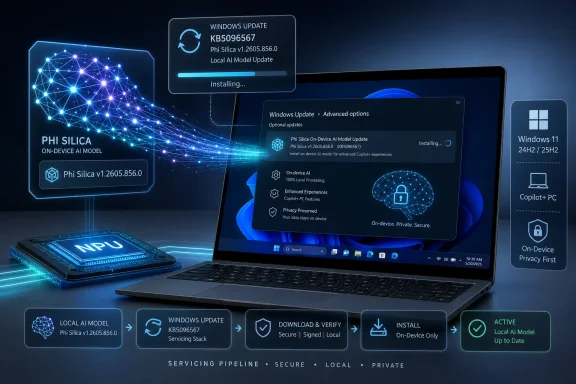
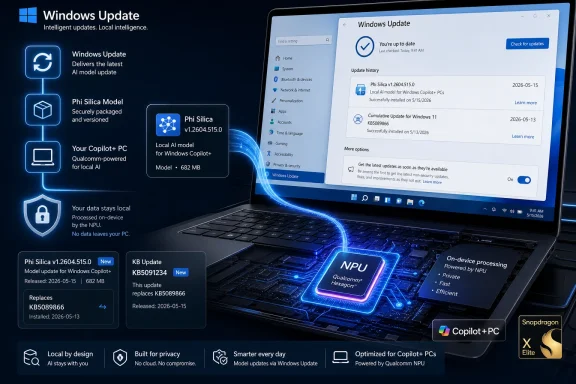
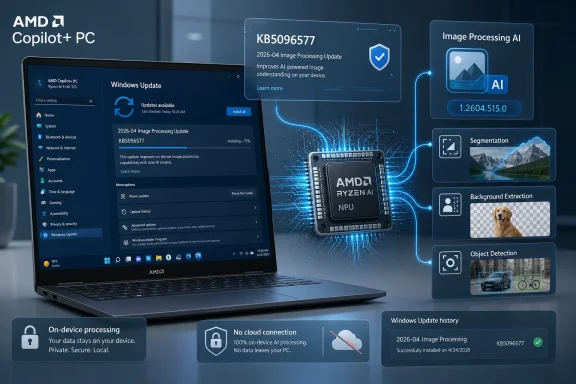
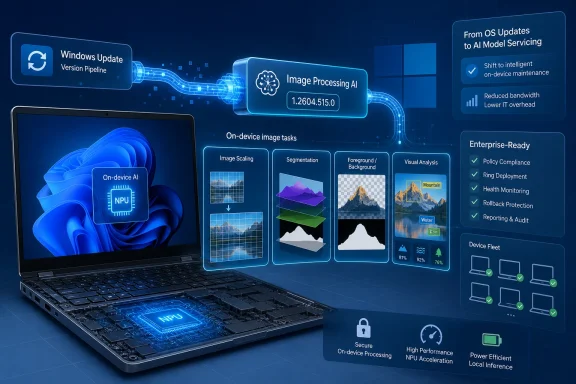
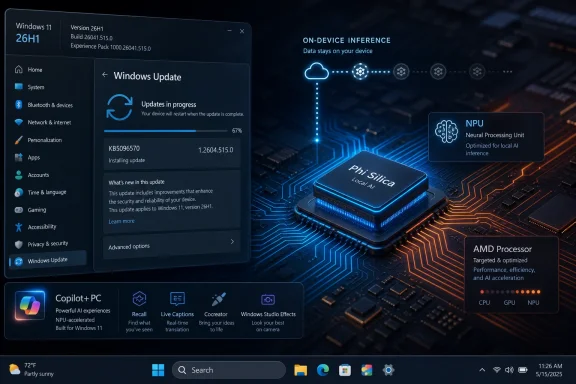
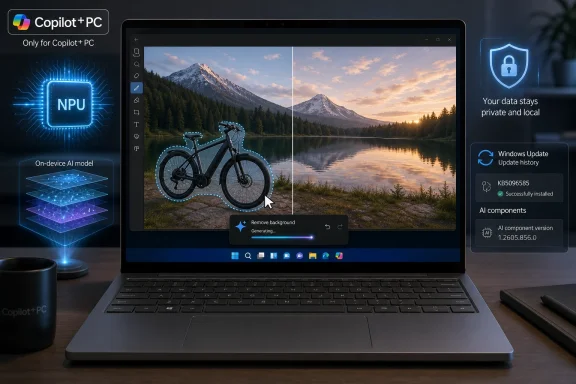
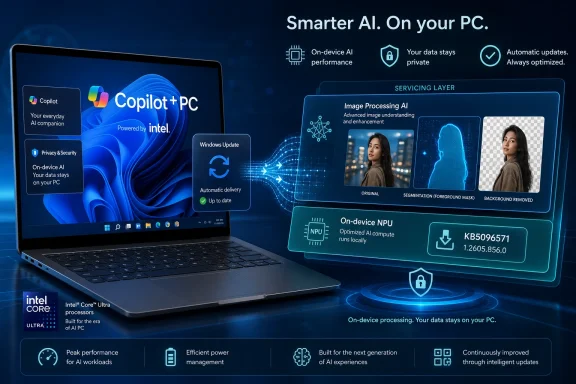
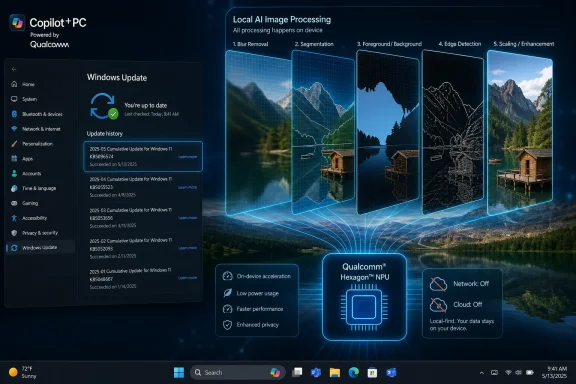
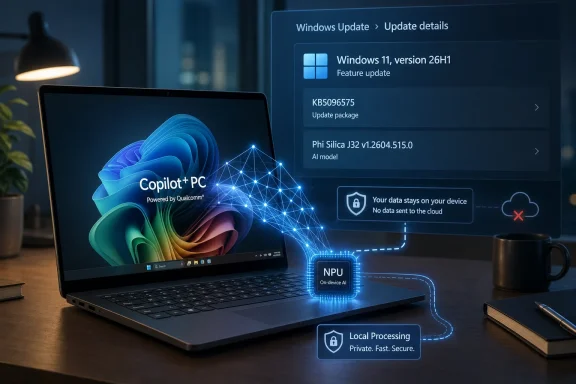
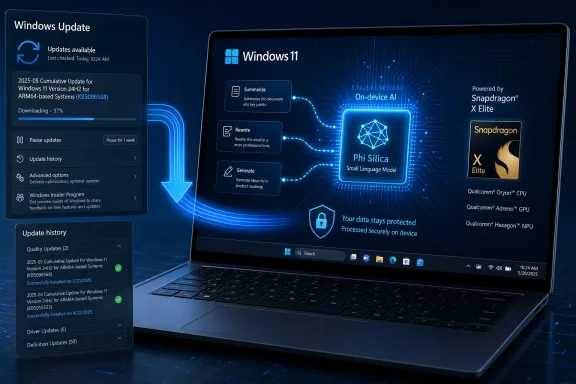
Microsoft has published KB5096570, a May 2026 Phi Silica AI component update that installs version 1.2604.515.0 on AMD-powered Copilot+ PCs running Windows 11 version 26H1, provided the device already has the latest cumulative update installed. The update is small in presentation but large in implication: Windows’ local AI stack is becoming an independently serviced platform, not merely a set of flashy shell features. For AMD Copilot+ systems, that means the language model underneath Windows features and third-party apps can change through Windows Update without waiting for a full OS release. The practical question for administrators is no longer whether AI is “in Windows,” but how often its local models will move under their feet.
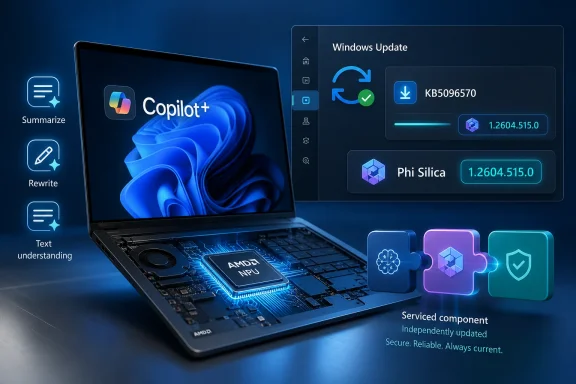
KB5096570 is not a cumulative update, not a driver package in the old sense, and not a Store app refresh. It is an AI component update for Phi Silica, Microsoft’s small language model tuned for local execution on Copilot+ PCs with AMD silicon. The version number, 1.2604.515.0, is the visible artifact of a bigger architectural shift: Windows now has AI components with their own release cadence, dependencies, and update history entries.
That matters because Phi Silica is not just a demo model sitting in a developer sample. Microsoft describes it as a Windows AI component used for on-device language intelligence across Windows features and apps. It supports tasks such as text understanding, summarization, rewriting, and short-form generation, and it is exposed to developers through Windows AI APIs.
The update applies to Windows 11 version 26H1, all editions, but only on Copilot+ PCs. That boundary is not a footnote. Microsoft is drawing a line between ordinary Windows PCs and machines that can run inbox AI workloads locally through a neural processing unit, or NPU.
For AMD-powered Copilot+ PCs, KB5096570 replaces the earlier KB5089864 update. The replacement chain suggests that Microsoft is treating Phi Silica like a maintained platform asset, not a one-time feature payload. For Windows enthusiasts, this is the kind of infrastructure detail that often says more than the marketing page.
Traditional Windows updates change binaries, drivers, policy templates, and security mitigations. AI component updates can change behavior in subtler ways. A summarizer may become more concise. A rewrite operation may adopt a different tone. A local model may reject or transform prompts differently because content filtering behavior has changed. None of that necessarily breaks an API contract, but it can change what users and applications experience.
This is where Microsoft’s on-device AI pitch collides with the enterprise expectation of predictability. Local AI promises privacy and low latency because data can remain on the device. But if the local model is updated automatically through Windows Update, organizations need to understand how model drift will be communicated, tested, and controlled.
KB5096570 does not answer that entire governance question. It does, however, show the mechanism. AI on Windows is not waiting for annual feature drops; it is being fed through the same service machinery that already determines much of the Windows fleet experience.
That creates a new compatibility layer for developers. The old Windows question was usually about OS version, architecture, GPU capability, or optional framework availability. The new question is whether the device belongs to the Copilot+ class and has the right AI components installed. A developer can call Windows AI APIs only if the local platform can satisfy those calls.
Microsoft’s pitch is that developers should not have to package, optimize, and tune their own local language models for every machine. Windows supplies the model, routes execution through the hardware, and provides common APIs. In theory, that gives app makers a simpler path to offline AI features.
In practice, this also makes Microsoft the steward of a new runtime dependency. If a Windows app leans on Phi Silica for summarization or rewriting, it is relying not just on Windows 11, but on a serviced AI model whose version may differ by processor family, update state, region, and channel.
This is the unglamorous side of the Copilot+ promise. Microsoft wants Windows AI APIs to look uniform to developers, but underneath that abstraction sits a matrix of silicon vendors, drivers, firmware, model packages, and operating system builds. KB5096570 is one tile in that matrix.
For users, the result should be boring if everything works. Windows Update downloads the component, installs it automatically, and the device reports “2026-05 Phi Silica version 1.2604.515.0 for AMD-powered systems (KB5096570)” in Update history. The best infrastructure disappears into the background.
For admins, though, boring is earned through visibility. Processor-specific AI packages introduce another category to inventory and validate. Fleet reporting needs to distinguish whether an AMD Copilot+ machine actually has the expected Phi Silica package, not merely whether it is on the right Windows build.
But privacy is not the same as control. A model that runs locally can still be opaque to the organization deploying it. Administrators may know that data is not leaving the device, yet still lack a clear account of how the model was trained, how it was evaluated, what changed between versions, and what failure modes are expected.
Microsoft has started to answer some of that through platform cards and responsible AI documentation, but KB articles like this one remain operational rather than explanatory. They tell you the package exists, where it applies, how it arrives, and how to confirm installation. They do not tell you whether the model’s practical behavior changed in ways that matter to your help desk, compliance team, or line-of-business app.
That gap is not unique to Microsoft. The entire industry is still learning how to communicate model updates in a way that is useful without drowning customers in evaluation jargon. Windows, however, has a special burden because it is the general-purpose client platform for enterprises, governments, schools, developers, and home users.
That is the powerful part. The awkward part is distribution. If an app depends on Phi Silica, it depends on hardware that is still a subset of the Windows installed base. It may need graceful fallback behavior for non-Copilot+ PCs, older Windows versions, unsupported regions, missing updates, or unavailable model packages.
This will shape the first wave of serious Windows AI apps. Developers will be tempted to add on-device AI features as enhancements rather than core requirements, at least until Copilot+ hardware becomes common enough to assume. A document editor might offer local rewrite on supported machines and cloud rewrite elsewhere. A notes app might expose summarization only when the Windows AI API reports availability.
That split could be frustrating, but it is also the normal early life of a platform capability. GPU acceleration, biometric authentication, HDR, and hardware-backed security all went through similar phases. The difference is that AI features are more visible to users and more difficult to characterize when they misbehave.
This has several consequences. First, the health of Windows Update directly affects the reliability of local AI features. A machine stuck behind update failures or deferred servicing policies may not have the expected model component. Second, update history becomes a diagnostic surface for AI behavior. If a user says a local rewrite feature changed this month, the installed Phi Silica version may be part of the investigation.
Third, Microsoft now has a channel for improving local AI outside the tempo of major Windows releases. That is strategically important. Model quality, safety behavior, hardware efficiency, and API reliability can improve over time, and Microsoft can ship those improvements to supported devices automatically.
The tradeoff is that organizations will need more mature policy around AI component updates. Some will accept automatic servicing as part of normal Windows hygiene. Others will want rings, validation windows, reporting, and perhaps rollback guidance. Microsoft’s challenge will be to make those controls visible enough for enterprise IT without turning every model refresh into a research-paper review.
That coupling is not surprising. Local AI depends on APIs, drivers, runtime plumbing, model packages, NPU scheduling, and security boundaries. Those pieces evolve together. A model update may require OS support, and an OS update may expect a newer model package.
For WindowsForum readers who track servicing, this is another reason to watch the distinction between feature updates, enablement packages, cumulative updates, Store-delivered components, and Windows Update-delivered AI components. Microsoft’s client platform has become modular, but modularity does not automatically mean simplicity.
The danger is that users may see “Windows 11” and assume feature parity. The reality is increasingly conditional. Which Windows 11? Which cumulative update? Which processor? Which AI component package? Which region? Which developer API availability state? That is the kind of complexity Windows veterans recognize immediately, even when it arrives under a new AI banner.
That does not mean Microsoft needs to publish every internal benchmark or safety test. It does mean customers will eventually need meaningful categories of change. Did the update improve performance? Did it expand language capability? Did it alter content moderation? Did it fix a crash or availability issue? Did it change output formatting? Did it address a security concern?
The traditional “quality improvements” formulation is already frustrating in cumulative updates. For AI components, it risks being insufficient. A model update can affect workflows in ways that are difficult to reproduce and easy to dismiss as subjective. Better release notes would help users distinguish expected improvement from regression.
Microsoft has an opportunity here. If Windows is to become the mainstream local AI platform, its model servicing should be more transparent than the mobile-app style “bug fixes and performance improvements” that users have learned to distrust. The company does not need to reveal the secret sauce to give administrators and developers a usable map.
That does not mean every organization needs an emergency change board for Phi Silica 1.2604.515.0. It does mean that support teams should know where to look. The KB instructs users to verify installation through Settings, Windows Update, and Update history. In managed environments, administrators will want equivalent reporting through whatever device management stack they use.
The more strategic question is whether organizations allow local AI features at all, and under what conditions. Some will welcome on-device language features precisely because they avoid cloud data transfer. Others will be cautious because local generation still introduces risks around inappropriate output, data handling, user expectations, and compliance documentation.
The worst option is accidental adoption. If Copilot+ PCs enter the fleet as ordinary hardware refreshes, local AI capabilities may arrive before policy catches up. KB5096570 is a reminder that the capability is not hypothetical; it is being serviced now.
There is a genuine upside here. Local summarization and rewriting can feel dramatically different from cloud features when latency is low and the experience is integrated. If Microsoft and developers use Phi Silica well, AI can become less like a chatbot you visit and more like a background capability inside normal Windows workflows.
The privacy argument is also stronger for local AI than for cloud-first assistants. Keeping data on the device reduces exposure and can make AI features acceptable in contexts where cloud processing would be a nonstarter. That does not eliminate every risk, but it changes the risk model.
The messy part is that consumers will rarely know which layer is responsible when something fails. Is the issue the app, the Windows AI API, the Phi Silica model package, the NPU driver, the Windows build, or a regional availability rule? Microsoft’s job is to hide that complexity. Windows history suggests it will not always succeed.
 Microsoft Turns the Model Into a Serviced Windows Component
KB5096570 is not a cumulative update, not a driver package in the old sense, and not a Store app refresh. It is an AI component update for Phi Silica, Microsoft’s small language model tuned for local execution on Copilot+ PCs with AMD silicon. The version number, 1.2604.515.0, is the visible artifact of a bigger architectural shift: Windows now has AI components with their own release cadence, dependencies, and update history entries.That matters because Phi Silica is not just a demo model sitting in a developer sample. Microsoft describes it as a Windows AI component used for on-device language intelligence across Windows features and apps. It supports tasks such as text understanding, summarization, rewriting, and short-form generation, and it is exposed to developers through Windows AI APIs.
The update applies to Windows 11 version 26H1, all editions, but only on Copilot+ PCs. That boundary is not a footnote. Microsoft is drawing a line between ordinary Windows PCs and machines that can run inbox AI workloads locally through a neural processing unit, or NPU.
For AMD-powered Copilot+ PCs, KB5096570 replaces the earlier KB5089864 update. The replacement chain suggests that Microsoft is treating Phi Silica like a maintained platform asset, not a one-time feature payload. For Windows enthusiasts, this is the kind of infrastructure detail that often says more than the marketing page.
The Quiet Update Is the Strategy
The language in KB5096570 is spare: “improvements” for the Phi Silica AI component. Microsoft does not publish a detailed changelog explaining model behavior changes, latency adjustments, accuracy gains, moderation tweaks, or developer-facing compatibility notes. That silence is familiar to anyone who has watched Windows servicing evolve; it is also more consequential when the thing being serviced is a language model.Traditional Windows updates change binaries, drivers, policy templates, and security mitigations. AI component updates can change behavior in subtler ways. A summarizer may become more concise. A rewrite operation may adopt a different tone. A local model may reject or transform prompts differently because content filtering behavior has changed. None of that necessarily breaks an API contract, but it can change what users and applications experience.
This is where Microsoft’s on-device AI pitch collides with the enterprise expectation of predictability. Local AI promises privacy and low latency because data can remain on the device. But if the local model is updated automatically through Windows Update, organizations need to understand how model drift will be communicated, tested, and controlled.
KB5096570 does not answer that entire governance question. It does, however, show the mechanism. AI on Windows is not waiting for annual feature drops; it is being fed through the same service machinery that already determines much of the Windows fleet experience.
Copilot+ PCs Are Becoming a Separate Windows Class
The update is also a reminder that “Windows 11” is no longer a uniform target. A PC running Windows 11 without Copilot+ hardware may receive the same monthly security update as a Copilot+ system, but it will not necessarily have the same local AI substrate. Phi Silica depends on the Copilot+ class of hardware, especially the NPU.That creates a new compatibility layer for developers. The old Windows question was usually about OS version, architecture, GPU capability, or optional framework availability. The new question is whether the device belongs to the Copilot+ class and has the right AI components installed. A developer can call Windows AI APIs only if the local platform can satisfy those calls.
Microsoft’s pitch is that developers should not have to package, optimize, and tune their own local language models for every machine. Windows supplies the model, routes execution through the hardware, and provides common APIs. In theory, that gives app makers a simpler path to offline AI features.
In practice, this also makes Microsoft the steward of a new runtime dependency. If a Windows app leans on Phi Silica for summarization or rewriting, it is relying not just on Windows 11, but on a serviced AI model whose version may differ by processor family, update state, region, and channel.
AMD Gets Its Own AI Servicing Lane
The wording of KB5096570 is specific: this is for AMD-powered systems. That detail is not incidental. Copilot+ PCs have arrived across different silicon platforms, and Microsoft’s AI stack has to account for hardware-specific optimization paths. A model tuned for one NPU environment may require a different package, schedule, or validation process than the same capability on another platform.This is the unglamorous side of the Copilot+ promise. Microsoft wants Windows AI APIs to look uniform to developers, but underneath that abstraction sits a matrix of silicon vendors, drivers, firmware, model packages, and operating system builds. KB5096570 is one tile in that matrix.
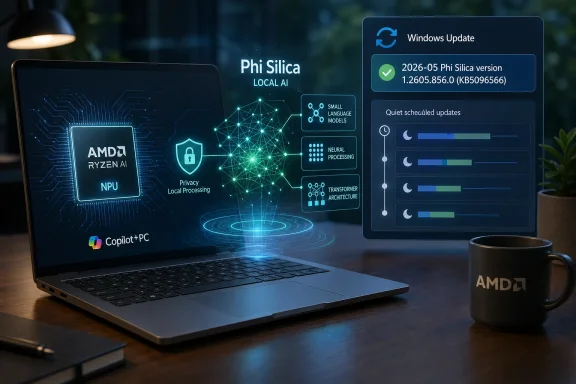
For users, the result should be boring if everything works. Windows Update downloads the component, installs it automatically, and the device reports “2026-05 Phi Silica version 1.2604.515.0 for AMD-powered systems (KB5096570)” in Update history. The best infrastructure disappears into the background.
For admins, though, boring is earned through visibility. Processor-specific AI packages introduce another category to inventory and validate. Fleet reporting needs to distinguish whether an AMD Copilot+ machine actually has the expected Phi Silica package, not merely whether it is on the right Windows build.
The Local AI Pitch Is Privacy, but the Operational Reality Is Control
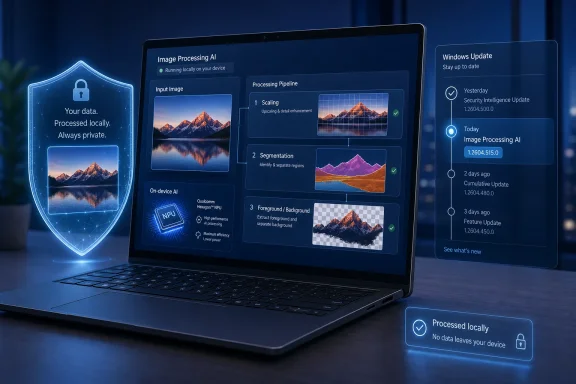
Microsoft’s central claim for Phi Silica is that it runs locally on the device’s NPU, delivering low-latency responses while keeping data local. That is a meaningful distinction from cloud-only AI features. A local summarizer or rewrite engine can be useful in restricted environments where sending text to an external service is undesirable or prohibited.But privacy is not the same as control. A model that runs locally can still be opaque to the organization deploying it. Administrators may know that data is not leaving the device, yet still lack a clear account of how the model was trained, how it was evaluated, what changed between versions, and what failure modes are expected.
Microsoft has started to answer some of that through platform cards and responsible AI documentation, but KB articles like this one remain operational rather than explanatory. They tell you the package exists, where it applies, how it arrives, and how to confirm installation. They do not tell you whether the model’s practical behavior changed in ways that matter to your help desk, compliance team, or line-of-business app.
That gap is not unique to Microsoft. The entire industry is still learning how to communicate model updates in a way that is useful without drowning customers in evaluation jargon. Windows, however, has a special burden because it is the general-purpose client platform for enterprises, governments, schools, developers, and home users.
The Developer Story Is Powerful and Awkward
For developers, Phi Silica is one of the more interesting parts of Microsoft’s AI strategy because it offers a local model without the usual deployment headache. A Windows app can use platform APIs for text generation, summarization, rewriting, and related language tasks. No cloud API key is required for the local execution path, and the model is optimized for supported Copilot+ hardware.That is the powerful part. The awkward part is distribution. If an app depends on Phi Silica, it depends on hardware that is still a subset of the Windows installed base. It may need graceful fallback behavior for non-Copilot+ PCs, older Windows versions, unsupported regions, missing updates, or unavailable model packages.
This will shape the first wave of serious Windows AI apps. Developers will be tempted to add on-device AI features as enhancements rather than core requirements, at least until Copilot+ hardware becomes common enough to assume. A document editor might offer local rewrite on supported machines and cloud rewrite elsewhere. A notes app might expose summarization only when the Windows AI API reports availability.
That split could be frustrating, but it is also the normal early life of a platform capability. GPU acceleration, biometric authentication, HDR, and hardware-backed security all went through similar phases. The difference is that AI features are more visible to users and more difficult to characterize when they misbehave.
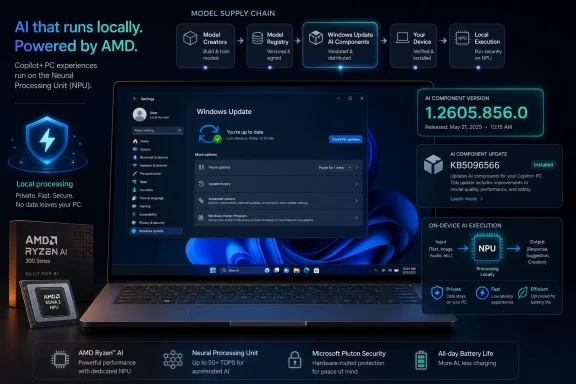
Windows Update Becomes the AI Supply Chain
The most important sentence in the KB is the ordinary one: the update will be downloaded and installed automatically from Windows Update. That makes Windows Update part of the AI supply chain. It is no longer merely delivering fixes for the OS around AI features; it is delivering the AI component itself.This has several consequences. First, the health of Windows Update directly affects the reliability of local AI features. A machine stuck behind update failures or deferred servicing policies may not have the expected model component. Second, update history becomes a diagnostic surface for AI behavior. If a user says a local rewrite feature changed this month, the installed Phi Silica version may be part of the investigation.
Third, Microsoft now has a channel for improving local AI outside the tempo of major Windows releases. That is strategically important. Model quality, safety behavior, hardware efficiency, and API reliability can improve over time, and Microsoft can ship those improvements to supported devices automatically.
The tradeoff is that organizations will need more mature policy around AI component updates. Some will accept automatic servicing as part of normal Windows hygiene. Others will want rings, validation windows, reporting, and perhaps rollback guidance. Microsoft’s challenge will be to make those controls visible enough for enterprise IT without turning every model refresh into a research-paper review.
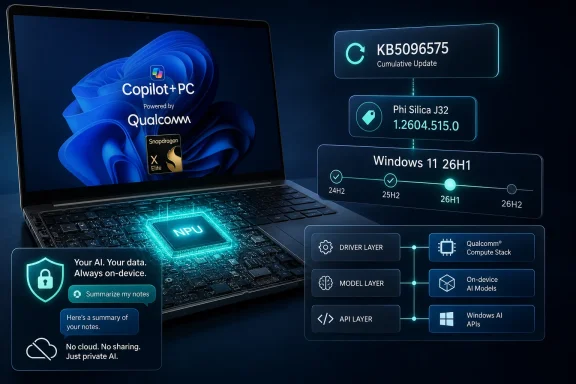
Version 26H1 Signals a Faster Windows AI Track
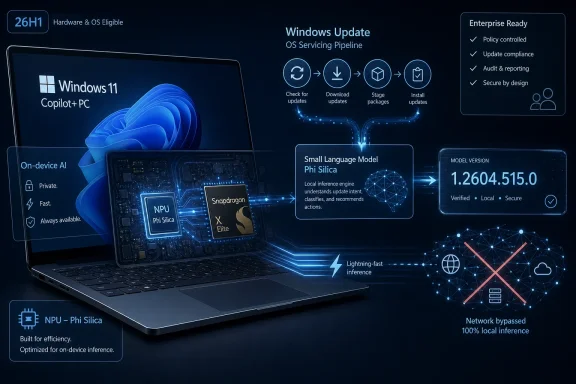
The prerequisite that devices must have the latest cumulative update for Windows 11 version 26H1 installed is also revealing. Windows 11 26H1 is the platform context for this update, and the AI component is being serviced in relation to that branch. Whether Microsoft ultimately makes 26H1 a broad consumer milestone or a targeted platform release, the naming reinforces that AI features are tightly coupled to current Windows builds.That coupling is not surprising. Local AI depends on APIs, drivers, runtime plumbing, model packages, NPU scheduling, and security boundaries. Those pieces evolve together. A model update may require OS support, and an OS update may expect a newer model package.
For WindowsForum readers who track servicing, this is another reason to watch the distinction between feature updates, enablement packages, cumulative updates, Store-delivered components, and Windows Update-delivered AI components. Microsoft’s client platform has become modular, but modularity does not automatically mean simplicity.
The danger is that users may see “Windows 11” and assume feature parity. The reality is increasingly conditional. Which Windows 11? Which cumulative update? Which processor? Which AI component package? Which region? Which developer API availability state? That is the kind of complexity Windows veterans recognize immediately, even when it arrives under a new AI banner.
The Changelog Problem Will Not Stay Small
KB5096570 is a modest update today because Microsoft frames it as an improvement package. But as Phi Silica becomes more important to Windows features and third-party apps, the lack of granular release notes will become harder to ignore. AI behavior is product behavior. If the model changes, the product changes.That does not mean Microsoft needs to publish every internal benchmark or safety test. It does mean customers will eventually need meaningful categories of change. Did the update improve performance? Did it expand language capability? Did it alter content moderation? Did it fix a crash or availability issue? Did it change output formatting? Did it address a security concern?
The traditional “quality improvements” formulation is already frustrating in cumulative updates. For AI components, it risks being insufficient. A model update can affect workflows in ways that are difficult to reproduce and easy to dismiss as subjective. Better release notes would help users distinguish expected improvement from regression.
Microsoft has an opportunity here. If Windows is to become the mainstream local AI platform, its model servicing should be more transparent than the mobile-app style “bug fixes and performance improvements” that users have learned to distrust. The company does not need to reveal the secret sauce to give administrators and developers a usable map.
The Admin Job Expands From Patch Compliance to Model Awareness
For IT departments, KB5096570 is the kind of update that should trigger a small but important process change. Patch compliance dashboards have traditionally focused on cumulative updates, security baselines, driver versions, firmware, and application inventory. AI component versions now deserve a line in that inventory for fleets that include Copilot+ PCs.That does not mean every organization needs an emergency change board for Phi Silica 1.2604.515.0. It does mean that support teams should know where to look. The KB instructs users to verify installation through Settings, Windows Update, and Update history. In managed environments, administrators will want equivalent reporting through whatever device management stack they use.
The more strategic question is whether organizations allow local AI features at all, and under what conditions. Some will welcome on-device language features precisely because they avoid cloud data transfer. Others will be cautious because local generation still introduces risks around inappropriate output, data handling, user expectations, and compliance documentation.
The worst option is accidental adoption. If Copilot+ PCs enter the fleet as ordinary hardware refreshes, local AI capabilities may arrive before policy catches up. KB5096570 is a reminder that the capability is not hypothetical; it is being serviced now.
The Consumer Benefit Is Real, Even If the Plumbing Is Messy
For everyday users with AMD-powered Copilot+ PCs, the update should simply make local AI features better. That is the promise of the component model. You buy a machine with an NPU, Windows supplies optimized AI building blocks, and improvements arrive over time without needing the user to understand model packaging.There is a genuine upside here. Local summarization and rewriting can feel dramatically different from cloud features when latency is low and the experience is integrated. If Microsoft and developers use Phi Silica well, AI can become less like a chatbot you visit and more like a background capability inside normal Windows workflows.
The privacy argument is also stronger for local AI than for cloud-first assistants. Keeping data on the device reduces exposure and can make AI features acceptable in contexts where cloud processing would be a nonstarter. That does not eliminate every risk, but it changes the risk model.
The messy part is that consumers will rarely know which layer is responsible when something fails. Is the issue the app, the Windows AI API, the Phi Silica model package, the NPU driver, the Windows build, or a regional availability rule? Microsoft’s job is to hide that complexity. Windows history suggests it will not always succeed.
KB5096570 Shows the Fine Print of the Copilot+ Bet
The practical reading of KB5096570 is simple: supported AMD Copilot+ PCs on Windows 11 26H1 get a newer Phi Silica package automatically, and users can confirm it in Update history. The strategic reading is more interesting: Microsoft is turning local AI into a serviced Windows platform layer, with all the benefits and governance headaches that implies.- KB5096570 installs Phi Silica version 1.2604.515.0 for AMD-powered Copilot+ PCs running Windows 11 version 26H1.
- The update is delivered automatically through Windows Update and requires the latest cumulative update for Windows 11 26H1.
- The package replaces KB5089864, indicating that Microsoft is maintaining Phi Silica through a regular component-update chain.
- Phi Silica provides local language capabilities such as summarization, rewriting, text understanding, and short-form generation through Windows features and Windows AI APIs.
- Administrators should treat AI component versions as part of device inventory for Copilot+ fleets, especially where app behavior or compliance depends on local AI.
- Developers should design graceful fallbacks because Phi Silica availability depends on Copilot+ hardware, update state, platform support, and Microsoft’s Windows AI API requirements.
References
- Primary source: Microsoft Support
Published: Tue, 26 May 2026 21:03:05 Z