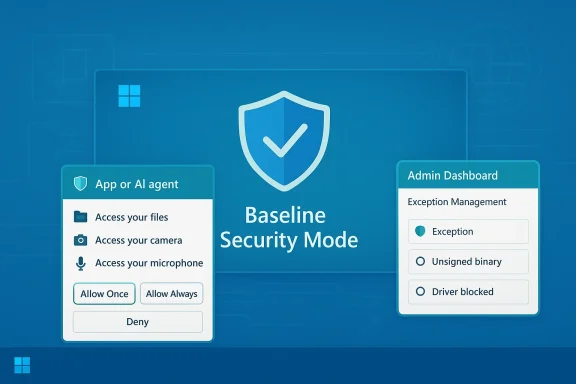
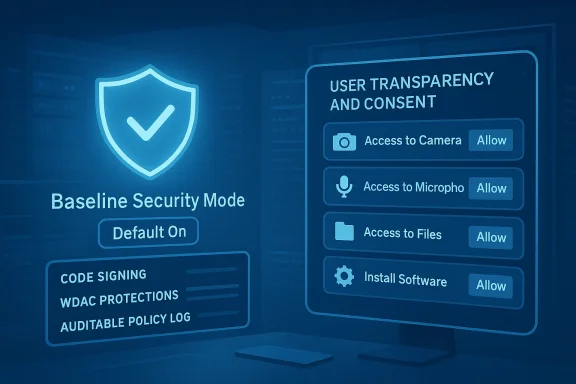
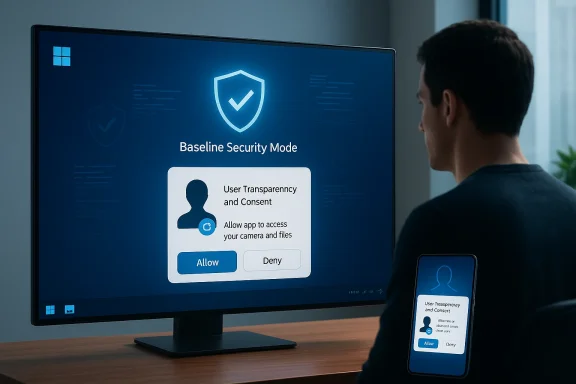
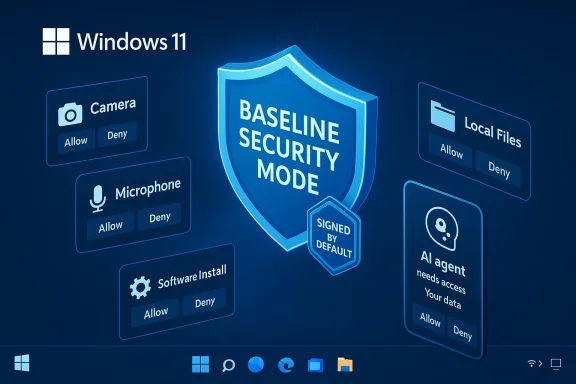
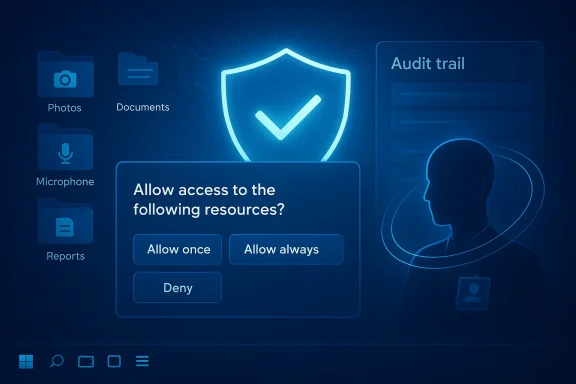
Microsoft’s latest security push for Windows 11 marks a deliberate turn toward a consent-first, secure‑by‑default desktop: the company has announced Windows Baseline Security Mode (BSM) and User Transparency and Consent, a pair of features that together limit runtime execution to verified binaries and bring smartphone‑style permission prompts for camera, microphone, files and other sensitive resources.
For years, Windows has balanced openness with a patchwork of optional hardening features—HVCI, WDAC, Smart App Control and others—that organizations could enable when needed. Microsoft’s new approach consolidates those protections into a baseline that is intended to be enabled by default for most devices, while pairing it with an explicit consent model for resource access so users and IT get greater visibility into what apps and AI agents do on their machines.
This is not a narrow security update; Microsoft frames BSM and User Transparency and Consent as part of broader company programs—the Secure Future Initiative and the Windows Resiliency Initiative—aimed at shoring up defenses against modern threats, including agentic and AI‑driven attacks. Microsoft also notes that Windows 11 runs on over a billion devices, underlining the scale and stakes of these platform changes.
From a platform perspective, the move is consequential because Windows 11 is now ubiquitous. Changes that affect default runtime policies and permission UX will ripple across consumer PCs, OEM images, and enterprise fleets. The goal is to protect over a billion devices without abandoning Windows’ longstanding openness, but the tradeoffs are nontrivial.
That said, some specific platform‑level changes are already arriving in February 2026 cumulative updates—for example, Microsoft has adjusted administrative gating for certain Settings pages and system privileges, illustrating the broader hardening posture that accompanies BSM and consent efforts. Expect more incremental changes rather than one big switch.
The partnership strategy is prudent: platform‑scale changes succeed when third‑party ecosystem players are given time and tools to adapt, rather than being forced into rushed rewrites that disrupt businesses or degrade user choice.
However, success depends on three things:
Either way, the message is clear: Windows is moving from “permissive by default” to “secure by default with user control,” and every stakeholder—users, developers and IT—has concrete tasks to complete before the baseline becomes the norm.
In short: expect more dialogs and stricter defaults, plan for migration and testing, and treat this as a strategic shift in how Windows protects users and devices going forward.
Source: WinBuzzer Microsoft Brings iOS-Style Permissions to Windows 11
 Background / Overview
For years, Windows has balanced openness with a patchwork of optional hardening features—HVCI, WDAC, Smart App Control and others—that organizations could enable when needed. Microsoft’s new approach consolidates those protections into a baseline that is intended to be enabled by default for most devices, while pairing it with an explicit consent model for resource access so users and IT get greater visibility into what apps and AI agents do on their machines. This is not a narrow security update; Microsoft frames BSM and User Transparency and Consent as part of broader company programs—the Secure Future Initiative and the Windows Resiliency Initiative—aimed at shoring up defenses against modern threats, including agentic and AI‑driven attacks. Microsoft also notes that Windows 11 runs on over a billion devices, underlining the scale and stakes of these platform changes.
What Microsoft announced — the essentials
Windows Baseline Security Mode (BSM)
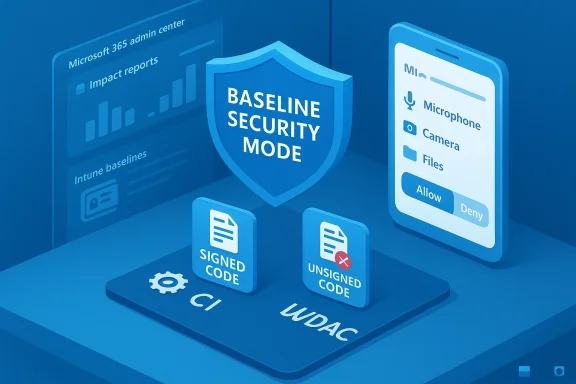
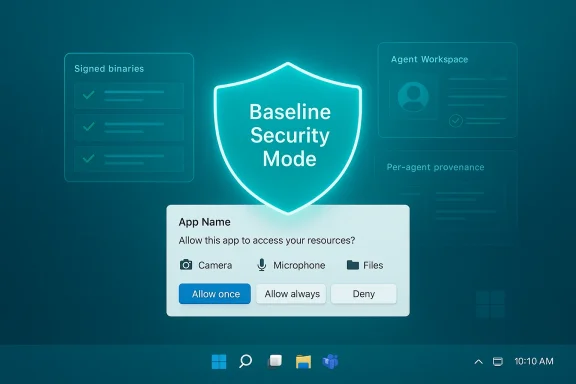
- Runtime integrity by default: BSM enforces that only properly signed apps, services and drivers are allowed to run unless a specific, auditable exception has been granted. This moves signature‑based integrity from an optional defense into a default system posture.
- Granular exceptions and APIs: Administrators and end users can create exceptions for specific apps; Microsoft also exposes APIs so applications can detect whether the baseline protections are active and whether exceptions exist for their components, enabling graceful failure modes and guided remediation.
- Consolidation of prior tech: The baseline stitches together functionality and lessons from Device Guard, WDAC, HVCI and Smart App Control into a single, auditable baseline that administrators can simulate and apply centrally.
User Transparency and Consent
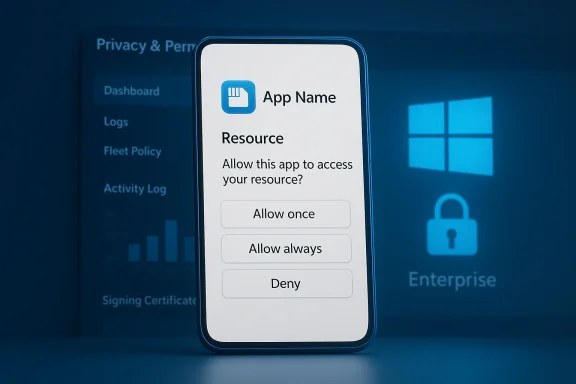
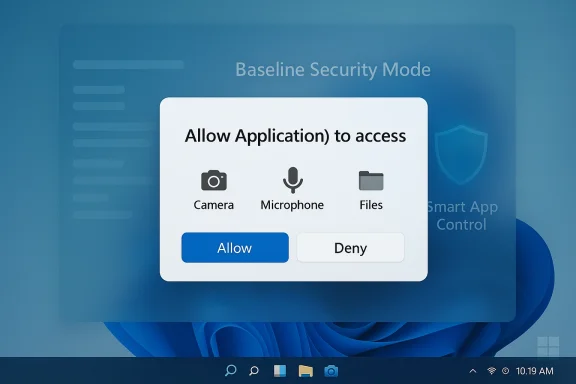
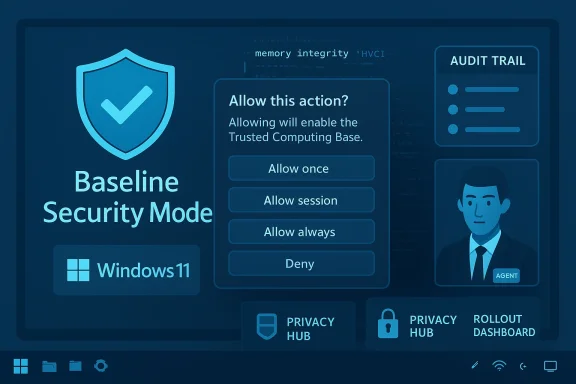
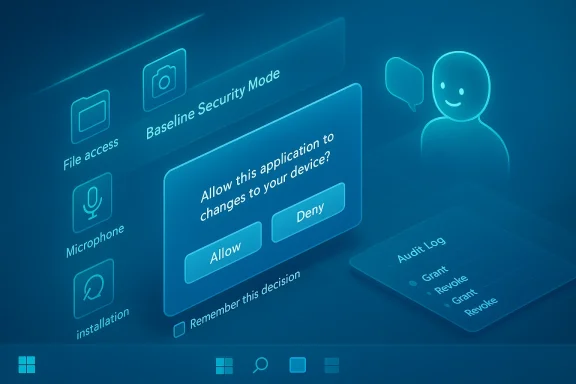
- Permission dialogs at runtime: Windows will surface standardized, human‑readable dialogs whenever apps (and agentic AI components) attempt to access sensitive resources such as files, camera, microphone, or try to install other software. Prompts can be one‑time, temporary (expires when the app closes), or persistent, and users can review and revoke permissions from system settings later.
- Audit trail and management: Consent decisions are logged for later review, giving users and IT teams an audit trail to detect abuse or unexpected access patterns. Administrators gain centralized visibility and management controls for pre‑authorizing apps at scale.
- Agent visibility: Because AI agents can act autonomously, Microsoft is requiring higher transparency for agent principals—distinct identities, logged actions, and clearer provenance for operations. This is intended to prevent opaque agent behavior that could otherwise bypass user expectations.
Why this matters now: threat context and platform scale
Attack vectors have evolved. Legacy unsigned installers, permissive driver loading, and loosely governed background services remain powerful persistence and escalation channels for attackers. At the same time, AI and agentic software amplify the rate and sophistication of attacks by enabling automated, context‑aware exploitation. Locking default runtime behavior to signed artifacts and forcing explicit consent for sensitive actions removes common blind spots exploited in modern compromises.From a platform perspective, the move is consequential because Windows 11 is now ubiquitous. Changes that affect default runtime policies and permission UX will ripple across consumer PCs, OEM images, and enterprise fleets. The goal is to protect over a billion devices without abandoning Windows’ longstanding openness, but the tradeoffs are nontrivial.
Technical mechanics — what to expect under the hood
How BSM enforces integrity
- Code signing enforcement: At runtime, Windows will block execution of unsigned or improperly signed binaries, drivers, and services unless they are placed on an explicit exception list. The enforcement resembles macOS Gatekeeper and iOS runtime restrictions but is being implemented with the flexibility needed for PC workflows.
- Lower‑level enforcement than AV whitelists: BSM operates at a deeper level than traditional antivirus whitelisting; it’s intended to be systemic and auditable rather than a best‑effort signature match maintained by third‑party tools.
- Admin and user exception flows: Exceptions are auditable and revocable; administrators can pre‑approve apps across an organization, while end users on unmanaged devices can grant per‑app exceptions when necessary. The platform exposes APIs so apps can detect enforcement state and guide users.
How User Transparency and Consent works
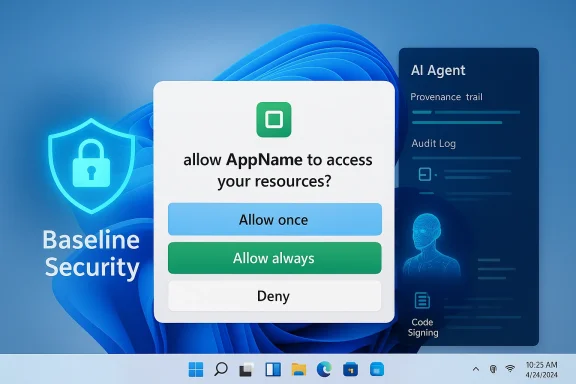
- Standardized prompts: When an app requests a sensitive resource (camera, microphone, the file system, installation of other software), Windows will show a dialog that names the app, the specific resource, and the action requested. Users can choose Allow once, Allow always, or Deny/Ask every time.
- Time‑boxed access: The platform allows temporary permissions that expire when the app closes, reducing persistent permission creep. Decisions are logged into an audit trail users or administrators can inspect.
- Agent model and identity: AI agents will be treated as distinct principals with per‑agent permission pages, separate accounts for runtime isolation, and visible progress or intervention controls in an "Agent Workspace" model described in preview materials. This architecture aims to surface where agents operate, what they access, and when they act autonomously.
What this means for developers
The transition demands practical changes from the developer community:- Code signing becomes essential. Apps that previously shipped unsigned will need code signing certificates to avoid being blocked by default baselines. That introduces recurring costs (certificate issuance and lifecycle management) and process changes for independent or hobbyist developers.
- Capability declarations and API integration. Apps should declare capabilities and use the APIs Microsoft exposes to detect enforcement state and handle consent flows gracefully. Failure to do so will produce poor UX and broken functionality when permissions or BSM blocks apply.
- Design for least privilege. Developers should minimize elevation requirements, prefer per‑user installs, and avoid unsigned kernel components or drivers unless absolutely necessary. When drivers or low‑level components are required, developers must provide documentation and clear guidance for enterprise exception processes.
- Obtain and manage code signing certificates with rotation and revocation plans.
- Use newly documented APIs to detect baseline enforcement and surface clear remediation instructions.
- Test installs and runtime scenarios in Insider builds and pilot programs before general availability.
Enterprise considerations and operational guidance
For IT and security teams, BSM and User Transparency and Consent change both enforcement options and operational playbooks.- Inventory first: Catalog legacy apps, custom drivers, and third‑party installers that rely on unsigned components or legacy protocols. Prioritize remediation.
- Pilot and simulation: Use simulation modes and impact reports where available to surface compatibility issues before enforcement. Microsoft’s Baseline Security Mode tooling in the Microsoft 365 admin center already includes simulation and impact analysis capabilities for tenant‑level services, and the Windows rollout is expected to follow a similarly cautious, phased approach.
- Exception governance: Create formal exception approval workflows with TTLs and audit trails to prevent the proliferation of permanent, unchecked exceptions.
- Helpdesk preparation: Expect increased tickets during transition windows; prepare KB articles and escalation paths for common breakage scenarios.
Benefits: stronger defaults, greater transparency
These changes deliver several tangible security gains:- Reduces stealthy abuse: Default‑deny for sensitive sensors and code execution closes common exploitation vectors where elevated processes or unsigned installers are used for stealthy data access or persistence.
- Gives users control: Revocable permissions, audit logs and one‑time grants help prevent permission creep and empower users to manage app privileges directly.
- Improves enterprise governance: Centralized dashboards and impact analysis allow admins to manage rollout carefully and pre‑authorize well‑known enterprise tools, reducing disruption while raising the overall security baseline across fleets.
- Aligns with privacy frameworks: Consent and audit trails map better to regulatory expectations around informed user consent and accountability.
Risks, friction points, and realistic limits
No security model is a panacea. Microsoft’s plan strengthens default defenses but also concentrates new risks and operational burdens:- Compatibility headaches: The PC ecosystem is heterogeneous. Legacy vertical applications and bespoke drivers are likely to break without careful exception management or rewrites. The risk is highest in industrial, medical and specialized environments where unsigned drivers or legacy installers remain common.
- Supply chain pressure: When signing becomes a gate, attackers will target signing infrastructure, stolen certificates, or update channels. A stronger signing posture must be paired with provenance attestation, monitoring, and robust certificate lifecycle controls to avoid creating a single, high‑value target.
- Consent fatigue and social engineering: Frequent prompts, poorly worded dialogs, or dialogs that mimic legitimate workflows can cause users to reflexively allow access. Microsoft’s UX design and prompt timing will determine whether the consent model improves security or merely shifts attack vectors toward social engineering.
- Operational overhead: Exception governance, pilot programs, and vendor remediation will require time, budget and coordination. Smaller organizations and independent developers face the steepest burden.
How Microsoft plans to roll this out
Microsoft is taking a phased rollout strategy. The company has already rolled Baseline Security Mode concepts into Microsoft 365 admin tooling and begun previewing Windows‑side features in Insider channels, with simulation and dashboard tools to assess impact before enforcement. Public preview timelines for tenant‑level baselines have been documented, and Microsoft states Windows changes will be rolled out with community and OEM collaboration to avoid abrupt breakage. However, exact consumer rollout timelines for the full BSM enforcement on unmanaged consumer PCs remain subject to further announcements.That said, some specific platform‑level changes are already arriving in February 2026 cumulative updates—for example, Microsoft has adjusted administrative gating for certain Settings pages and system privileges, illustrating the broader hardening posture that accompanies BSM and consent efforts. Expect more incremental changes rather than one big switch.
Industry reaction and partnership approach
Microsoft’s partner outreach is deliberate: the company is collaborating with password managers, security vendors and AI companies to refine implementation during rollout. Security vendors publicly welcome a more consistent runtime model that reduces noise and makes telemetry more reliable, while password and identity vendors stress the importance of protecting credential vaults via clearer privilege boundaries. These partnerships aim to surface compatibility problems early and create tooling that eases migration.The partnership strategy is prudent: platform‑scale changes succeed when third‑party ecosystem players are given time and tools to adapt, rather than being forced into rushed rewrites that disrupt businesses or degrade user choice.
Practical checklist — what users, IT, and developers should do right now
- For IT administrators:
- Audit installed apps, drivers and unsigned components.
- Run pilot simulations and impact reports before applying baseline policies.
- Define exception governance with TTLs and approval workflows.
- For developers:
- Acquire and correctly implement code‑signing certificates.
- Integrate APIs to detect enforcement and show clear remediation UX.
- Reduce reliance on kernel drivers and elevation where possible.
- For end users:
- Treat new prompts as protective moments—deny unexpected requests and investigate.
- Prefer apps from reputable publishers that sign their software and explain why resources are needed.
- If you manage business devices, coordinate with IT before granting persistent exceptions.
Final analysis: a defensible step with tradeoffs
Microsoft’s shift toward Windows Baseline Security Mode and User Transparency and Consent acknowledges a clear reality: the cost of openness without defaults has risen as attackers scale their capabilities with automation and supply‑chain techniques. The technical direction makes sense—enforce code integrity by default and require explicit, revocable consent for sensitive resources—because it eliminates a class of silent abuses and gives administrators central tools to manage policy at scale.However, success depends on three things:
- Quality of execution: Prompts must be designed to minimize fatigue and resist spoofing; exception flows must be safe and auditable.
- Ecosystem cooperation: Independent developers and vertical vendors need runway, tooling and clear guidance to migrate without breaking workflows.
- Layered defenses: Signing enforcement must be paired with provenance checks, monitoring for signing abuse, and robust revocation practices to avoid creating high‑value attack surfaces.
Either way, the message is clear: Windows is moving from “permissive by default” to “secure by default with user control,” and every stakeholder—users, developers and IT—has concrete tasks to complete before the baseline becomes the norm.
In short: expect more dialogs and stricter defaults, plan for migration and testing, and treat this as a strategic shift in how Windows protects users and devices going forward.
Source: WinBuzzer Microsoft Brings iOS-Style Permissions to Windows 11