


Member details
- Joined
- May 25, 2009
- Messages
- 6,684
Hi
I know how to create a theme in Windows 10 by putting all the image in a folder and pointing to it.
What I want to know is there a way to save it as a Theme file, the way that the are in the Microsoft store, so that you can download the whole thing as one file?
I'm working on my Rise of the Tomb Raider theme and I'd like to make it available to other Lara Croft fans once I get it done.
Right now I have 24 images saved (out of a couple of hundred taken) and I'm only 22% of the way through the game.
Here's just a couple of samples....
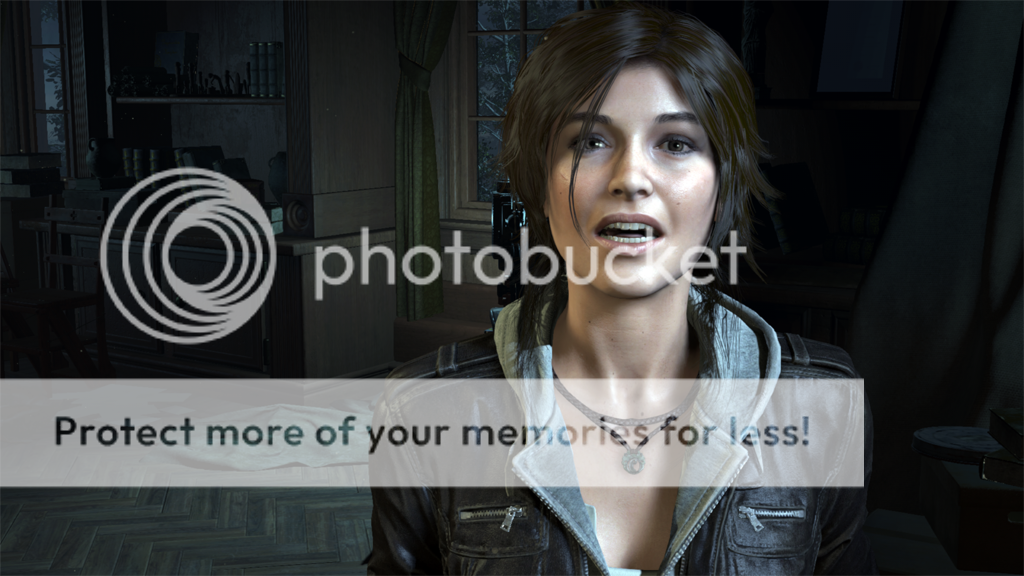
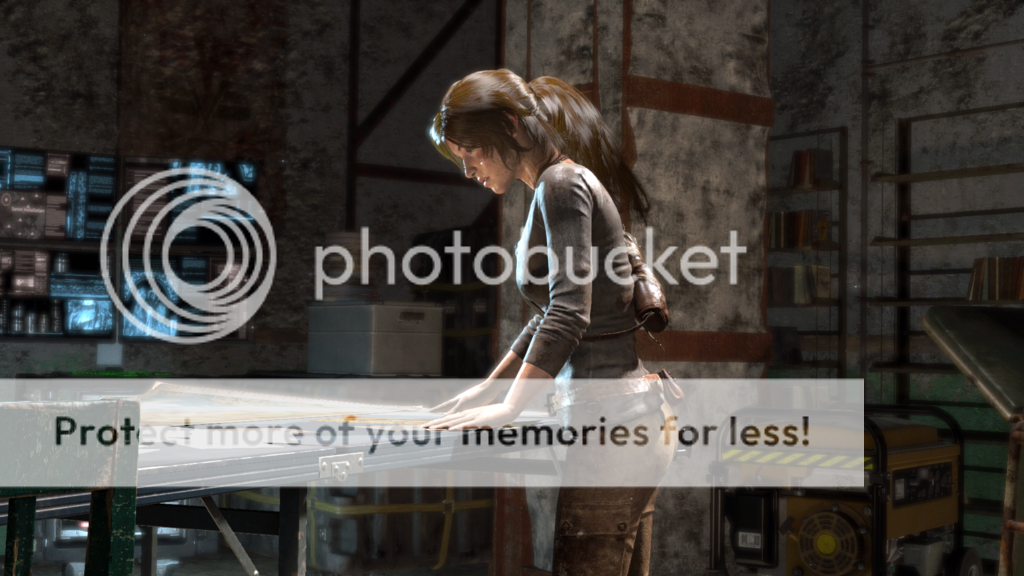
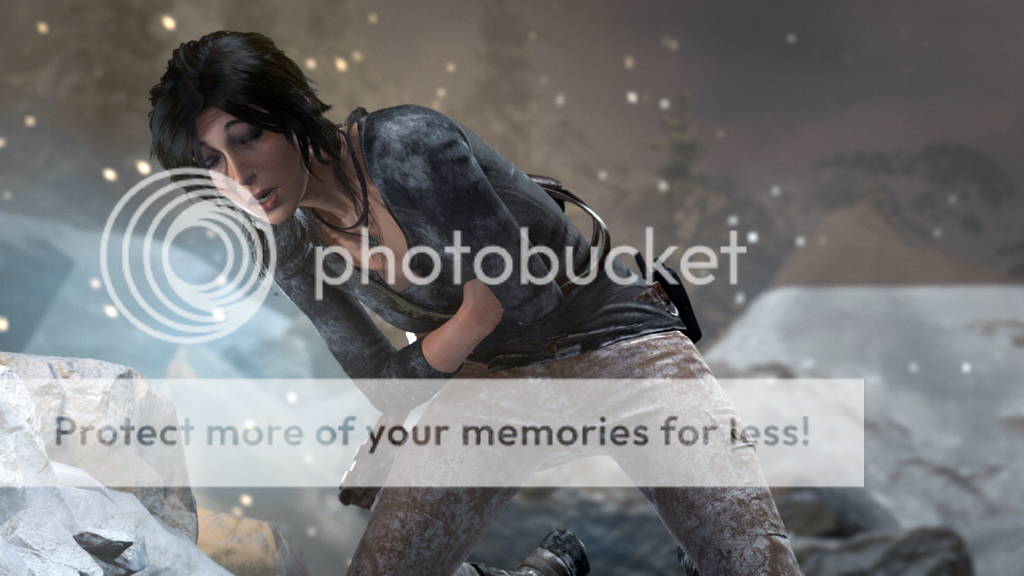
The graphics in this game are fantastic, it's hard to believe that these are really screen shots and not images created for promotion, but I took all of these using the "Windows Key + Print Screen option.
Game play is great too!
Mike
PS. I found it...
Create a theme
Not complicated, I haven't done it yet but I'll give it a try tomorrow.
I know how to create a theme in Windows 10 by putting all the image in a folder and pointing to it.
What I want to know is there a way to save it as a Theme file, the way that the are in the Microsoft store, so that you can download the whole thing as one file?
I'm working on my Rise of the Tomb Raider theme and I'd like to make it available to other Lara Croft fans once I get it done.
Right now I have 24 images saved (out of a couple of hundred taken) and I'm only 22% of the way through the game.
Here's just a couple of samples....
The graphics in this game are fantastic, it's hard to believe that these are really screen shots and not images created for promotion, but I took all of these using the "Windows Key + Print Screen option.
Game play is great too!
Mike
PS. I found it...
Create a theme
Not complicated, I haven't done it yet but I'll give it a try tomorrow.
Last edited:


