

Dear all, I'm configuring my domain controller (Windows Server 2012 R2) to be synchronized with pool.ntp.org but the w32time source still remain Local CMOS Clock.
- The PDC is a VM (VMware 6.0) and there is only this DC in the domain.
- I tried to use VM client to sync with NTP server and it is successful (I can see its port 123 UDP traffic from router NAT table), means the port didn't block. And the time for VM client has 5 minutes delay although synced with NTP server.
- already disabled VM client time synchronization to guest OS.
- Already restart and re-register the PDC w32time service, configure the pool.ntp.org peerlist successful, but when query status still pointing to Local CMOS Clock.
- When query configuration, type is 'NTP' and NTPServer is 'pool.ntp.org'
- No group policy about time server.
- Windows Firewall and antivirus already turned off
- Already checked the Windows Time registry of PDC from other domain and the settings are same.

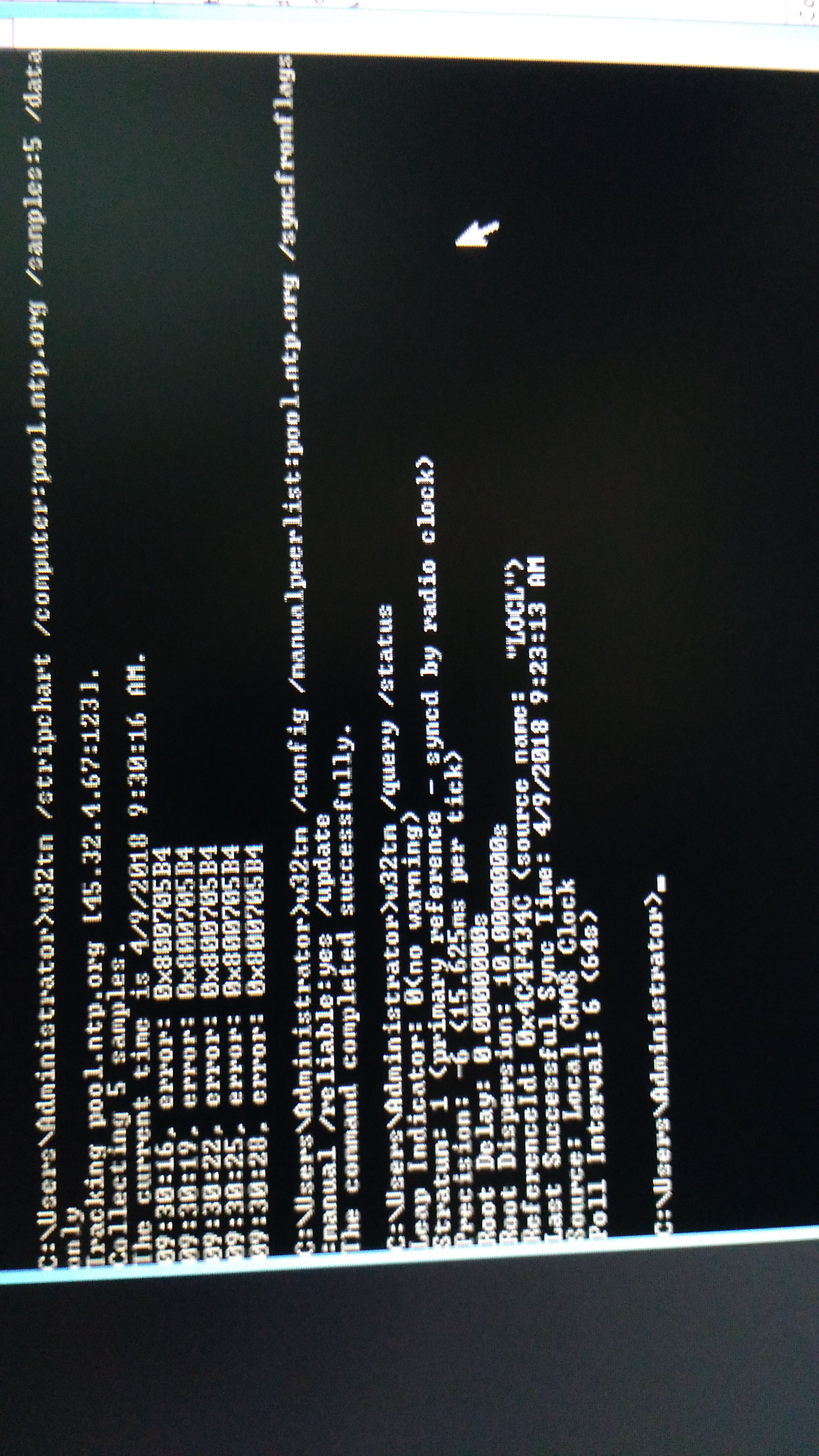
Any idea how to resolve this?
- The PDC is a VM (VMware 6.0) and there is only this DC in the domain.
- I tried to use VM client to sync with NTP server and it is successful (I can see its port 123 UDP traffic from router NAT table), means the port didn't block. And the time for VM client has 5 minutes delay although synced with NTP server.
- already disabled VM client time synchronization to guest OS.
- Already restart and re-register the PDC w32time service, configure the pool.ntp.org peerlist successful, but when query status still pointing to Local CMOS Clock.
- When query configuration, type is 'NTP' and NTPServer is 'pool.ntp.org'
- No group policy about time server.
- Windows Firewall and antivirus already turned off
- Already checked the Windows Time registry of PDC from other domain and the settings are same.
Any idea how to resolve this?

