

📎 AI Summary:
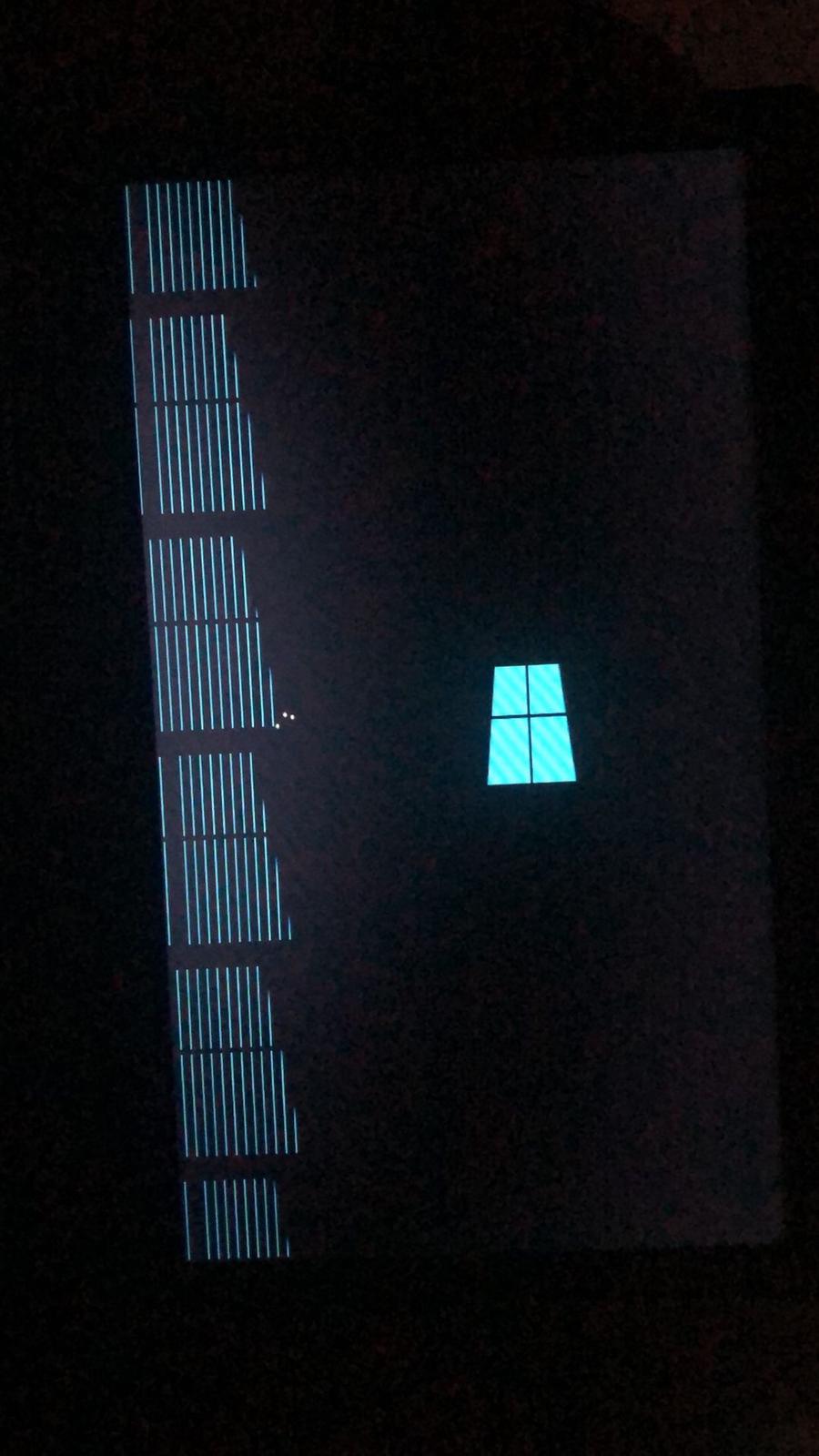
The thread discusses issues with installing Windows 10 from a USB on a laptop currently running Windows 7. The original poster experiences freezing during installation despite using a genuine Windows 10 image and multiple USB drives. Responders suggest verifying the integrity of the installation image, checking USB hardware, and ensuring the device has compatible drivers for Windows 10, implying these factors could be causing the installation problem.
The thread discusses issues with installing Windows 10 from a USB on a laptop currently running Windows 7. The original poster experiences freezing during installation despite using a genuine Windows 10 image and multiple USB drives. Responders suggest verifying the integrity of the installation image, checking USB hardware, and ensuring the device has compatible drivers for Windows 10, implying these factors could be causing the installation problem.


helpifIcan
Fantastic Member
Member details
- Joined
- Jun 20, 2009
- Messages
- 932
Make sure you have a valid win10 image. If you do it could be corrupt. If not corrupt cloud be a defective USB dongle.
helpifIcan
Fantastic Member
Member details
- Joined
- Jun 20, 2009
- Messages
- 932
If you can image your drive and then try an install with formatting of the drive. If that fails you should be able to just restore the image and at least be back where you were.

Varadharajan K
Well-Known Member
Member details
- Joined
- May 22, 2020
- Messages
- 46
Make sure your desktop motherboard or laptop is supported windows 10 drivers , if not means windows 10 won't install.Make sure you have a valid win10 image. If you do it could be corrupt. If not corrupt cloud be a defective USB dongle.


