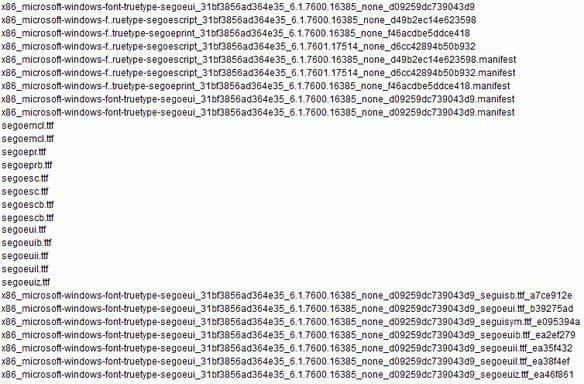
In addition to what you show, you should see a Segoe UI and Segoe UI Symbol Regular.
We can try doing it this way. If you look in the C:\Windows\winsxs folder you will see many folders labeled amd64 or something similar. Since I have an x64 system, I will use it to illustrate, but you can do a search for the segoeui to find similar files.
Go down the list to the "microsoft-windows-font-truetype" and look for the segoeui folder. Open that and you should see 7 .ttf files. If you right click each one, or select them all, you should be able to use the install option. I cannot try myself, so let us know. There may be other ways to restore fonts.
After you do that, right click the desktop and select Personalize. Then select the...