Windows 7 Windows 7 Screenshots Thread

rhubarb

New Member
Joined
Feb 27, 2008
Messages
14
I don't understand why people are surprised that Windows 7 looks like Vista. Of course it does. Each version of Windows improves on the last, and that includes subtle UI changes. The Vista UI looks great and is a big improvement over XP. Is there room for improvement? Of course, but there's no need to drastically overhaul. And frankly a drastic overhaul of the UI would push development back several years.
 

Kyle

Essential Member
Joined
Feb 7, 2008
Messages
1,634
It'll probably be either the november or Q1 09 releases that have the new UI.
It's usually M4, but I heard they aren't dropping one this time.
 

Mike

Windows Forum Admin
Staff member
Premium Supporter
Joined
Jul 22, 2005
Messages
9,250
Speaking of UI. What do you think of the new one here?

As far as 7 goes, we all know that the new UI won't look like Vista, but it will probably have similarities. Why alienate all of your customers by making it completely different? Expect more ribbons from Microsoft Office everywhere.
 

Matt

Senior Member
Joined
May 7, 2007
Messages
861
I'm going to agree with the ribbons, we see that they added that to wordpad and paint already, and they had been talking about pie menues as well.

I like the new UI on the forum too.
 

Matt

Senior Member
Joined
May 7, 2007
Messages
861
Looks good to me. :) Hmm, the internet games that came with XP are back in 7?

P.S. Any screenshots on resource usage?
 

suvayanr

New Member
Joined
Nov 10, 2008
Messages
8
well windows 7 has had some changes with the different taskbar, as well as the virtual forder stuff. I can't comment on the aero, since aero does not have full functionality in virtual pc
 

Mike

Windows Forum Admin
Staff member
Premium Supporter
Joined
Jul 22, 2005
Messages
9,250
I like what I am seeing so far. After awhile the black theme of Vista seems kind of dismal, wouldn't you say? The new 7 has somewhat of a more glassy and shiny look to it, which I think may be more appealing over the long-term. Certainly it will be awhile until I upgrade again after Windows 7... ;)
 

bulabone

New Member
Joined
Jan 8, 2009
Messages
32
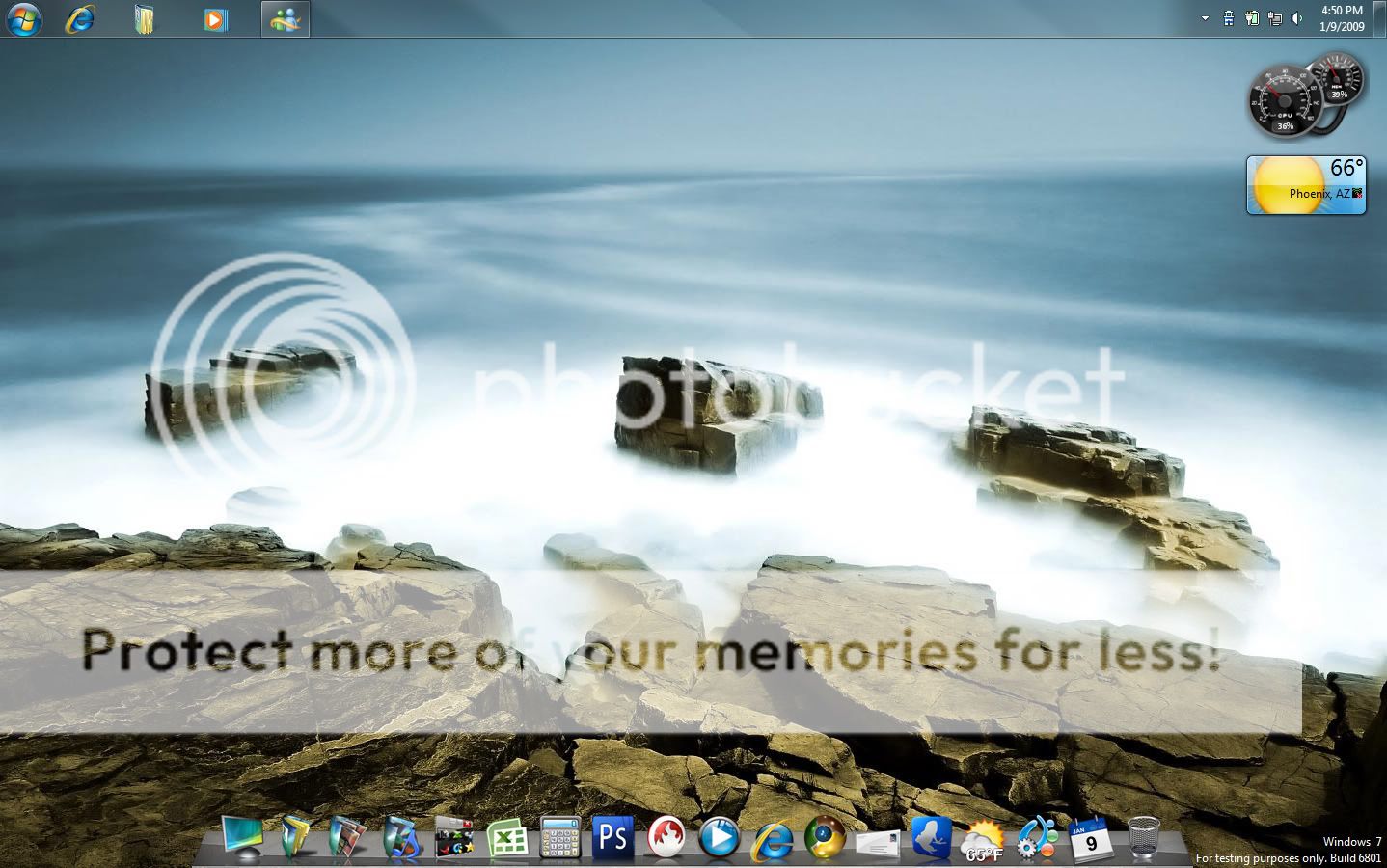
desktop2.jpg


thanks.........:razz:

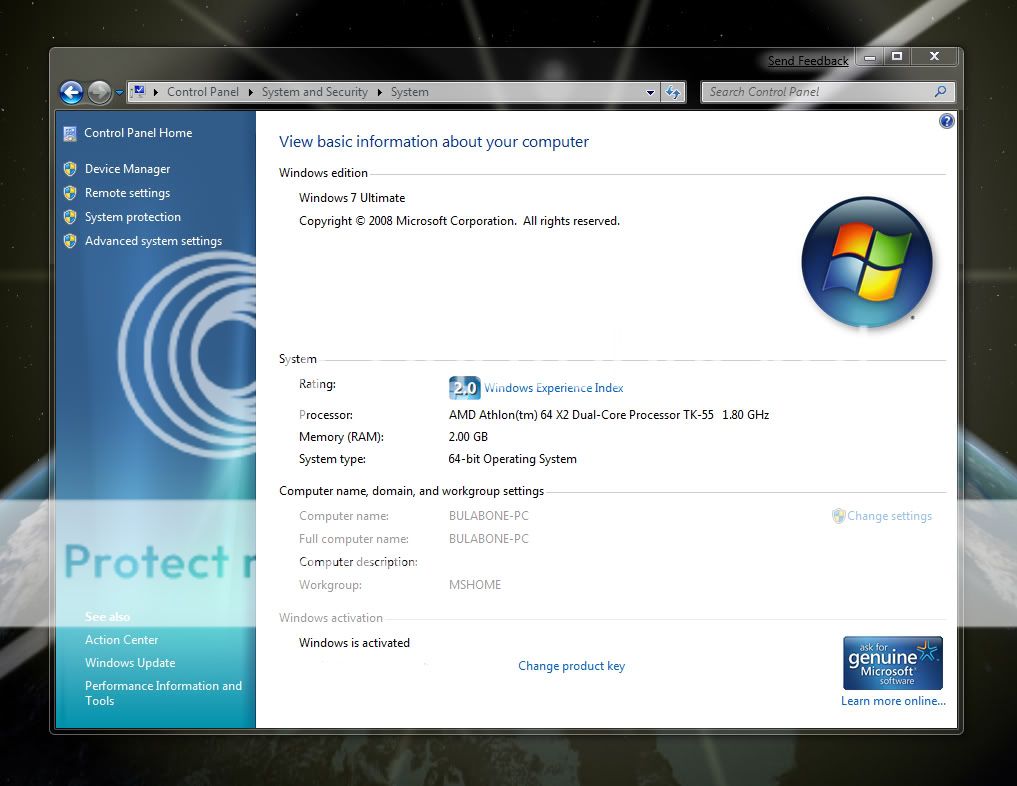
system.jpg


hey Ulverizzed, what messenger are you using?
 

ComputerTV

Senior Member
Joined
Jan 15, 2009
Messages
22
Windows 7 + Core i7 + SSDs + 4870X2's = 6.0 Score...

3199543781_405e758d71_b.jpg


So here is my Windows 7 Screen shot. The modified graphics drivers offered on the sticky in the help forum, contained a dead link, so no graphics drivers where available. Cant run any games and it seems like a low Windows score for SSD's/4870X2s/Core i7 but I guess they are future proofing their numbers. Ive only been running this 64Bit W7 for a few hours. So I'm gonna keep working on it.

Got Chrome working, got MP3 Fix taken care of, now I'm working on graphics drivers.

PC is setup to dual-boot Windows 7 64, and Vista Ultimate 64. Windows 7 is loaded on a Striped array of 2 32GB SSDs. From on button to desktop = 15 seconds!!! Quite amazing!

Specs of the PC are:
Asus Rampage II Extreme
Intel Core i7 965
6GB 1600Mhz Tri-Channel Corsair DDR3
2 x Patriot 32GB SSD
2 x HD Radeon 4870X2 in Crossfire X
Coolermaster Ultimate 1000w PSU

Everything is at factory speeds, no overclocking going on at the moment.
 

Back
Top