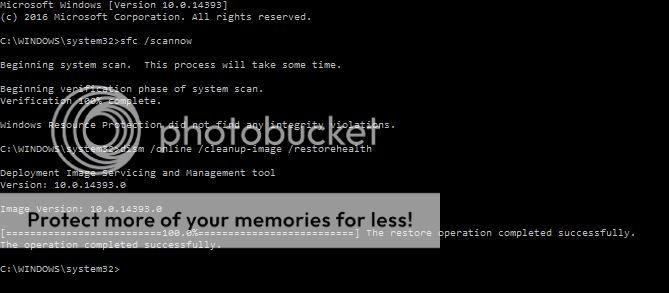
Beginning with the anniversary update (and all subsequent updates) my computer will not restart during the updating process. All I get is the loading icon at the bottom of the screen with a black background. Eventually I have to force the computer to shutdown (often more than once) before it will get passed the icon and to the desktop. At that point I will check to see if the update was, in fact, installed. So far it has each time.
Any ideas how to correct this issue?
Any ideas how to correct this issue?


 here's a link to a post I did earlier this week for another forum user here with AU update problems:
  If you've had your PC since it was new in box, and have never replaced the hard drive, it's very likely (I estimate around 85% chance) it's already failing or failed if the computer is 3 years old or older. W8 computers came out in 2011 (PCs made then are now 5 years old), and W8.1 computers came in 2013 (PCs made then are now 3 years old). This means if your computer came with any earlier version of Windows than W10, it's very likely to have hard drive problems, even if your computer seems to function otherwise normally.