📎 AI Summary:
The forum discussion centers on a user experiencing issues connecting to Wi-Fi after installing a wireless adapter, with symptoms indicating the device isn't recognized in Device Manager. Troubleshooting suggestions include verifying hardware installation, updating drivers, and checking if the adapter appears in Device Manager—none of which resolved the issue. The overall conclusion suggests that the wireless adapter may not be properly installed or functioning, and trying a different PCI slot is proposed as a potential solution.

Connor Short

New Member
Member details
Joined
Feb 26, 2015
Messages
5
Thread Author #1
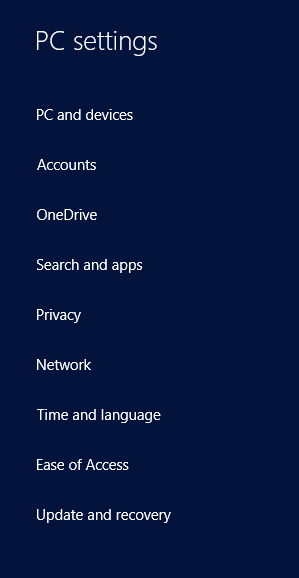
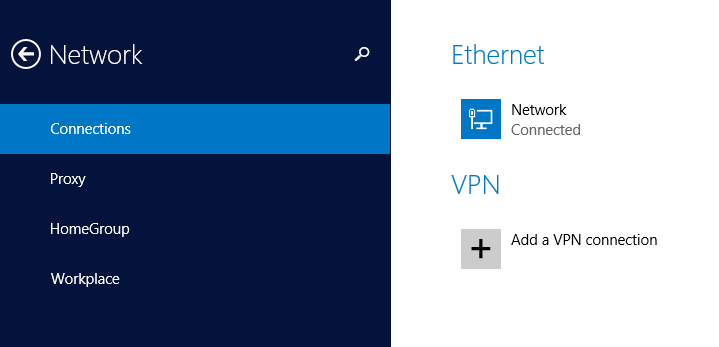
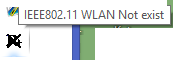
I put a wireless adapter in my computer and installed whatever drivers I could find but my computer simply doesnt have any wireless options, any idea why?
46b2f55c7c11b0b55caf86224c02eaf9.png

50516a2f67f3220128eec68a2a3914d3.png
 

Solution
Are you certain that you have that add-in card inserted fully and into the proper slot?
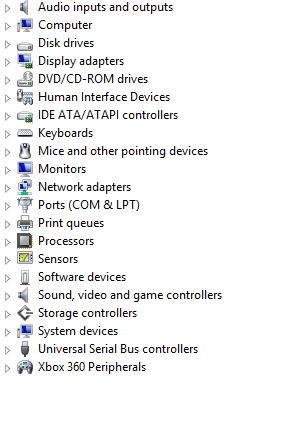
If all you are seeing under network adapters is your wired ethernet adapter, then Windows apparently doesn't know that it has been added.
It should be showing up somewhere in device manager, at least as "Other" or "Unknown" or something.

Trouble

Noob Whisperer
Member details
Joined
Nov 30, 2009
Messages
13,723
Hello and welcome to the forum.
I put a wireless adapter in my computer
Can you please tell us exactly (manufacturer's name, model name, model number, revision number) which wireless adapter you are using and how it is connected to your computer (USB Dongle, Add-In card, etc.,)?
Is the device showing in Device Manager?
 

Connor Short

New Member
Member details
Joined
Feb 26, 2015
Messages
5
Thread Author #3
Hello and welcome to the forum.

Can you please tell us exactly (manufacturer's name, model name, model number, revision number) which wireless adapter you are using and how it is connected to your computer (USB Dongle, Add-In card, etc.,)?
Is the device showing in Device Manager?
hopefully this disc has all that info
Link Removed
 

Trouble

Noob Whisperer
Member details
Joined
Nov 30, 2009
Messages
13,723
What are you seeing in "Device Manager" under "Network Adapters" or "Other Devices"??
 

Trouble

Noob Whisperer
Member details
Joined
Nov 30, 2009
Messages
13,723
Are you certain that you have that add-in card inserted fully and into the proper slot?
If all you are seeing under network adapters is your wired ethernet adapter, then Windows apparently doesn't know that it has been added.
It should be showing up somewhere in device manager, at least as "Other" or "Unknown" or something.
 
Solution

Connor Short

New Member
Member details
Joined
Feb 26, 2015
Messages
5
Thread Author #9
Are you certain that you have that add-in card inserted fully and into the proper slot?
If all you are seeing under network adapters is your wired ethernet adapter, then Windows apparently doesn't know that it has been added.
It should be showing up somewhere in device manager, at least as "Other" or "Unknown" or something.
48f2df9a477de28a5148e183981a802e.png

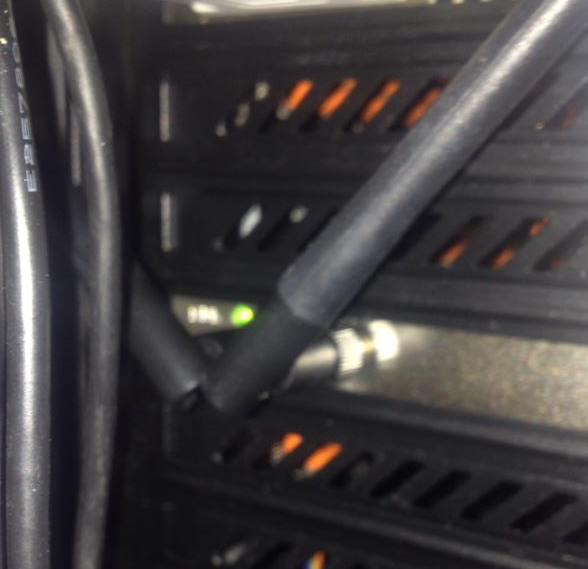
there is a light on so you'd think it was in right?
8e0e1eacf60a45865388d30d0d7bedec.png

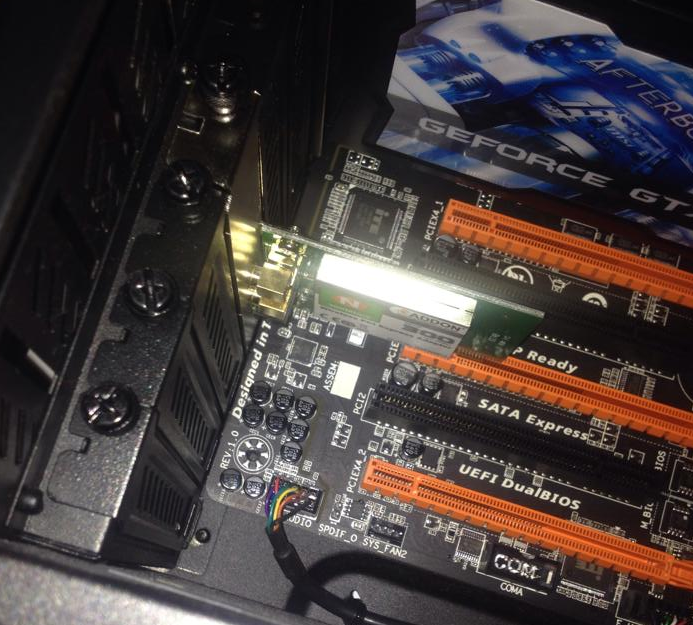
should I try a different slot?