Connor Short
New Member
Member details
- Joined
- Feb 26, 2015
- Messages
- 5
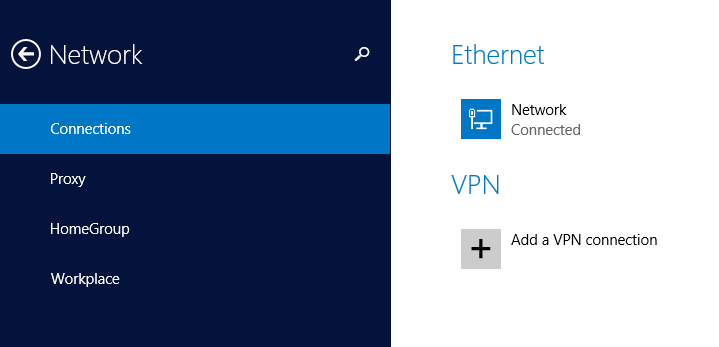
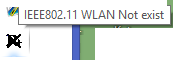
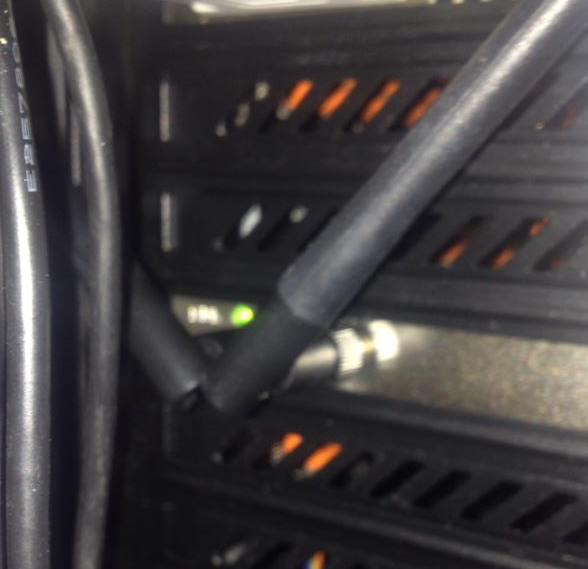
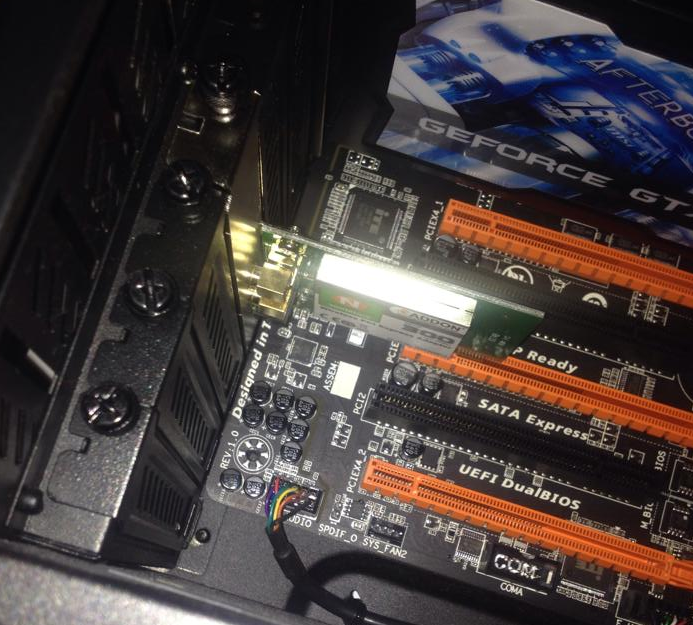
I put a wireless adapter in my computer and installed whatever drivers I could find but my computer simply doesnt have any wireless options, any idea why?
Follow along with the video below to see how to install our site as a web app on your home screen.
Note: This feature may not be available in some browsers.
Can you please tell us exactly (manufacturer's name, model name, model number, revision number) which wireless adapter you are using and how it is connected to your computer (USB Dongle, Add-In card, etc.,)?I put a wireless adapter in my computer
hopefully this disc has all that infoHello and welcome to the forum.
Can you please tell us exactly (manufacturer's name, model name, model number, revision number) which wireless adapter you are using and how it is connected to your computer (USB Dongle, Add-In card, etc.,)?
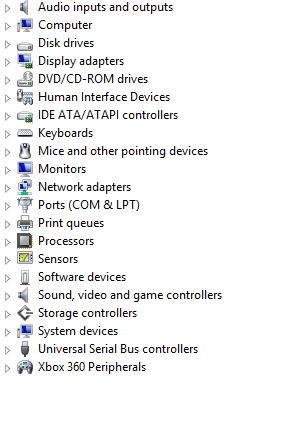
Is the device showing in Device Manager?
nothing seems to have changed, I should also mention that this is a thingGo here Link Removed
Download and install the latest drivers from there.
What are you seeing in "Device Manager" under "Network Adapters" or "Other Devices"??
Are you certain that you have that add-in card inserted fully and into the proper slot?
If all you are seeing under network adapters is your wired ethernet adapter, then Windows apparently doesn't know that it has been added.
It should be showing up somewhere in device manager, at least as "Other" or "Unknown" or something.