

Community safety, reports, and staff help
WindowsForum works best when members stay specific, civil, and careful with private information. Staff can help with site problems, abuse, spam, and account issues, but public support threads should stay focused on Windows help.
Listen to this guide
A narrated overview of reports, private information, and safe community habits.
Transcript
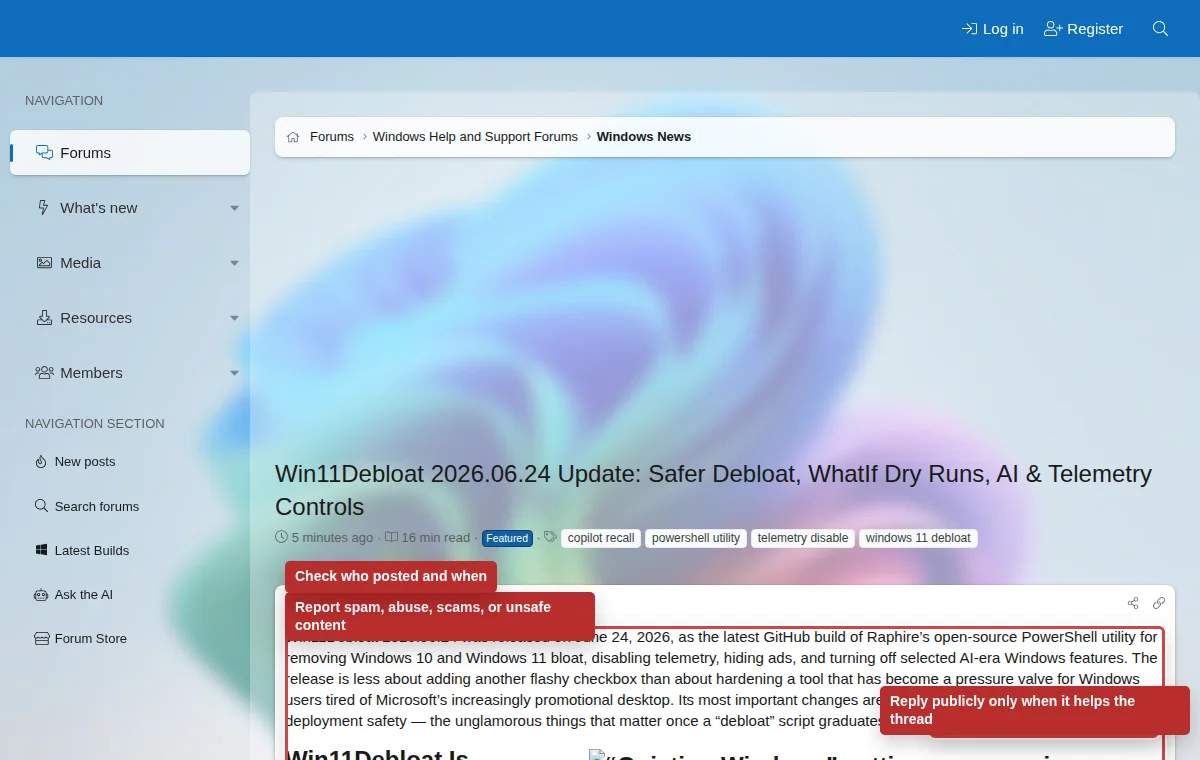
WindowsForum works best when members stay specific, civil, and careful with private information. Use the report link for spam, scams, malware links, harassment, impersonation, private information exposure, or posts that need staff review. Keep passwords, recovery codes, product keys, serial numbers, private messages, and personal documents out of public posts. Staff can help with site problems, but public support threads should stay focused on Windows help.
Report content
Report spam, harassment, scams, malware links, private information exposure, impersonation, or posts that need staff review.
Contact staff
Use Contact us for login problems, account recovery, privacy concerns, or site feedback that does not belong in a Windows support thread.
Know support limits
Members can help troubleshoot, but they cannot replace Microsoft support, legal advice, data recovery professionals, or device repair services.
Information that should not be public
- Passwords, two-step verification codes, backup codes, passkey recovery material, and password reset links.
- Windows product keys, software license keys, serial numbers, order numbers, and invoices.
- Email addresses, phone numbers, physical addresses, private messages, and private documents.
- Full crash dumps or logs that contain personal paths, usernames, tokens, or confidential work data.
Disagree without making it personal
Correct information clearly, cite sources when possible, and stay focused on the technical issue. Personal attacks, baiting, and repeated off-topic arguments make threads harder to use.