

Troubleshoot forum-use problems
Most account, posting, upload, alert, and display problems are caused by browser state, account permissions, email delivery, file limits, or temporary security checks.
Listen to this guide
A narrated checklist for login, upload, email, and display problems.
Transcript
Most account, posting, upload, alert, and display problems come from browser state, account permissions, email delivery, file limits, or temporary security checks. For login or cookie issues, clear WindowsForum cookies, allow cookies for the site, and try a fresh browser session. Before contacting staff, copy the exact error, note what page you were on, include your browser and device type, and never send passwords or two-step codes.
Login or cookie issues
Clear WindowsForum cookies, allow cookies for the site, disable aggressive privacy extensions temporarily, and retry in a fresh browser session.
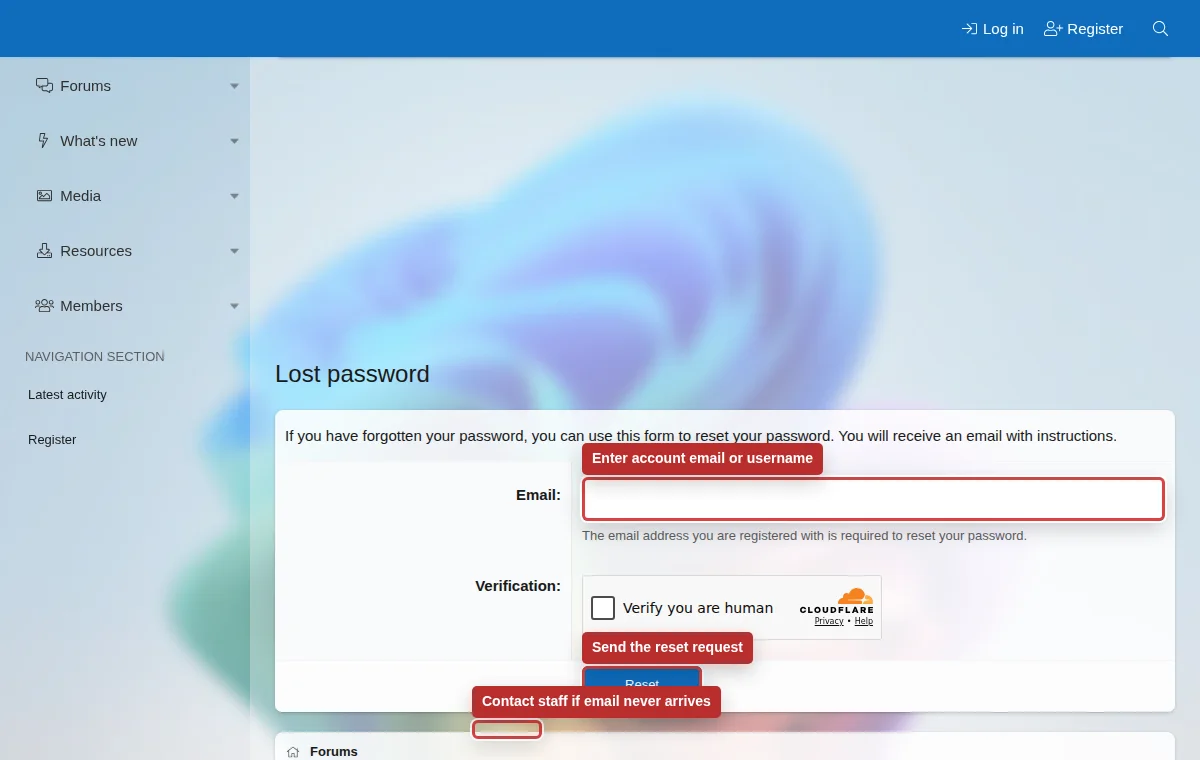
Missing email
Check spam folders, confirm the address you used, wait before requesting another message, and verify that your mailbox is not blocking forum mail.
Upload problems
Check file size, file type, network stability, and whether the attachment includes private information that should be redacted first.
Before contacting staff
- Copy the exact error text or take a redacted screenshot.
- Note whether you were logged in, what page you were on, and whether the issue happens in another browser.
- Include your username, approximate time of the problem, browser, device type, and whether you use a VPN or privacy extension.
- Do not send passwords, two-step codes, backup codes, or private documents.
Try first
- Refresh the page and retry once.
- Use a private window or another browser.
- Sign out and sign back in.
- Check the relevant account settings page.
Ask staff when
- You cannot access your account.
- Your email confirmation or reset message never arrives.
- You suspect account compromise.
- You need private information removed.