

Media, resources, uploads, and reviews
Media is for images and albums. Resources are for downloadable or reference items with updates, reviews, and version history. Support-thread attachments are different: they belong with the troubleshooting context.
Listen to this guide
A narrated overview of media, resources, uploads, and safer sharing.
Transcript
Media is for screenshots, albums, and image discussions. Resources are for files, guides, utilities, and references that need descriptions, updates, reviews, or version history. Thread attachments are different and should stay with the support question they explain. Before uploading, use a descriptive title, redact private details, and avoid sharing malware, cracked software, private documents, or files you do not have permission to share.
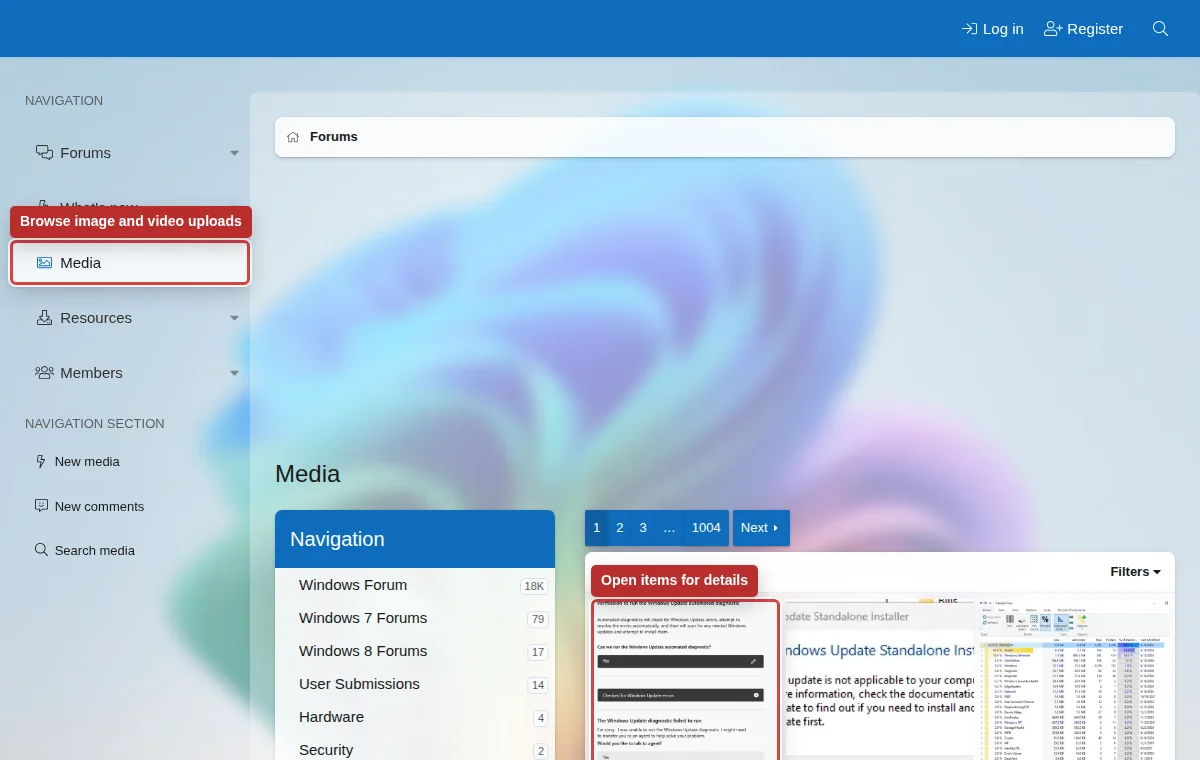
Media
Use Media for screenshots, albums, and image discussions that are useful beyond one support thread.
Resources
Use Resources for files, guides, utilities, or references that need descriptions, updates, reviews, or version history.
Thread attachments
Attach logs, screenshots, and dumps directly to the support thread when they only make sense with that issue.
Before uploading
- Use a descriptive title and explain what the image or file shows.
- Redact email addresses, account IDs, names, license keys, serial numbers, recovery codes, and private paths.
- Do not upload malware, cracked software, private documents, or files you do not have permission to share.
- If a file is large, explain why it is needed and whether a smaller excerpt would be enough.