

Watching, alerts, email, and bookmarks
Watching helps you return to important content without searching again. Alerts and email tell you when something changed. Bookmarks help you save useful posts for later.
Listen to this guide
A narrated overview of watched content, alerts, email, and bookmarks.
Transcript
Watching helps you return to important discussions without searching again. Watch a thread when you want replies to your own support question or an active discussion. Watch a forum when you care about new topics in an area such as BSODs, Windows News, or builds. Use bookmarks for useful posts, and review preferences when alerts or email notifications become too noisy.
Watch a thread
Watch a thread when you want future replies. This is useful for your own support question or a discussion you are actively following.
Watch a forum
Watch a whole forum when you care about new topics in that area, such as BSODs, Windows News, or builds.
Bookmark posts
Bookmark a specific post when it contains a command, explanation, driver link, or solution you may need later.
Reducing notification noise
- Unwatch solved or inactive threads when you no longer need updates.
- Use watched forums sparingly. Watching a busy forum can create many alerts.
- Use email for important updates and in-site alerts for lower-priority activity.
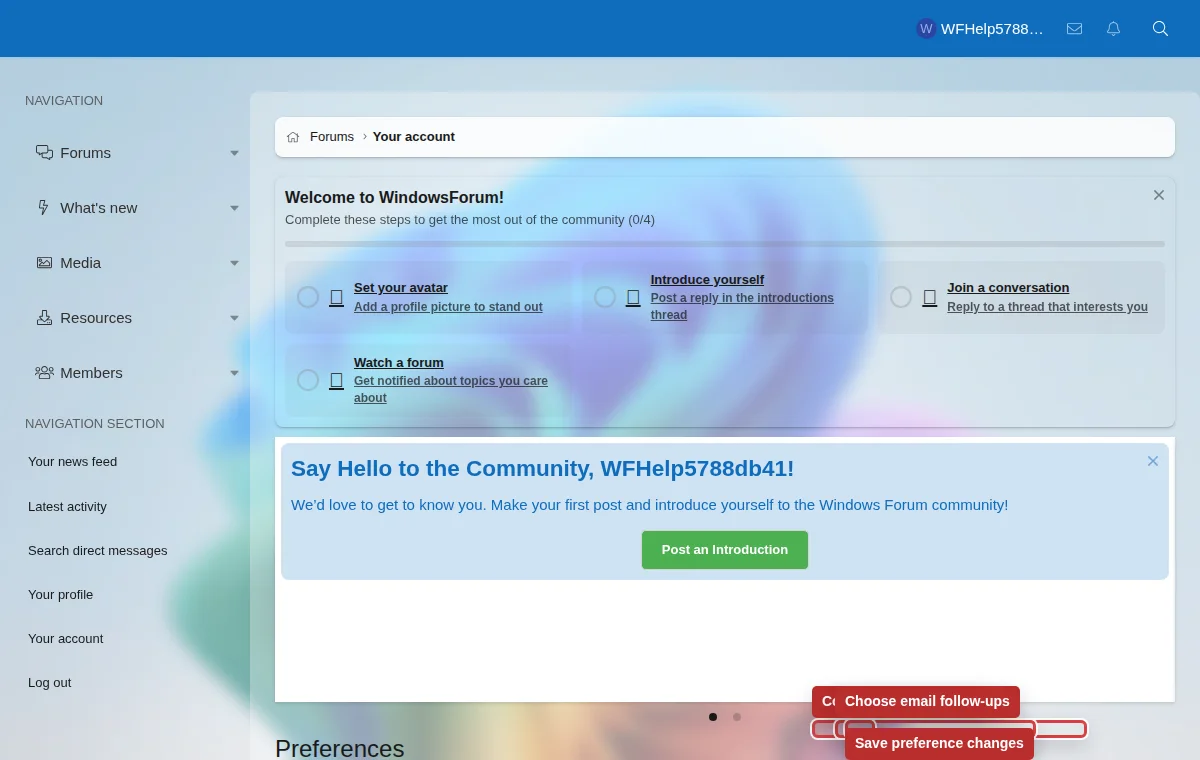
- Review Preferences and Privacy when alerts or emails feel wrong.
Alerts are not private messages
An alert tells you that something happened. A conversation is a private discussion. Use conversations for private staff follow-up or member-to-member messages, but keep support details in public threads when they may help others.