

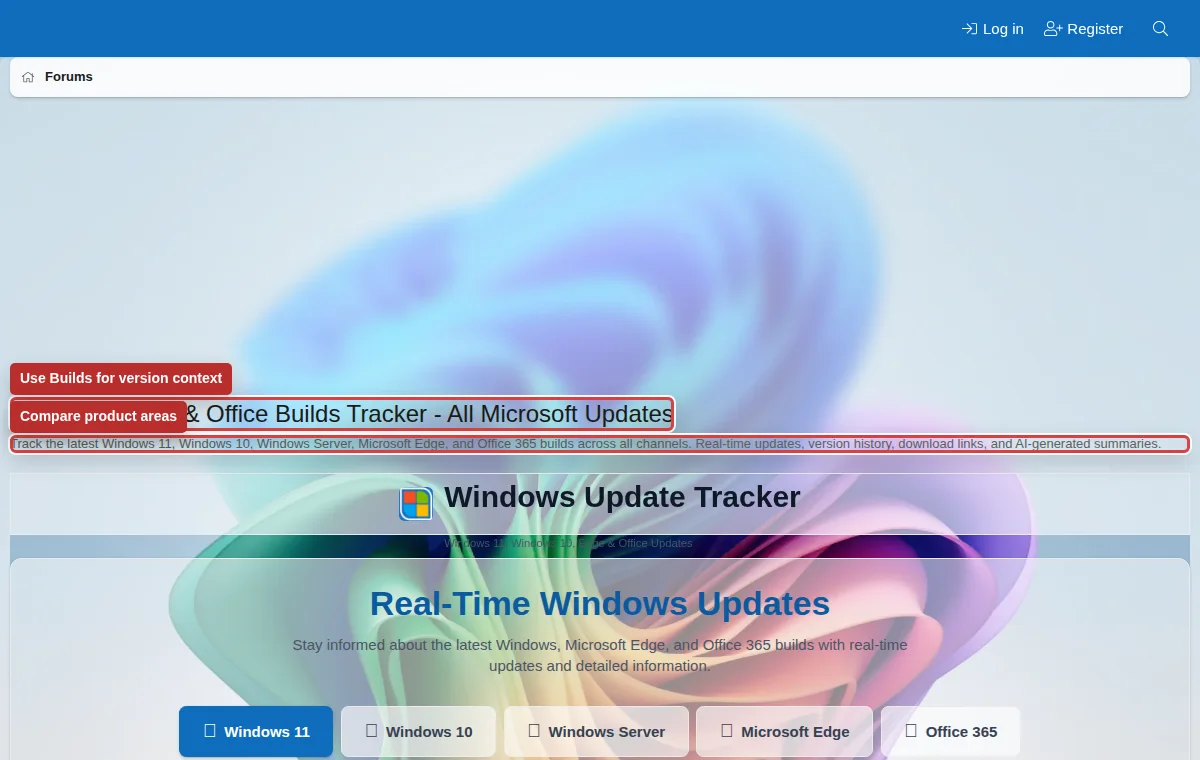
Windows Builds tracker
The Builds area helps members compare Windows, Microsoft Edge, and Office release information. It is useful for update research and version-specific troubleshooting.
Listen to this guide
A narrated overview of build numbers, KB numbers, and version-specific troubleshooting.
Transcript
The Builds area helps members compare Windows, Microsoft Edge, and Office release information. Build numbers, KB numbers, release channels, and dates can make troubleshooting much more precise. Include your build and KB number when asking about updates, activation, installation failures, features, or regressions. Build data gives context, but it does not prove cause without symptoms, logs, reproduction steps, or official notes.
What build information can tell you
- Which Windows, Edge, or Office version you are using.
- Whether a device is behind, current, or on an Insider channel.
- Which KB or release may have introduced a behavior.
- Whether another member is comparing the same version or a different one.
Use in support posts
Include your build number and KB number when asking about updates, features, activation, install failures, or regressions.
Use with search
Search by build number and KB number together. This usually finds more precise results than searching by Windows version alone.
Know the limits
Build data gives context. It does not prove that an update caused your issue without logs, symptoms, reproduction steps, or official notes.
Where to find your build
Windows Settings, winver, Windows Update history, and system information tools can show your version and build number. Include the exact value, not just “latest Windows 11.”