

xChaosfairy
New Member
Member details
- Joined
- Dec 6, 2014
- Messages
- 2
Since a few days I'm struggling with a problem with Window Media Player, which I never had before.
This is how the video is supposed to be:

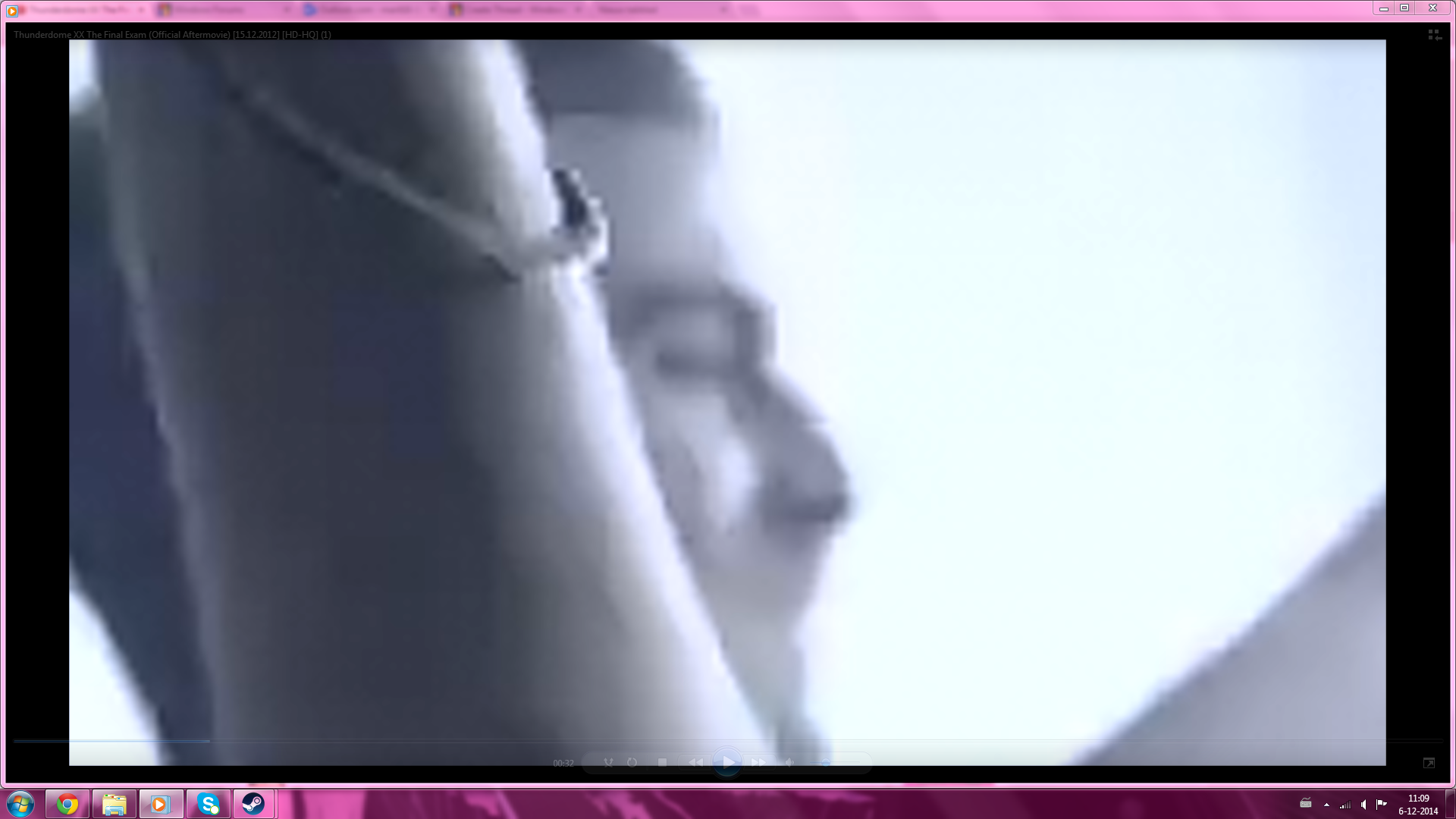
This is what my media player shows:
(Sorry for the big print screens)
As you can see, it is completely centered and zoomed in. I already tried to zoom out by right clicking and go to video and change to 200% or something, didn't make it work. Media player shows it like this by every single video. I tried to watch the video's in VLC and it did work completely normal, so the video's aren't the problem.. Furthermore, when I try to play the video's in PowerPoint or windows movie maker, it is also centered and zoomed in.. I tried a lot to make it work, I tried every single thing I could find on Google..
Does anyone know how to solve this?
This is how the video is supposed to be:
This is what my media player shows:
(Sorry for the big print screens)
As you can see, it is completely centered and zoomed in. I already tried to zoom out by right clicking and go to video and change to 200% or something, didn't make it work. Media player shows it like this by every single video. I tried to watch the video's in VLC and it did work completely normal, so the video's aren't the problem.. Furthermore, when I try to play the video's in PowerPoint or windows movie maker, it is also centered and zoomed in.. I tried a lot to make it work, I tried every single thing I could find on Google..
Does anyone know how to solve this?


