
Navigation section
You are using an out of date browser. It may not display this or other websites correctly.
You should upgrade or use an alternative browser.
You should upgrade or use an alternative browser.
Windows 7 Windows 7 desktop screenshot
- Thread starter bmobile
- Start date
- 42 min read

Solution


kemical
Essential Member
- Joined
- Aug 28, 2007
- Messages
- 36,176
Here's where I'm at... Kind of a retro feel although windows which aren't highlighted retain the aero border, which I don't mind really.. Although it's getting better I'd still like to see a bit more in being to customise the GUI almost to the point of the stardock themes (I think it's called stardock and they just one of a few customisation programs, I'm not sure if they are even still around.)
I have to admit that I do change my desktop frequently until I find something that I really like. Then it will perhaps stay that way for a few weeks but never any longer...
I have to admit that I do change my desktop frequently until I find something that I really like. Then it will perhaps stay that way for a few weeks but never any longer...


jeradw
Senior Member
- Joined
- May 8, 2009
- Messages
- 474
Here's Mine..
Nothing Fancy, Just Clean and Simple
Link Removed due to 404 Error
Thats pretty cool...im digging the taskbar! Mind sharing?

shagomac
New Member
- Joined
- Oct 1, 2009
- Messages
- 4
Thats pretty cool...im digging the taskbar! Mind sharing?
I used the icons called "Token" by brsev on deviantART
Link Removed - Invalid URL
And for the start button
Download the attached RAR file, it contains the .bmp files you need to replace.
I hope you know how to do that.
If not click the below link.
Start Menu Button - Change - Windows 7 Forums

Athlonite
New Member
- Joined
- Mar 25, 2009
- Messages
- 766
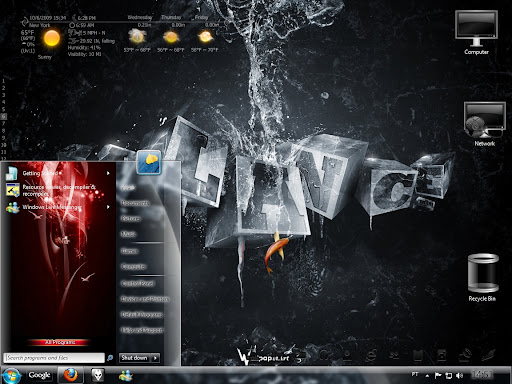
Here's my desktop. Check out my windows experience rating, anyone got better scores here
get another HDD the same as the one you have and run it in raid0 that'll increase your score or a newer larger HDD with better cache
mine are at 5.9 for a raid array on the onboard Marvel controller


neeraj_jalutharia
New Member
- Joined
- Jun 12, 2009
- Messages
- 60
Here's Mine..!
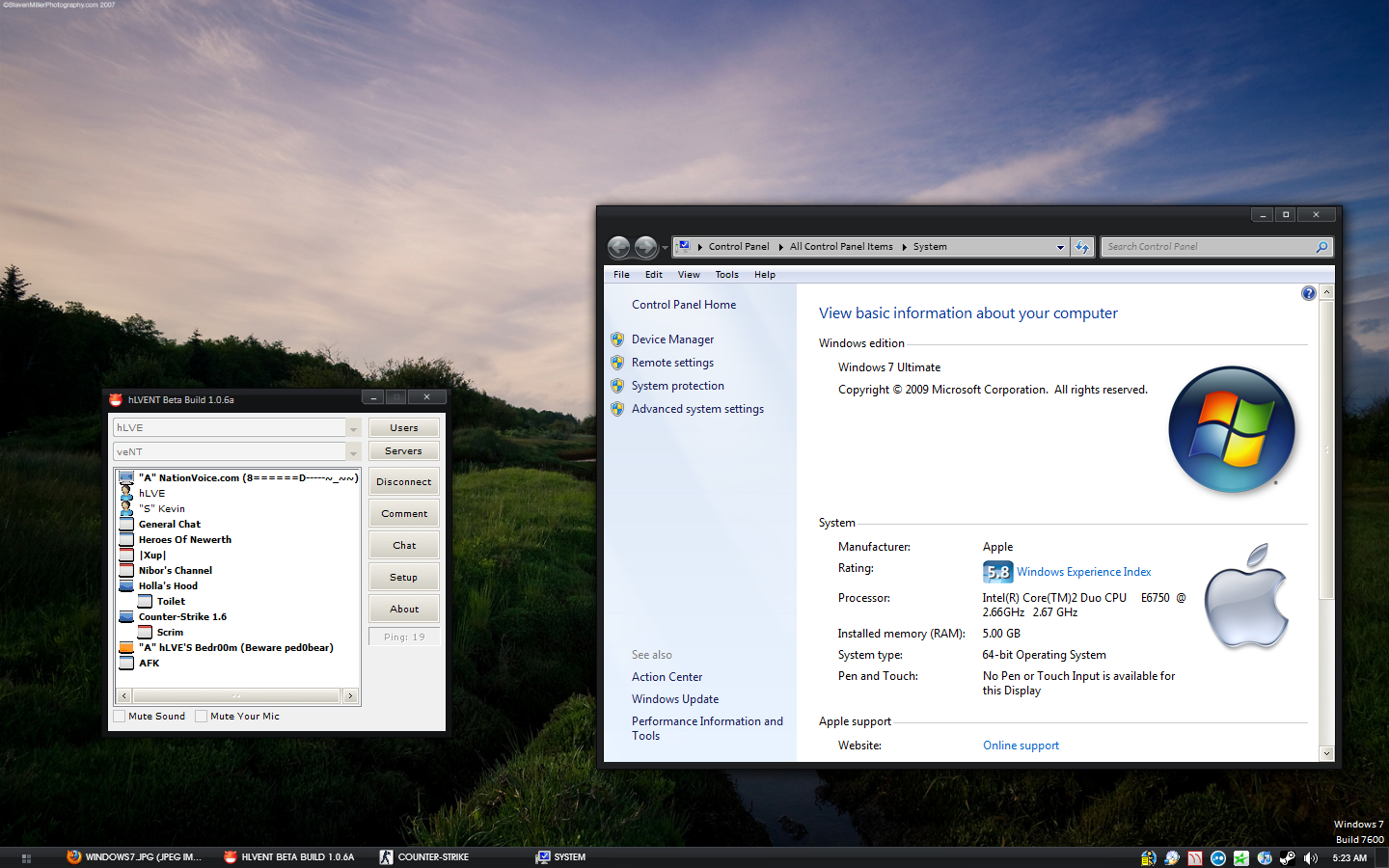
@HLve howd you get an apple logo in the system screen was it just an oem.bmp in the windows\system32 folder was it
 ...
...I'm using Ave Styler and SlanXP2 for themes... it did it on its' own.

fjgold
New Member
- Joined
- Jan 11, 2009
- Messages
- 1,109

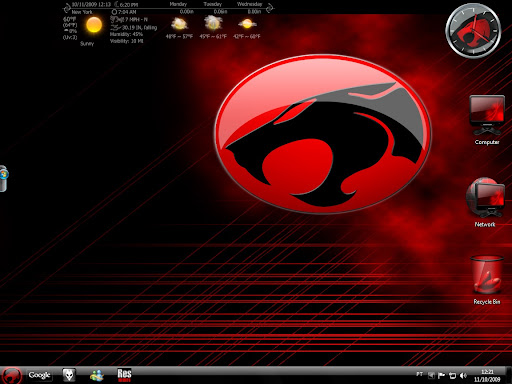

Super Sarge
New Member
- Joined
- Jun 4, 2009
- Messages
- 1,734
Here is mine I use Stardocks fences to hide icons, I also use object dock and winsteps for the strt bar which is modifies to colours of my choice same for start button
Link Removed
Link Removed
Similar threads

- Article
- Replies
- 0
- Views
- 945
- Replies
- 0
- Views
- 232
- Replies
- 0
- Views
- 421
- Article
- Replies
- 0
- Views
- 605
- Article
- Replies
- 0
- Views
- 168